值得注意的

描述:
基於 Markdown 的筆記應用程式並不糟糕。
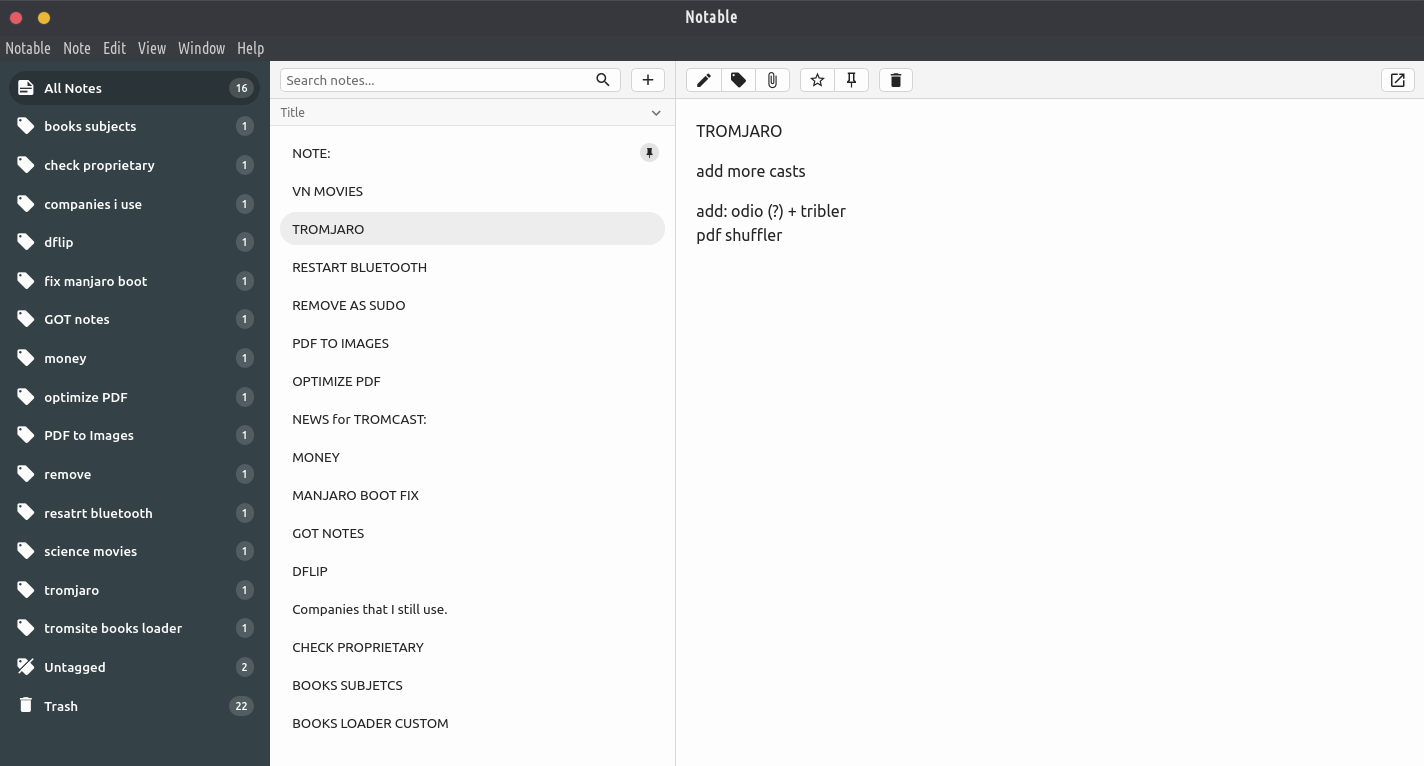
I couldn’t find a note-taking app that ticked all the boxes I’m interested in: notes are written and rendered in GitHub-flavored Markdown, no WYSIWYG, no proprietary formats, I can run a search & replace across all notes, notes support attachments, the app isn’t bloated, the app has a pretty interface, tags are indefinitely nestable and can import Evernote notes (because that’s what I was using before).
所以我建立了自己的。
特徵:
- 無專有格式:Notable 只是一個漂亮的前端,用於如上所示結構的資料夾。註釋是純 Markdown 文件,它們的元資料儲存為 Markdown 前言。附件也是普通文件,如果您將 picture.jpg 附加到註釋中,有關它的所有內容都將被保留,並且它將像任何其他文件一樣保持可訪問性。
- 合適的編輯器:Notable 不使用任何所見即所得的編輯器,你只需寫一些 Markdown,它就會呈現為 GitHub 風格的 Markdown。內建編輯器是 Monaco Editor,與 VS Code 使用的編輯器相同,這意味著預設情況下您會獲得諸如多遊標之類的功能。如果您需要使用單一捷徑的更進階編輯功能,您可以在預設 Markdown 編輯器中開啟目前筆記。
- 無限嵌套標籤:幾乎所有其他筆記應用程式都區分筆記本、標籤和範本。恕我直言,這不必要地使事情變得複雜。在 Notable 中,您可以擁有根標籤 (foo)、無限嵌套標籤 (foo/bar、foo/…/qux),並且它仍然支援筆記本和模板,它們只是具有不同圖示的特殊標籤(Notebooks/foo、Templates/foo/bar)。