
QMPlay2
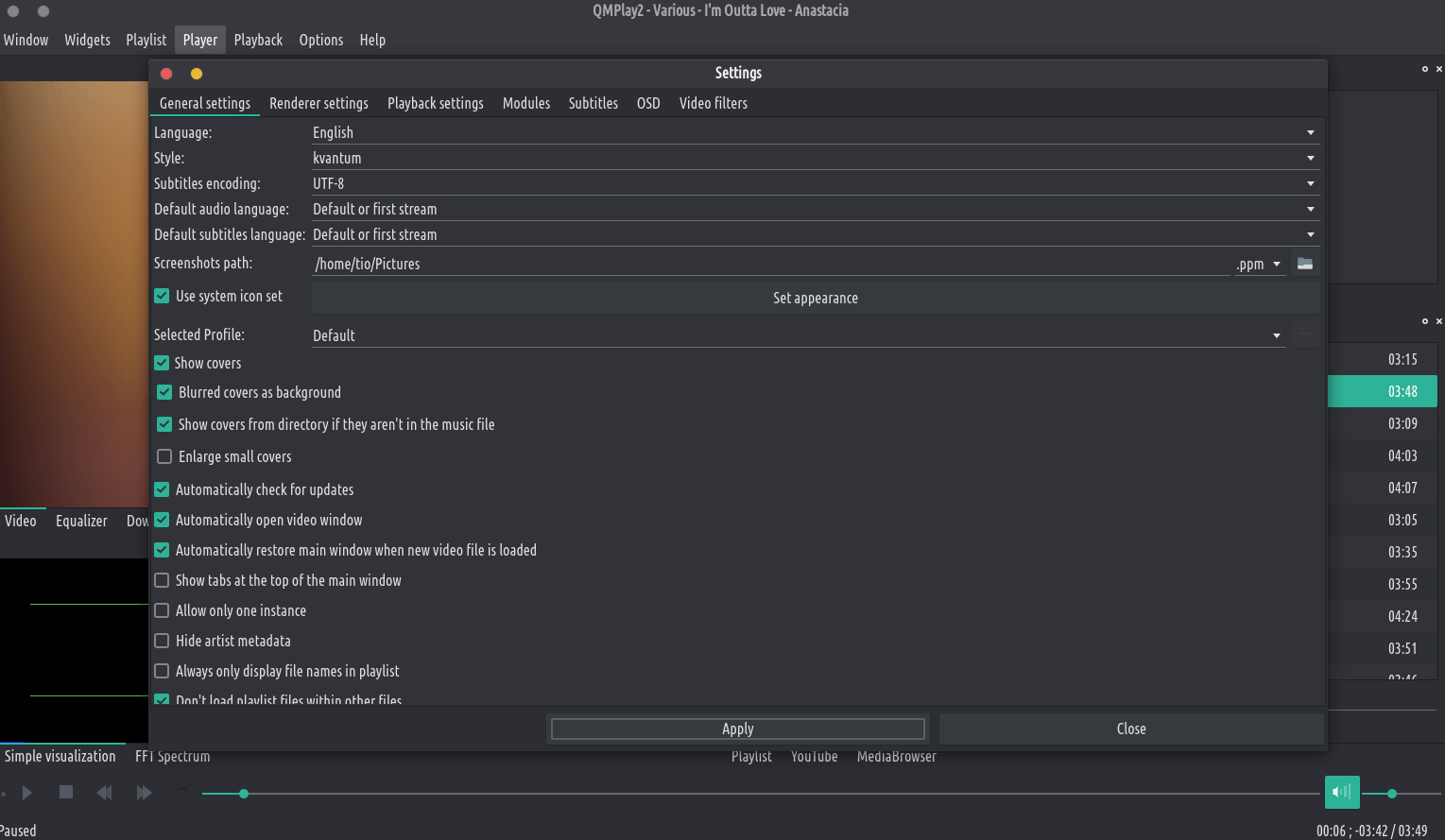
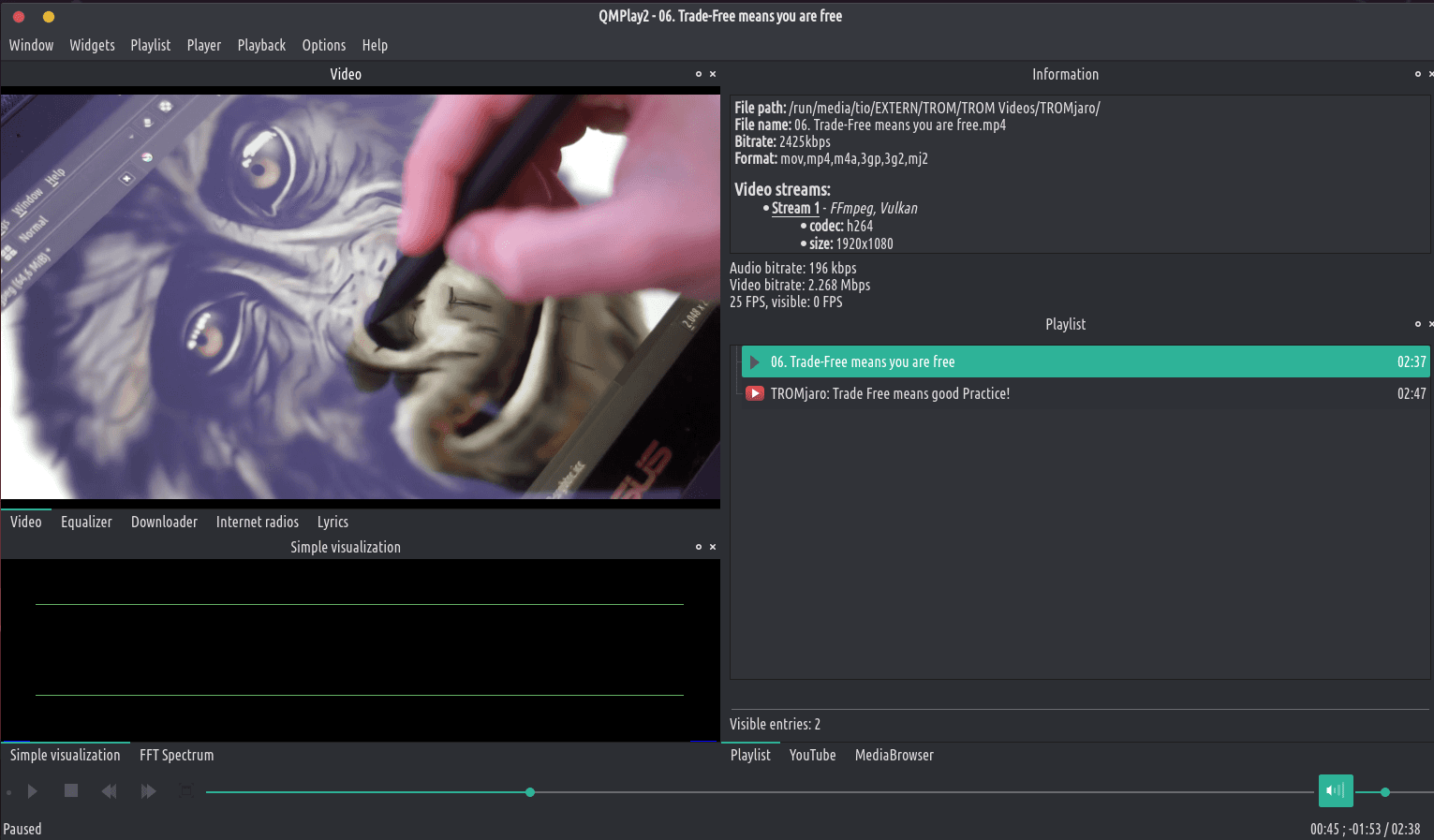
agberu aworan
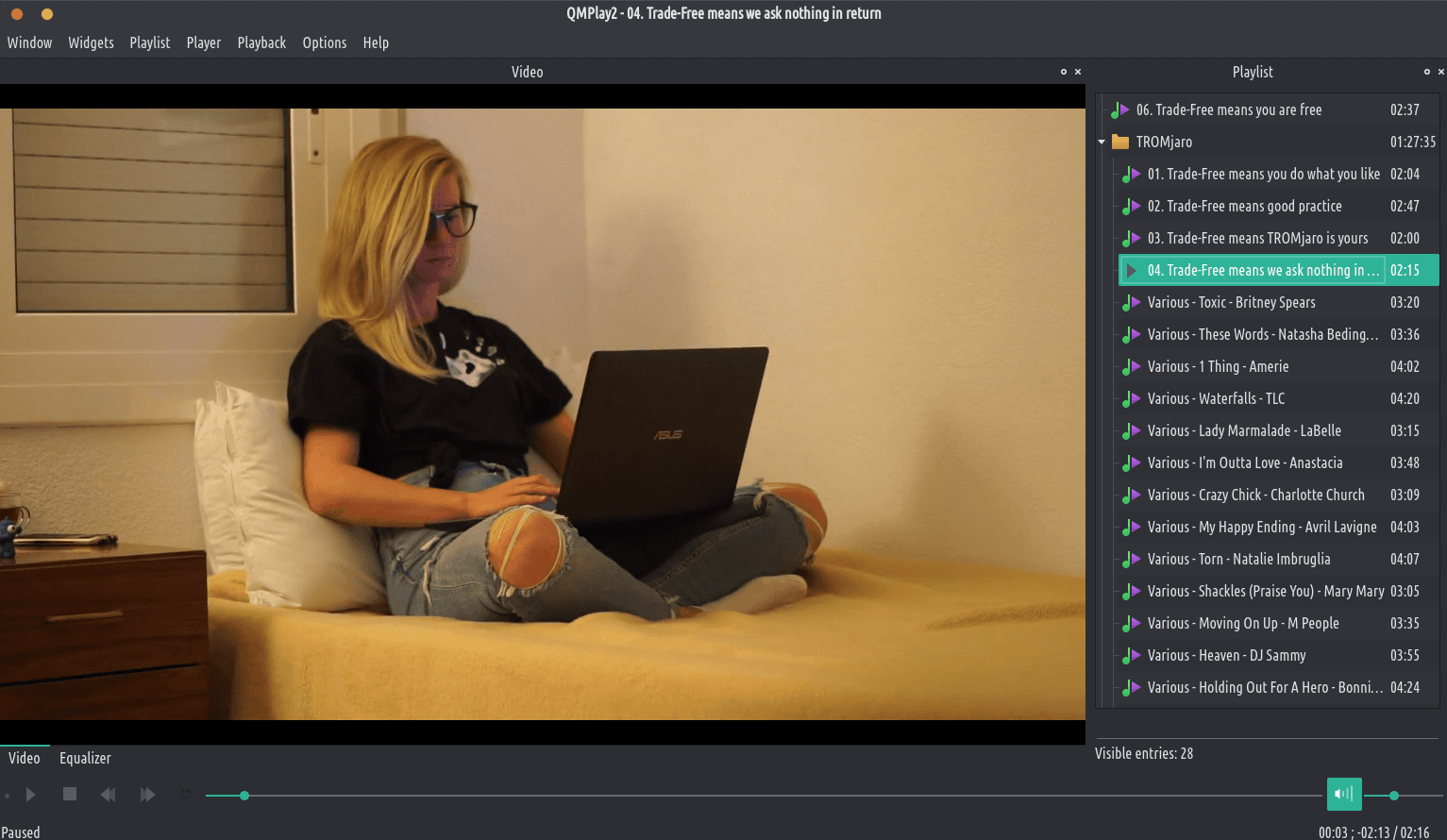
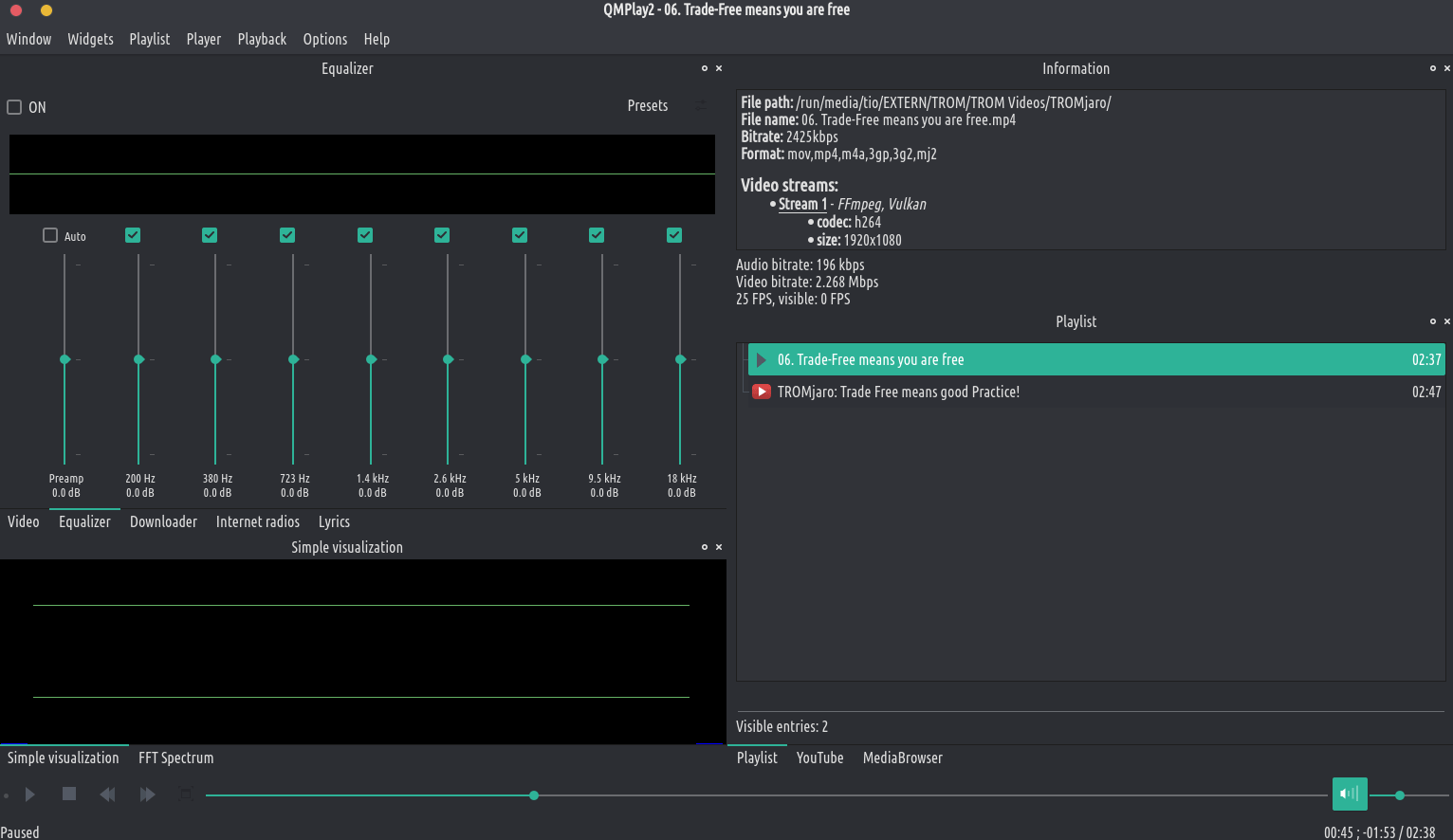
QMPlay2 jẹ fidio ati ẹrọ orin ohun. O le mu gbogbo awọn ọna kika ni atilẹyin nipasẹ FFMpeg, Libmodplug (pẹlu J2B ati sfx). O tun ṣe atilẹyin ohun CD, awọn faili aise, rayman 2 orin ati chitgunes. O ni YouTube ati ẹrọ lilọ kiri ayelujara Myfreemp3.
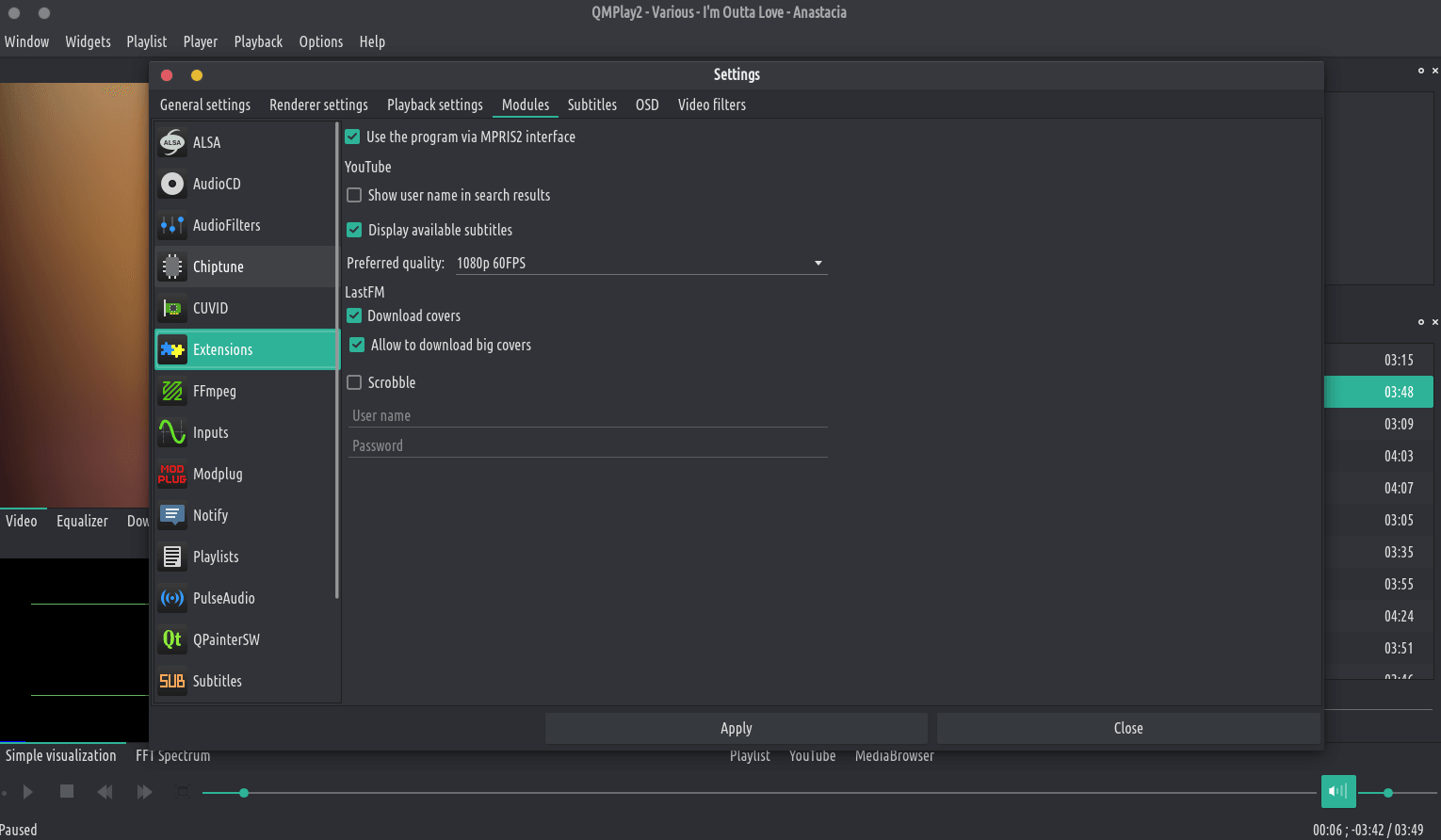
O le yi ohun aiyipada pada ati didara fidio ti awọn akoonu YouTube. Tẹ aami “Eto” ni apa osi ti ọpa wiwa, yi aṣẹ ohun ati/tabi awọn ayo didara fidio pada ki o lo awọn ayipada. Ti didara ti o yan ko ba le rii lori akoonu YouTube, QMPlay2 yoo gbiyanju lati lo titẹ sii atẹle lori atokọ didara.
Awọn fidio YouTube ko ṣiṣẹ laisi sọfitiwia “youtube-dl” ita, nitorinaa QMPlay2 yoo ṣe igbasilẹ rẹ laifọwọyi. O le yọ “youtube-dl” ti a gba lati ayelujara kuro ni awọn eto.
Awọn fidio YouTube ko ṣiṣẹ laisi sọfitiwia “youtube-dl” ita, nitorinaa QMPlay2 yoo ṣe igbasilẹ rẹ laifọwọyi. O le yọ “youtube-dl” ti a gba lati ayelujara kuro ni awọn eto.
QMPlay2 supports spherical view on OpenGL and Vulkan video outputs. You can watch e.g. YouTube spherical videos by pressing “Ctrl+3”. You can also enable it from the menu: “Playback->Video filters->Spherical view”.
Ti o ba nlo iṣeto ALSA tirẹ asound.conf tabi .asoundrc o yẹ ki o tun fi kun: defaults.namehint.!showall lori faili iṣeto ni. Bibẹẹkọ awọn ẹrọ eyiti a ṣafikun le ma han!
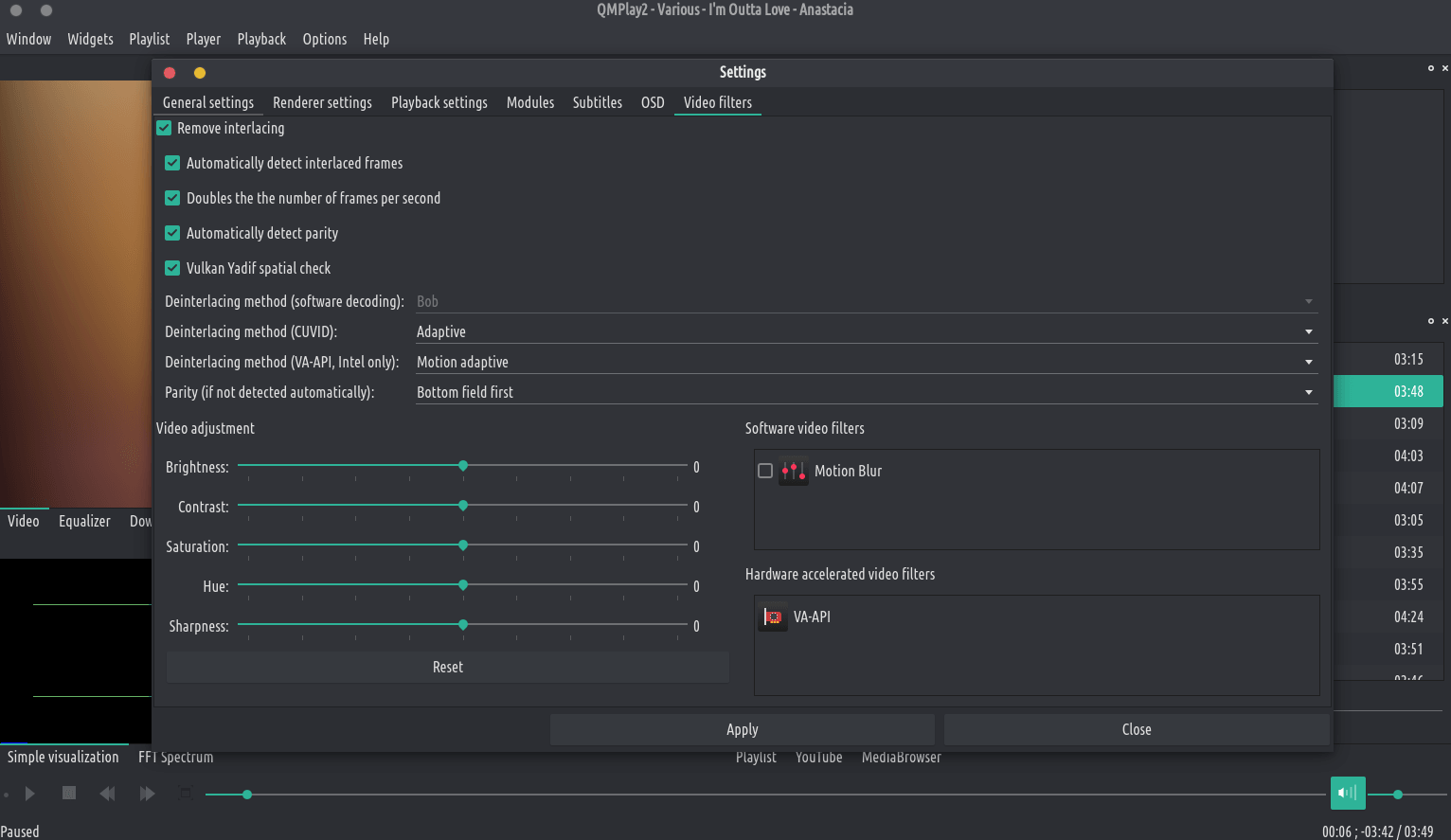
QMPlay2 supports hardware video decoding: CUVID (NVIDIA only), DXVA2 (Windows Vista and higher), D3D11VA (Vulkan, Windows 8 and higher) VDPAU/VA-API (X11 for VDPAU, Linux/BSD only) and VideoToolBox (macOS only). Hardware acceleration is disabled by default, but you can enable it in “Settings->Playback settings”: