Keedeb
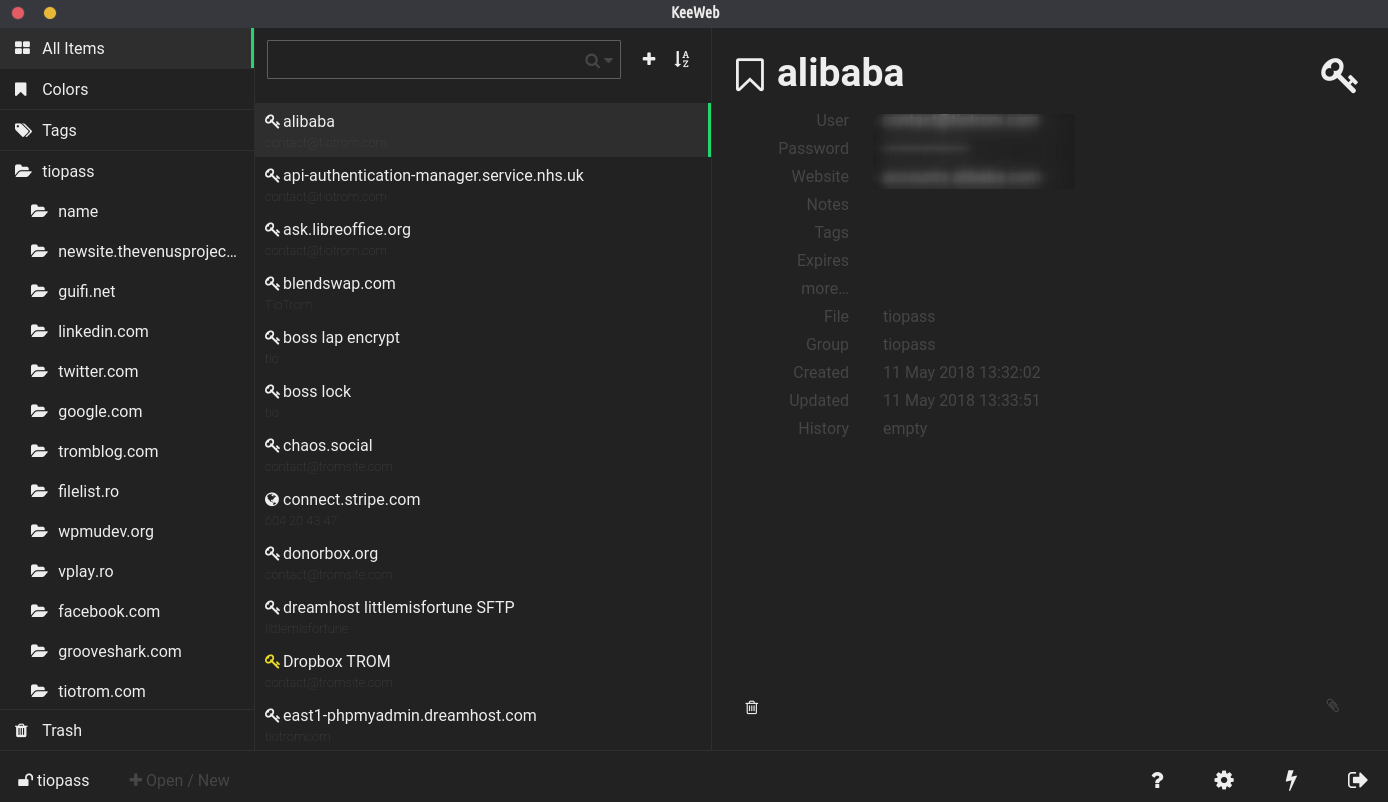

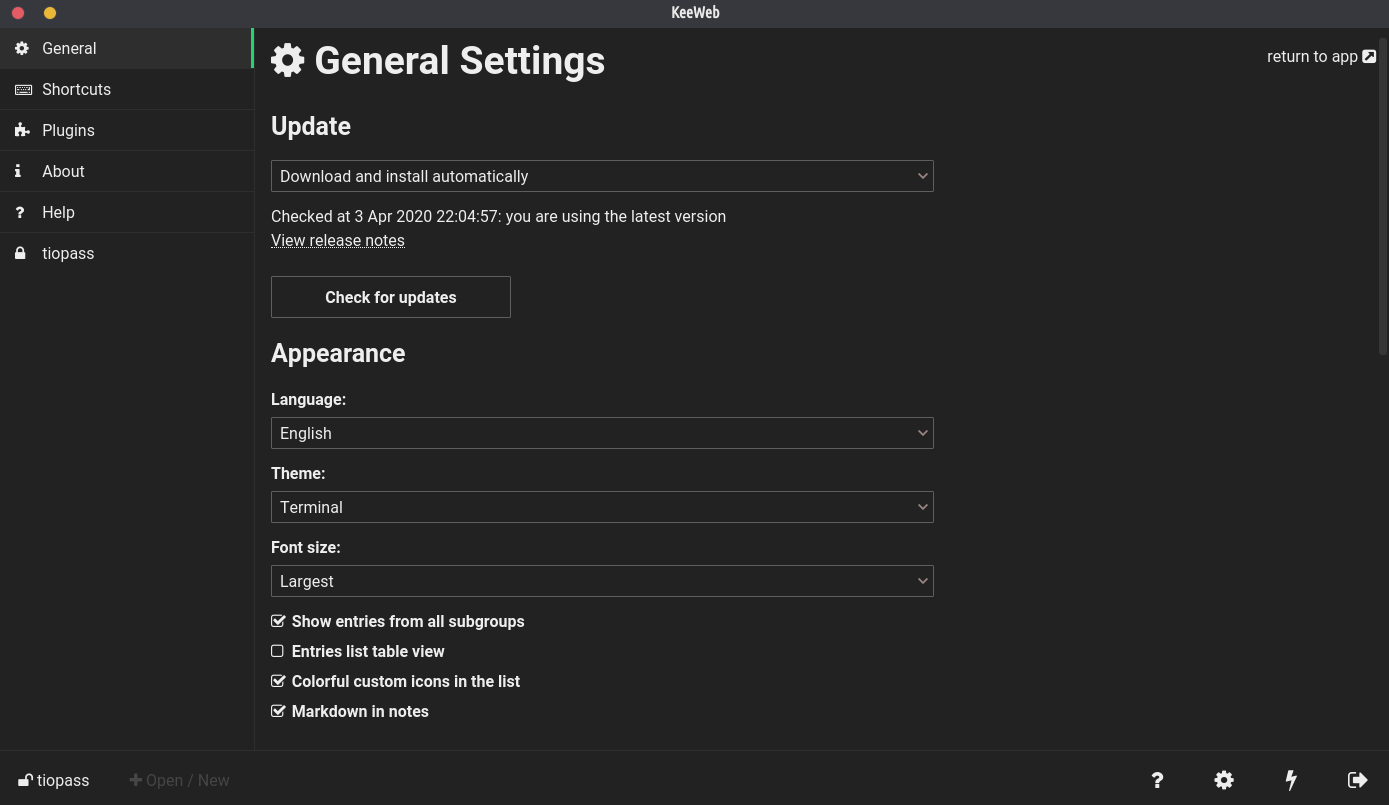
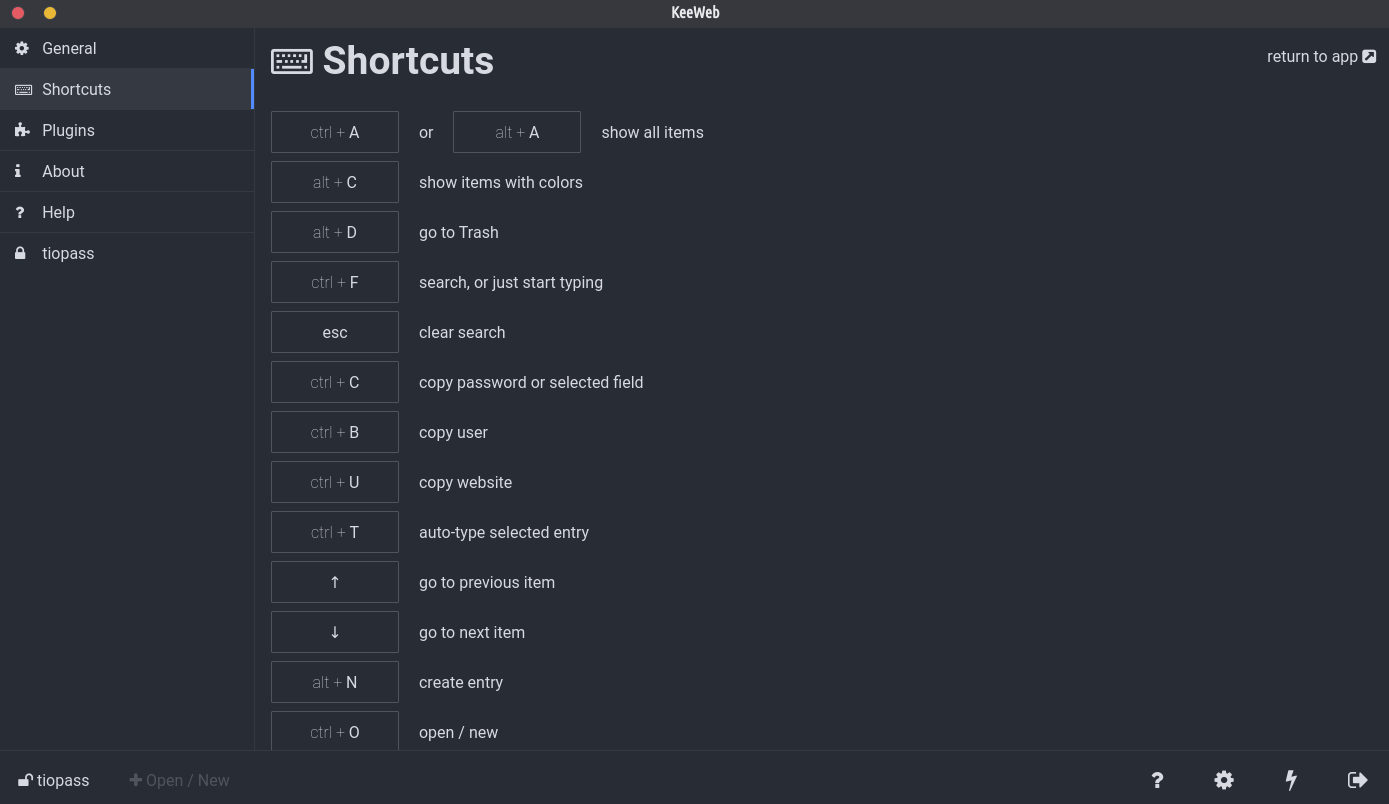
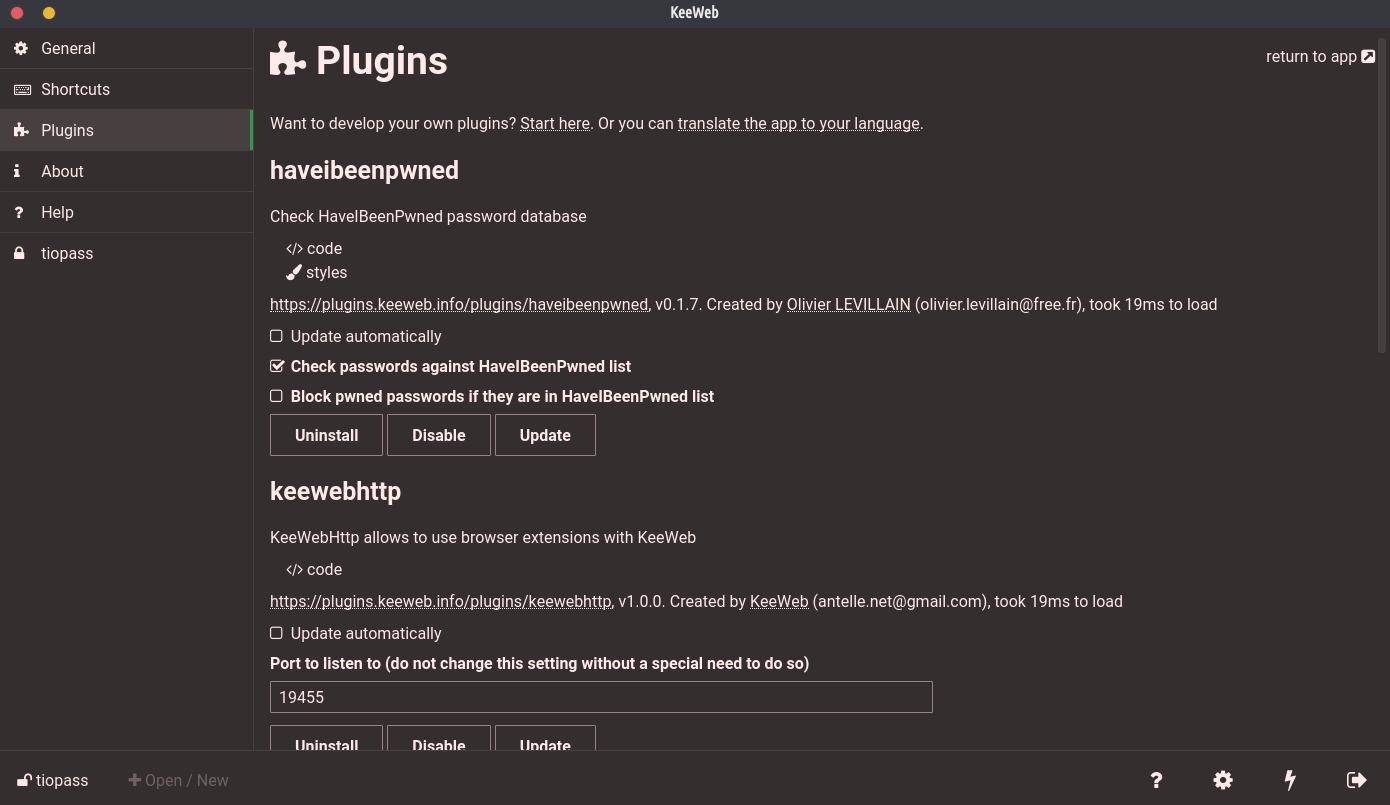
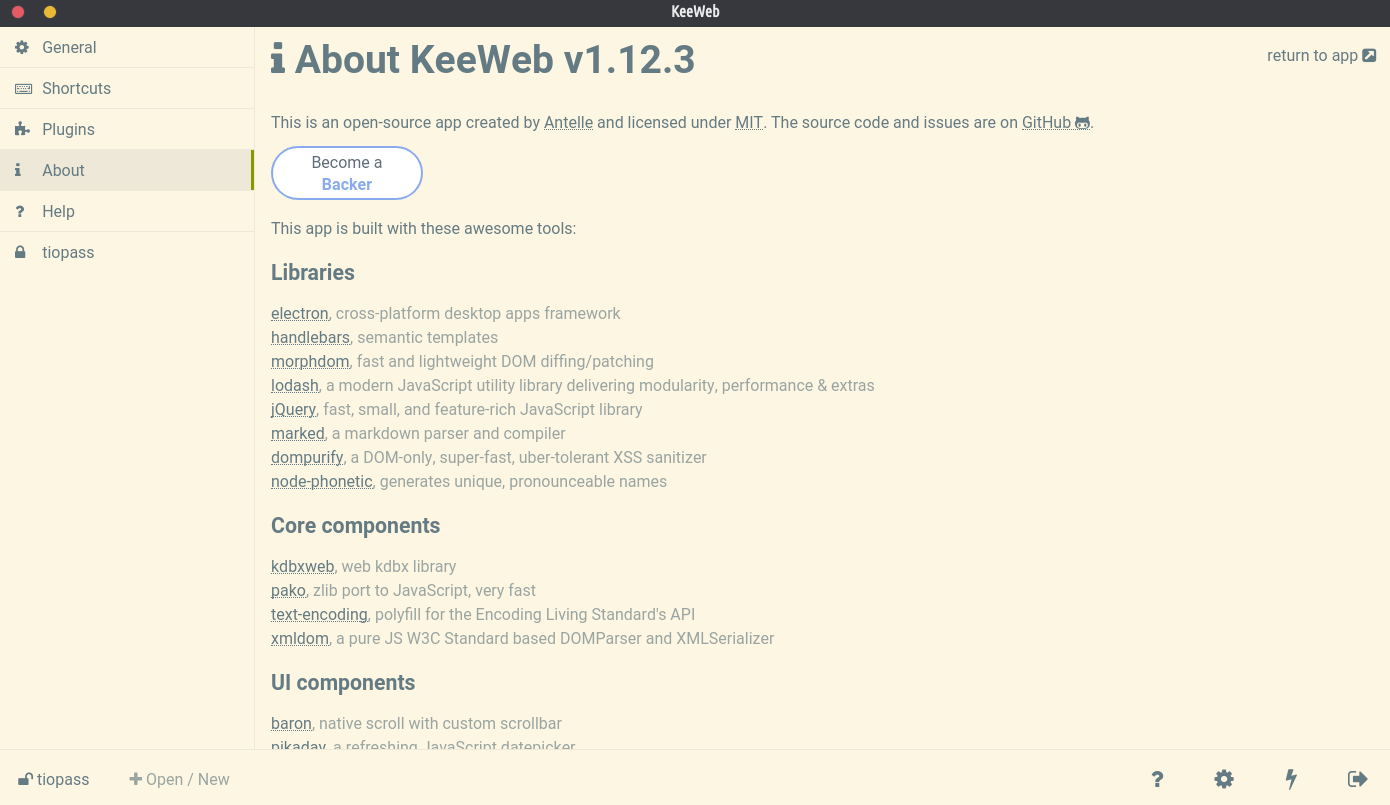
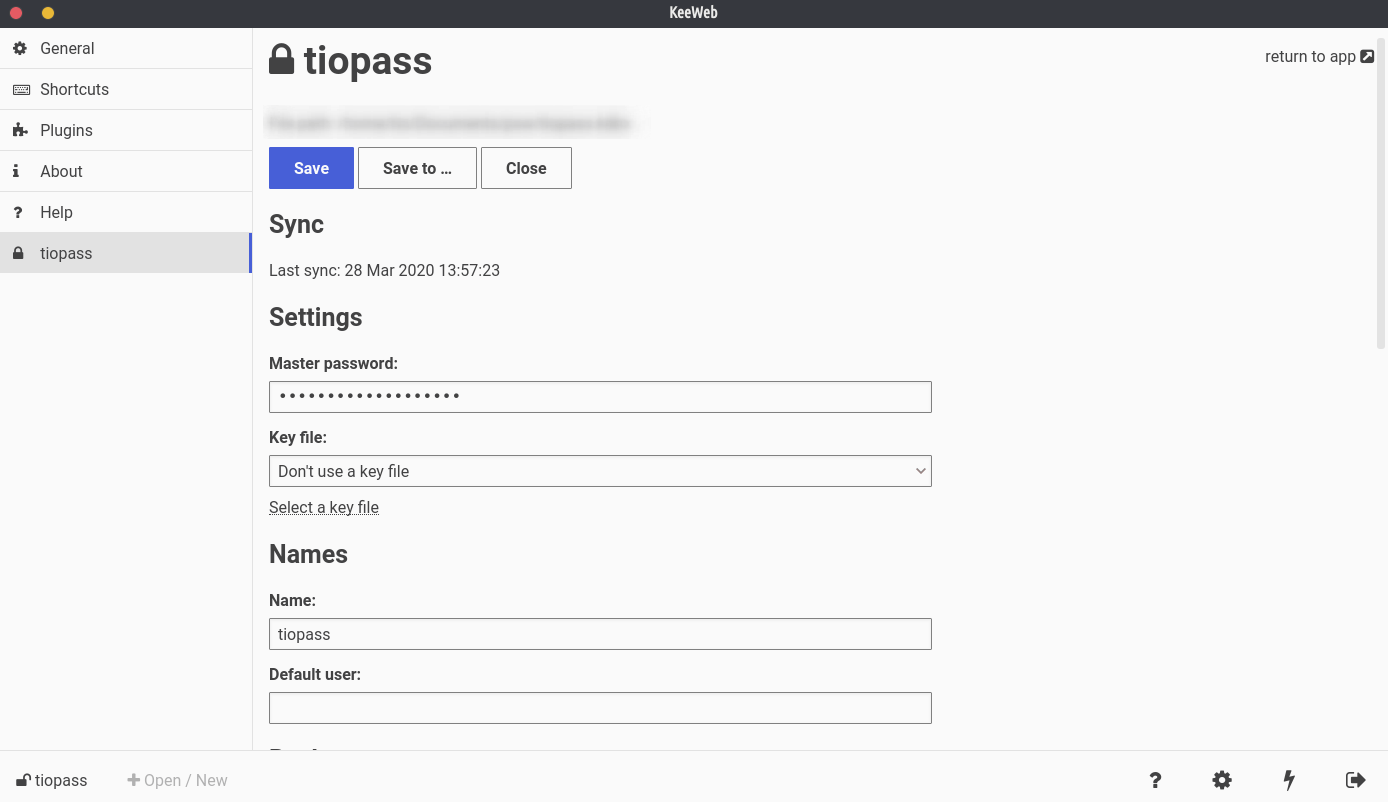
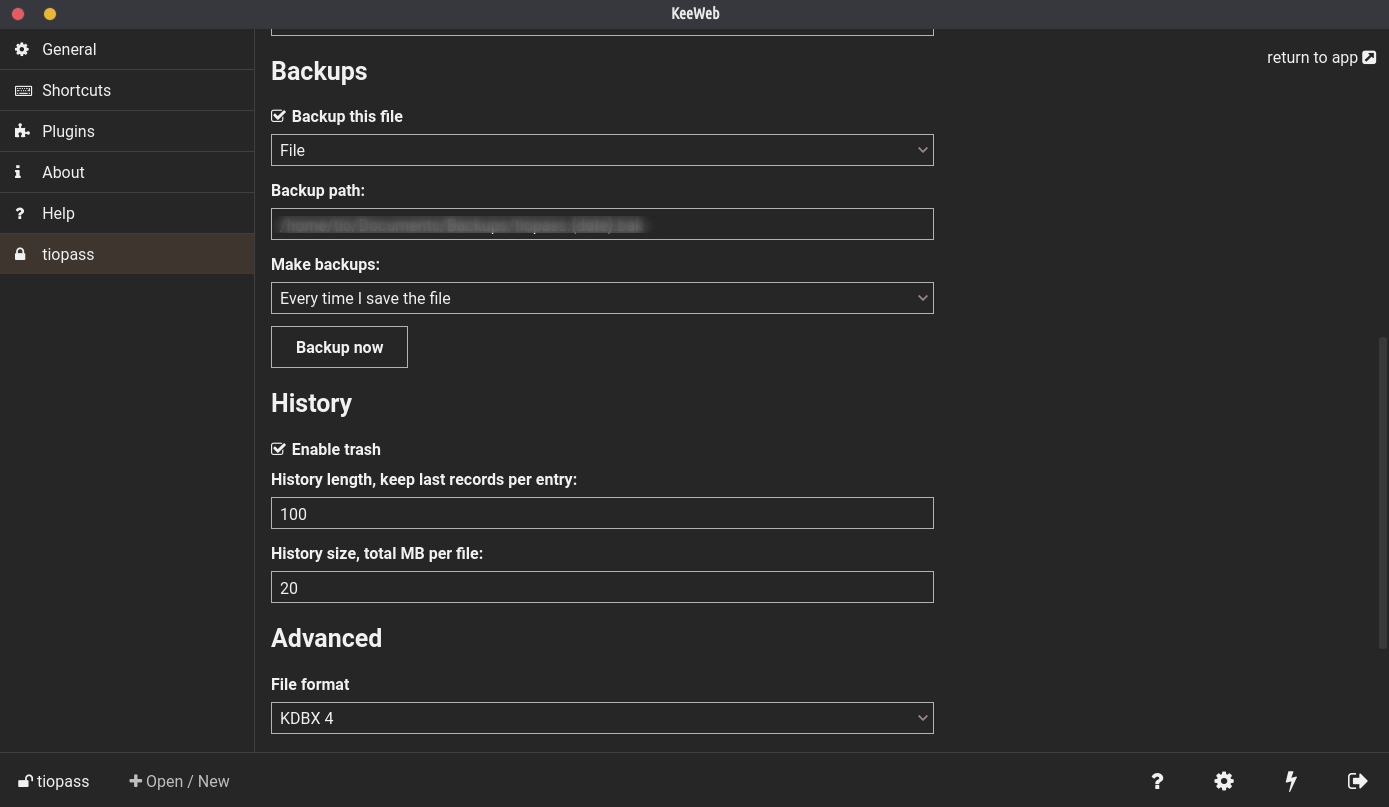
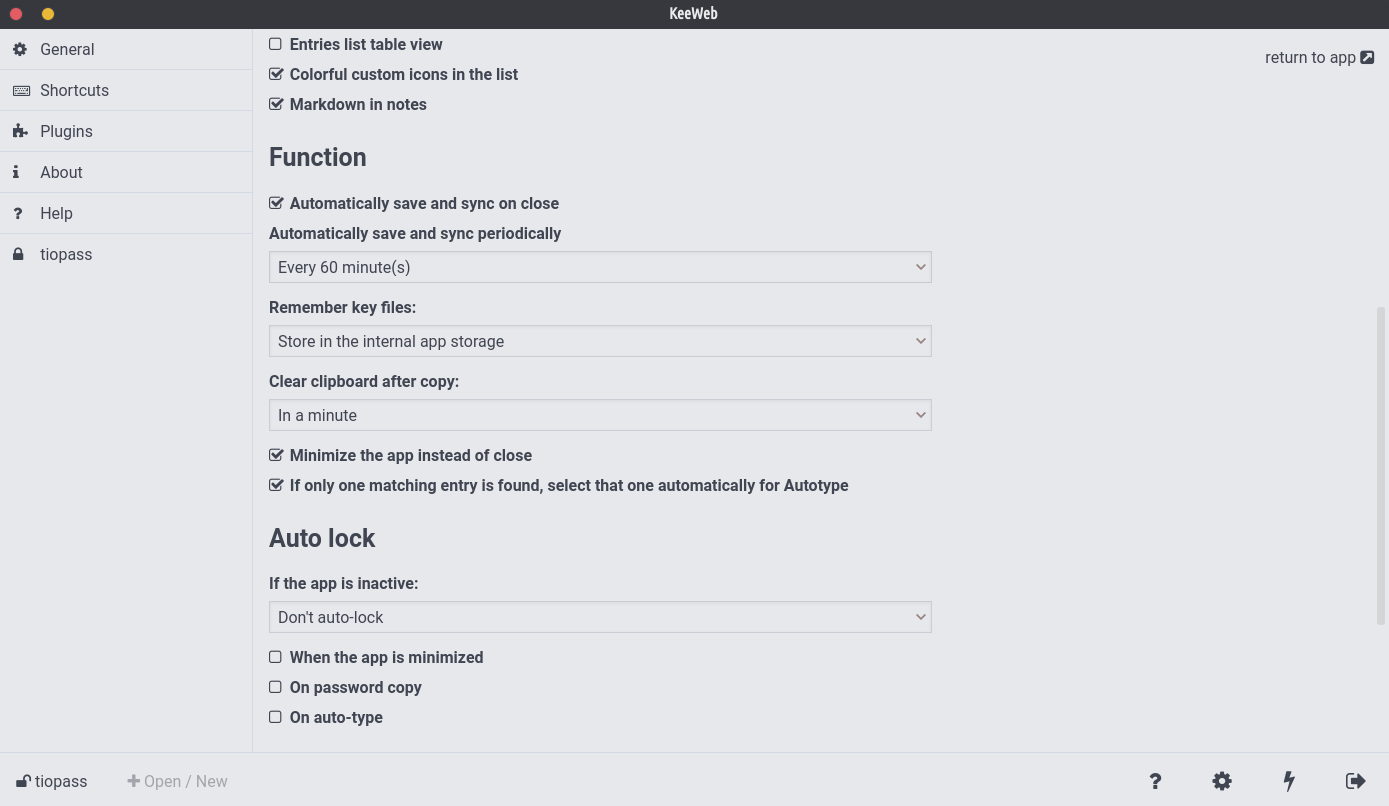
agberu aworan
Oluṣakoso ọrọ igbaniwọle agbelebu-ọfẹ ni ibamu pẹlu KeePass.
- Awọn ohun elo tabili dabi lẹwa lori pẹpẹ kọọkan: macOS, Windows ati Lainos. O le ṣi awọn faili agbegbe ni awọn ohun elo Ojú-iṣẹ.
- Ẹya wẹẹbu ti fẹrẹẹ jẹ gbogbo awọn ẹya ti o wa ni awọn ohun elo tabili tabili. Ko nilo fifi sori ẹrọ ati ṣiṣẹ ni gbogbo awọn aṣawakiri ode oni. Lọlẹ awọn ayelujara app
- Yipada laarin dudu ati akori ina, eyikeyi ti o fẹ diẹ sii.
- Samisi awọn ohun kan pẹlu awọ ati ni irọrun wa wọn nipa lilo taabu Awọn awọ.
- Ṣii awọn faili pupọ, wa eyikeyi titẹ sii tabi wo gbogbo awọn ohun kan lati gbogbo awọn faili bi atokọ kan.
- Wiwa ṣiṣẹ fun gbogbo awọn faili, ohun gbogbo ni a ṣe lati apoti wiwa kan.
- Ṣafikun awọn afi lati ṣeto awọn titẹ sii. Ni kiakia yan wọn ninu atokọ tabi ṣafikun awọn tuntun.
- Drop entry attachments and database files right to the app.
- Fields can be hidden when you need it. Also they will be stored in memory in more secure way than usual fields.
- Generate passwords of any desired length, with only symbols you want.
- Files are saved for offline use, even those opened from Dropbox. You can always access offline version, changes will be synced automatically when you are online again.
- Access actions faster with shortcuts.
- Refine search by specifying fields, searching passwords, history and using powerful regular expressions syntax.
- All changes you make are put to history. You can rollback to any state or delete the state completely.
- Select an icon from the set of predefined high-res icons, download website favicon or use your own icons.
- Yipada laarin akojọ ati tabili ifilelẹ.
- So awọn aworan pọ si awọn titẹ sii ki o tẹ lati wo.
- Ohun elo naa jẹ ọfẹ patapata: ko si awọn idanwo, ko si awọn ẹya demo, ko si awọn opin. Ko si apeja. Paapaa diẹ sii: o le nigbagbogbo kọ lati awọn orisun funrararẹ. Koodu orisun wa lori GitHub.