

- Lumipat kami sa kernel 510. Ito ang pinakabagong long term release (LTS) kernel. Ang kernel ay ang core ng operating system, na nagbibigay ng mga driver at lahat ng 'goodies' na ito. Ang mas bago ang kernel, mas mahusay ang compatibility sa hardware. Kaya lubos naming inirerekomenda ang lahat na mag-upgrade sa pinakabagong kernel. Isa ito sa isang taon o higit pang kaganapan, isipin mo. Upang mag-upgrade, buksan ang Mga Setting ng Manjaro:
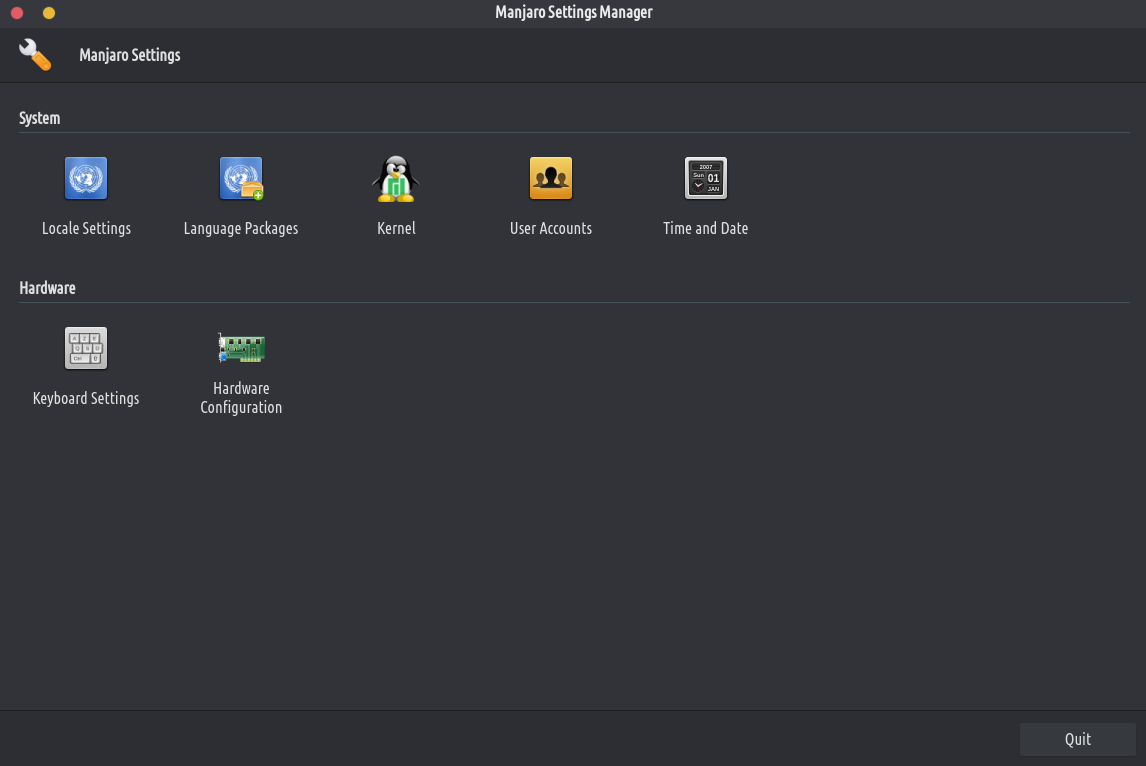
Pumunta sa "kernel” at i-install ang 5.10 na bersyon sa pamamagitan lamang ng pag-click sa "i-install"button. Matapos ang pag-install ay tapos na i-reboot ang iyong computer para magamit ito. Sa mga unang segundo ng pag-reboot ng iyong computer, pindutin ang SHIFT sa iyong keyboard nang maraming beses hanggang sa makakita ka ng menu. Piliin ang Mga advanced na opsyon, at pagkatapos ay piliin ang kernel 5.10Tungkol sa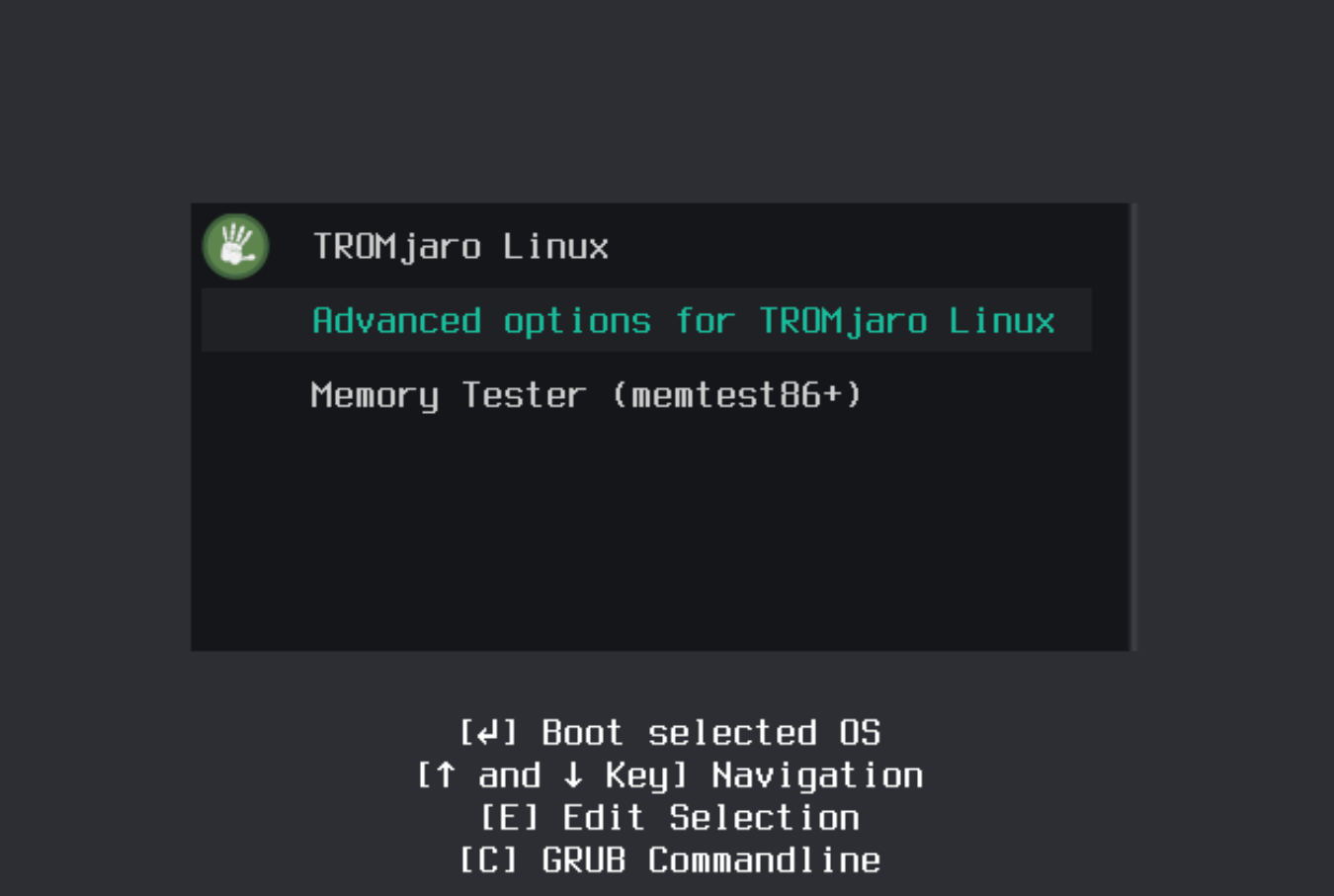
Iyon lang. Mula ngayon, gagamitin ng iyong computer ang mas bagong kernel. Congrats!
- Lumipat kami sa kernel 510. Ito ang pinakabagong long term release (LTS) kernel. Ang kernel ay ang core ng operating system, na nagbibigay ng mga driver at lahat ng 'goodies' na ito. Ang mas bago ang kernel, mas mahusay ang compatibility sa hardware. Kaya lubos naming inirerekomenda ang lahat na mag-upgrade sa pinakabagong kernel. Isa ito sa isang taon o higit pang kaganapan, isipin mo. Upang mag-upgrade, buksan ang Mga Setting ng Manjaro:
- Lubos naming pinahusay ang TROMjaro installer (Calamares) sa mga tuntunin ng disenyo. Ngayon ay halos kamukha na nito ang buong TROMjaro OS, at ginagawang mas madali para sa mga tao na sundin ang mga simpleng hakbang upang i-install ito.
- Na-update namin ang aming Nagsusumikap kaming panatilihin ang isang napakasimpleng desktop na may kaunting mga app na naka-install bilang default. Ngunit naramdaman namin na kulang kami ng dalawa na maaaring maging mahalaga para sa karamihan ng mga user: search engine, ang default na TROMjaro search engine. Ngayon ito ay mas mabilis, mas tumpak, at mas secure. Kung napapansin mo na sa tuwing nagta-type ka ng isang bagay sa Firefox url bar, ang paghahanap ay hindi dumaan sa search engine at binubuksan lang nito ang SearX, pagkatapos ay pumunta sa Firefox – Mga Kagustuhan – Paghahanap. Mag-scroll pababa at alisin ang TROMland SearX. Ngayon bisitahin muli ang SearX engine (https://tromland.org/searx/) at mula sa tuktok na url bar, ang 3 tuldok, idagdag ito pabalik sa Firefox. Panghuli, bumalik sa Mga kagustuhan at gawin itong default. Iyon lang.
Sa pamamagitan ng Bylinetrom sa