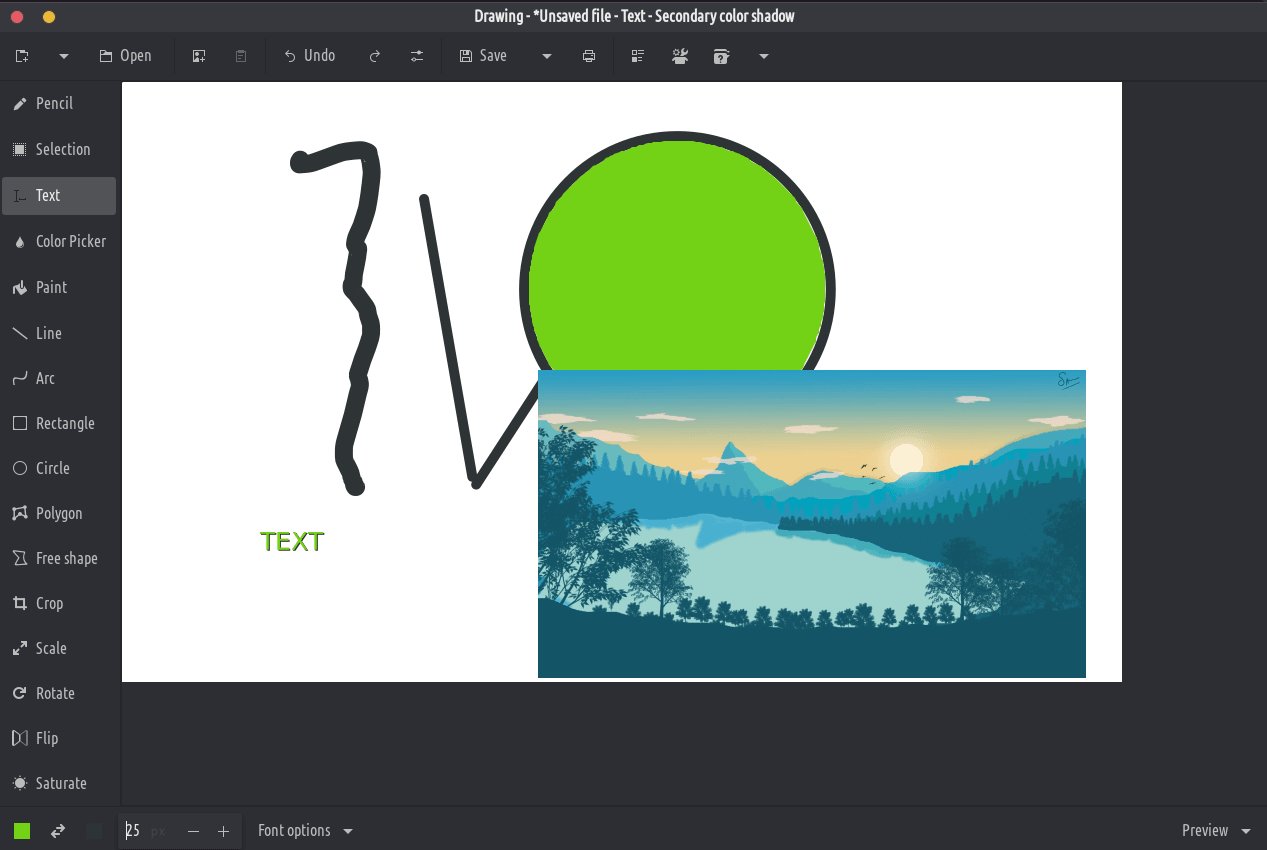
Sesebelisoa sena ke sehlophisi sa mantlha sa setšoantšo, se ts'oanang le penti ea Microsoft, empa ho shebisisa desktop ea Gnome.
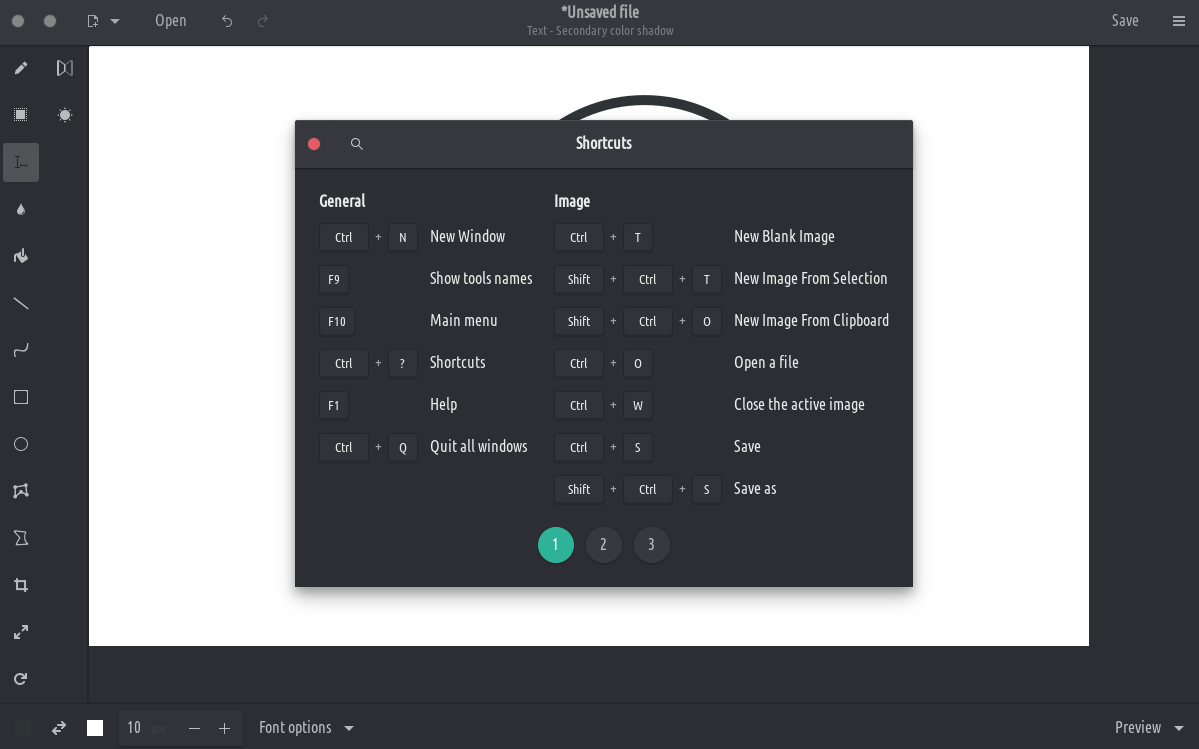
PNG, JPEG and BMP files are supported.
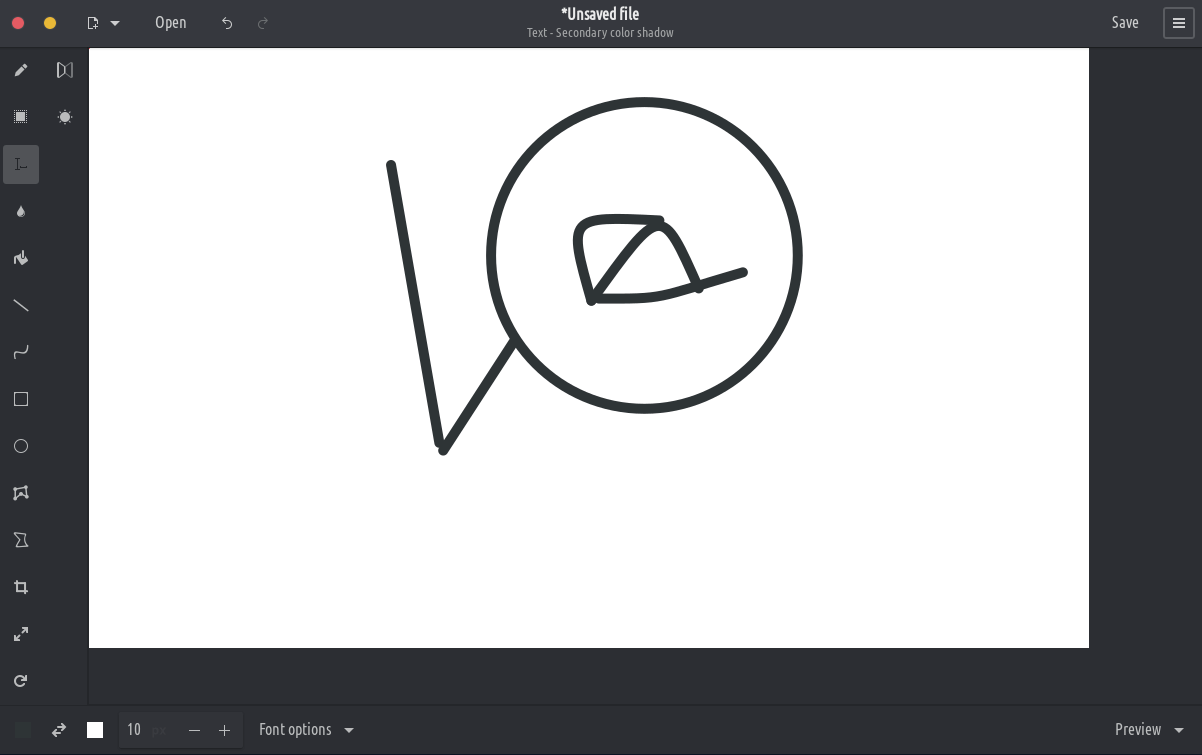
Besides GNOME, some more traditional design layouts are available too, as well as an elementaryOS layout. It should also be compatible with Purism’s Librem 5 phone.
These tools allow you to define an area (rectangle or free), which you can move, cut, copy, paste, edit with canvas tools, export, open as a new image, etc.
Rectangle selection
Free shape selection
Adjacent color selection
Canvas/selection edition tools
These tools allow to edit the whole image, or to edit a selected part of it.
Crop (remark: the previewed picture isn’t at the actual scale)
Scale (options: keep proportions or not)
Rotate (rotate or flip)
Filters (blur, increase or decrease saturation, invert colors, pixelate)