
QMPlay2
TLHALOSO:
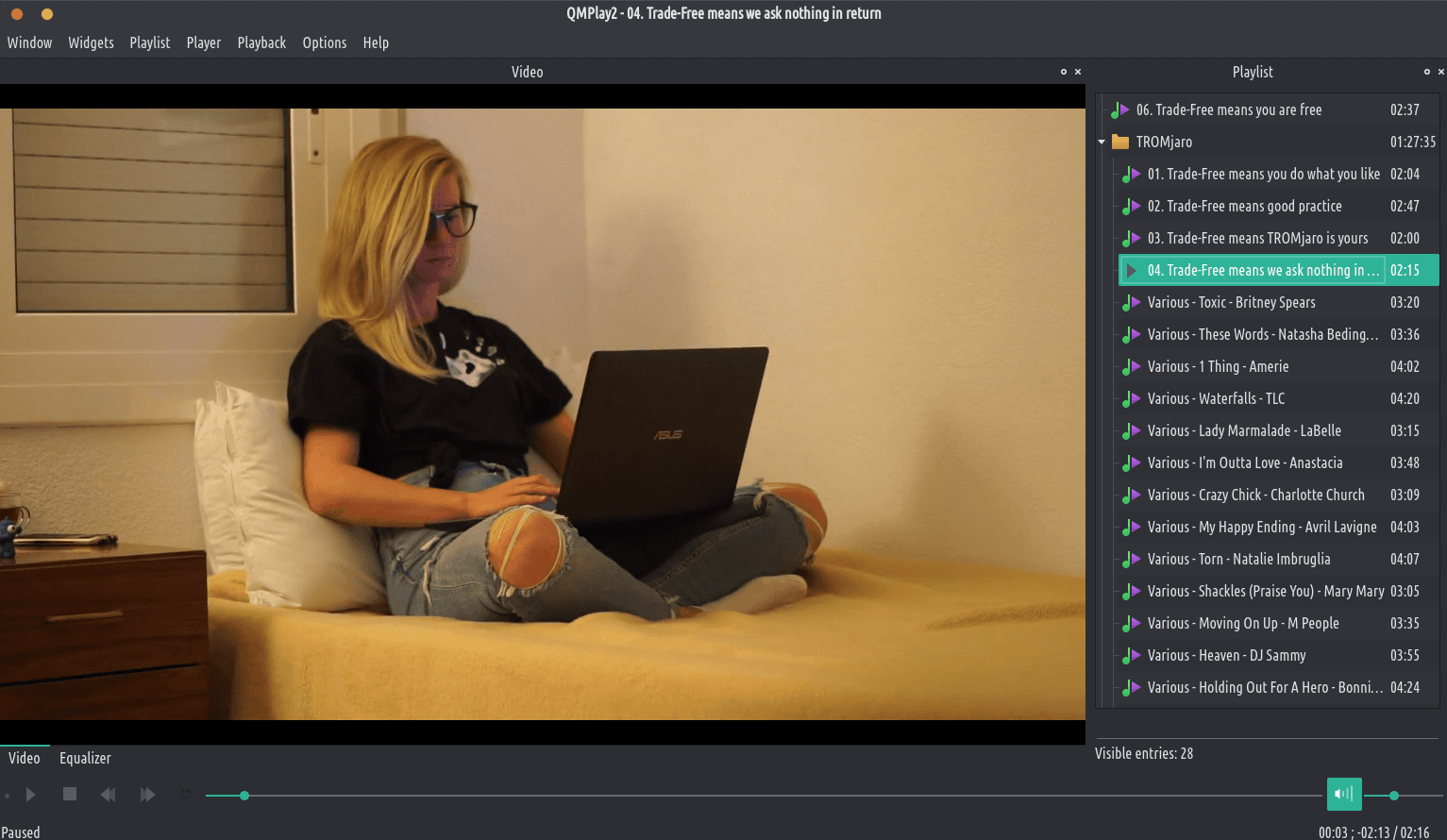
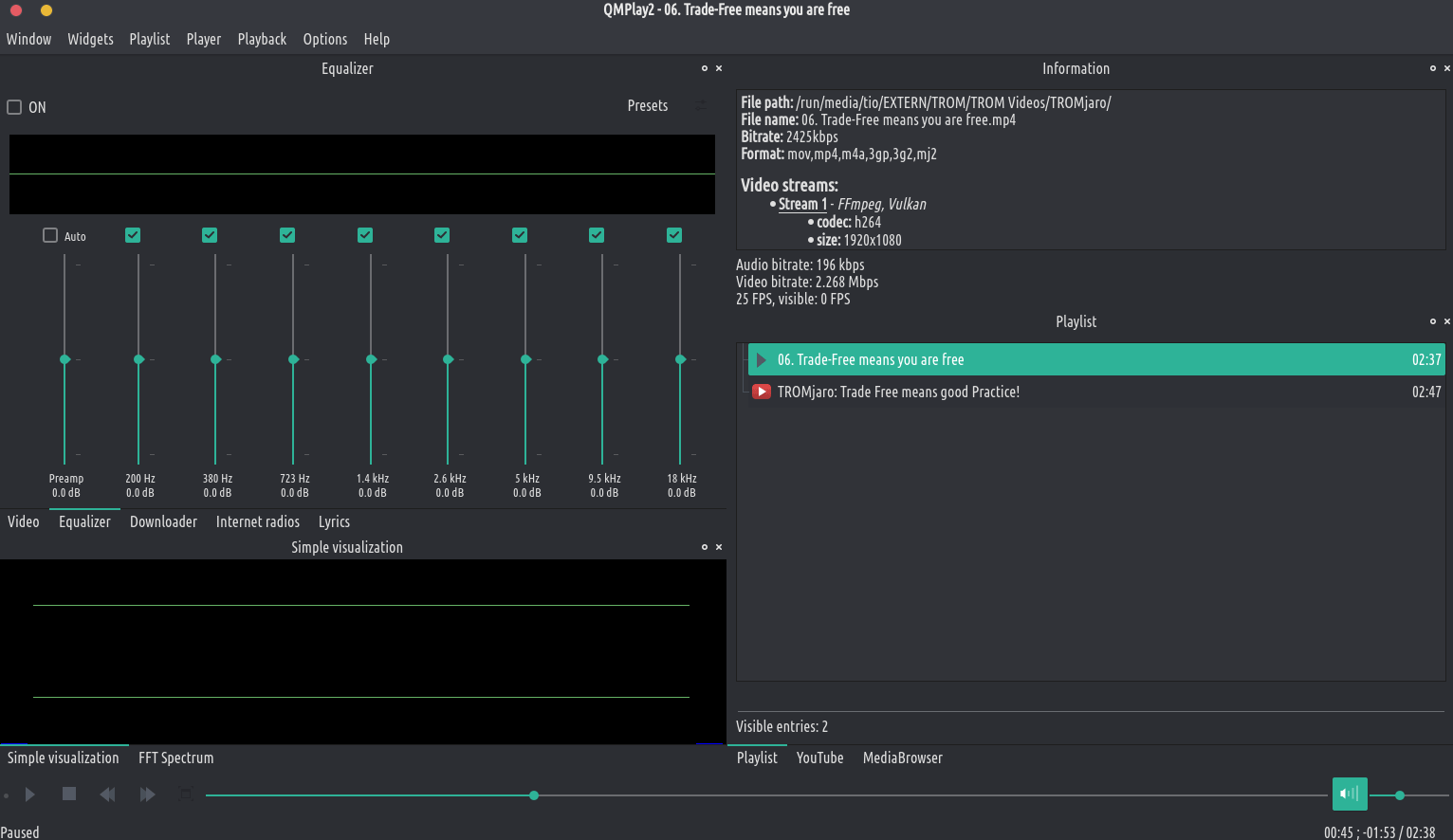
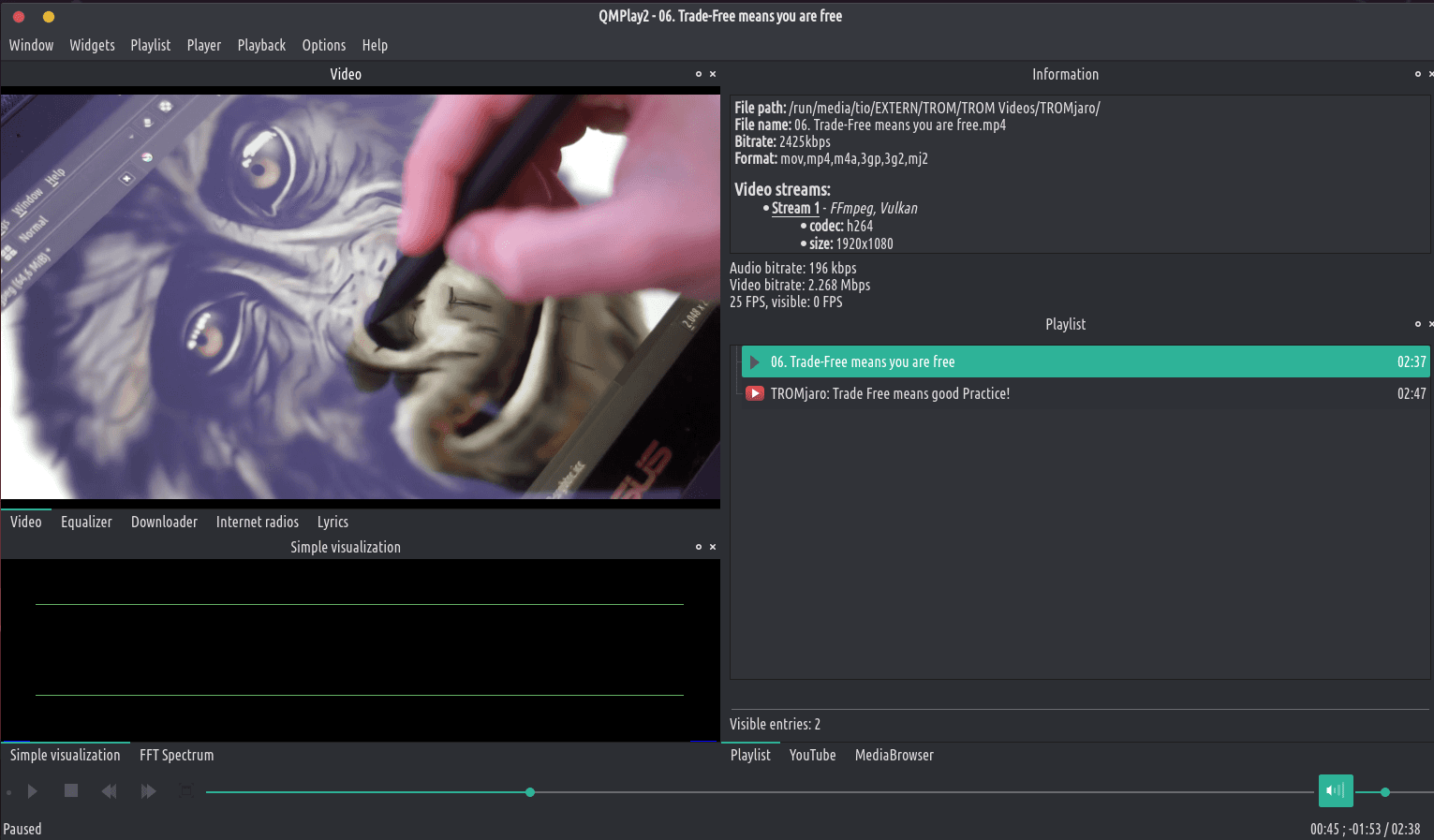
QMmplay2 ke sebapali sa video le Audio. E ka bapala liforomo tsohle tse tšehetsoang ke FFMPG, Libmodplug (ho kenyelletsa J2B le SFX). E boetse e ts'ehetsa CD ea Audio CD, lifaele tse tala, Rayman 2 Mmino le Chiputus. E na le YouTube le MyFreeMirman.
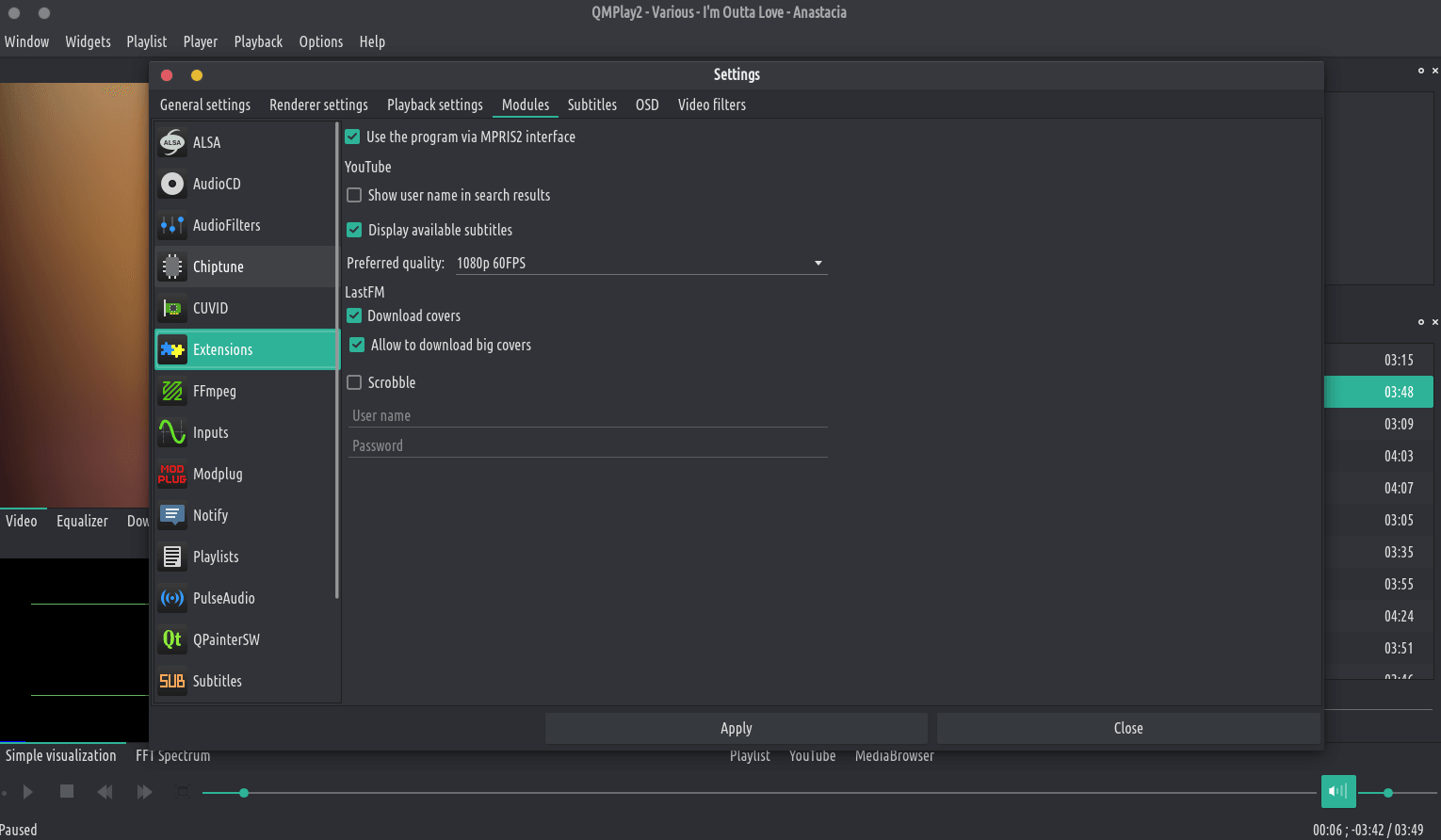
O ka fetola boleng ba audio le video ba kamehla ba litaba tsa YouTube. Tobetsa letšoao la "Litlhophiso" ka letsohong le letšehali la sebaka sa ho batla, fetola tatellano ea lintho tse tlang pele tsa boleng ba molumo le/kapa video 'me u sebelise liphetoho. Haeba boleng bo khethiloeng bo sa fumanehe ho litaba tsa YouTube, QMPlay2 e tla leka ho sebelisa kenyelletso e latelang lethathamong la boleng.
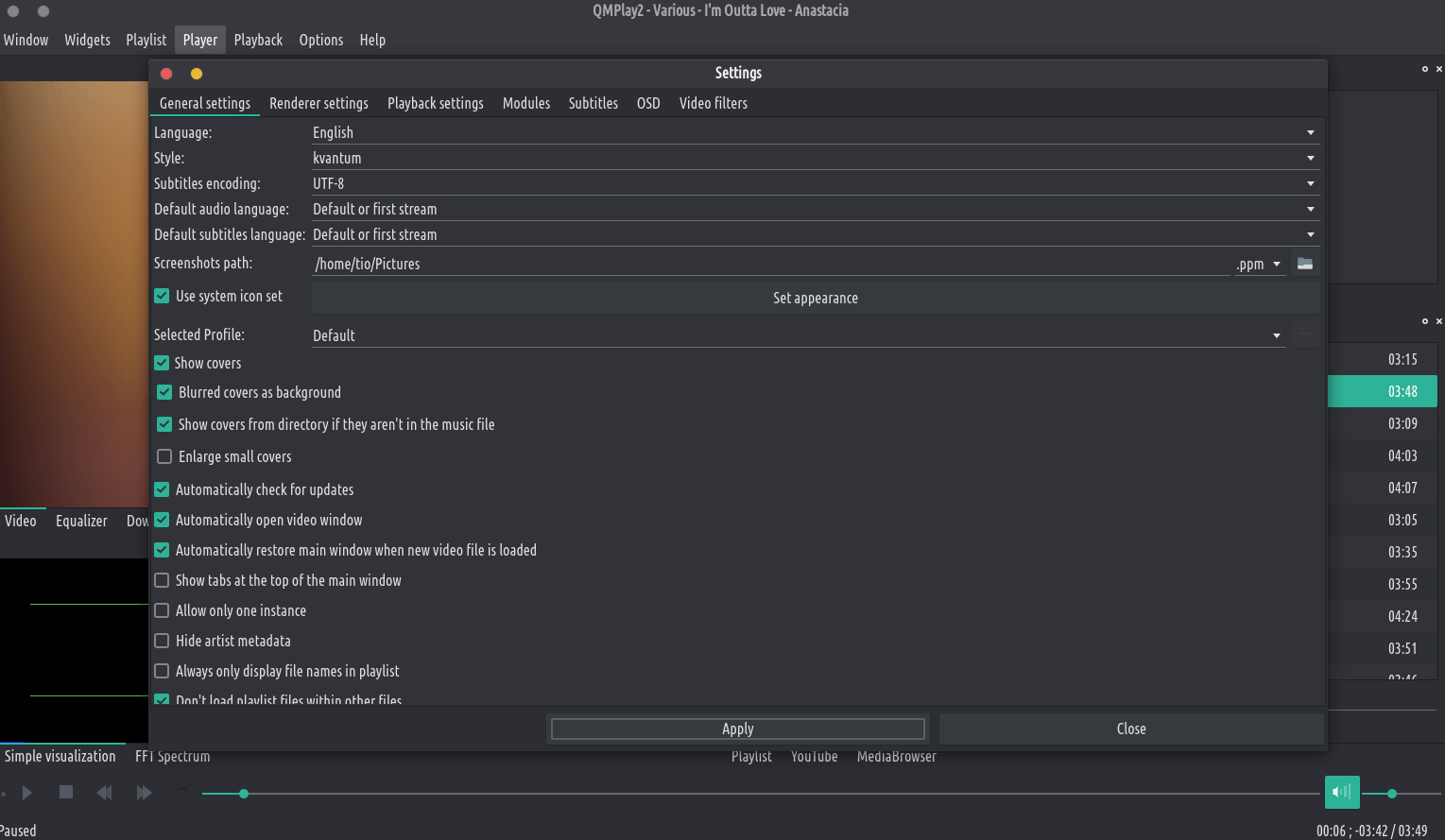
Livideo tsa YouTube ha li sebetse ntle le software ea kantle ea "youtube-dl", kahoo QMPlay2 e tla e jarolla ka bo eona. U ka tlosa "youtube-dl" e jarollotsoeng ho li-setting.
Livideo tsa YouTube ha li sebetse ntle le software ea kantle ea "youtube-dl", kahoo QMPlay2 e tla e jarolla ka bo eona. U ka tlosa "youtube-dl" e jarollotsoeng ho li-setting.
QMPlay2 supports spherical view on OpenGL and Vulkan video outputs. You can watch e.g. YouTube spherical videos by pressing “Ctrl+3”. You can also enable it from the menu: “Playback->Video filters->Spherical view”.
Haeba u sebelisa ea hau ea ALSA configuration asound.conf kapa .asoundrc hape u lokela ho kenya: defaults.namehint.!showall ho faele ea tlhophiso. Ho seng joalo lisebelisoa tse kentsoeng li kanna tsa se bonahale!
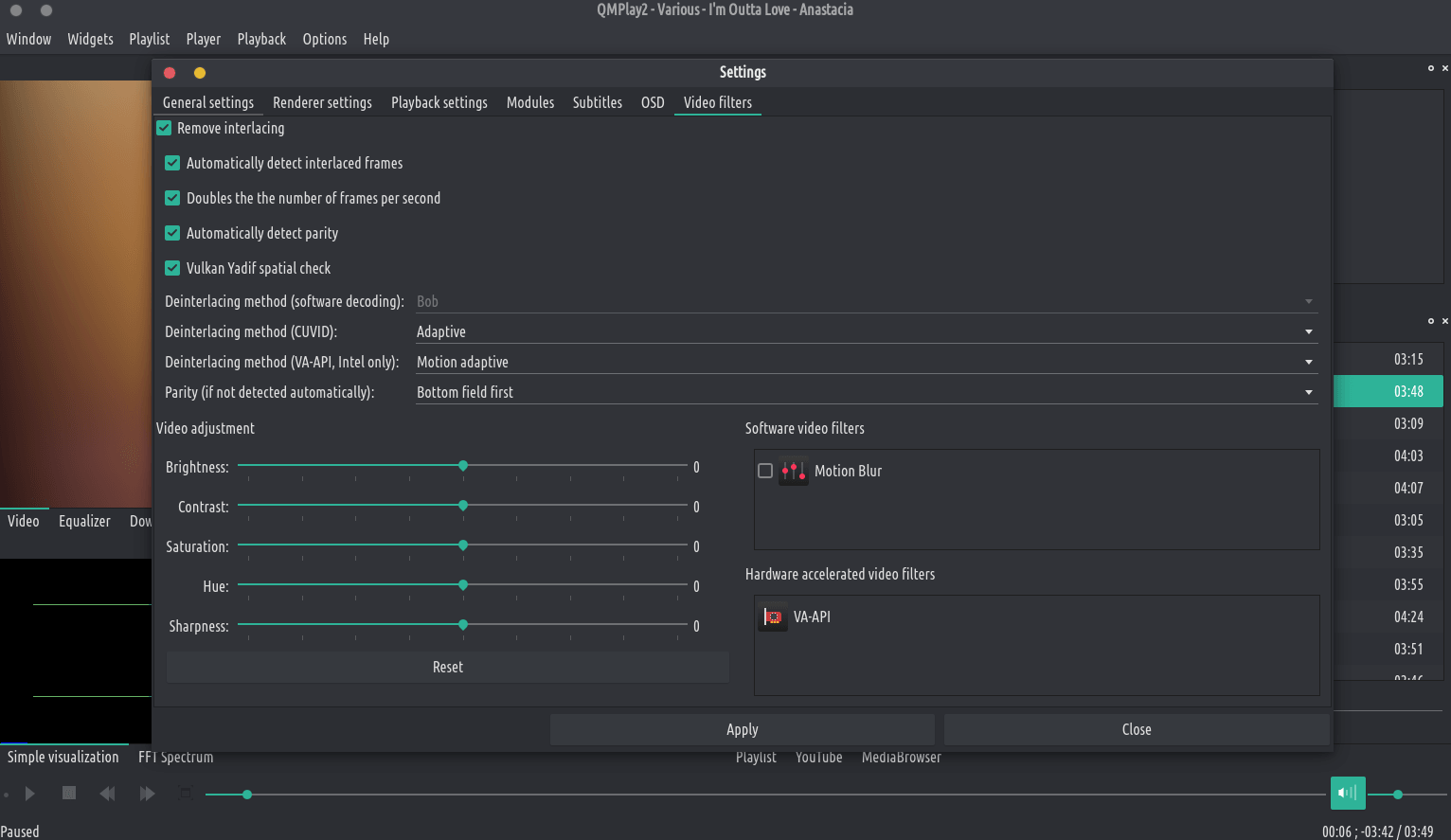
QMPlay2 supports hardware video decoding: CUVID (NVIDIA only), DXVA2 (Windows Vista and higher), D3D11VA (Vulkan, Windows 8 and higher) VDPAU/VA-API (X11 for VDPAU, Linux/BSD only) and VideoToolBox (macOS only). Hardware acceleration is disabled by default, but you can enable it in “Settings->Playback settings”: