
drawing
DESCRIPTION:
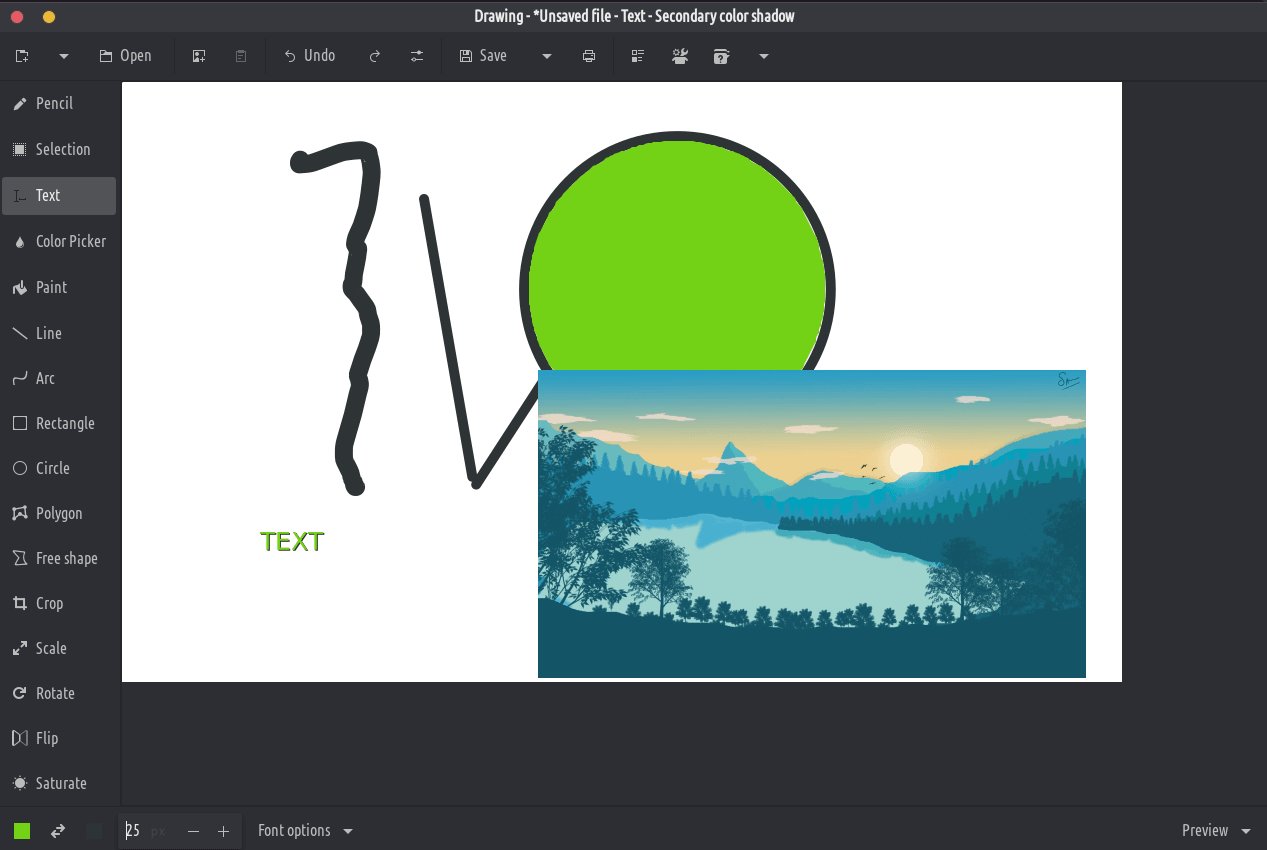
Ichi chishandiso ndeyekutanga chifananidzo chejira, chakafanana neyeMicrosoft pendi, asi chinangwa kune gnome desktop.
PNG, JPEG uye BMP mafaera anotsigirwa.
Kunze kweGNOME, mamwe echinyakare dhizaini marongero anowanikwa zvakare, pamwe neyekutanga OS dhizaini. Inofanirawo kuenderana nePurism's Librem 5 foni.
Zvishandiso zveClassic
- Penzura (sarudzo: dashes, blur, eraser, ...)
- Mutsetse (sarudzo: museve, dashi, blur, gradient, ...)
- Arc (sarudzo: museve, mitsetse, ...)
- Isa zvinyorwa (sarudzo: font, mumvuri, saizi yefonti, ...)
- Chimiro (rectangle/denderedzwa/ovhari/polygoni/yemahara chimiro, sarudzo: kuzadza, ...)
- Ruvara rwekunhonga
- Pendi (sarudzo: bvisa ruvara, ...)
Maturusi ekusarudza
Zvishandiso izvi zvinokutendera kuti utsanangure nzvimbo (rectangle kana yemahara), iyo yaunogona kufambisa, kucheka, kukopa, kunamira, kugadzirisa ne canvas maturusi, kutumira kunze, kuvhura semufananidzo mutsva, nezvimwe.
- Rectangle sarudzo
- Kusarudzwa kwechimiro chemahara
- Kusarudzwa kwemavara epedyo
Canvas/sarudzo edition maturusi
Zvishandiso izvi zvinobvumira kugadzirisa mufananidzo wacho wose, kana kugadzirisa chikamu chayo chakasarudzwa.
- Kudyara (taura: mufananidzo wakatariswa hausi pachiyero chaicho)
- Chikero (sarudzo: chengeta zviyero kana kwete)
- Tenderedza (tenderedza kana pindurudza)
- Mafirita (blur, kuwedzera kana kuderedza saturation, invert mavara, pixelate)