
whariki
WHAKAMAHI:
Etita Waehere Tere-Uira me te Kaha. Puna tuwhera. Tere mai i te whakarewatanga ki ia patene, me nga pākahiko kei roto.
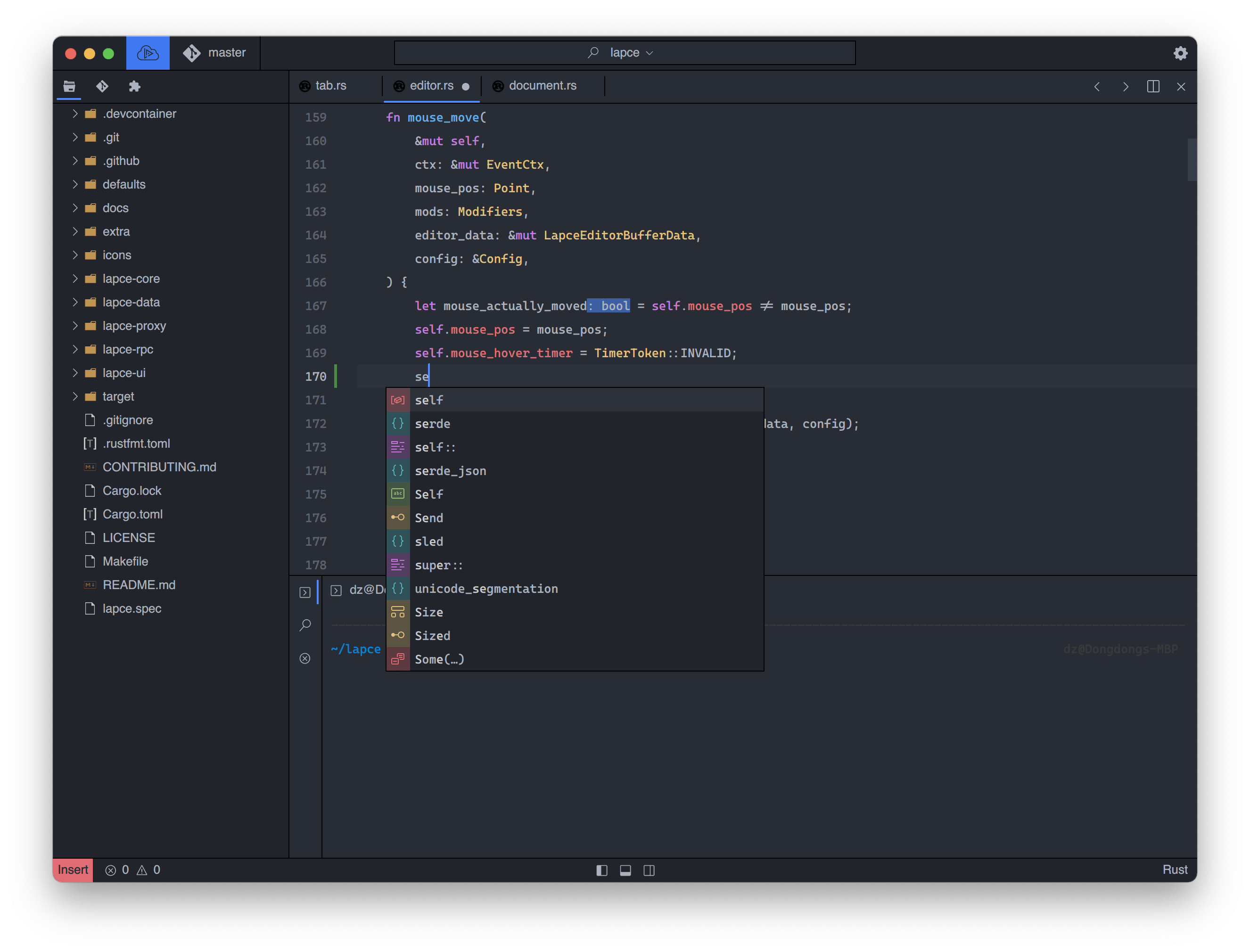
Ko te GUI Maori me te mahi a Rust, e mohio ana matou ko nga kaiwhakawhanake he aha taau e hiahia ana mo tetahi taputapu nui penei i te ētita waehere. Tuhia te waehere me te koa ki Lapce.
Tere uira
GUI Maori me te whakatere GPU i Rust, kare e tatari mo te whakarewatanga o te ētita, a, ko te takamuri o to paahi ka kiia he pepeke ka whakatika.
GUI Maori me te whakatere GPU i Rust, kare e tatari mo te whakarewatanga o te ētita, a, ko te takamuri o to paahi ka kiia he pepeke ka whakatika.
Whanaketanga Mamao
Ka taea e koe te hono atu ki tetahi miihini mamao, me te wheako "a-rohe", ka whai hua mai i tetahi taiao rite ki to kaimau whakangao, ki te whakamahi ranei i nga mahi katoa o te miihini mamao.
Ka taea e koe te hono atu ki tetahi miihini mamao, me te wheako "a-rohe", ka whai hua mai i tetahi taiao rite ki to kaimau whakangao, ki te whakamahi ranei i nga mahi katoa o te miihini mamao.
Kei roto nga pākahiko
Ko te tohu wetereo waehere ma te whakamahi i te Rakau-tiaki, he tere ake, he pai ake i te miramira i runga i te regex. Me te tautoko LSP hanga-i roto, hei hoatu ki a koe te mohiotanga waehere penei i te whakaotinga waehere, te taatai me nga mahi tohu aha atu.
Ko te tohu wetereo waehere ma te whakamahi i te Rakau-tiaki, he tere ake, he pai ake i te miramira i runga i te regex. Me te tautoko LSP hanga-i roto, hei hoatu ki a koe te mohiotanga waehere penei i te whakaotinga waehere, te taatai me nga mahi tohu aha atu.
He rite ki te whakatika modal
Nga kaiwhakamahi Vim, kua hipokina e matou! Tautoko-i roto i te Vim rite te wheako whakatika, kaore he mono.
Pūnaha mono WASI
Ka taea e koe te tuhi i tetahi mono mo Lapce me tetahi reo hotaka e whakahiato ana ki te WASI. Kōwhirihia he reo taunga mo te tuhi mono me te kore e ako i te reo hou.
Ka taea e koe te tuhi i tetahi mono mo Lapce me tetahi reo hotaka e whakahiato ana ki te WASI. Kōwhirihia he reo taunga mo te tuhi mono me te kore e ako i te reo hou.
Tauranga-i roto
Tīmatahia he tauranga ki te ara o to mokowāmahi, kaua e wehe atu i a Lapce.
Tīmatahia he tauranga ki te ara o to mokowāmahi, kaua e wehe atu i a Lapce.