


Spostamento temporale
DESCRIZIONE:
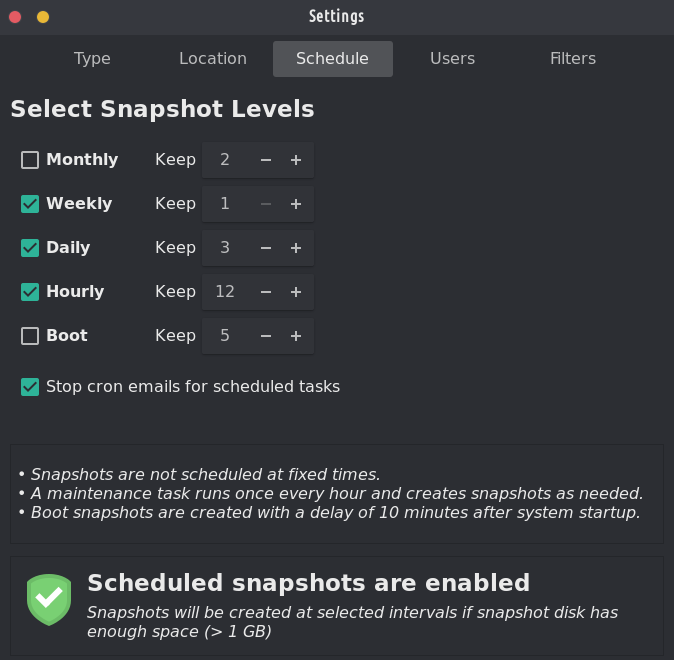
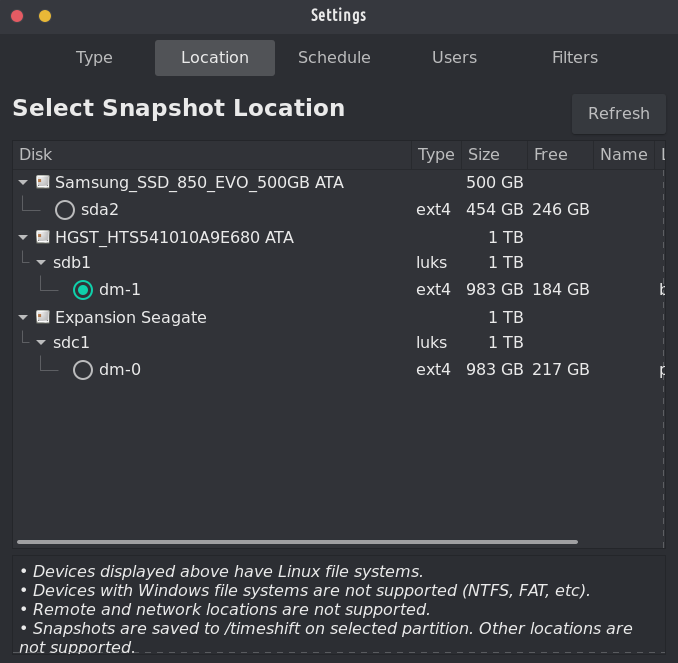
Strumento di ripristino del sistema per Linux. Creates filesystem snapshots using rsync+hardlinks, or BTRFS snapshots. Supports scheduled snapshots, multiple backup levels, and exclude filters. Snapshots can be restored while system is running or from Live CD/USB.
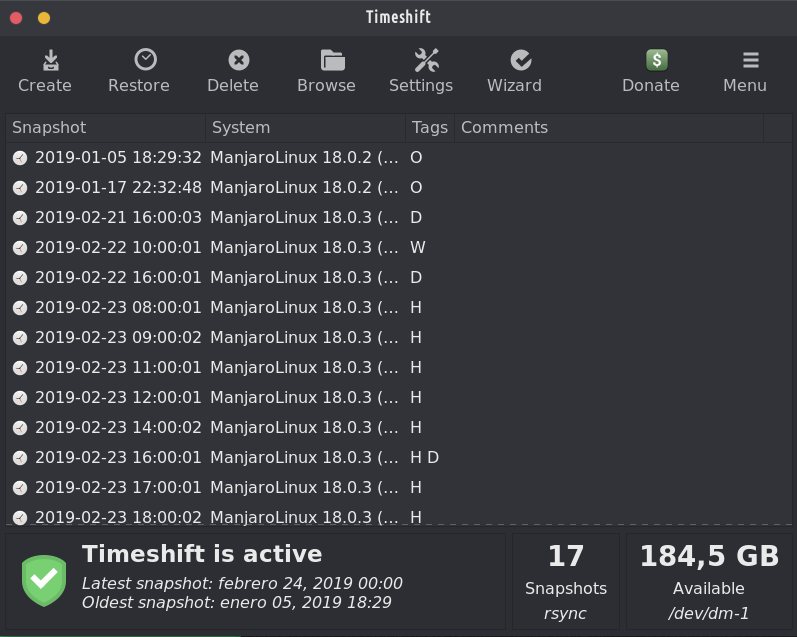
Timeshift per Linux è un'applicazione che fornisce funzionalità simili alla funzione Ripristino configurazione di sistema in Windows e allo strumento Time Machine in Mac OS. Timeshift protects your system by taking incremental snapshots of the file system at regular intervals. These snapshots can be restored at a later date to undo all changes to the system.
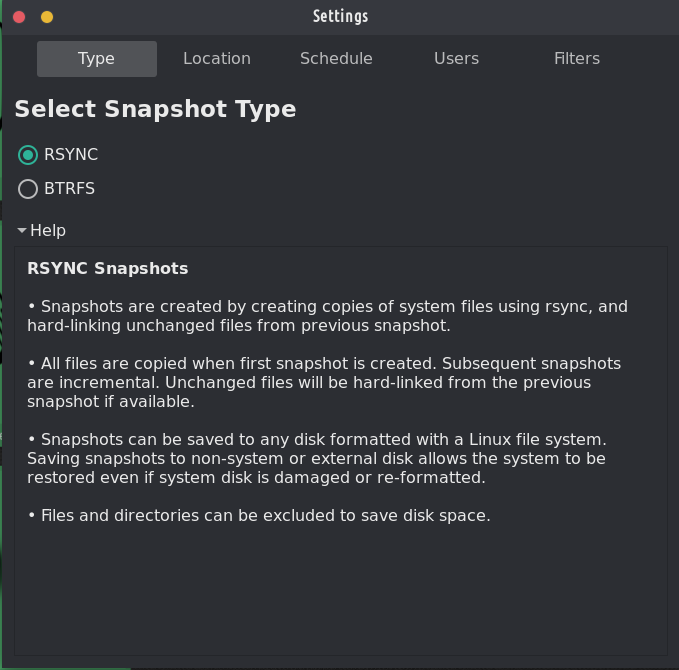
In RSYNC mode, snapshots are taken using rsync and hard-links. Common files are shared between snapshots which saves disk space. Each snapshot is a full system backup that can be browsed with a file manager.
In BTRFS mode, snapshots are taken using the in-built features of the BTRFS filesystem. BTRFS snapshots are supported only on BTRFS systems having an Ubuntu-type subvolume layout (with @ and @home subvolumes).
Timeshift is similar to applications like rsnapshot, BackInTime and TimeVault but with different goals. It is designed to protect only system files and settings. User files such as documents, pictures and music are excluded. This ensures that your files remains unchanged when you restore your system to an earlier date.




È uno dei due programmi di backup preinstallati su TROM-Jaro e per buone ragioni: è semplice da configurare e ti salverà il culo anche quando rompi completamente il tuo sistema. It is perfectly designed to backup up your system, not your files. It takes a few minutes to set it up and you will forget about it until you really need it.
To restore a backup is as simple as opening Timeshift, select what snapshot you want, and click restore. Nel caso in cui il tuo sistema non si avvii (hai davvero incasinato il tuo sistema), collega semplicemente una USB con TROM-Jaro, avviala e fai lo stesso: apri Timeshift e seleziona ripristina (ora seleziona dove sono salvati i tuoi backup) e ripristina il tuo sistema.
Tutto sommato, questo programma è UN MUST! Nessuna distribuzione Linux dovrebbe essere fornita senza di essa.
And with “timeshift-autosnap” installed Timeshift does auto-backups before any update of the system. Non è necessaria alcuna configurazione.
Questa è però la password USB live. Dovrei renderlo ovvio, lo so.
@trom Timeshift isa fantastic piece of software that doesn't get enough praise. I backup non sono sexy ma sono cruciali.
Risposta remota
URL di commento originale
Il tuo profilo
Perchè devo inserire il mio profilo?
This site is part of the ⁂ open social web, a network of interconnected social platforms (like Mastodon, Pixelfed, Friendica, and others). Unlike centralized social media, your account lives on a platform of your choice, and you can interact with people across different platforms.
By entering your profile, we can send you to your account where you can complete this action.