

share files trade-free
Images, videos, audio files, text….applications, archives….how can we share files in the digital universe? Popular services such as Dropbox, Google Drive, or iCloud seem to be the “way to go” for the task. However, they ask you for many trades such as currency trade (like money), data, attention (ads and promotions), or artificial limitations in order for you to subscribe for their “pro” or “premium” accounts. You have to trade a lot with them, give them your currency, data, attention, privacy, or register with them in order to use their services.
Here’s Ana and Bubu again. They want to share files with each other. Their photos and videos, or a lot more than that. That’s all they want and the world stays between them. How can they do it?

If they would use one of those popular file sharing platforms, then Ana would have to register with one of them and trade a lot to that company, and after they approve her, Ana can upload the files to that company’s servers via the browser or a desktop/mobile app. She can, at times depending on the service, share the files with Bubu via a custom link that she has to send him via email or any other methods. Sometimes it is required that Bubu should have an account with the same company in order to get the files. This is how most people share the files. Ana goes through a multi-step process to register and trade with a company, to then upload the photos manually to their servers or download and install their desktop application, and then use a 3rd party method such as email to send a link to Bubu. Bubu may need the same desktop application or at times only a browser to receive the files (download or sync them).
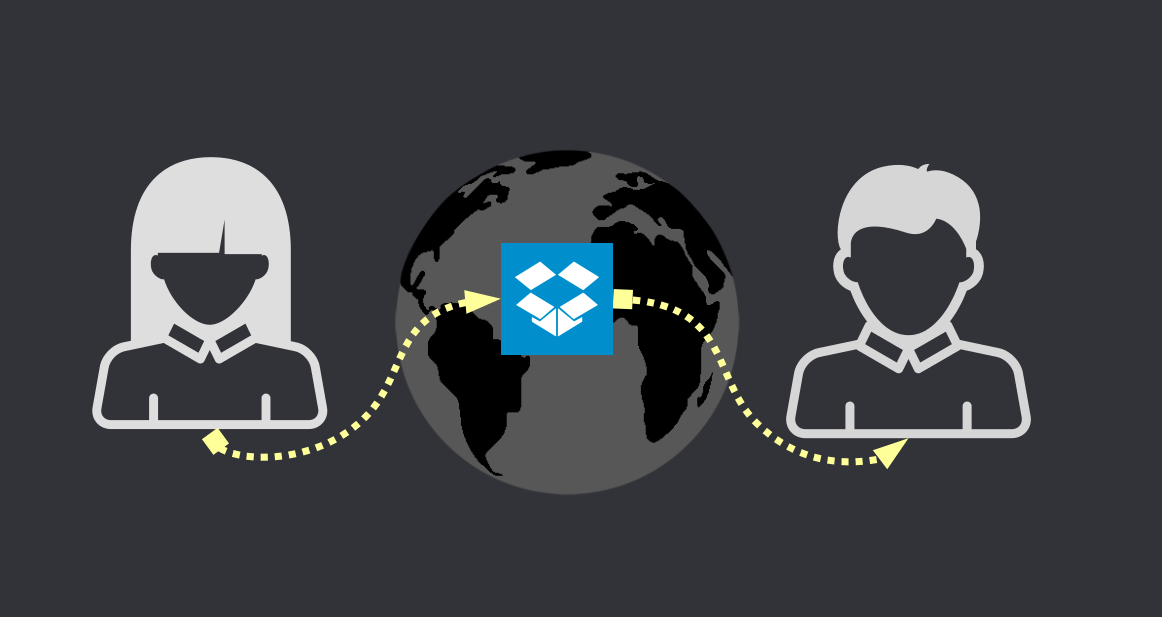
On top of the many trades that they are forced to do, their files are controlled 100% by a company. If the company decides that the files are not “ok” (illegal or whatever they may call them), then the company will remove the files. The company can also see Ana’s nude photos if they want to, or Bubu’s love poems that he sends to Ana as text documents. Their file sharing is crippled with trades and completely slave to the company’s rules and “morals”. Other companies such as WeTransfer pretend to be free by letting users upload files up to X GB to their servers and share the uploads with others without users paying any money or registering an account with them. However, as you may understand by now, these are not trade-free since they are often full of ads and data mining techniques.
So, then, how can Ana share large amounts of files (perhaps unlimited) with Bubu in a trade-free way?
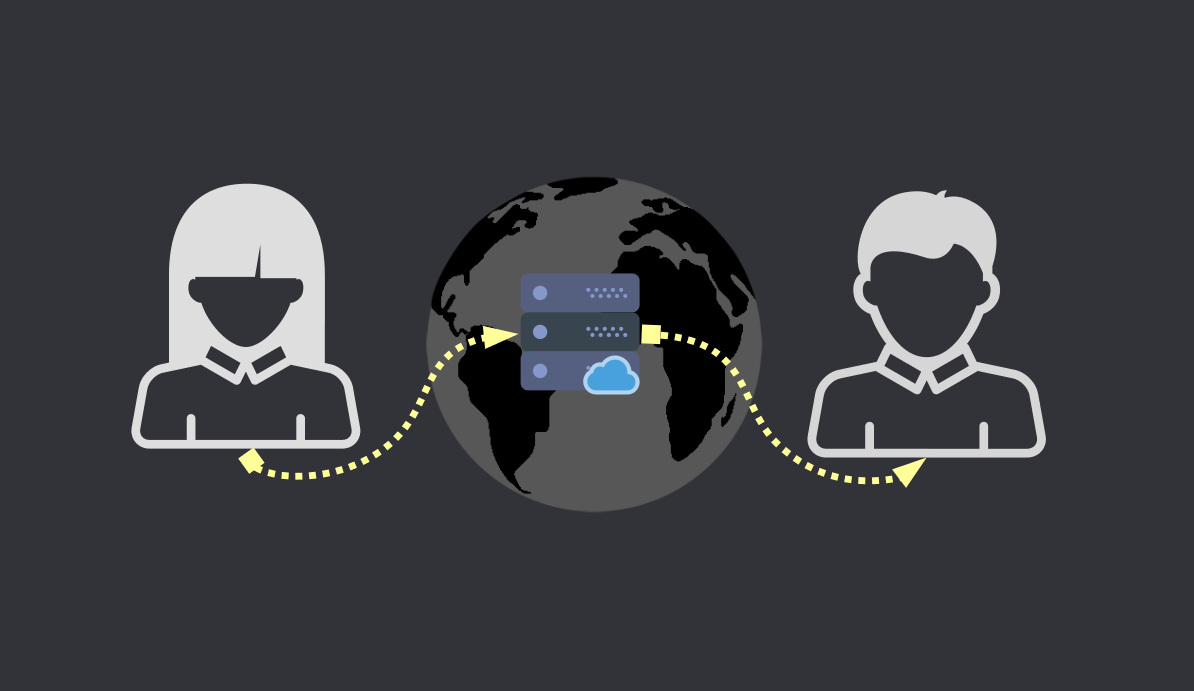
In essence there are two main ways one can share files online. First, the classic “upload to a server” style. And this server acts as storage system. It stores the files and the other persons can access them any time. The advantages of such a system is that the files are always available. The biggest downside is that centralizing file sharing comes with a huge responsibility and you never know who is behind these servers or what they do with your files. Also, most such services are limited in terms of storage space.
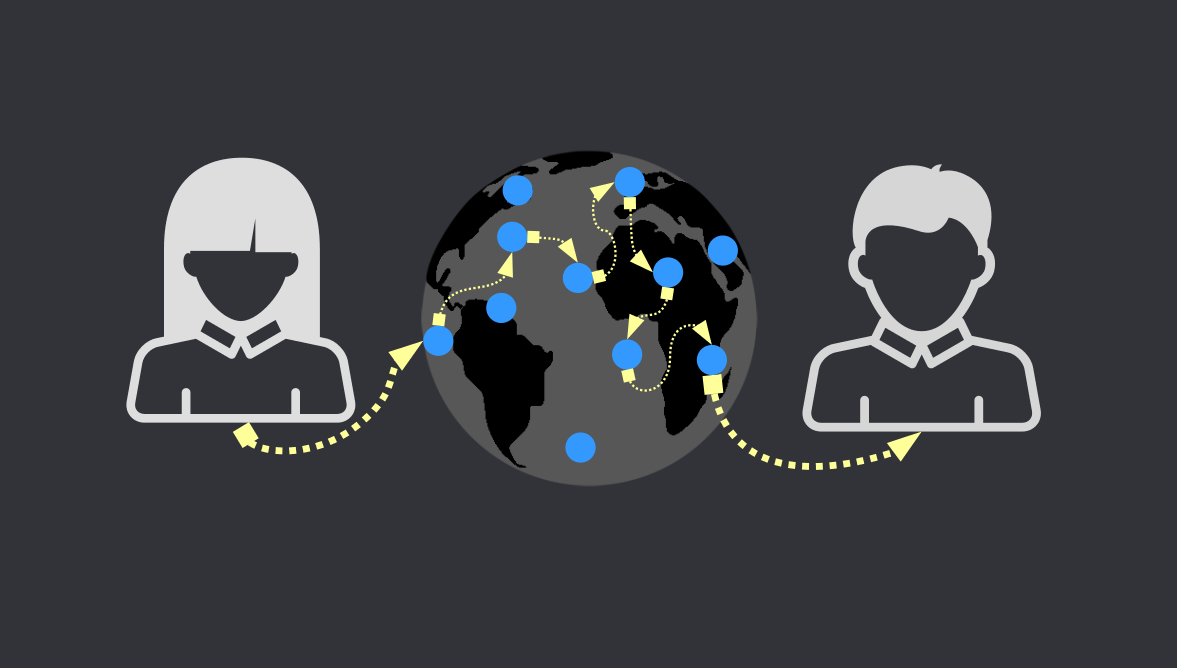
The second way is the “nodes” way. Multiple servers or people’s computers make the connection with each other, and when Ana shares something the nodes only connect her with Bubu, to then allow for a direct transfer of files between the two. The nodes should not be able to read/access any files that the two are sending.
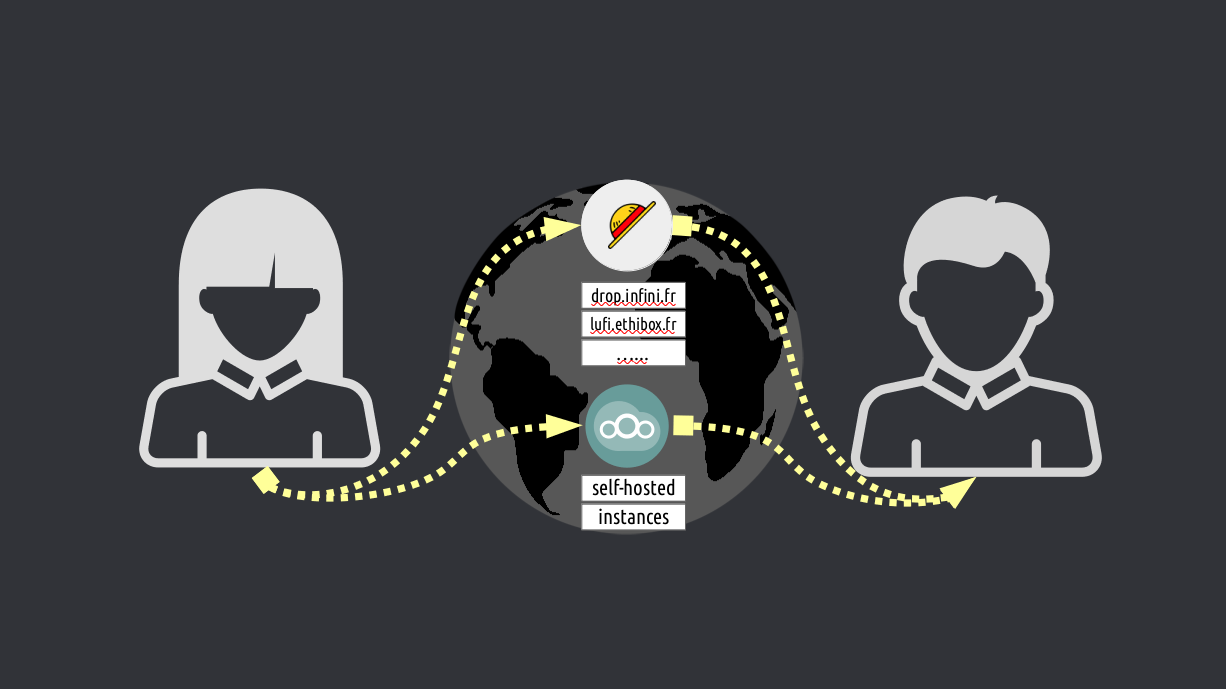
LEVEL 1: HONEST WETRANSFER
One simple solution is a sort of WeTransfer that is trade-free. Lufi is one such alternative. An open source piece of software that anyone can install on their own server and create a trade-free WeTransfer. Qui are some Lufi instances that simply let you upload files and then copy the URL and share it with anyone you want. No bullshit. No ads. No data mining. And encrypted, so that no such instance can read what you are uploading. A more complex but full-featured solution is NextCloud. This one allows for a great control over files (from versioning to backups or automated sync). However, unless Ana really knows how to install and run NextCloud on her own computer and transform her computer into a network, then Ana is at the mercy of other servers (like in the case of Lufi) that may provide a trade-free (and limited) NextCloud instances. This can be very rare to find since NextCloud is more than a simple file-sharing and hosting service, so it requires a lot of server power. Even the instances that provide a “free” NextCloud instance, often charge for more storage or “premium” features, so they are not really trade-free. In essence, yes, there are honest WeTransfer services that allow you to share files trade-free. But they are limited in terms of storage space.
LEVEL 2: DECENTRALIZED DROPBOX
The best way to share an unlimited amount of files is to directly transfer files from one to another. Nodes do just that, by finding a bridge between Ana and Bubu. So when Ana sends a file to Bubu, the nodes connect the two. The biggest downside is that both Ana and Bubu have to be online for the files to transfer. But since we are pretty much always connected to the internet these days, maybe this is not a huge disadvantage. Considering that no one can delete any of the files you are sharing, this method is by far the most convenient. Think of this method as an offline package delivery service (like the postal service). Ana sends a package to Bubu, and the postal office or the package delivery service is simply getting the package from Ana to Bubu without opening it. That’s how it should be done. Not like Google Driver or Dropbox are doing it, by opening the package and removing any content that they deem as “wrong”. The best part of this Level 2 file-sharing is that the package delivering service doesn’t even know the size of the packages many times, or who Ana or Bubu are.
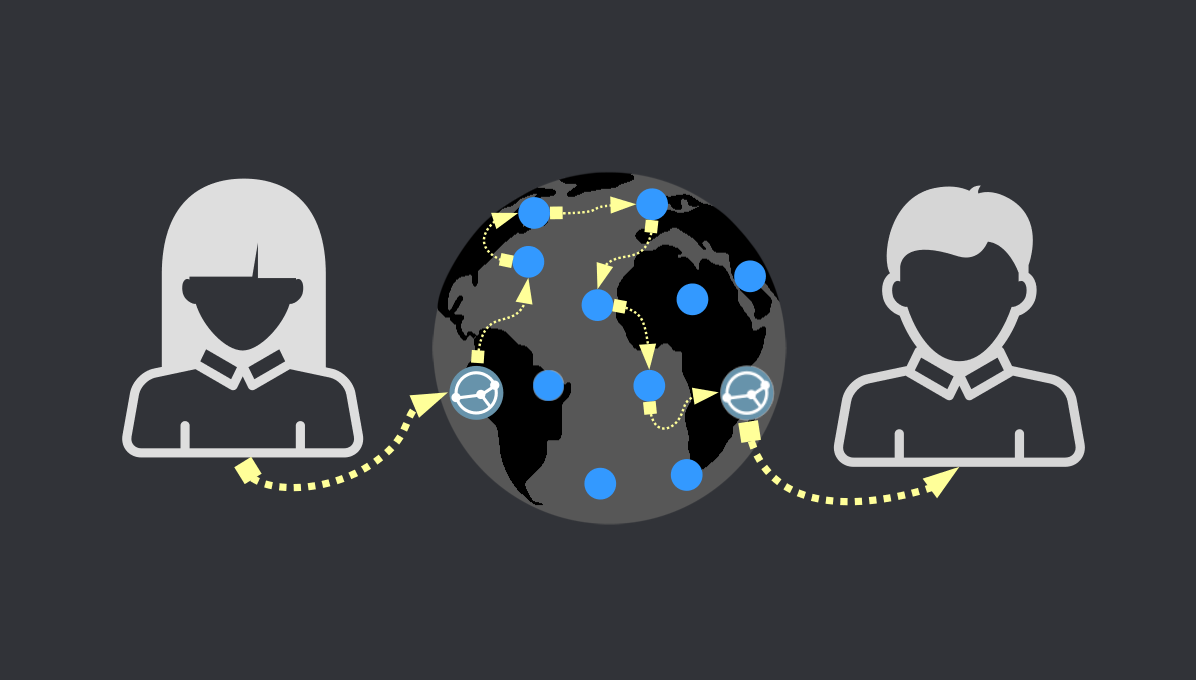
So, when it comes to file sharing the reliance on servers (centralized means) is going to be limited in terms of how many files you can share or what kinds of, even when we are talking about trade-free services. The best approach is to directly connect Ana and Bubu, not through one point, but multiple (as nodes). This way Ana can send as many nude photos and astronomy photos and videos to Bubu as she wants, and no one would be able to either sniff them or limit how many she can send.
Trade Free alternatives
Bellow we will recommend some trade-free apps for TROMjaro that allow Ana and Bubu to share files with each other. We will emphasize 4 core features for each of them:
EASE OF USE
PRIVATE
RELIABLE
DYNAMIC

Syncthing is perhaps the best file-sharing application. Very easy to use, since all you have to do is to share your ID with your friend, then you are connected. The next simple step is to add a folder to your sharing list, and then share this folder with your friend. Say you create a new folder on your computer and name it “Bubu”. Add it to Syncthing and share it with your friend. Whatever you add to the “Bubu” folder will automatically be shared with your friend and copied to his/her computer. As simple as that. On top of it Syncthing can keep versions of the files, so in case you delete or change any, it will keep a backup of that.
Syncthing comes pre-installed on TROMjaro because it is very easy to use, it is private (the connections to the nodes are encrypted), it is highly reliable and very dynamic since it automatically syncs all changes to any files. It can even be used for backups. The only downside of Syncthing is that it does not support “public shares” – like sharing a “link” or something with multiple people as public. People need to connect to you one by one, in order for you to share files with them. Thus, Syncthing is geared towards private file sharing.

Amule is an application that lets you access the ED2K network. It is geared towards file sharing, channels and chats, and more. So the “ease of use” is not that great if all you want is to share some files with your friends. You can however share files publicly with anyone on the ED2K network or with anyone that has a client for the network. It can be as easy as sharing a “link” with your friend and him/her opening it with Amule. The reliability is not that great and we do not know if the connection between the nodes (servers) is encrypted. But you can share as many files and folders as you want with Amule and on top of that it will keep an eye on the changes made to these folders and update them automatically (thus, it is dynamic).

Transmission is a BitTorrent client. One of the most reliable networks out there. In order to share files with Transmission you have to create a “torrent” file from a file or folder. So say you want to share a folder with Ana, you add the folder to Transmission and then you have to manually add “trackers” (nodes) to the list. If you are not familiar with this then you will find it very difficult as this is the main thing that you have to do in order for your folder to be “discovered” by Ana. If you manage to do this, it is very easy to share the folder either via a link (magnet) or via a file (torrent), both act as a tunnel between you two. Ana can very easily copy the link you give to her, to Transmission and the download will start.
Transmission, like all BitTorrent clients, is not dynamic. If you share a folder then that’s all you share. Any changes to the folder won’t be pushed to Ana. You will have to repeat the process with every change. Transmission is geared towards one-time-share. If you want to publicly share a non-dynamic folder with the world, BitTorrent is the best way to do it, and Transmission is a very easy to use client if you understand what trackers are and how to add them.

WebTorrent è un altro client BitTorrent, ma questo è forse il più semplice da usare tra tutti. Ancora una volta, non supporta le cartelle dinamiche e non sappiamo se le connessioni ai nodi sono crittografate, ma condividere una cartella/file è facile come fare clic su “Condividi cartella” o “Condividi file”. WebTorrent aggiunge autonomamente i tracker BitTorrent, quindi tutto ciò che devi fare è condividere il collegamento magnetico o il file torrent con i tuoi amici.

Il Rete DAT è una rete nuova e molto interessante. Consente alle persone di connettersi con gli altri in modo decentralizzato. Poiché è ancora nuovo, non è molto affidabile e non sempre le connessioni vengono stabilite. Ma quando funziona, il desktop DAT rende estremamente semplice la condivisione e la ricezione di file, poiché questo è l'unico scopo di questa app. Crittografa le connessioni tra peer e supporta cartelle dinamiche.
Quindi, scegli una cartella da condividere con Ana e poi inviale l'URL DAT univoco in modo che possa riceverlo con DAT Desktop. E qualsiasi modifica apportata a quella cartella verrà automaticamente inviata al computer di Ana. Così facile!

BiglyBT è un altro client BitTorrent, ma è più complicato da usare. Tuttavia offre più opzioni. Nessuna cartella dinamica, ma sicura e affidabile. Se Ana vuole utilizzare BiglyBT per condividere file in modo più complesso (con regole specifiche e simili), allora BiglyBT può essere un buon strumento per questo. Altrimenti, Ana farebbe meglio a condividere file utilizzando altre app.

RetroShare è molto più di un'applicazione di condivisione file. In realtà non è pensato per quello, è pensato per la posta elettronica, le chat, i forum e anche per la condivisione di file. Quindi, per l'utente medio potrebbe essere un po' difficile navigare se l'unica cosa di cui ha bisogno è condividere file. Supporta tuttavia le cartelle dinamiche, il che è un grande vantaggio quando desideri condividere file che potresti modificare o aggiungere/rimuovere file dopo aver condiviso una cartella.
RetroShare non è così affidabile nello stabilire connessioni tra peer, quindi tienilo presente. La parte fantastica di RetroShare è che non si basa su nessuna rete conosciuta. È una cosa propria ed è adeguatamente decentralizzata.

Beaker utilizza la rete DAT e, analogamente all'app DAT Desktop, fornisce tutte le funzionalità come cartelle dinamiche e crittografia. Non è facile da usare come DAT Desktop perché Beaker è più di un'app per la condivisione di file, quindi potrebbe essere necessario un po' di tempo per capire come usarla. Tuttavia, una cosa interessante di Beaker è che puoi visualizzare in anteprima i file direttamente in Beaker, senza scaricarli. Quindi supponiamo che tu condivida 30 video con Bubu. Invia a Bubu l'URL di Beaker (DAT) e Bubu potrà semplicemente aprirlo in Beaker e riprodurre qualsiasi video desideri senza scaricarlo. Beaker consente la combinazione perfetta di condividere qualcosa in privato o pubblicamente e di accedere facilmente a entrambi.
Immagina di avere 5.000 foto che desideri condividere con il mondo. Devi semplicemente indirizzare Beaker alla cartella in cui sono archiviate le foto e quindi condividere l'URL DAT con il mondo. Chiunque abbia il collegamento può visualizzare le tue foto con Beaker senza scaricarle sui propri computer. E, se aggiungi o rimuovi foto, non devi fare nulla, lo stesso URL funzionerà per visualizzare le nuove modifiche. Naturalmente vale la pena ricordare ancora una volta che la rete DAT non è affidabile al 100% quindi a volte non è possibile stabilire la connessione tra gli utenti.

OnionShare utilizza il noto Rete TOR per la condivisione di file, il che è dannatamente bello. La condivisione di file è quindi estremamente privata e abbastanza affidabile. Per usarlo è semplice come condividere o scaricare un file/cartella. Scegli una cartella, quindi attendi che venga "scansionata", il che può richiedere molto tempo se in quella cartella sono presenti molti file, e una volta terminato puoi condividere il collegamento generato con chiunque utilizzi il browser TOR. Similmente all'app Beaker, i file possono essere visualizzati in anteprima nel browser senza essere scaricati.
Ma non supporta le cartelle dinamiche e Bubu deve installare anche il file Browser TOR per ottenere i file di Ana. Inoltre, la velocità di download potrebbe essere molto lenta sulla rete TOR. Ma ehi, è ancora un altro modo senza scambio per condividere quantità illimitate di file con chiunque!
Questo articolo verrà aggiornato di volta in volta per aggiungere nuove app all'elenco.
APP SIMILI:
nessuna app correlata.