
Udi abuo

W.A.I.T.
(Gịnị ka m na-azụ ahịa?)
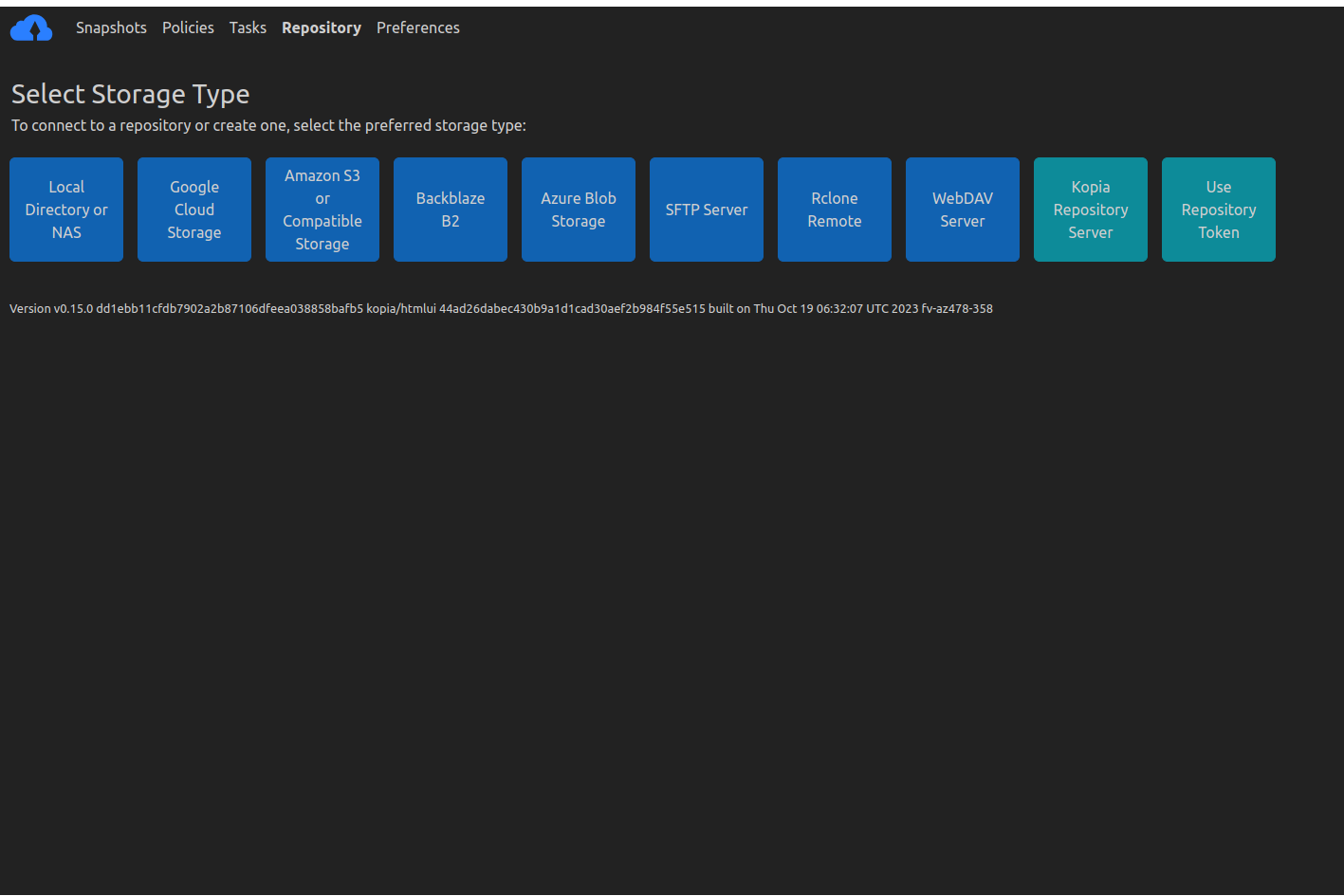
Ngwa a na-enye gị ohere ijikọ na ọrụ dabere na ahia, dị ka igwe ojii Amazon. Ya mere mara nke ahụ. Ọ bụ nhọrọ n'ezie mana ha ekwesịghị ịkwalite nyiwe nnabata dabere na azụmaahịa.
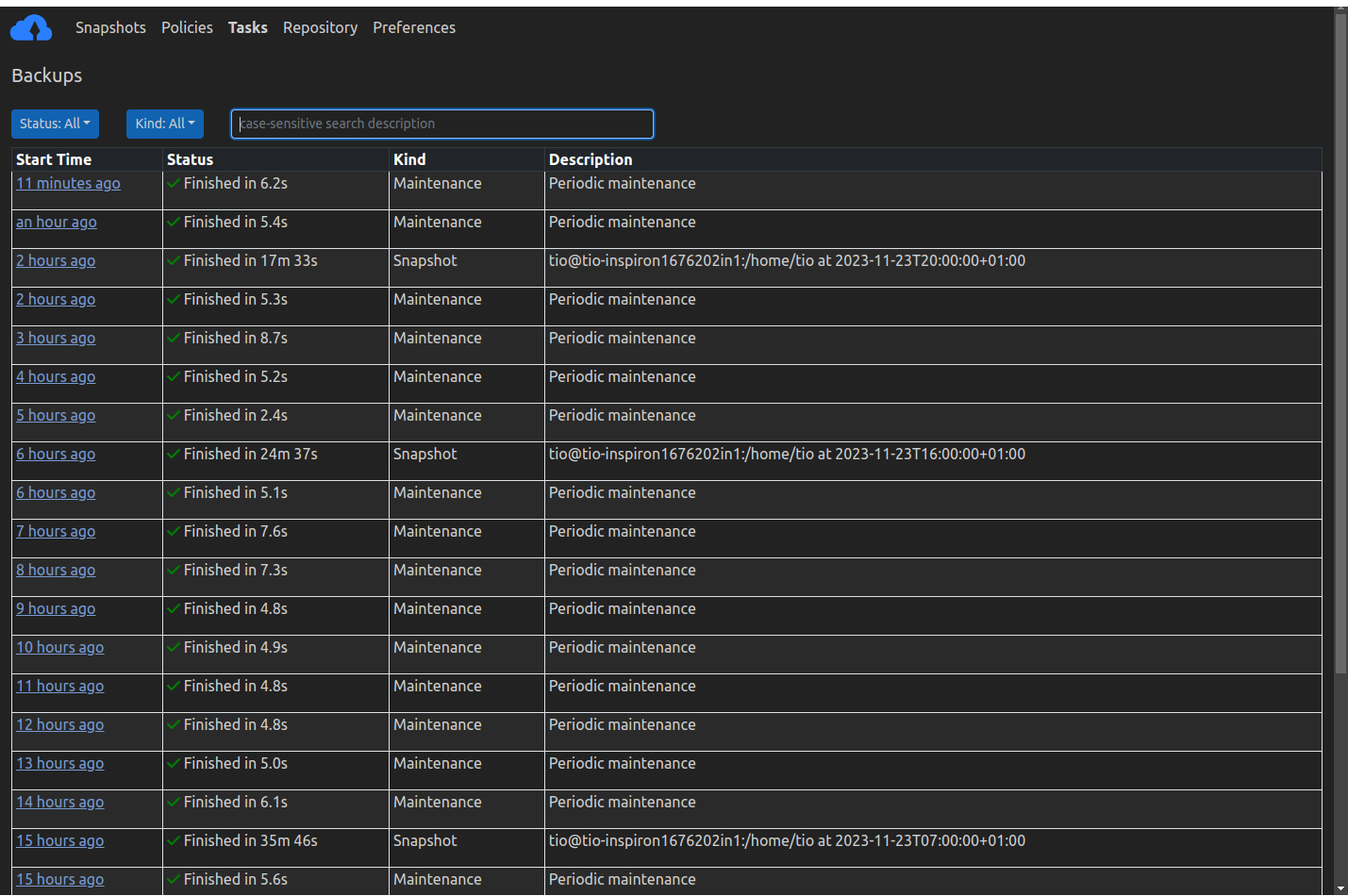
NKỌWA:
Ndabere faịlụ na akwụkwọ ndekọ aha iji Snapshots:
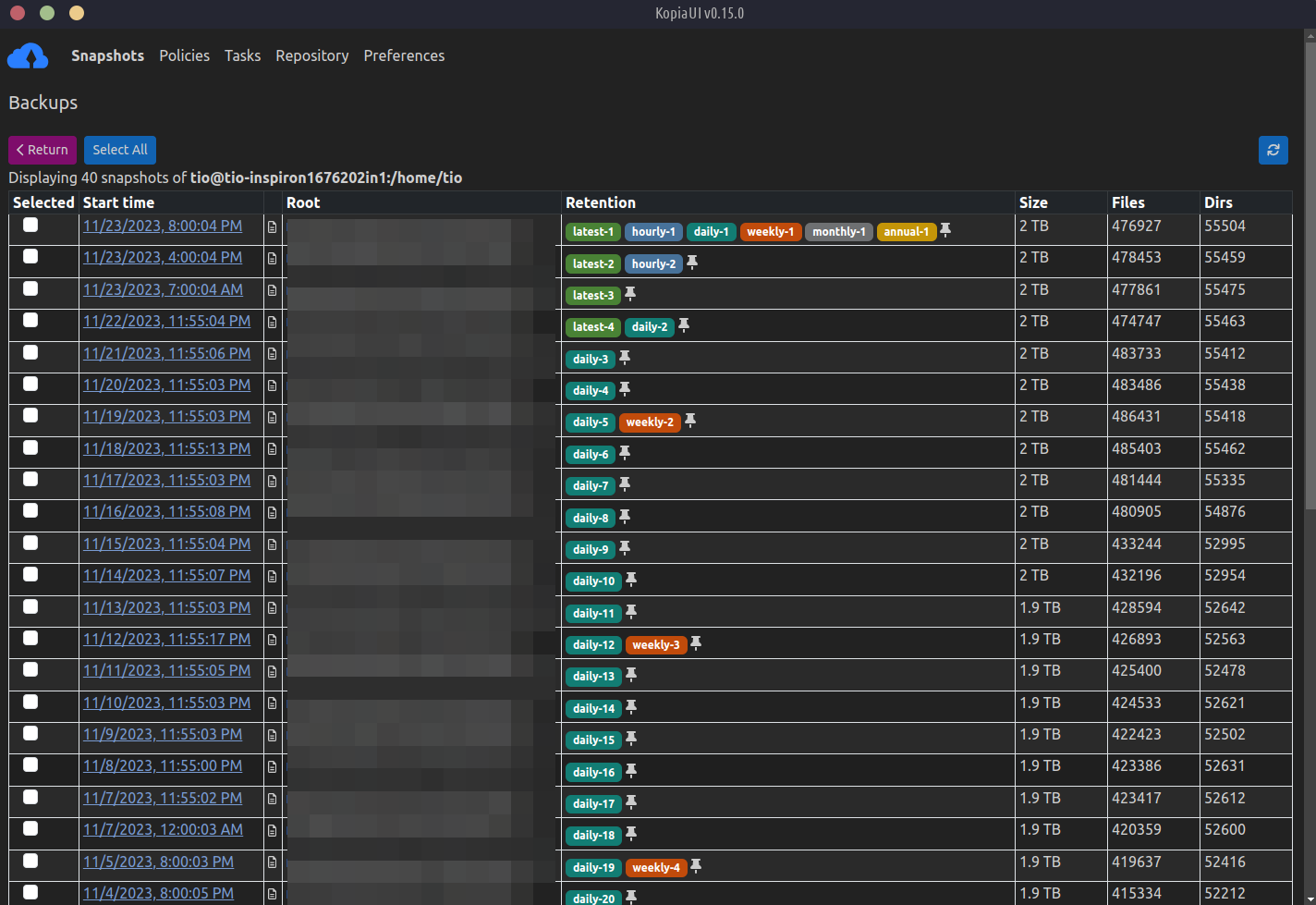
Kopia na-emepụta foto nke faịlụ na akwụkwọ ndekọ aha ị họpụtara, mgbe ahụ ezoro ezo snapshots ndị a tupu ha ahapụ kọmputa gị, wee bulite snapshots ndị a ezoro ezo na igwe ojii / netwọk / nchekwa mpaghara a na-akpọ ebe nchekwa. A na-edobe foto onyonyo dị ka ihe ndekọ akụkọ ihe mere eme n'oge dabere na atumatu nke ị kọwara.
Kopia na-eji nchekwa ọdịnaya-okwu for snapshots, which has many benefits:
Each snapshot is always incremental. This means that all data is uploaded once to the repository based on
file content, and a file is only re-uploaded to the repository if the file is modified. Kopia uses file splitting based on rolling hash, which allows efficient handling of changes to very large files: any file that gets modified is efficiently snapshotted by only uploading the changed parts and not the entire file.Multiple copies of the same file will be stored once. This is known as deduplication and saves you a lot of storage space (i.e., saves you money).
After moving or renaming even large files, Kopia can recognize that they have the same content and won’t need to upload them again.
Ọtụtụ ndị ọrụ ma ọ bụ kọmpụta nwere ike ịkekọrịta otu ebe nchekwa: ọ bụrụ na ndị ọrụ dị iche iche nwere otu faịlụ, a na-ebugo faịlụ ndị ahụ naanị otu ugboro ka Kopia wepụrụ ọdịnaya n'ofe ebe nchekwa ahụ dum.
Atumatu Jikwaa Kedu yana otu esi echekwa faịlụ/akwụkwọ ndekọ aha n'ime foto foto
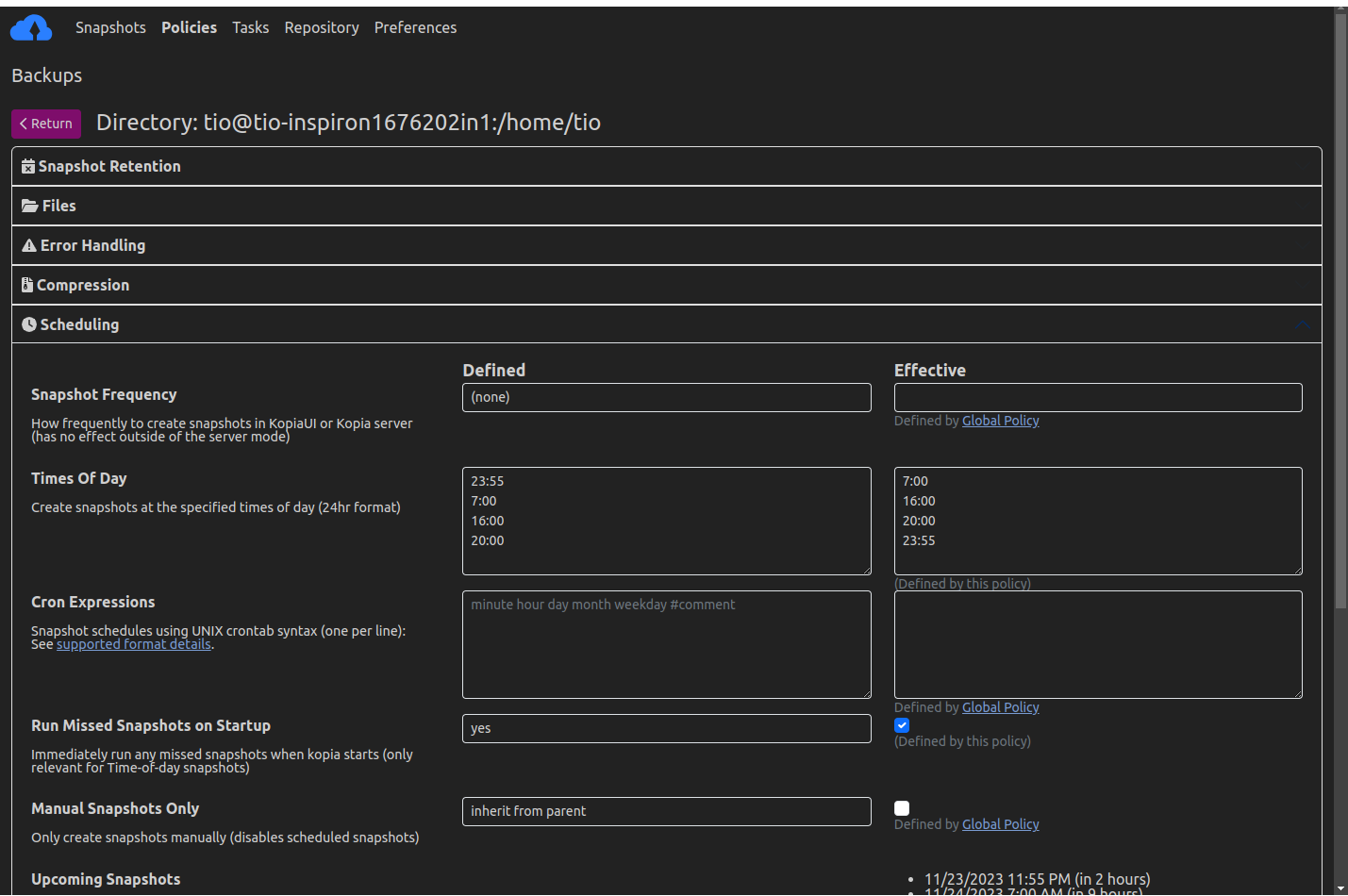
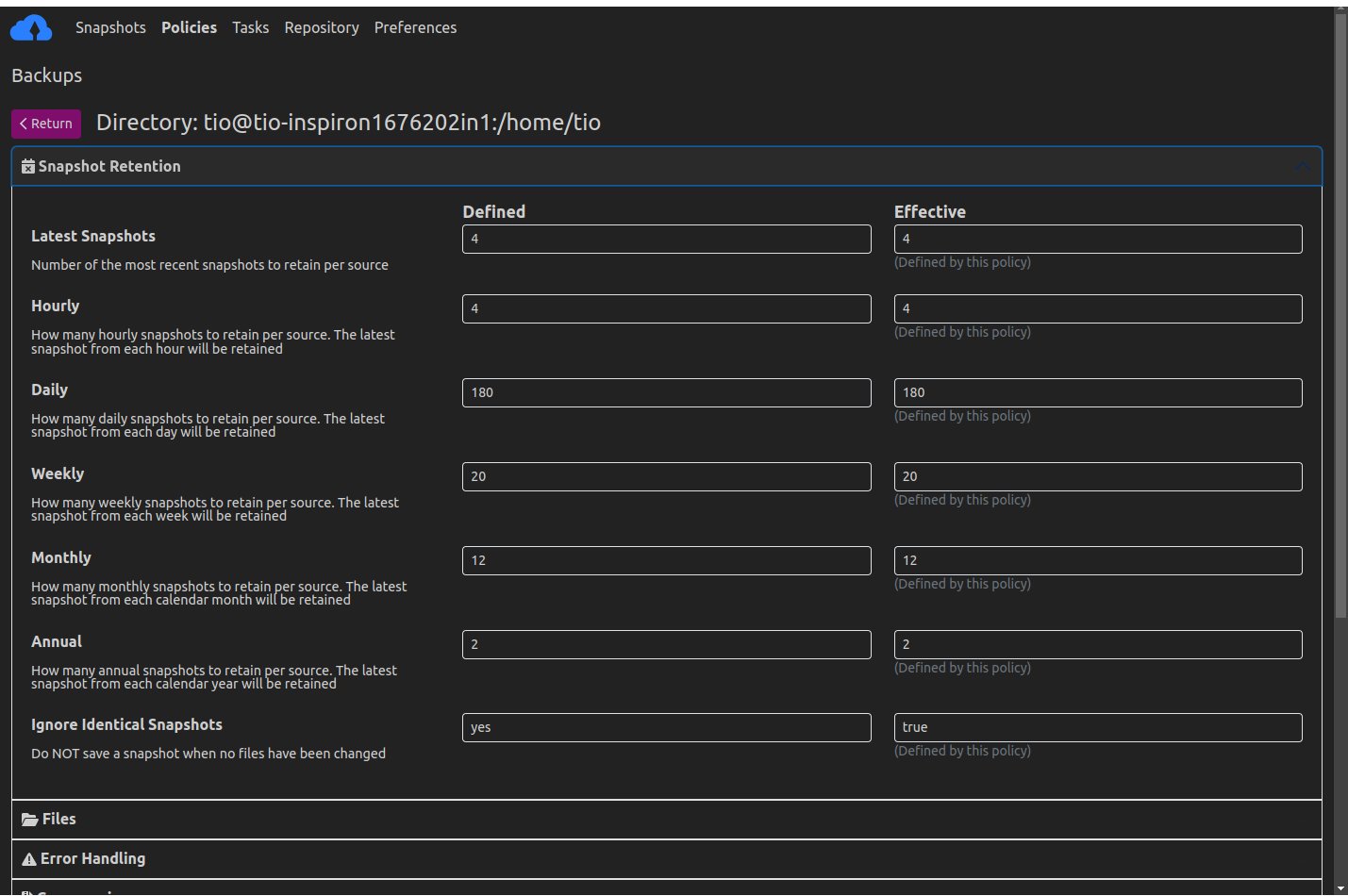
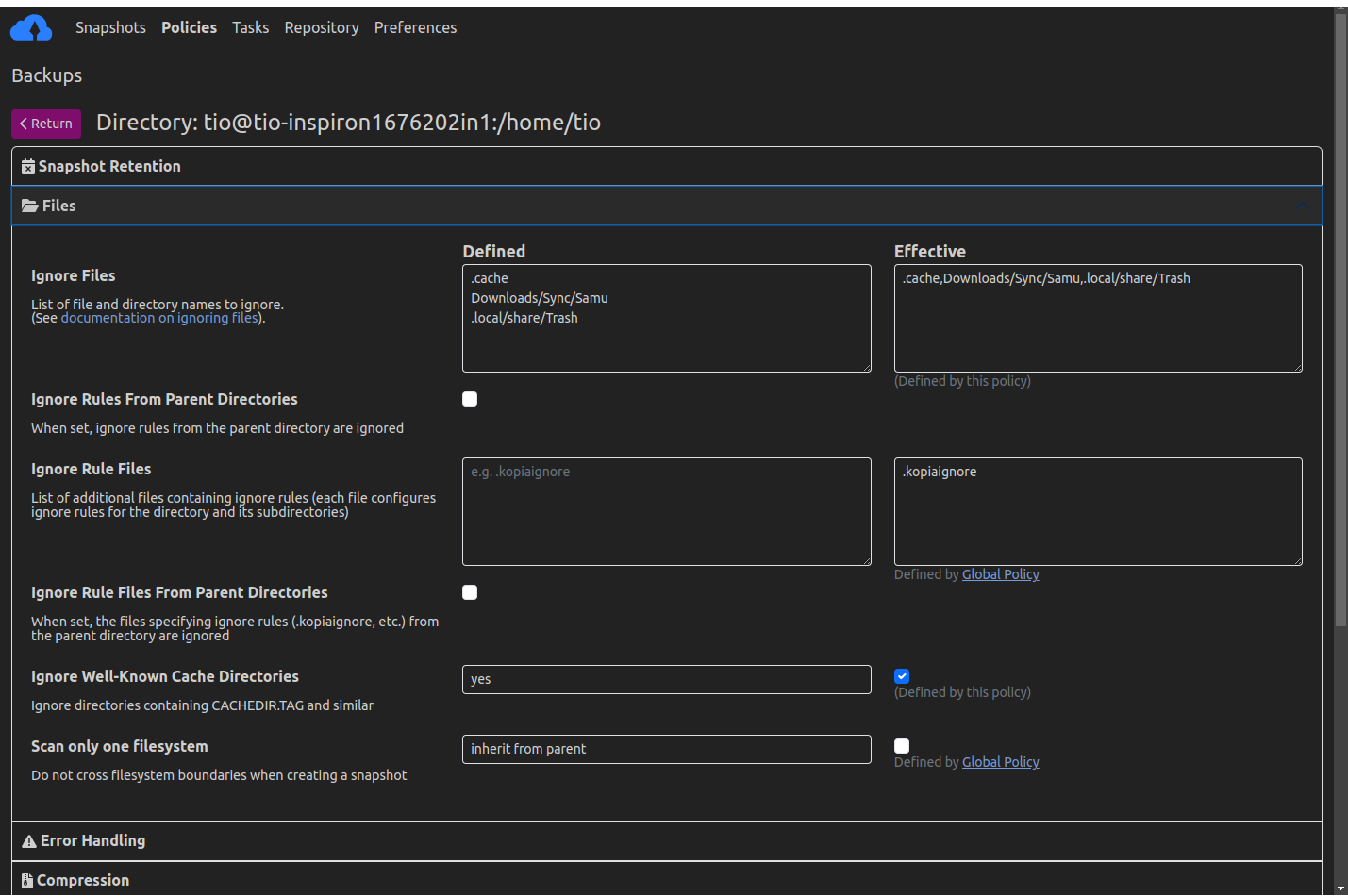
Kopia na-enye gị ohere ịmepụta ọnụọgụ iwu na-akparaghị ókè maka ebe nchekwa ọ bụla. Atumatu na-enye gị ohere ịkọwapụta faịlụ/akwụkwọ ndekọ aha iji kwado ndabere na foto foto yana atụmatụ ndị ọzọ nke foto, gụnyere mana ọnweghị oke na:
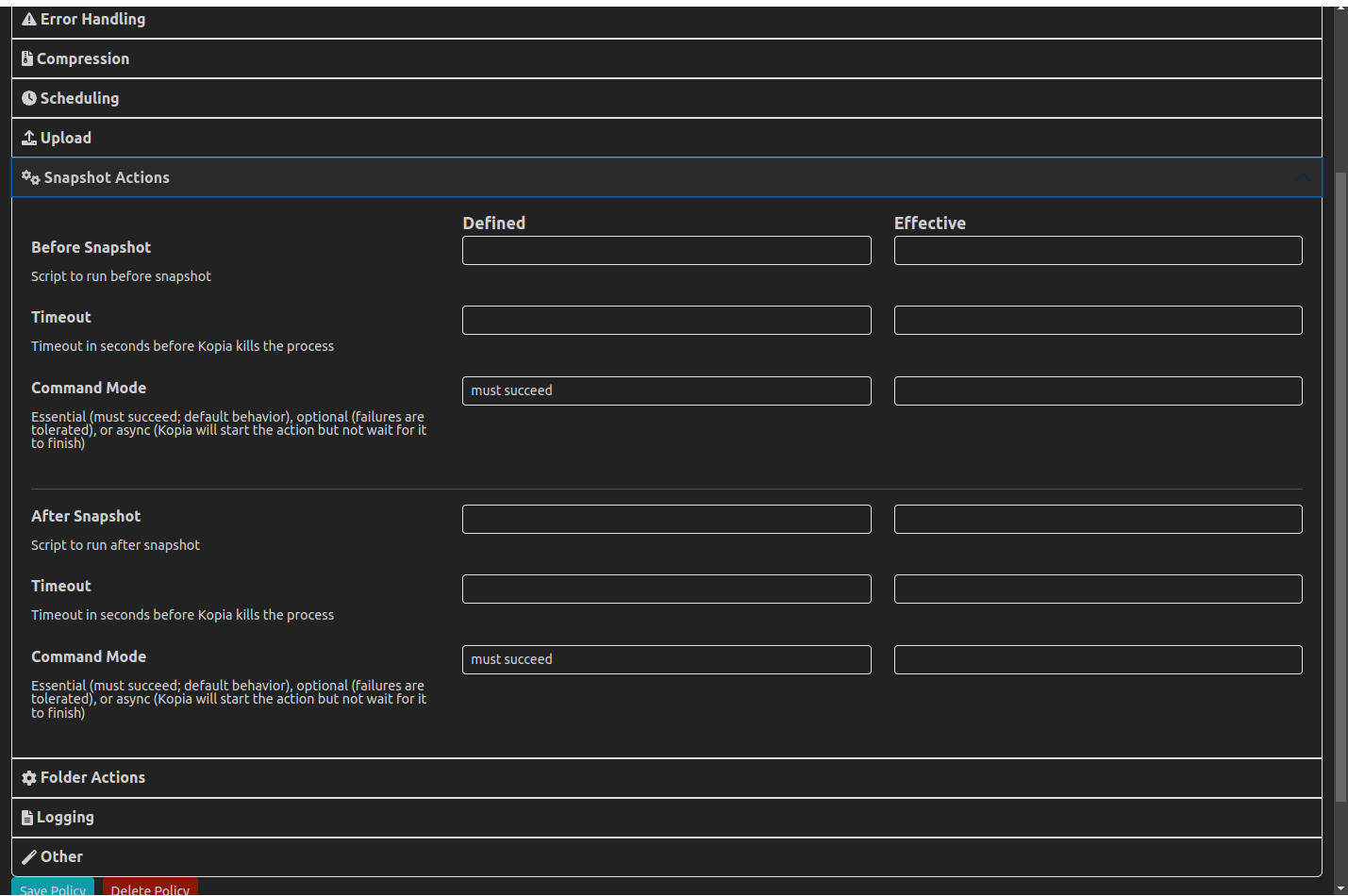
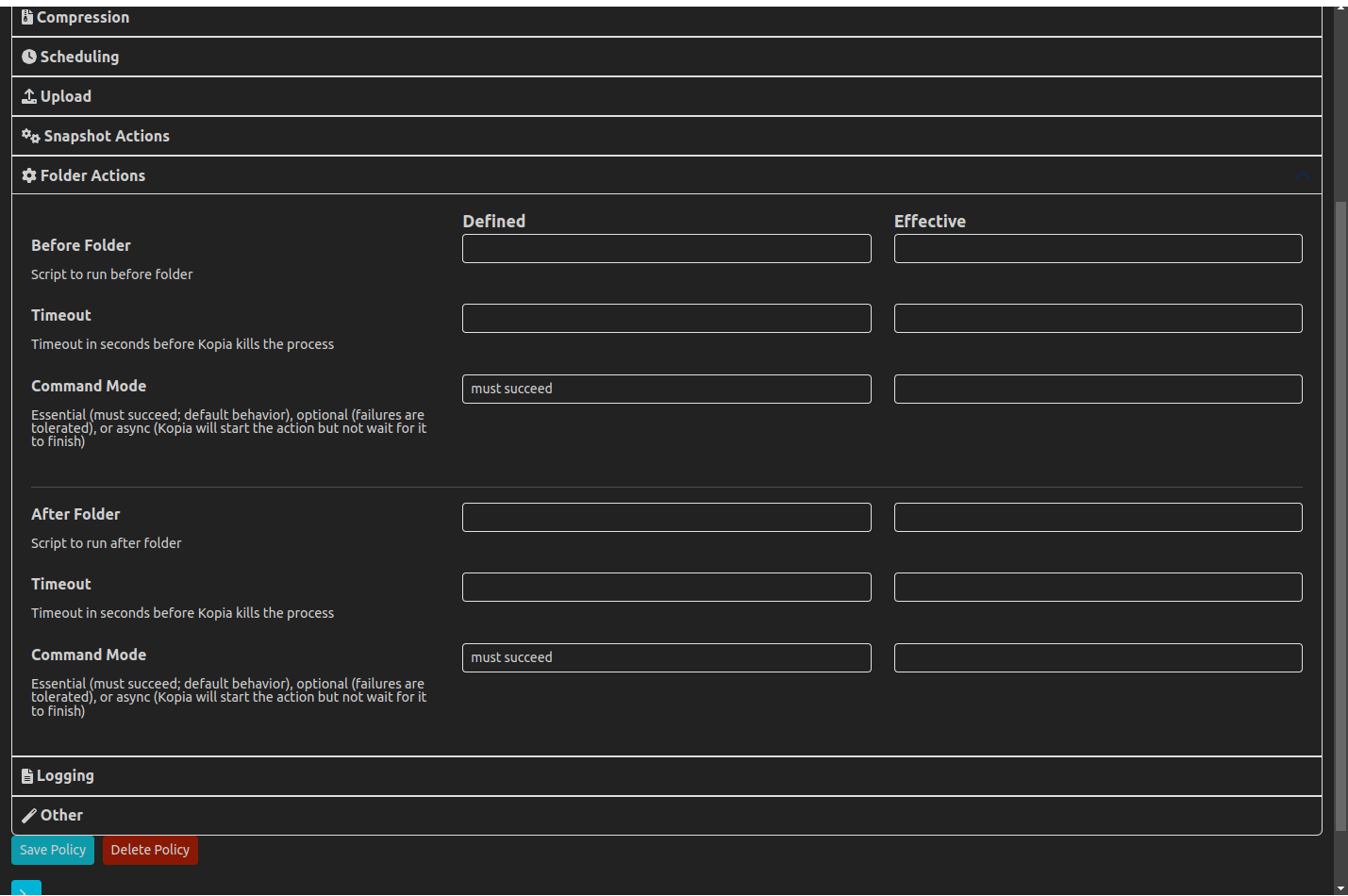
- ugboro ole/mgbe Kopia ga-emepụta snapshots nke data gị na-akpaghị aka
- ka ewepụrụ ụfọdụ faịlụ/akwụkwọ ndekọ aha si snapshots
- Ogologo oge ole ka ị ga-ejigide foto tupu emebie ya wee wepụ ya na ebe nchekwa
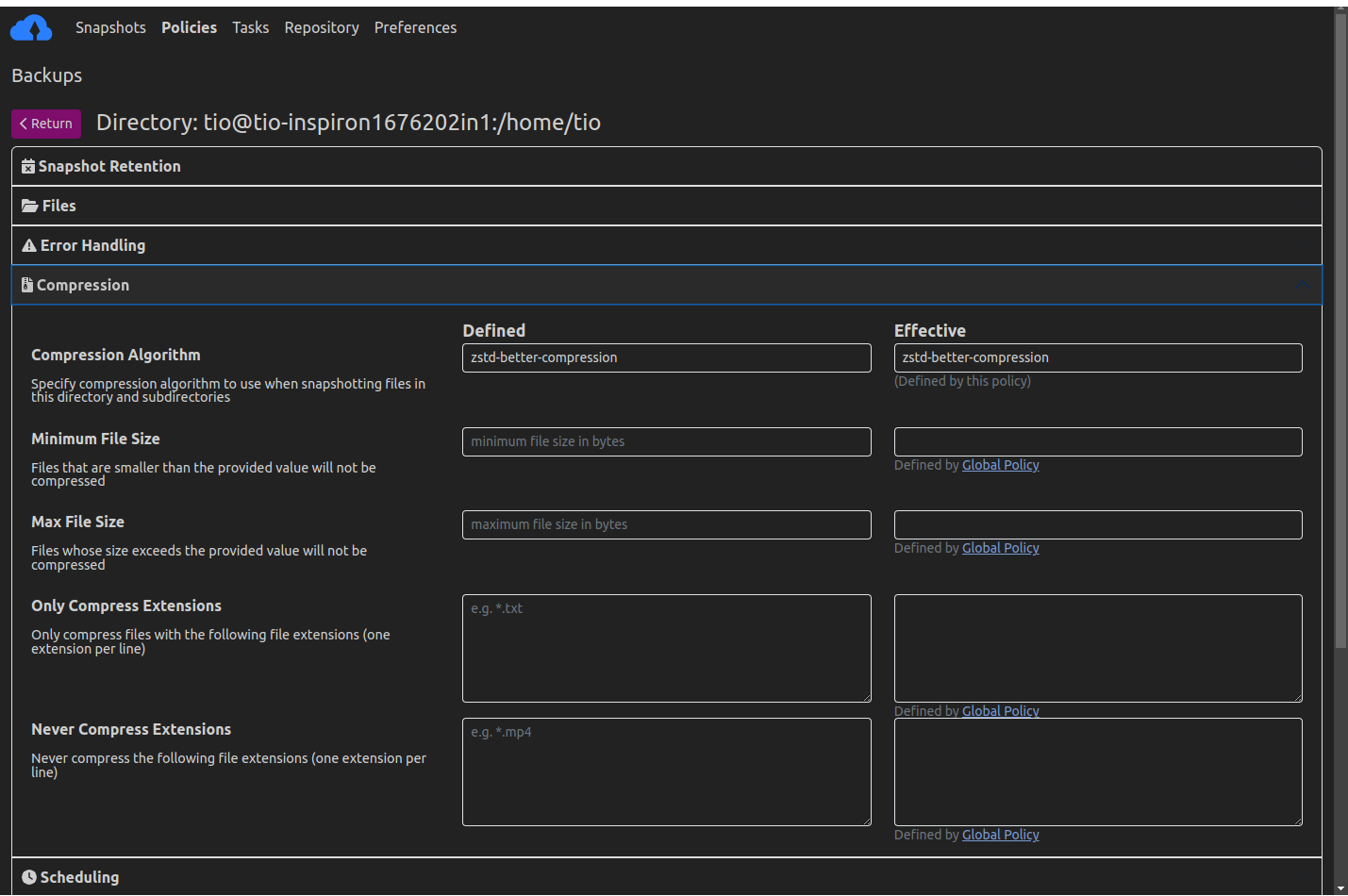
- ma na otu esi mpikota onu faịlụ/akwụkwọ ndekọ aha a na-akwado
Save Snapshots to Cloud, Network, or Local Storage
Kopia performs all its operations locally on your machine, meaning that you you can save your snapshots to a variety of storage locations. Kopia supports network and local storage locations, of course, but also many cloud or remote storage locations:
- Amazon S3 and any cloud storage that is compatible with S3
- Azure Blob Storage
- Backblaze B2
- Google Cloud Storage
- Any remote server or cloud storage that supports WebDAV
- Any remote server or cloud storage that supports SFTP
- Some of the cloud storages supported by Rclone
- Requires you to download and setup Rclone in addition to Kopia, but after that Kopia manages/runs Rclone for you
- Rclone support is experimental: not all the cloud storages supported
by Rclone have been tested to work with Kopia, and some may not work
na Kopia; A nwalela Kopia ka ya na ya na-arụkọ ọrụ Dropbox, OneDrive, na Google mbanye site na Rclone
- Ihe nkesa nke gị site na ịtọlite a Ihe nkesa nke Kopia
Gụọ ya ibe enyemaka ebe nchekwa maka ozi ndị ọzọ gbasara ebe nchekwa akwadoro.
With Kopia you’re in full control of where to store your snapshots; you pick the cloud storage you want to use. Kopia plays no role in selecting your storage locations. You must provision and pay (the storage provider) for whatever storage locations you want to use, and then tell Kopia what those storage locations are. The advantage of decoupling the software (i.e., Kopia) from storage is that you can use whatever storage locations you desire -– it makes no difference to Kopia what storage you use. You can even use multiple storage locations if you want to, and Kopia also supports backing up multiple machines to the same storage location.
Restore Snapshots Using Multiple Methods
To restore data, Kopia gives you three options:
bulite ọdịnaya nke onyonyo onyonyo dị ka diski mpaghara ka ị nwee ike chọgharịa wee detuo faịlụ/akwụkwọ ndekọ aha site na foto onyonyo dị ka a ga-asị na foto ahụ bụ ndekọ ndekọ mpaghara na igwe gị.
weghachite faịlụ/akwụkwọ ndekọ aha niile dị na foto ọ bụla na mpaghara ma ọ bụ netwọkụ ọ bụla ị họpụtara
họrọ weghachi faịlụ n'otu n'otu site na foto foto
Nkwụsị-na-ọgwụgwụ 'Ihe ọmụma efu'
Ezochiri data niile tupu ọ pụọ na igwe gị. Ezoro ezoro ezo. Kopia na-enye gị ohere ịhọrọ site na algọridim nzuzo abụọ nke ọgbara ọhụrụ, AES-256 na ChaCha20.
Kopia na-ezochi ma ọdịnaya yana aha faịlụ/akwụkwọ ndekọ aha gị akwadoro.
The data is encrypted using per-content keys which are derived from the 256-bit master key that is stored in the repository. The master key is encrypted with a password you provide. This means that anyone that does not know the password cannot access your backed up files and will
amaghị ihe faịlụ/akwụkwọ ndekọ aha dị na snapshots echekwara na ebe nchekwa. Nke dị mkpa, a naghị eziga paswọọdụ ị nyere na nkesa ọ bụla ma ọ bụ ebe ọ bụla na-abụghị akụrụngwa gị, naanị gị maara paswọọdụ gị. N'ikwu ya n'ụzọ ọzọ, Kopia na-enye nkwado ndabere na mpaghara nzuzo 'ihe ọmụma efu' njedebe ruo ọgwụgwụ. Agbanyeghị, nke a pụtakwara na ị nweghị ike iweghachi faịlụ gị ma ọ bụrụ na ị chefuo paswọọdụ gị: ọ nweghị ụzọ ị ga-esi nwetaghachi paswọọdụ echefuru n'ihi na naanị gị maara ya. (Ma ị nwere ike gbanwee paswọọdụ gị ọ bụrụ na ị ka jikọọ na ebe nchekwa na-echekwa foto gị.)