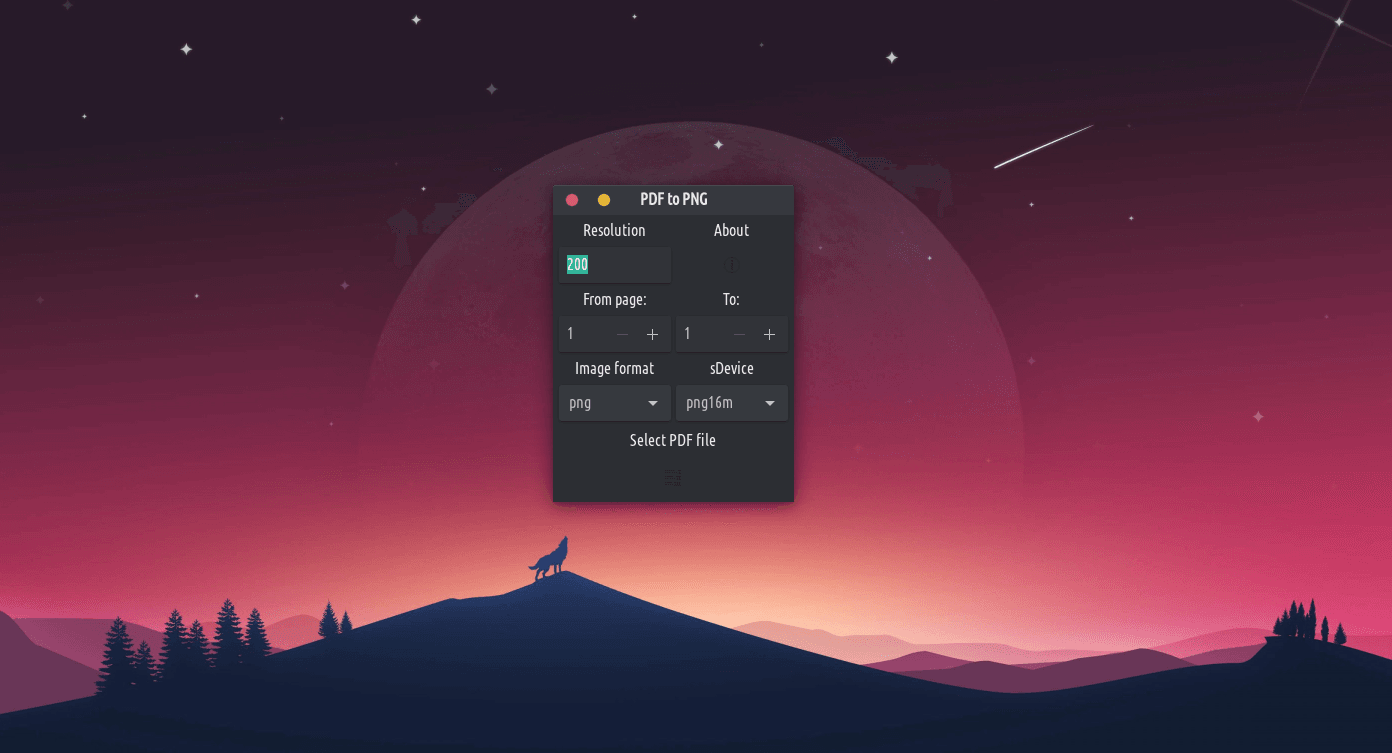
Hoʻololi ʻo pdf2png i nā faila PDF i nā ʻano kiʻi like ʻole me kahi kiʻi kiʻi maʻalahi e pili ana i ka python, me ka hoʻohana ʻana i ka ghostscript. It supports up to 4 different image extensions like PNG, JPEG, BMP and TIFF. Increasing or decreasing the resolution will change the image quality.
Once given correct numbers for the From page and To page, click on Select PDF file to open a dialog window to browse and select the wanted PDF book, and click on Convert to convert the selected pages. E hoʻololi ia i ka pdf a hoʻopuka i ke kiʻi (s) ma ka papa kuhikuhi like kahi e noho ai ka pdf.