
વ્યક્તિગત
W.A.I.T.
(હું શું વેપાર કરું છું?)
Since Ferdi is about managing multiple chat messengers, and many of these collect user's data or want their attention (ads), then Ferdi indirectly promotes trades. However, one can use Ferdi without logging into these data and attention grabbing messengers, but using those that are trade-free, such as Mastodon or NextCloud Talk.
વર્ણન:
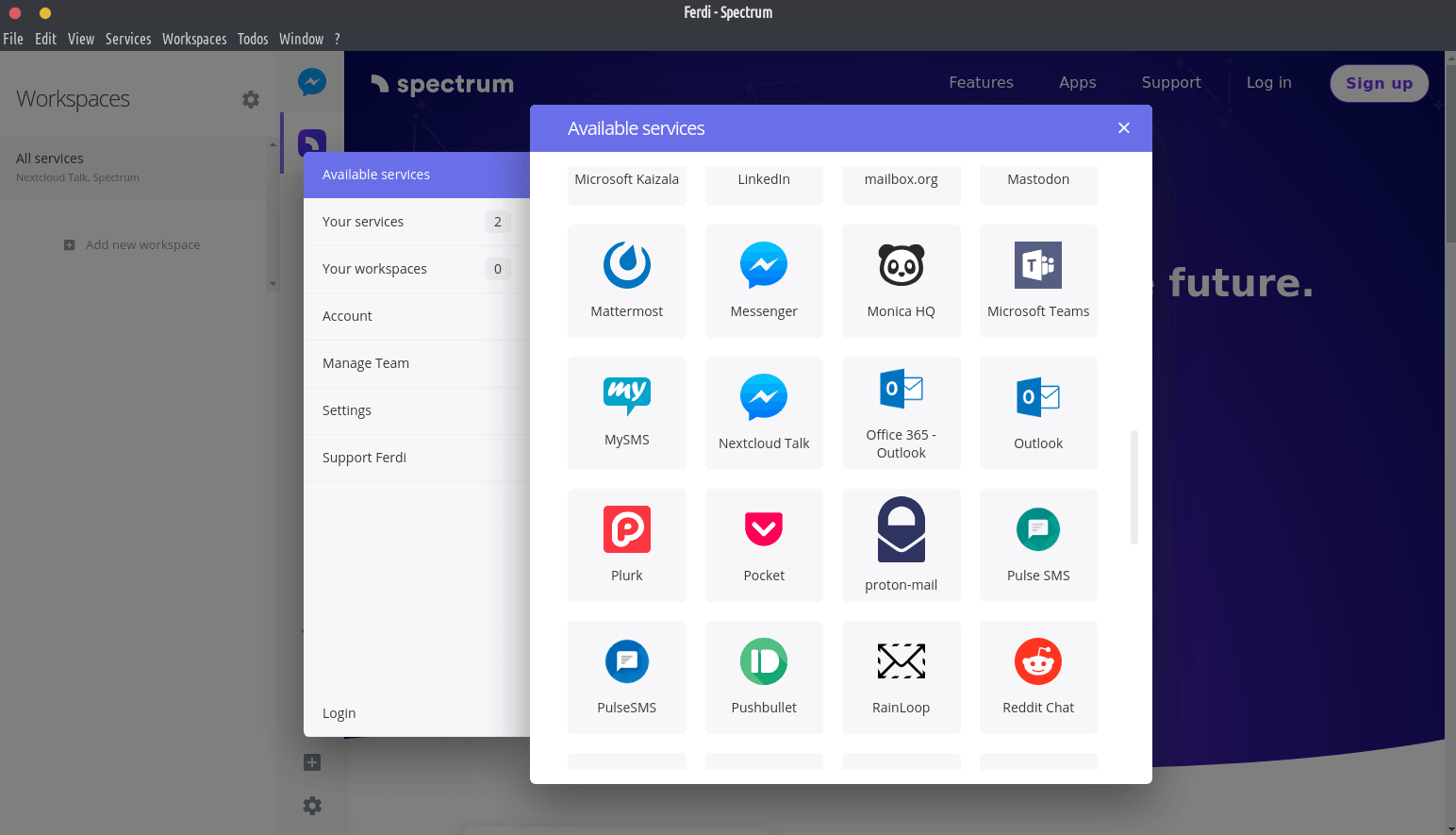
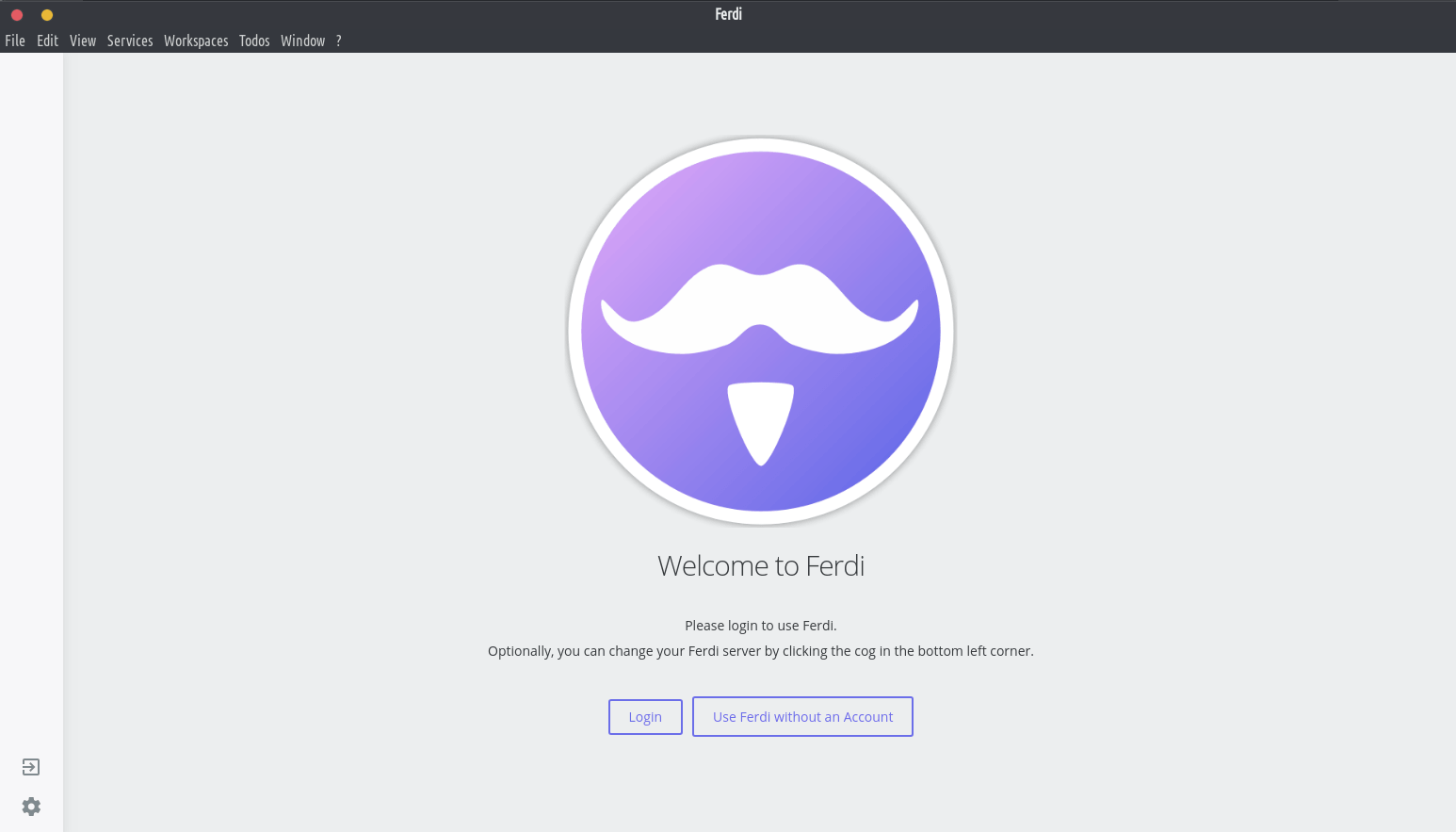
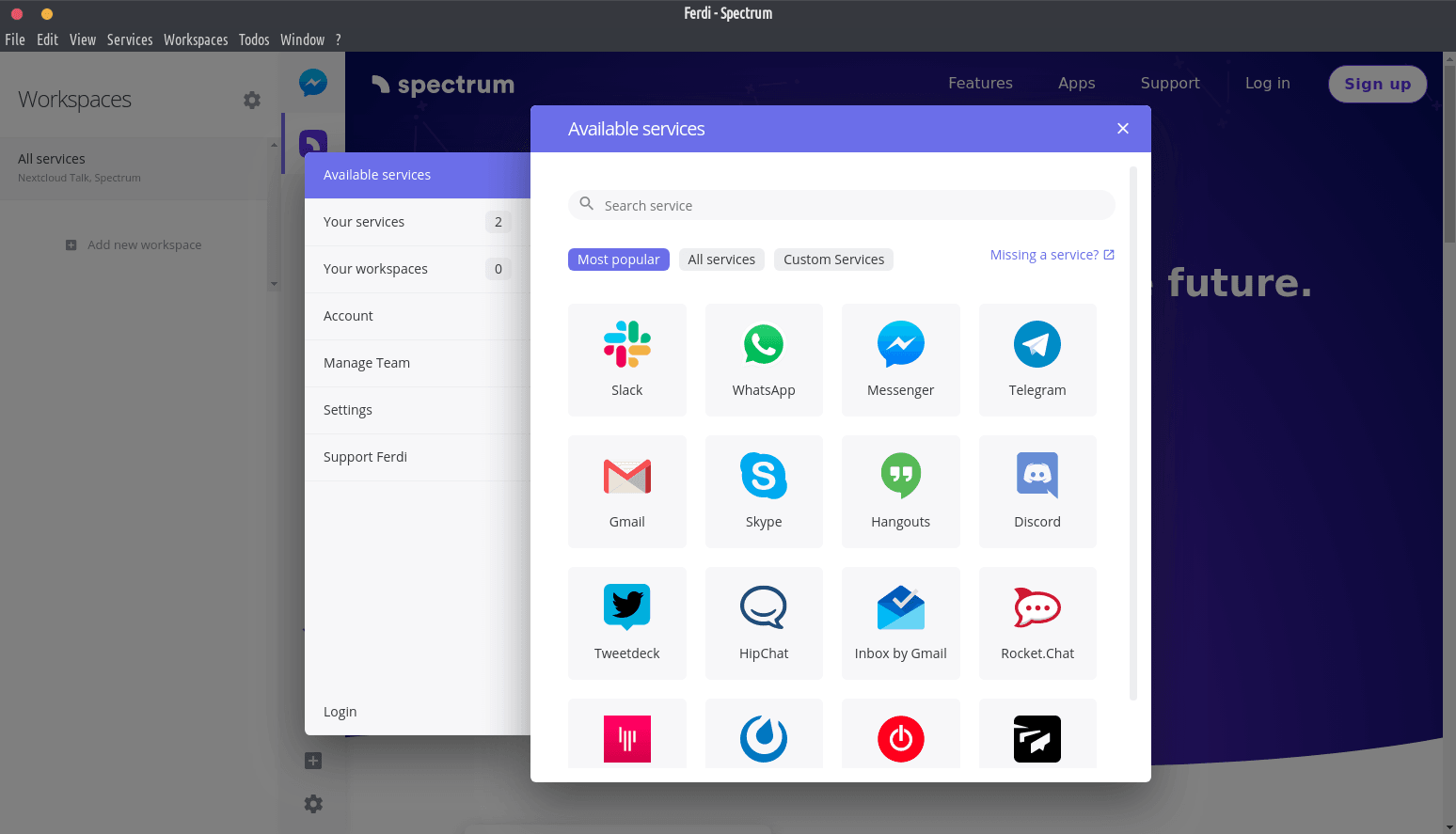
Ferdi is a messaging browser that allows you to combine your favorite messaging services into one application.
વિશેષતા:
- All your messaging services in one place. One Slack application, one WhatsApp application, keeping your Webmailer open in the browser? Ferdi brings all your messaging services into one app.
- Based on one of the most popular messaging browsers. Ferdi is based on Franz – a messaging browser already used by thousands of people. Due to this, Ferdi is compatible with all Franz recipes and your existing Franz account.
- No restrictions. Ferdi doesn’t restrict its usage. Use every service you want, as many times as you want and how you want.
- Password Lock. Protect your messages by using Password Lock. Password Lock allows you to lock your messages using a password.
- No login required. With Ferdi you can choose between logging in to your Ferdi account to sync your services between devices or using Ferdi without an account so your data doesn’t get send to external servers.
- Custom Servers. Don’t want to trust third-parties to store your information? With Ferdi, you can set up your own Server – minimal hardware and knowledge required.
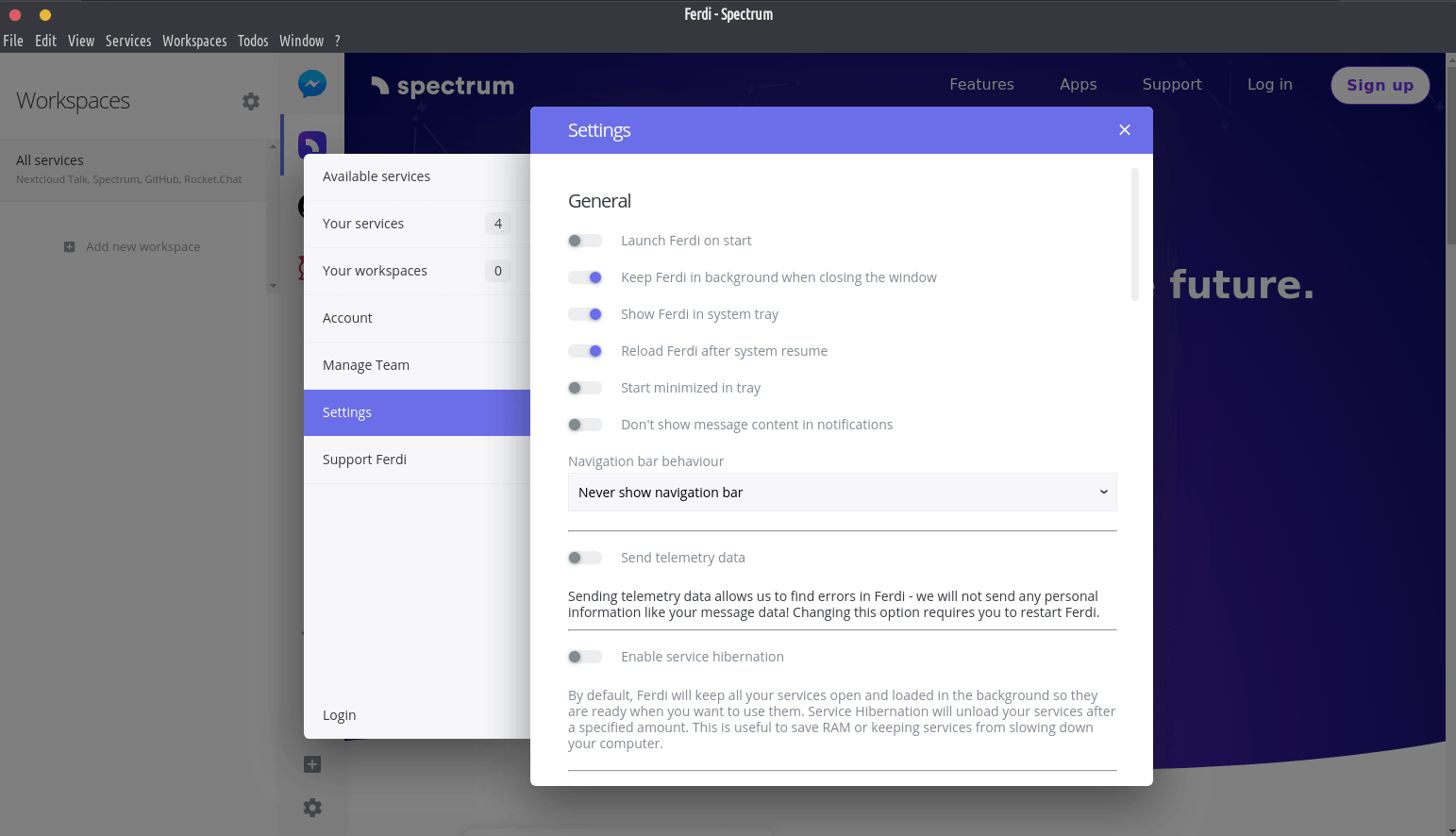
- Service Hibernation. By default, Ferdi will keep your services loaded in the background – this can use a lot of resources. If you want to, you can enable service hibernation in Ferdi’s settings. This will automatically unload unused services to keep your computer running fast.
- Ferdi Todos. Always keep an eye on your Todo list with Ferdi Todos. Already use another Todo service like Todoist? Simply change the Todo Server in Ferdi’s settings.
- ઝડપી સ્વિચ. તમારી પાસે ઘણી બધી સેવાઓ છે જે તમે ઝડપથી નેવિગેટ કરવા માંગો છો? ક્વિક સ્વિચ ખોલવા અને તમારી સેવા શોધવા માટે ફક્ત CMD/CTRL + P દબાવો.
- ખાનગી સૂચના. નવા સંદેશાઓ વિશે સૂચિત કરવા માંગો છો પરંતુ તેમની સામગ્રી જાહેર કરવા નથી માગતા? તમારી સંદેશ માહિતીને સુરક્ષિત રાખવા માટે ખાનગી સૂચનાઓને સક્ષમ કરો.
- વ્યક્તિગત વર્કસ્પેસ લોડ રાખો. ફર્ડી તમને દરેક સમયે વ્યક્તિગત વર્કસ્પેસ લોડ રાખવાની મંજૂરી આપે છે – જેથી તમે છેલ્લે જ્યાંથી છોડ્યું હતું ત્યાંથી તમે ચાલુ રાખી શકો.
- શેડ્યૂલ કરેલ ડુ-નોટ-ડસ્ટર્બ. એક સમયમર્યાદા વ્યાખ્યાયિત કરો, જેમાં ફર્ડીએ તમને નવી સૂચનાઓ વિશે જાણ કરવી જોઈએ નહીં.
- ડાર્ક મોડ. તમારી આંખોને સુરક્ષિત કરો અને રાત્રે ફર્ડીને ડાર્ક મોડ પર સ્વિચ કરો. આ ડાર્કરીડરને આભારી તમારી બધી સેવાઓ પર પણ કાર્ય કરે છે.
- ડેસ્કટોપ સૂચનાઓ. ફર્ડી તમને નવા સંદેશાઓ વિશે સૂચિત કરવા માટે તમારી સિસ્ટમની હાલની સૂચના સિસ્ટમનો ઉપયોગ કરે છે.
- 70 થી વધુ સેવાઓ માટે બિલ્ટ-ઇન સપોર્ટ. અન્ય સેવાઓ "કસ્ટમ વેબસાઇટ" સેવા દ્વારા ઉમેરી શકાય છે.
- તમારી ભાષા બોલે છે. ફરદી વિશ્વભરની ઘણી ભાષાઓ બોલે છે.
- મેઘ સમન્વયન. તમારી સેવાઓ અને કાર્યસ્થળોને તમારા બધા કમ્પ્યુટર્સ વચ્ચે ક્લાઉડ સિંક સાથે સિંકમાં રાખો.
- કાર્યસ્થળો. વર્કસ્પેસનો ઉપયોગ કરીને તમારા કામ, વ્યક્તિગત અને શોખને અલગ રાખો.
- સૂચનાઓ અને ઑડિયોને નિયંત્રિત કરો. Ferdi તમને તમારી સેવાઓએ શું કરવું જોઈએ અને શું ન કરવું જોઈએ તેનું નિયંત્રણ કરવાની મંજૂરી આપે છે. સેવા-થી-સેવા આધાર પર સૂચનાઓ અને ઑડિયોને અક્ષમ કરો.
- અમર્યાદિત એકાઉન્ટ્સ. ફર્ડી તમારા સેવા સત્રોને અલગ રાખે છે. આ રીતે, તમે ઇચ્છો તેટલા એક સેવામાં એકાઉન્ટ્સનો ઉપયોગ કરી શકો છો.
- પ્રોક્સી સપોર્ટ. ફર્ડીને પ્રતિ-સેવા આધારે પ્રોક્સીનો ઉપયોગ કરવા કહો.
- ક્રોસ-પ્લેટફોર્મ. ElectronJS પર બિલ્ડ હોવાથી, Ferdi Windows, Mac અને Linux સાથે સુસંગત છે.