NOTE: To make it properly work/start on TROMjaro please seeʻeni. It is quite easy, do not worry.
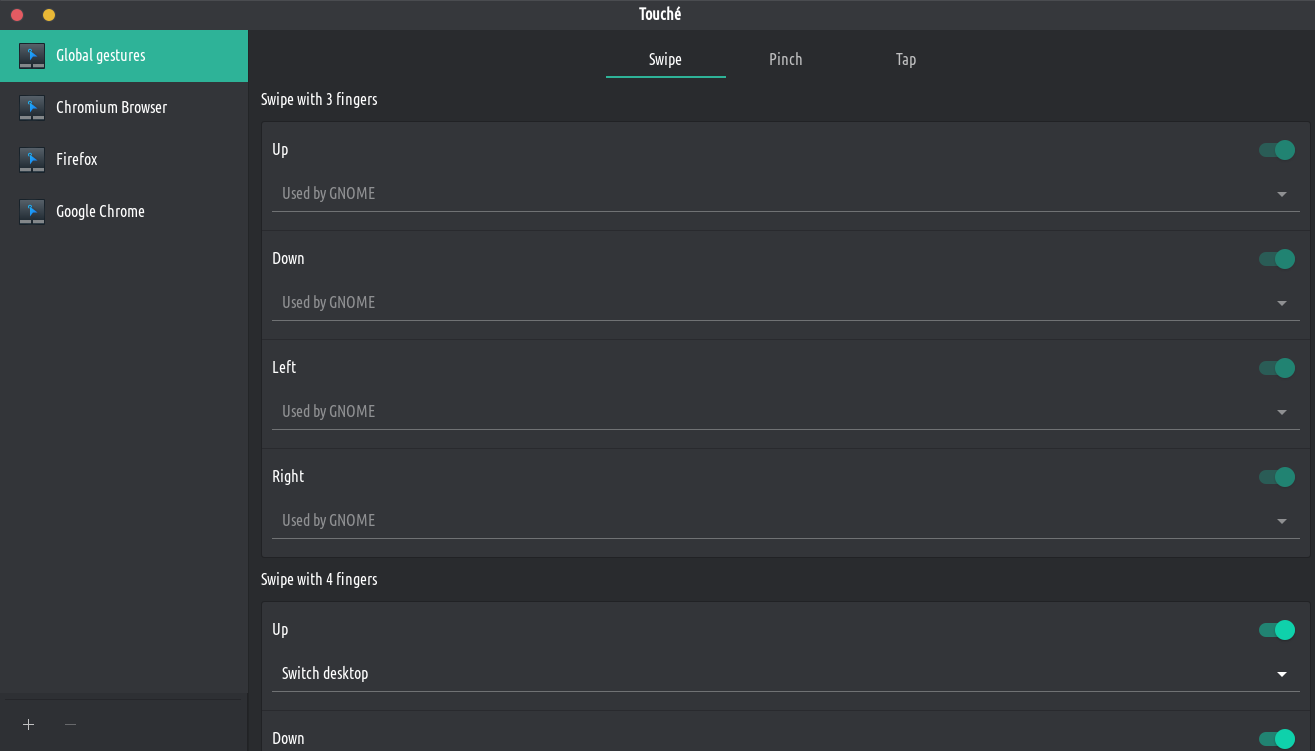
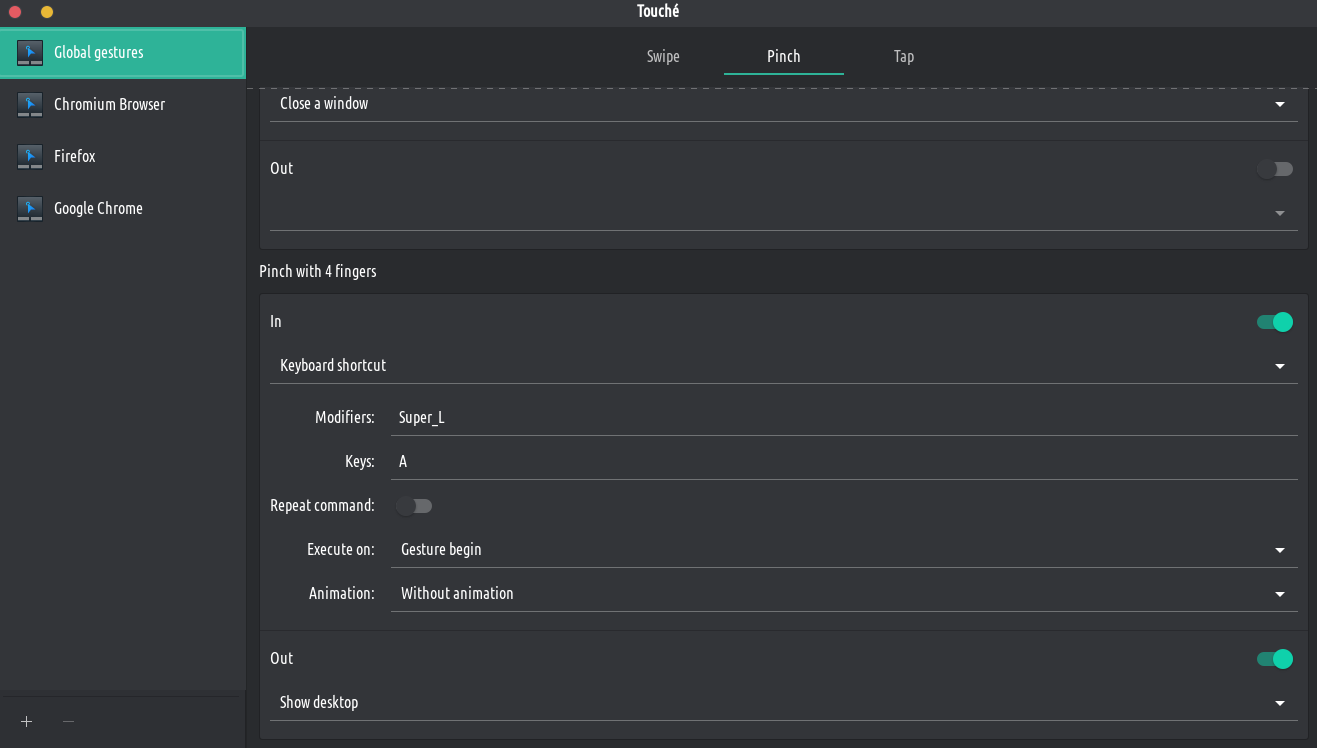
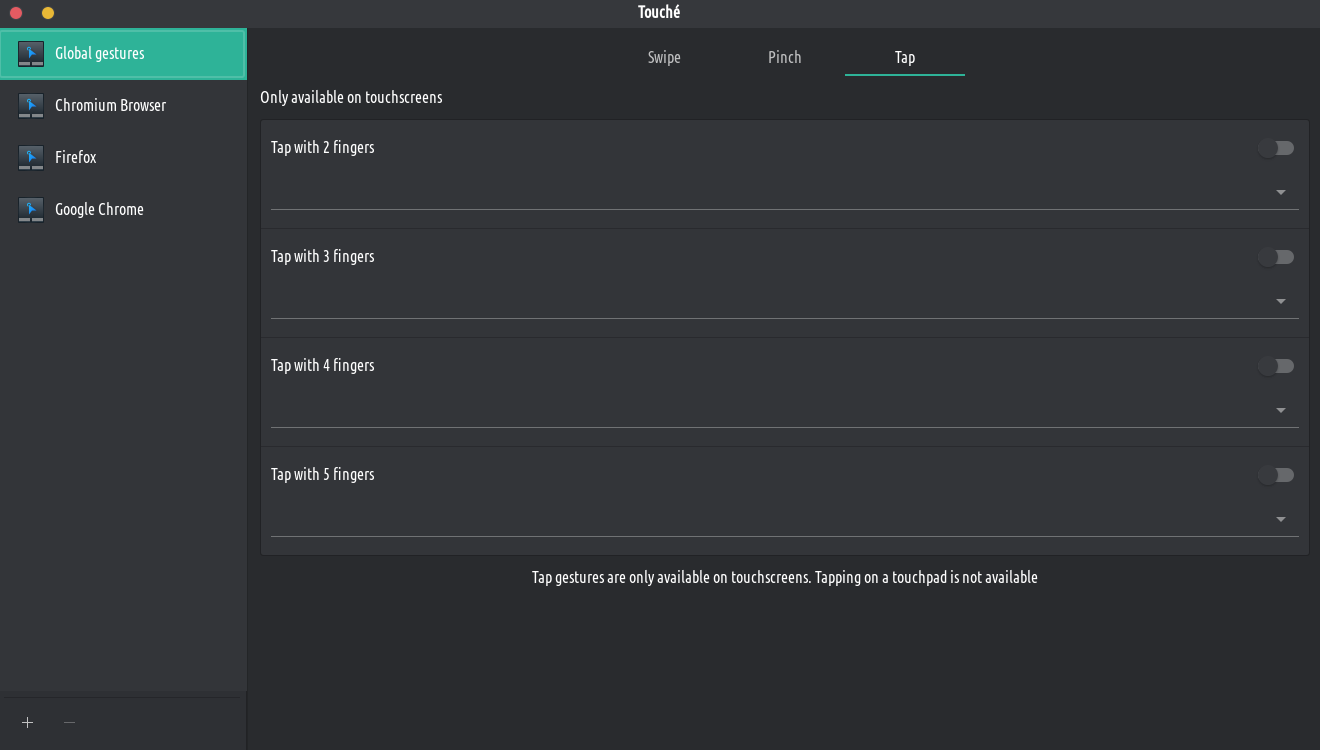
Easily configure your touchpad and touchscreen multi-touch gestures with this GTK graphical user interface. For example, you can swipe up with 3 fingers to maximize a window or swipe left with 4 finger to switch to the next desktop. There are many more actions and gestures available and everything is easily configurable.