
그림
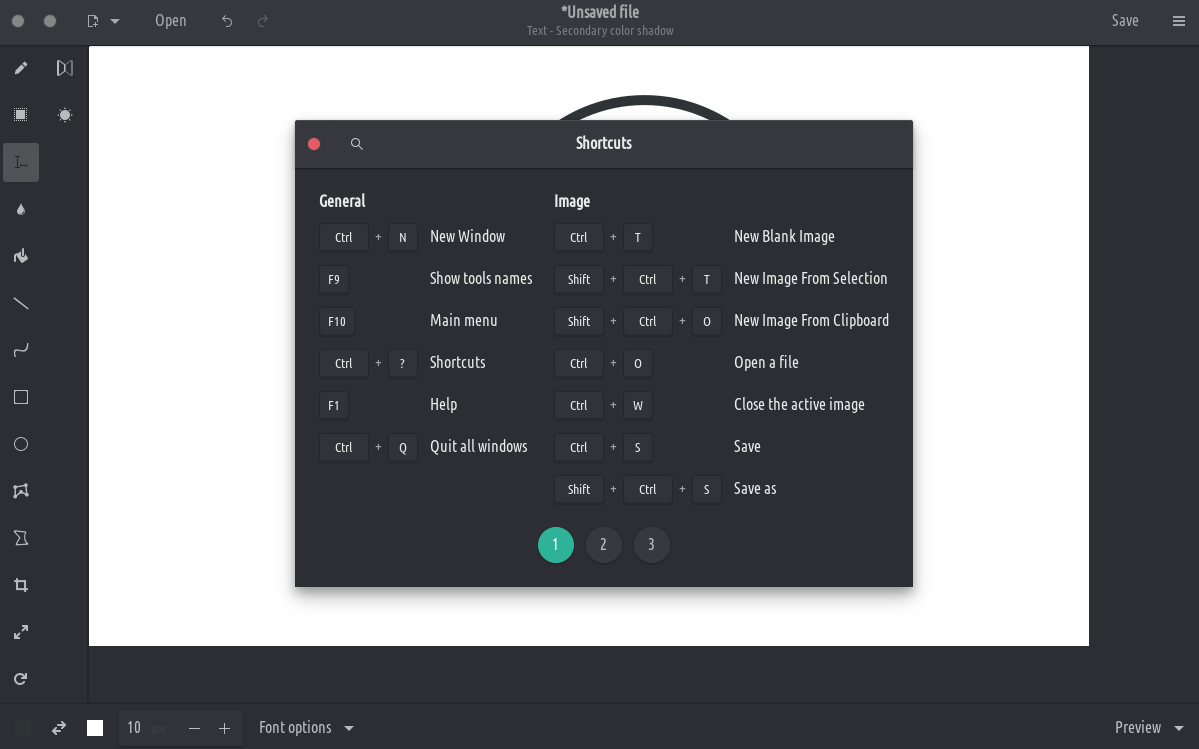
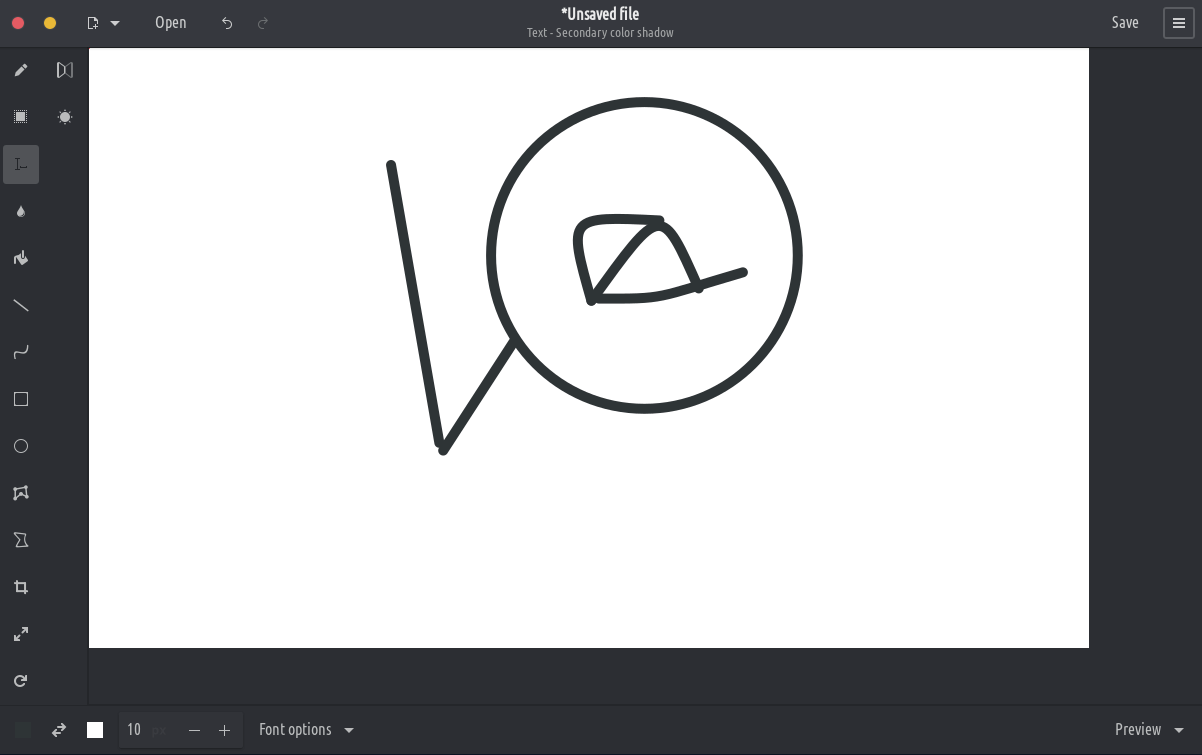
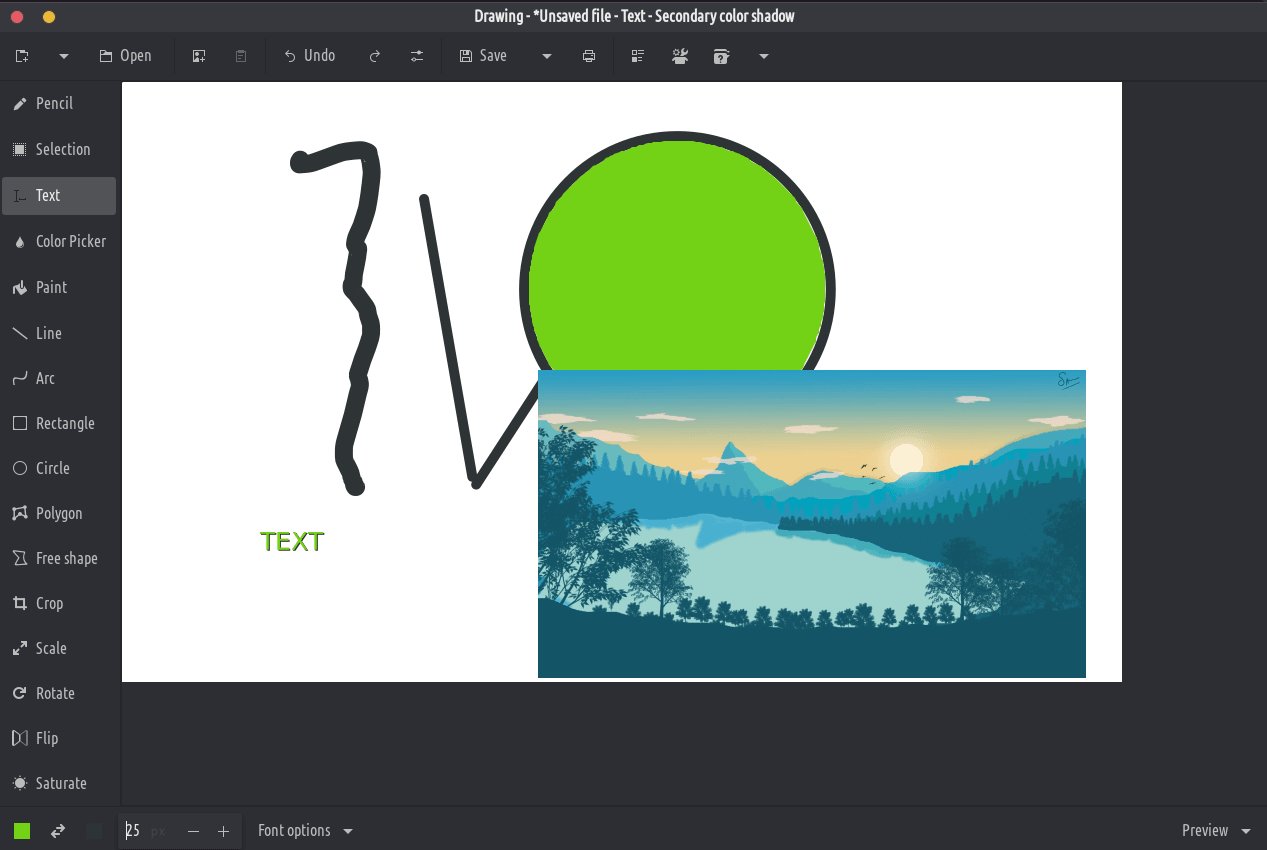
기술:
이 응용 프로그램은 Microsoft Paint와 유사하지만 Gnome 데스크탑을 목표로하는 기본 이미지 편집기입니다.
PNG, JPEG and BMP files are supported.
Besides GNOME, some more traditional design layouts are available too, as well as an elementaryOS layout. It should also be compatible with Purism’s Librem 5 phone.
Classic tools
- Pencil (options: dashes, blur, eraser, …)
- Line (options: arrow, dashes, blur, gradient, …)
- Arc (options: arrow, dashes, …)
- Insert text (options: font, shadow, font size, …)
- Shape (rectangle/circle/oval/polygon/free shape, options: filling, …)
- Color picker
- Paint (options: remove a color, …)
Selection tools
These tools allow you to define an area (rectangle or free), which you can move, cut, copy, paste, edit with canvas tools, export, open as a new image, etc.
- Rectangle selection
- Free shape selection
- Adjacent color selection
Canvas/selection edition tools
These tools allow to edit the whole image, or to edit a selected part of it.
- Crop (remark: the previewed picture isn’t at the actual scale)
- Scale (options: keep proportions or not)
- Rotate (rotate or flip)
- Filters (blur, increase or decrease saturation, invert colors, pixelate)