
스쳐 날기
기술:
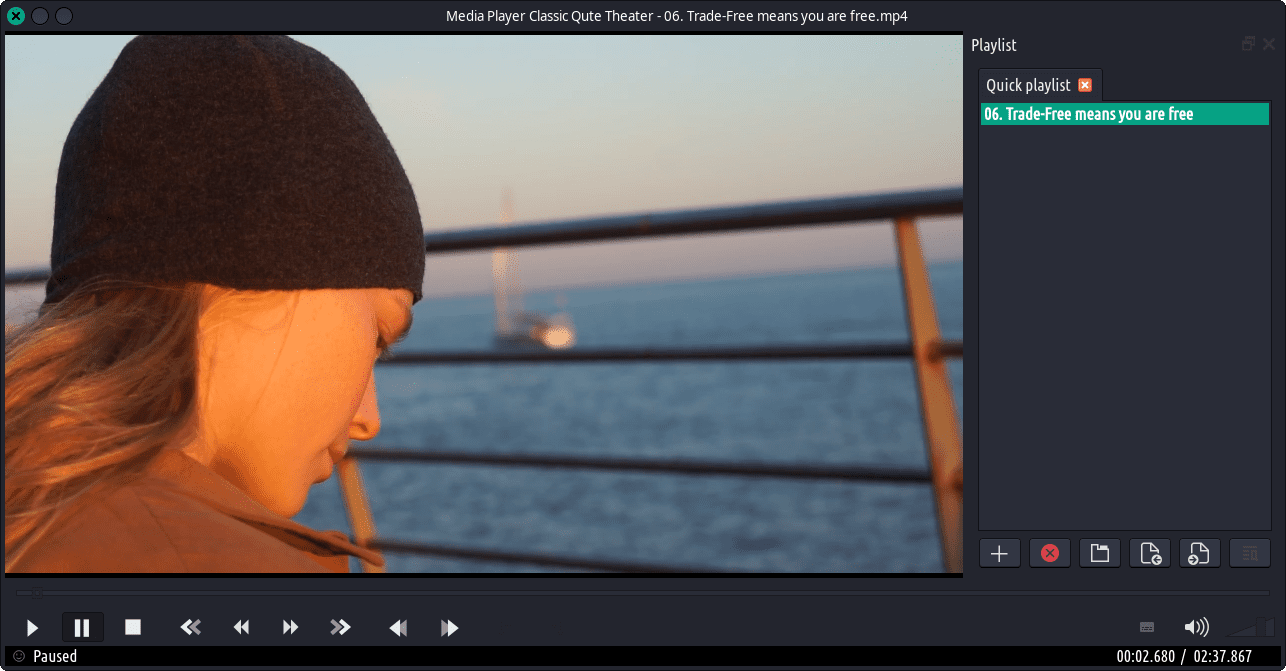
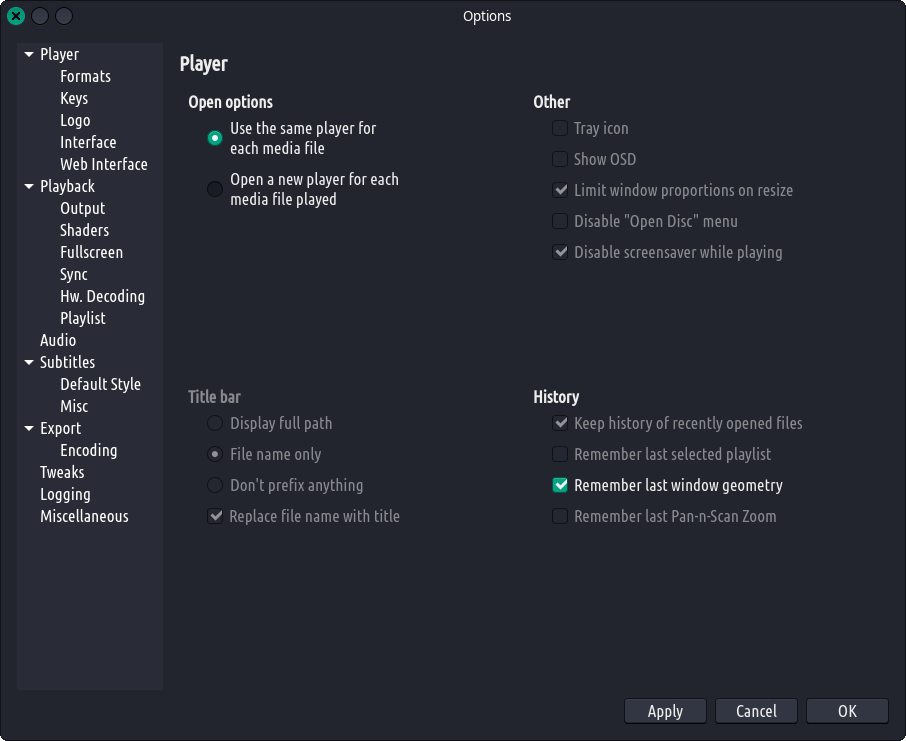
미디어 플레이어 클래식 홈 시네마 (MPC-HC)는 많은 사람들이 Windows 데스크탑의 전형적인 미디어 플레이어로 간주됩니다. 미디어 플레이어 클래식 Qute Theatre (MPC-QT)는 MPC-HC의 인터페이스 및 기능의 대부분을 재현하는 동안 Libmpv를 사용하여 DirectShow 대신 비디오를 재생하는 것을 목표로합니다.
- Clone: Nearly everything that mpc-hc does for the casual user.
- Multiple playlists: When you’re watching shows on your backlog, load every show into separate playlists and still keep track of the last played file for each playlist. Finally you can eliminate the need to keep track of your progress in a spreadsheet, all while never leaving the comfort of your favorite media player.
- Quick queuing: Out-of-order playback in the same style of xmms/qmmp. Got some compilation albums in a playlist, but want to hear only some rock tracks for a while? Now you can, without obliterating your playlist.
- Playlist searching: Multi-threaded playlist searching, in the same style as other media players. Find the tracks you want, when you want them.
- Screenshot templates: Take screenshots with a custom, sleek and stylized filename. Only include the information that you want.
- Looped playback: Selectively show part of video/music tracks. Amazing, isn’t it?
- Custom metadata: Display custom metadata in the playlist window. Want to show the artist as well as the title, down to even the encoder used? Nothing is stopping you.