
másolat

2022. január 28
2022. január 28
This apps allows you to connect to trade-based services too, like the Amazon cloud. Tehát legyen tudatában ennek. It is of course optional but they should not promote trade-based hosting platforms.
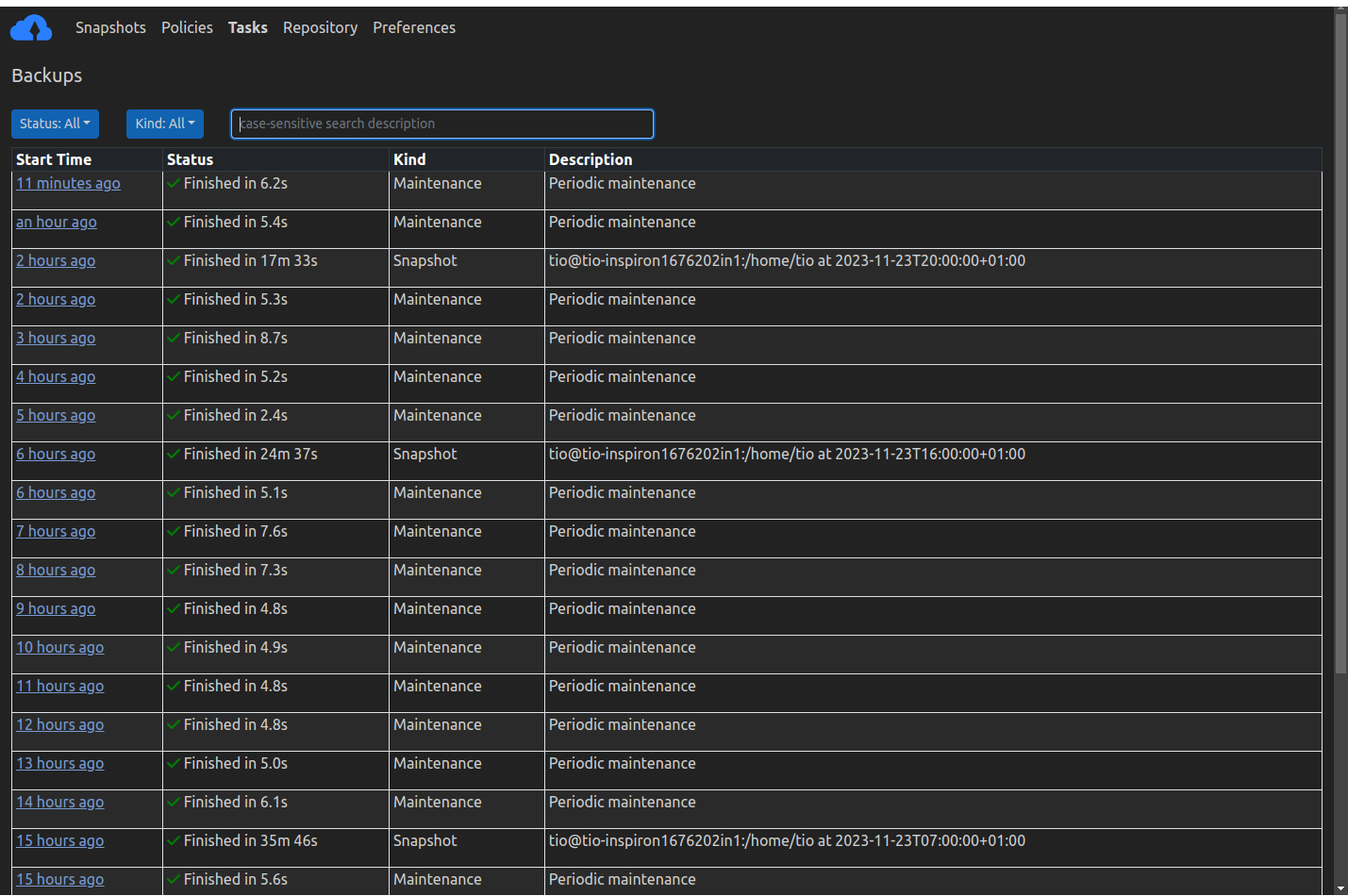
LEÍRÁS:
Fájlok és könyvtárak biztonsági mentése pillanatképekkel:
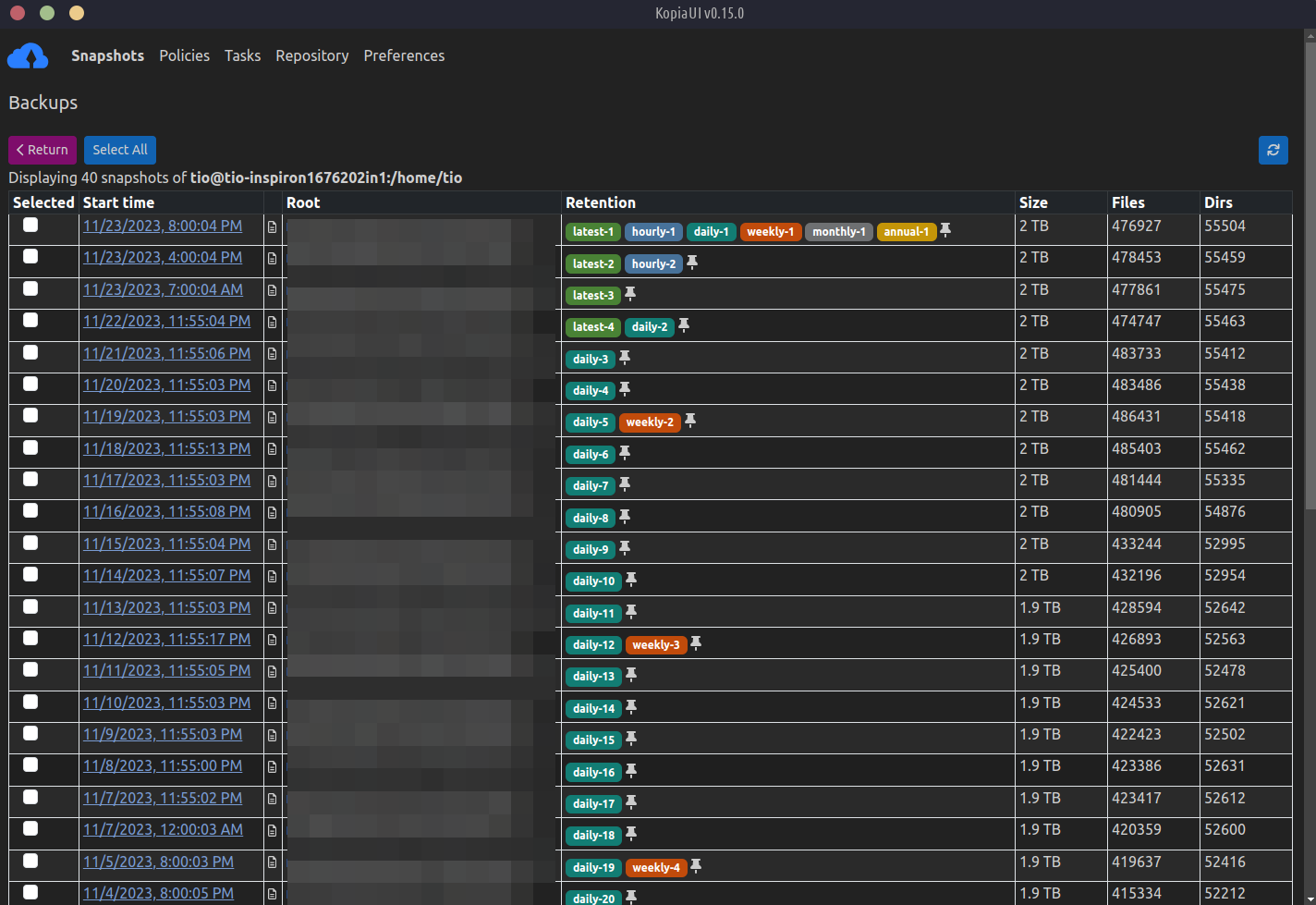
Kopia creates snapshots of the files and directories you designate, then titkosítja these snapshots before they leave your computer, and finally uploads these encrypted snapshots to cloud/network/local storage called a adattár. Snapshots are maintained as a set of historical point-in time records based on irányelveket hogy meghatározod.
Kopia használ tartalom címezhető tárhely pillanatképekhez, aminek számos előnye van:
Minden pillanatfelvétel mindig járulékos. This means that all data is uploaded once to the repository based on
file content, and a file is only re-uploaded to the repository if the file is modified. A Kopia fájlfelosztást használ a gördülő hash, amely lehetővé teszi a nagyon nagy fájlok módosításainak hatékony kezelését: minden módosult fájl hatékonyan pillanatfelvételt készít, ha csak a megváltozott részeket tölti fel, nem pedig a teljes fájlt.Multiple copies of the same file will be stored once. Ez az úgynevezett deduplikáció and saves you a lot of storage space (i.e., saves you money).
After moving or renaming even large files, Kopia can recognize that they have the same content and won’t need to upload them again.
Több felhasználó vagy számítógép is megoszthatja ugyanazt a tárat: ha különböző felhasználók ugyanazokkal a fájlokkal rendelkeznek, a fájlok csak egyszer kerülnek feltöltésre, mivel a Kopia deduplikálja a tartalmat a teljes tárolóban.
Policies Control What and How Files/Directories are Saved in Snapshots
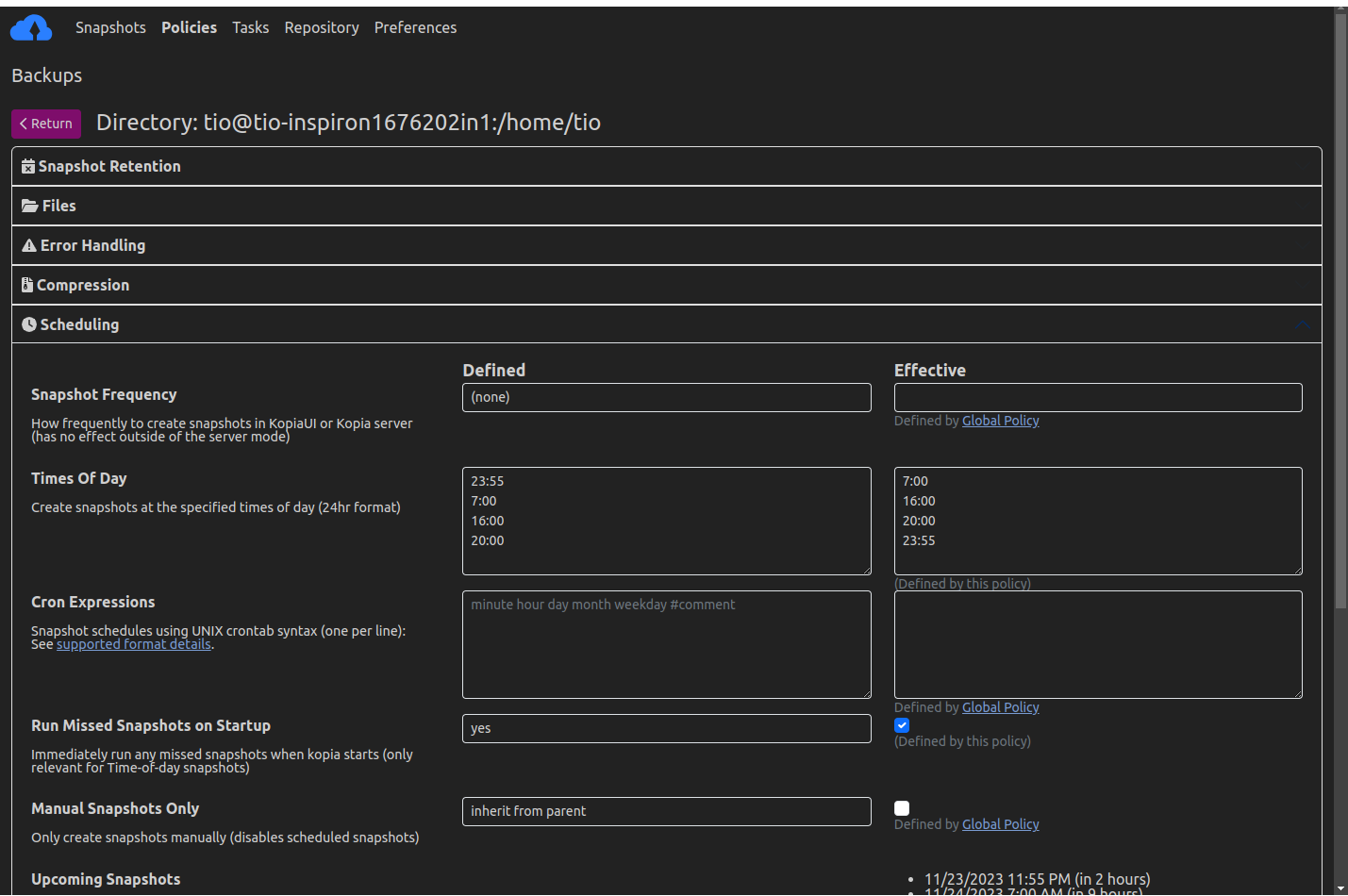
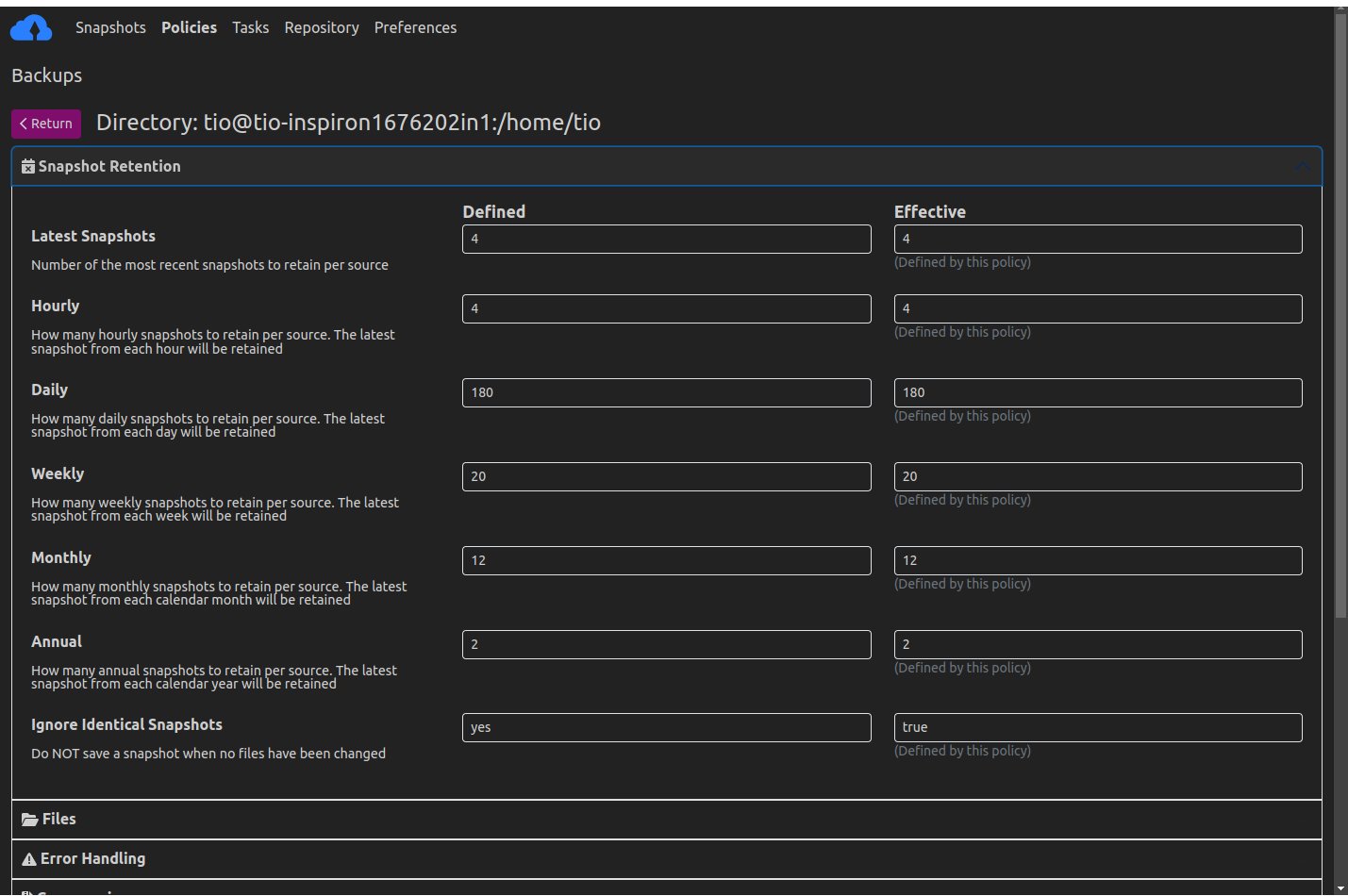
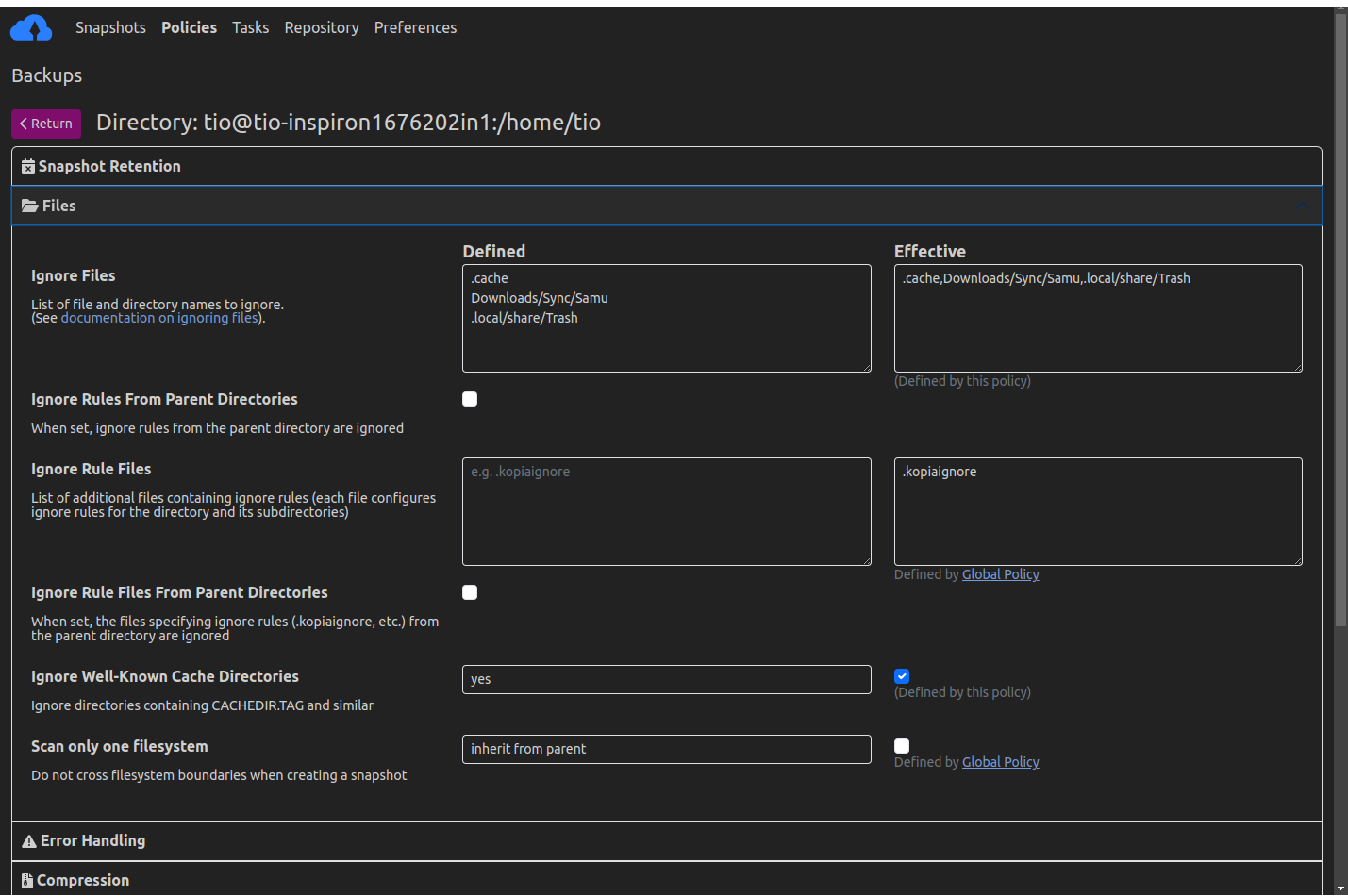
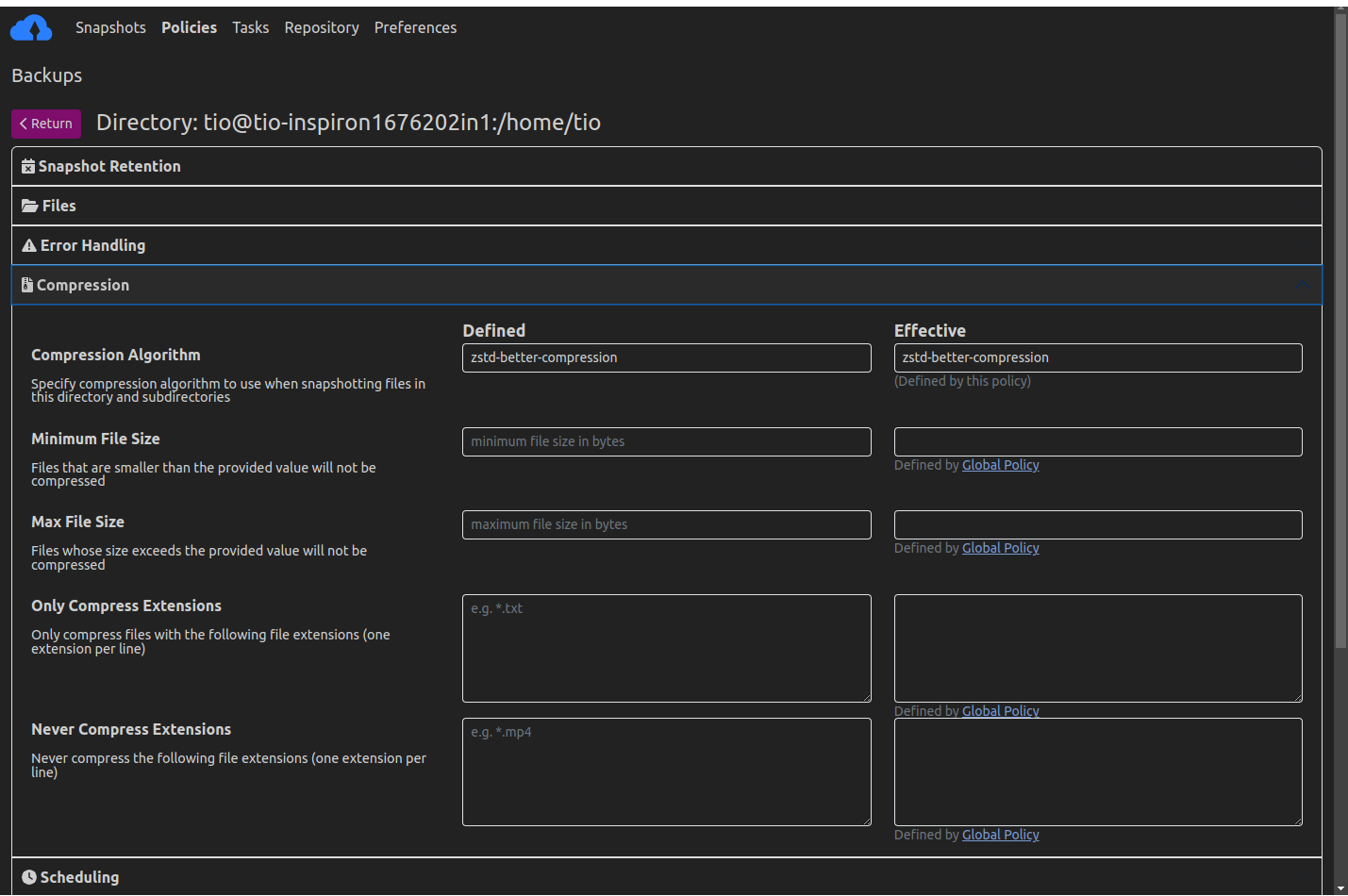
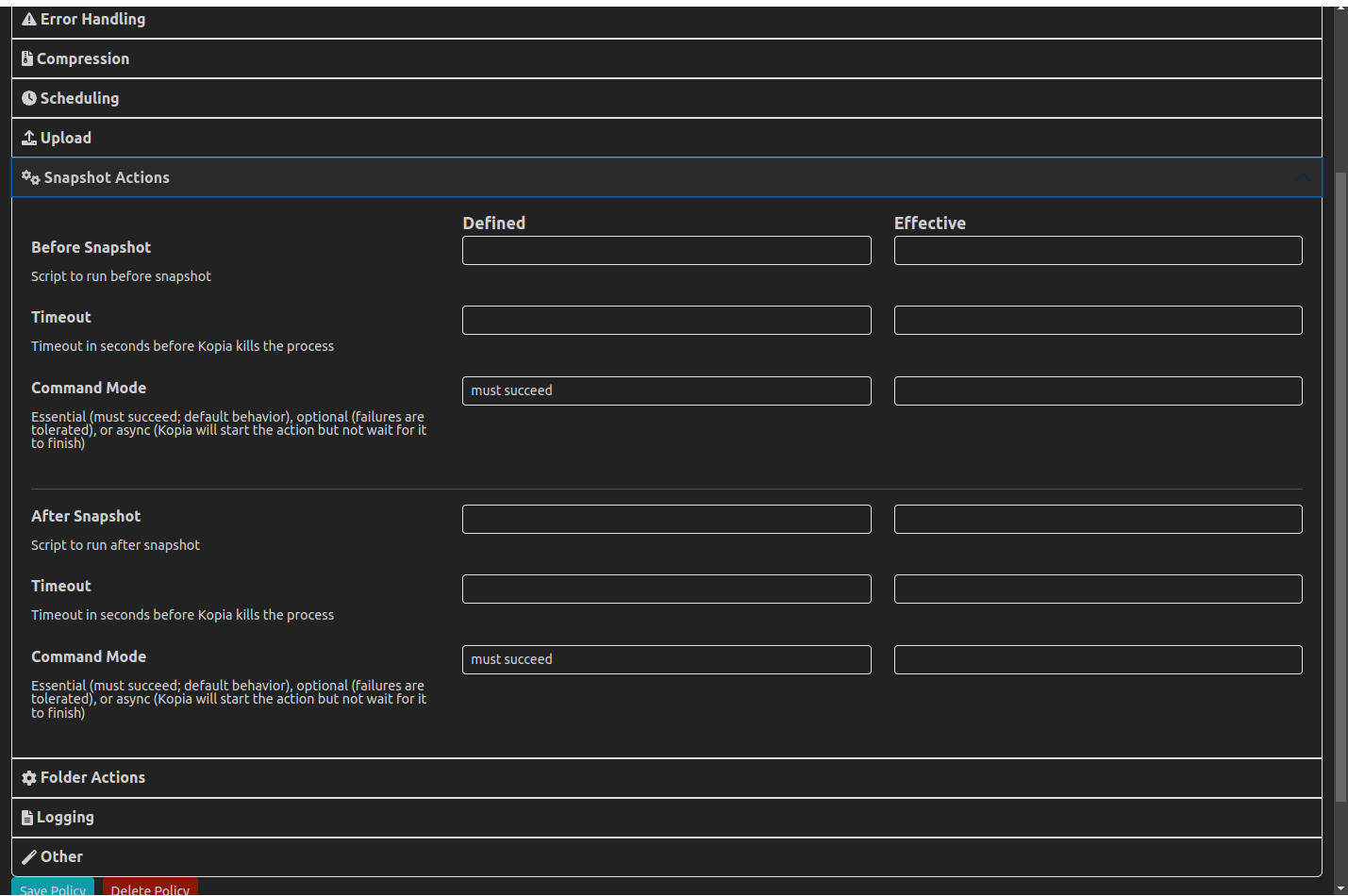
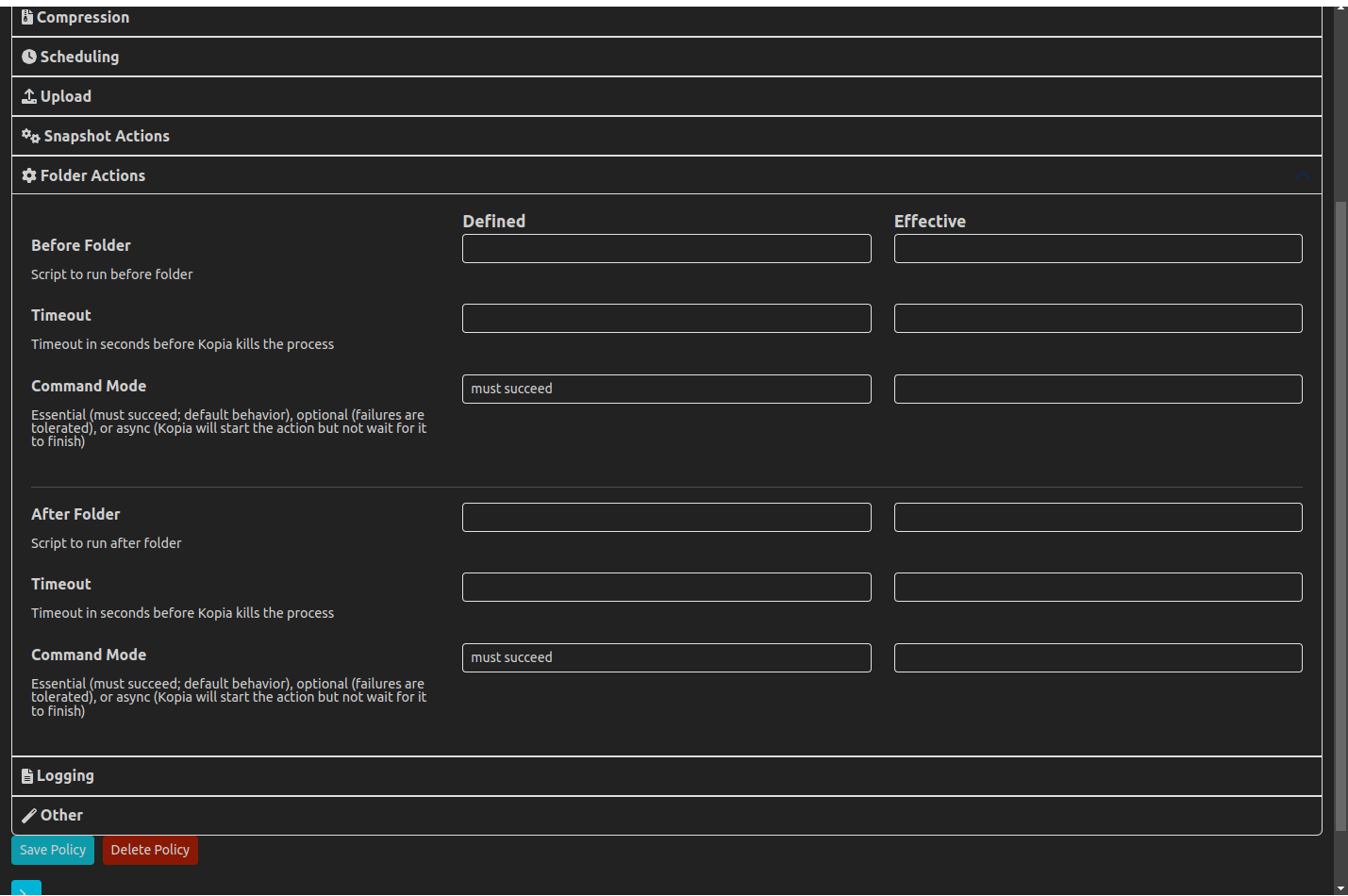
Kopia allows you to create an unlimited number of policies for each repository. Policies allow you to define what files/directories to backup in a snapshot and other features of a snapshot, including but not limited to:
- how frequently/when Kopia should automatically create snapshots of your data
- hogy kizárja-e bizonyos fájlok/könyvtárak pillanatképekből
- how long to retain a snapshot before expiring it and removing it from the repository
- whether and how to compress the files/directories being backed up
Save Snapshots to Cloud, Network, or Local Storage
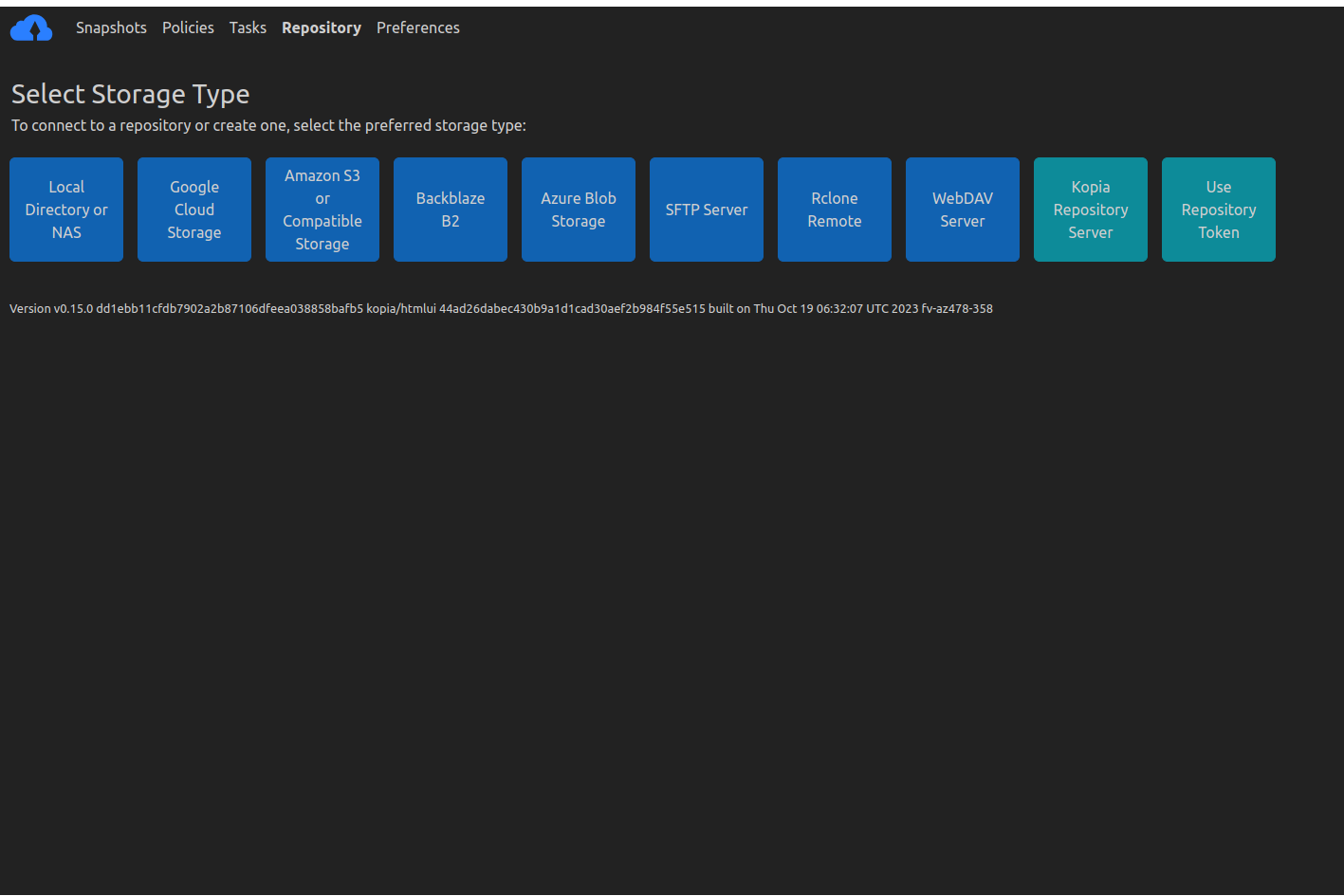
Kopia performs all its operations locally on your machine, meaning that you you can save your snapshots to a variety of storage locations. Kopia supports network and local storage locations, of course, but also many cloud or remote storage locations:
- Amazon S3 és bármilyen felhőalapú tárolás, amely kompatibilis az S3-mal
- Azure Blob Storage
- Backblaze B2
- Google Cloud Storage
- Bármilyen távoli szerver vagy felhőtároló, amely támogatja WebDAV
- Bármilyen távoli szerver vagy felhőtároló, amely támogatja SFTP
- által támogatott felhőtárolók egy része Rclone
- Requires you to download and setup Rclone in addition to Kopia, but after that Kopia manages/runs Rclone for you
- Rclone support is experimental: not all the cloud storages supported
by Rclone have been tested to work with Kopia, and some may not work
Kopiával; A Kopia működését tesztelték Dropbox, OneDrive, és Google Drive Rclone-n keresztül
- Saját szerver beállításával a Kopia Repository Server
Olvassa el a adattárak súgóoldala for more information on supported storage locations.
With Kopia you’re in full control of where to store your snapshots; kiválaszthatja a használni kívánt felhőtárhelyet. Kopia plays no role in selecting your storage locations. Ki kell építenie és fizetnie kell (a tárhelyszolgáltatónak) a használni kívánt tárolóhelyekért, majd közölnie kell a Kopiával, hogy melyek ezek a tárolóhelyek. A szoftver (azaz a Kopia) tárhelyről való leválasztásának az az előnye, hogy tetszőleges tárolóhelyet használhat – a Kopia számára nem mindegy, hogy milyen tárhelyet használ. You can even use multiple storage locations if you want to, and Kopia also supports backing up multiple machines to the same storage location.
Pillanatképek visszaállítása többféle módszerrel
Az adatok visszaállításához a Kopia három lehetőséget kínál:
csatolja a pillanatkép tartalmát helyi lemezként, így böngészhet és másolhat fájlokat/könyvtárakat a pillanatfelvételről, mintha a pillanatkép egy helyi könyvtár lenne a gépen
restore all files/directories contained in a snapshot to any local or network location that you designate
selectively restore individual files from a snapshot
Végpontok közötti „zéró tudás” titkosítás
All data is encrypted before it leaves your machine. A titkosítás baked titkosítás. Kopia allows you to pick from two state-of-the-art encryption algorithms, AES-256 és ChaCha20.
Kopia encrypts both the content and the names of your backed up files/directories.
The data is encrypted using per-content keys which are derived from the 256-bit master key that is stored in the repository. The master key is encrypted with a password you provide. This means that anyone that does not know the password cannot access your backed up files and will
not know what files/directories are contained in the snapshots that are saved in the repository. Importantly, the password you provide is never sent to any server or anywhere outside your machine, and only you know your password. In other words, Kopia provides your backups with end-to-end ‘zero knowledge’ encryption. Ez azonban azt is jelenti, hogy nem tudja visszaállítani a fájljait, ha elfelejti jelszavát: nincs mód az elfelejtett jelszó visszaállítására, mert azt csak Ön tudja. (De lehet változtassa meg a jelszavát if you are still connected to the repository that stores your snapshots.)