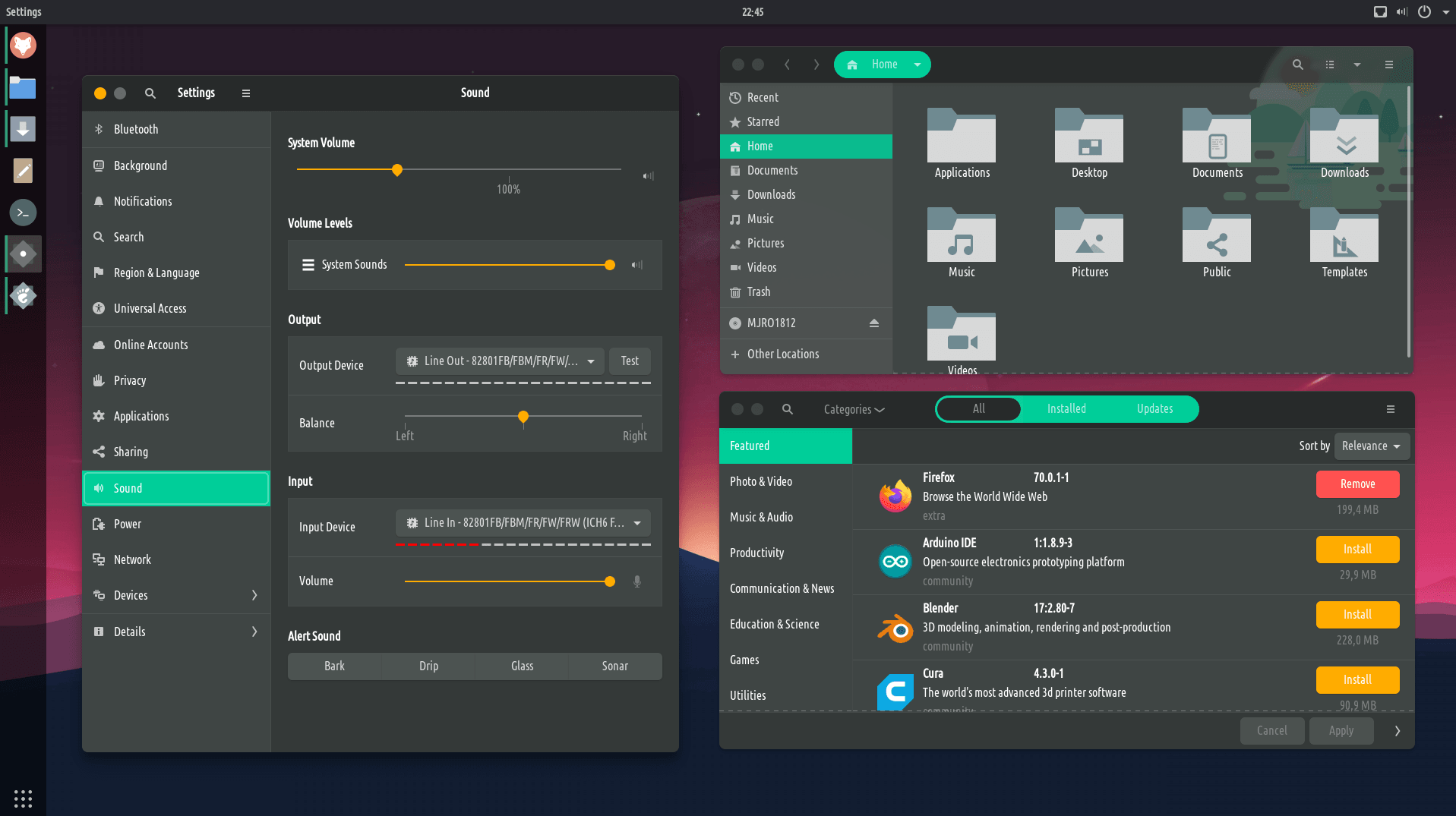
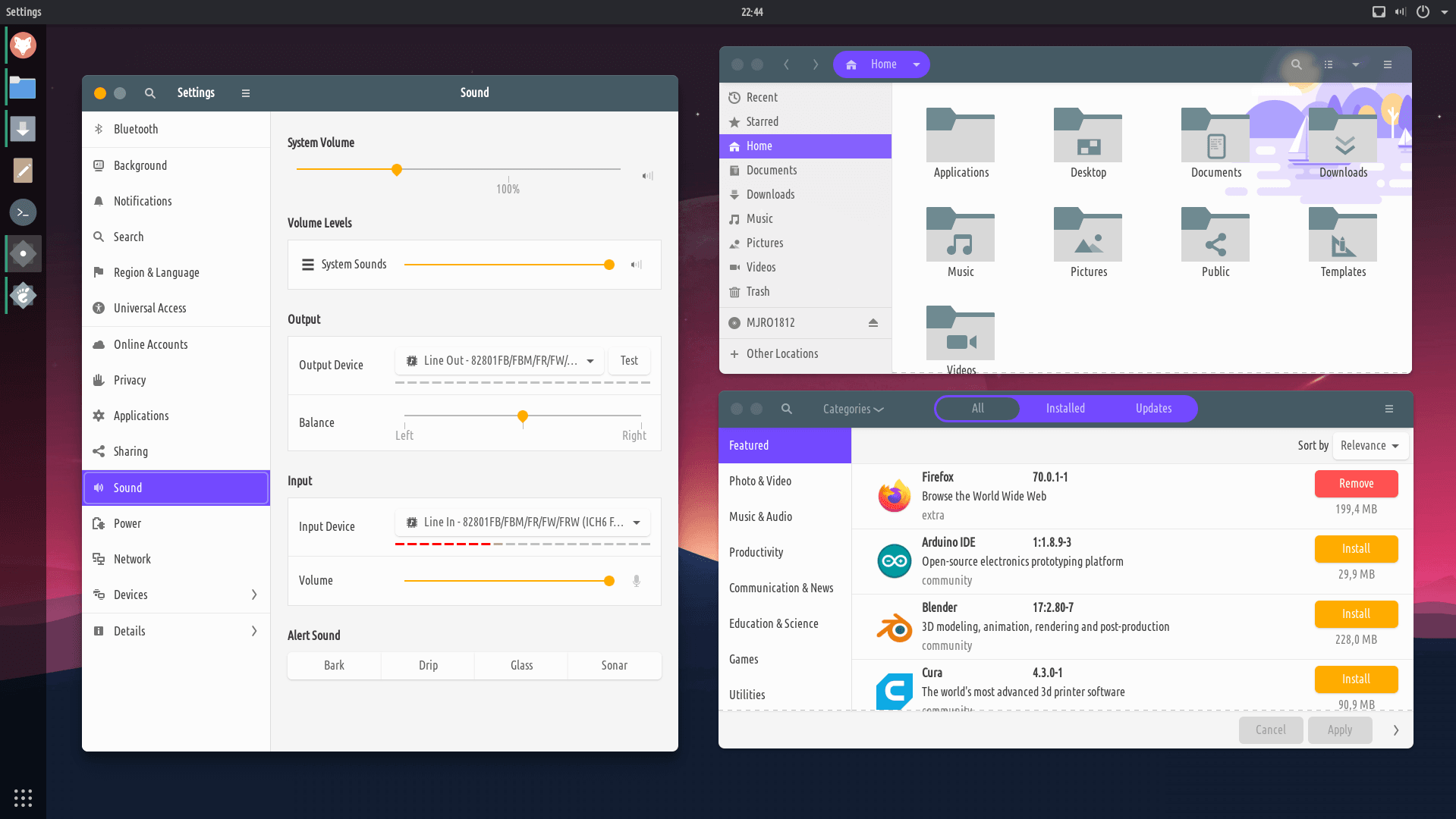
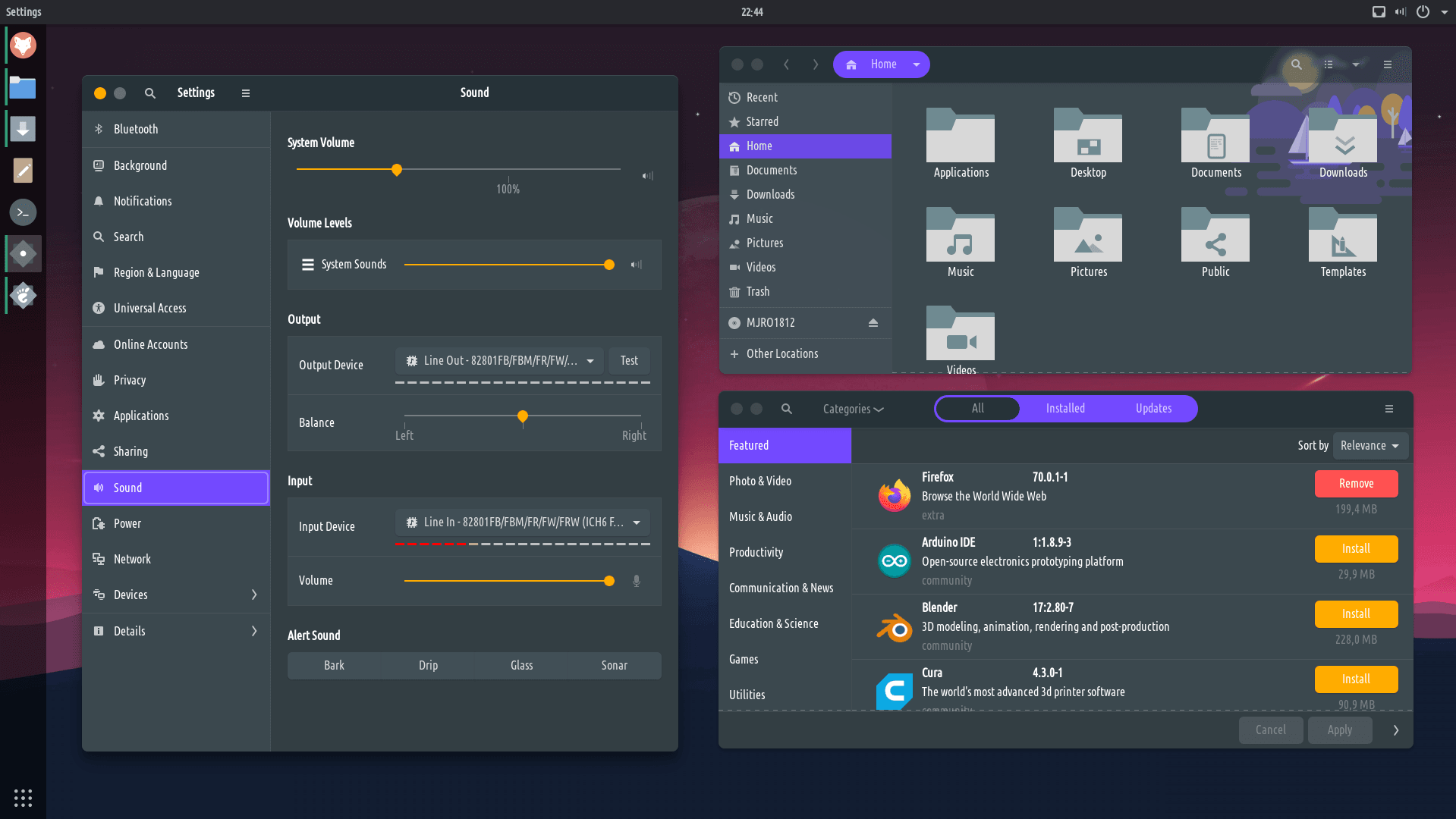
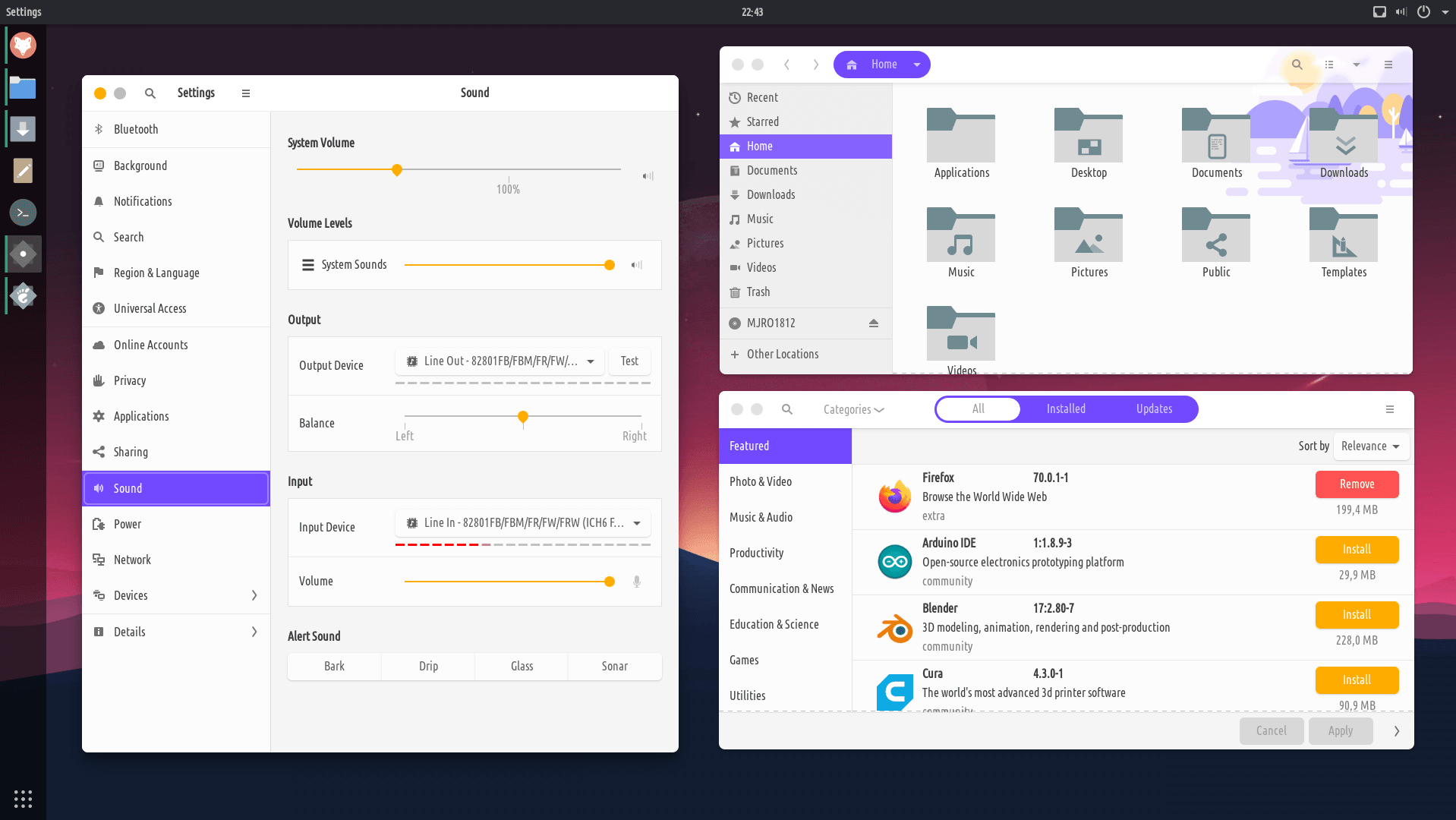
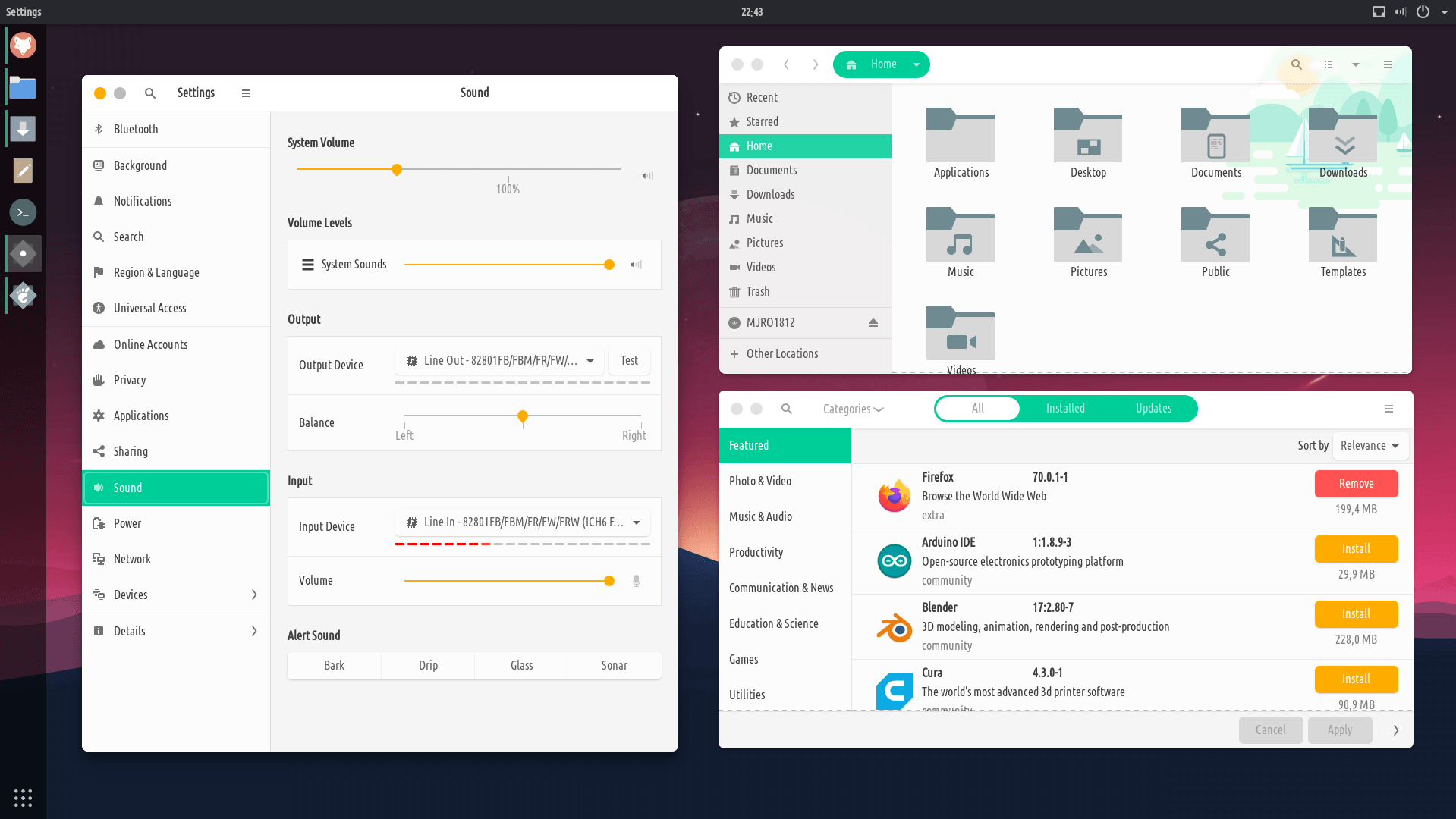
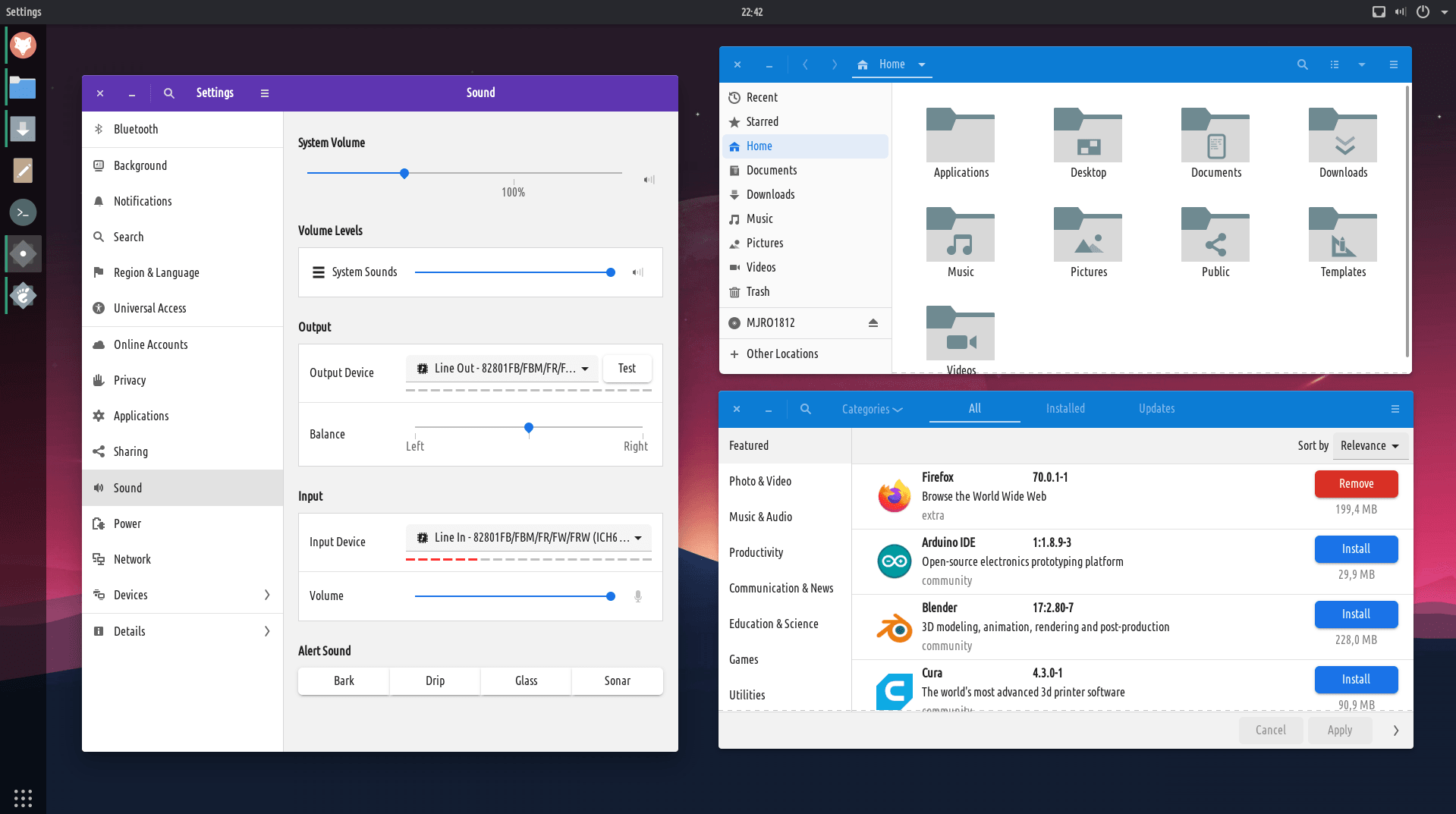
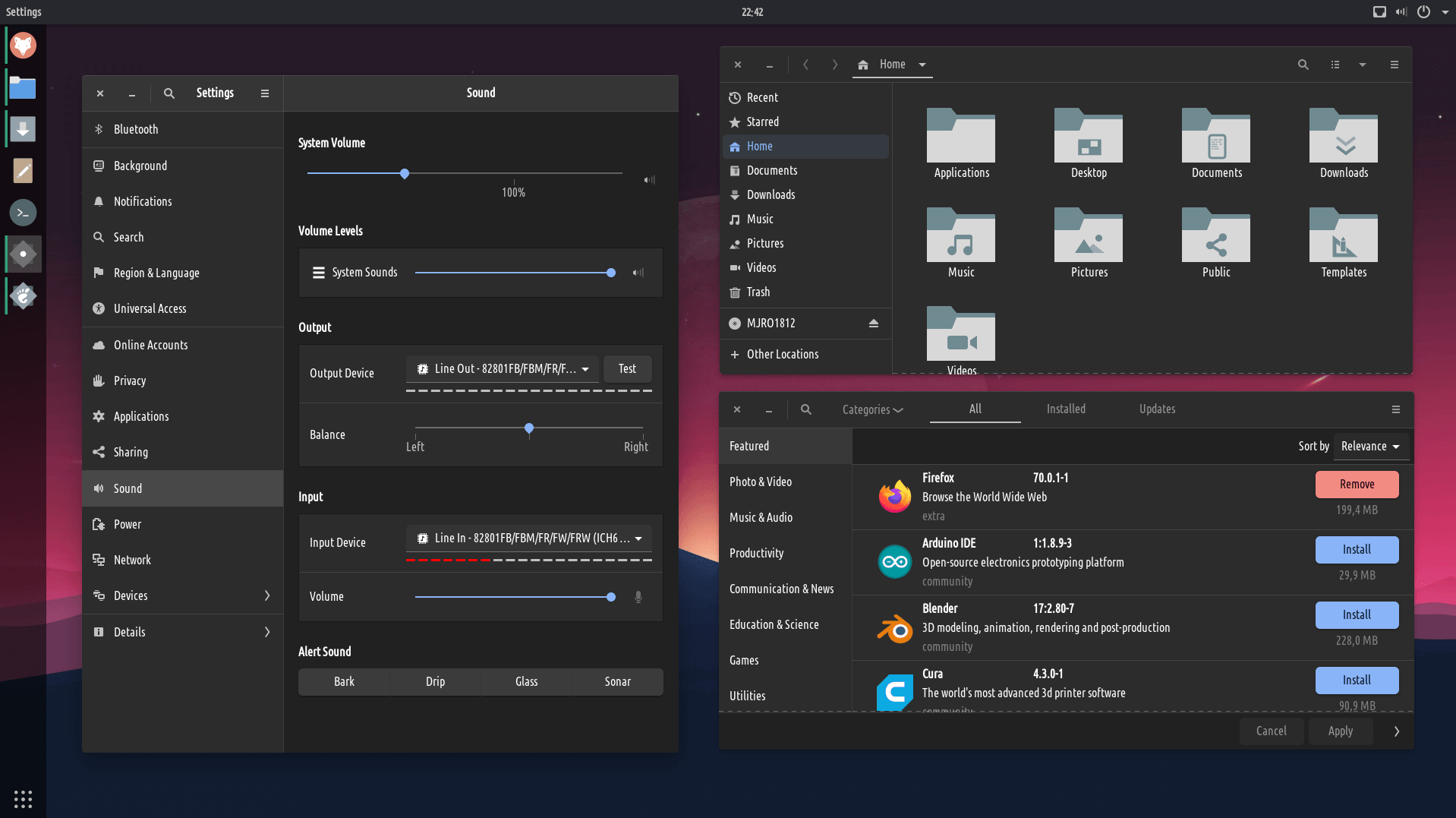
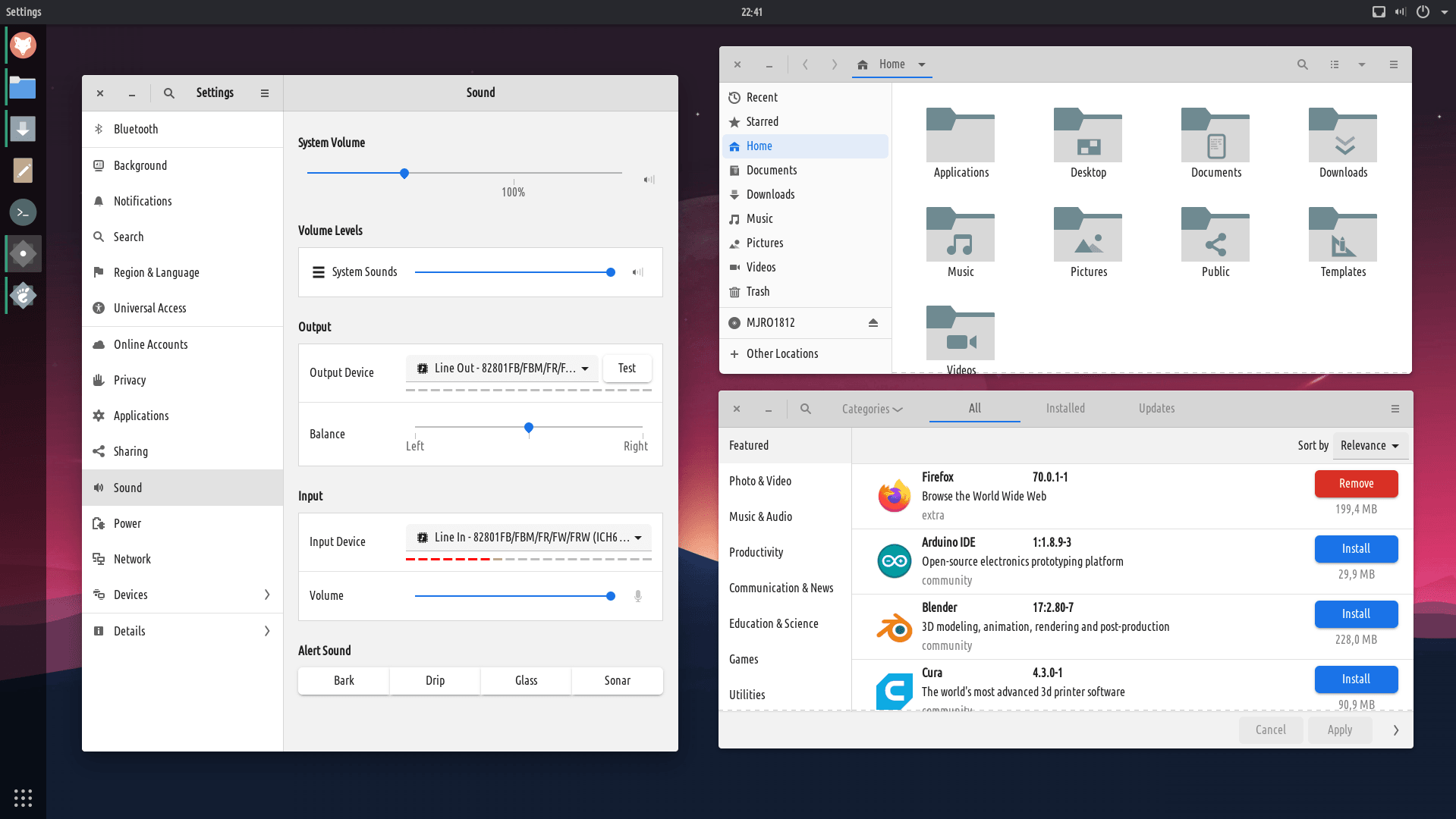
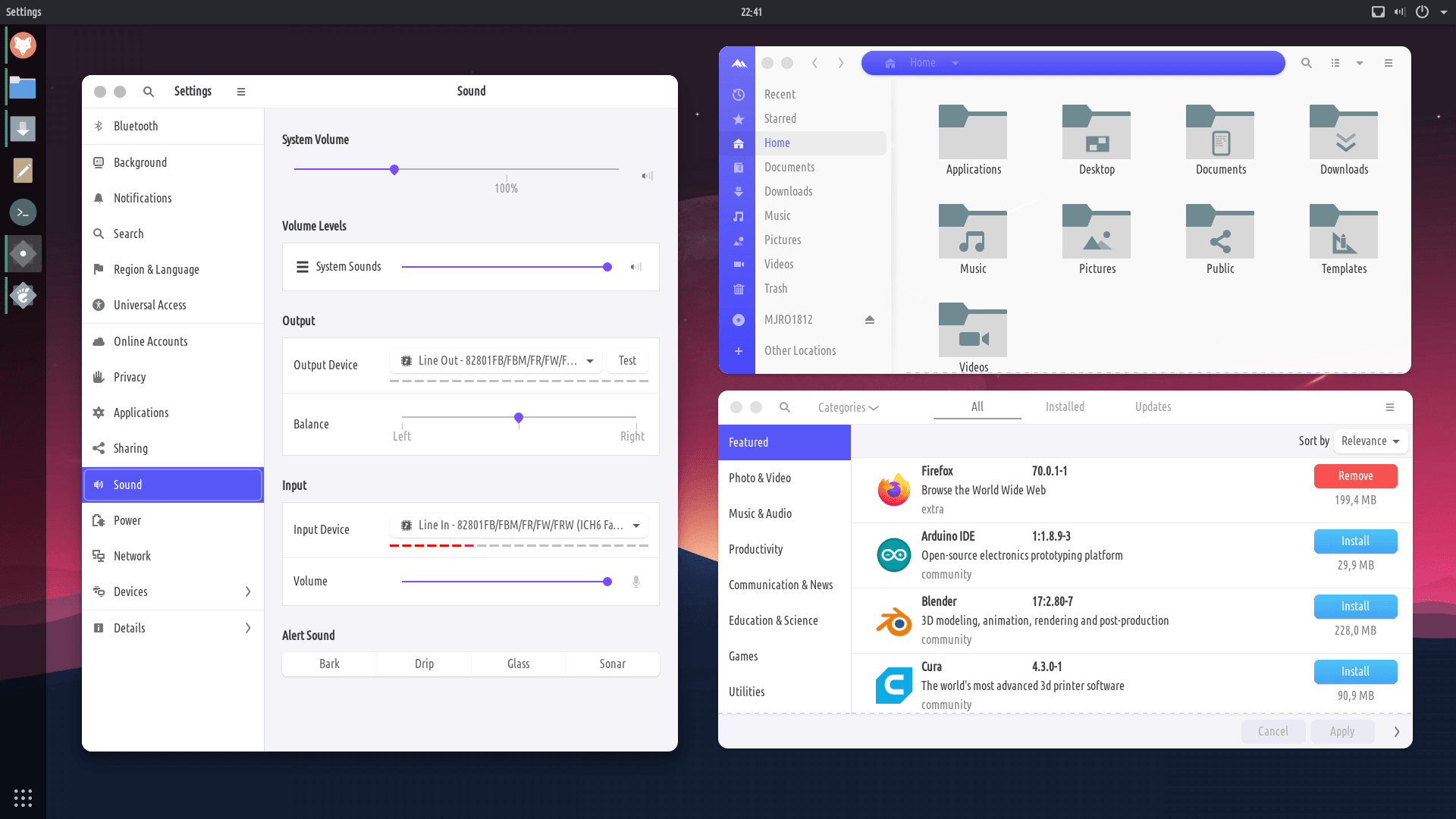
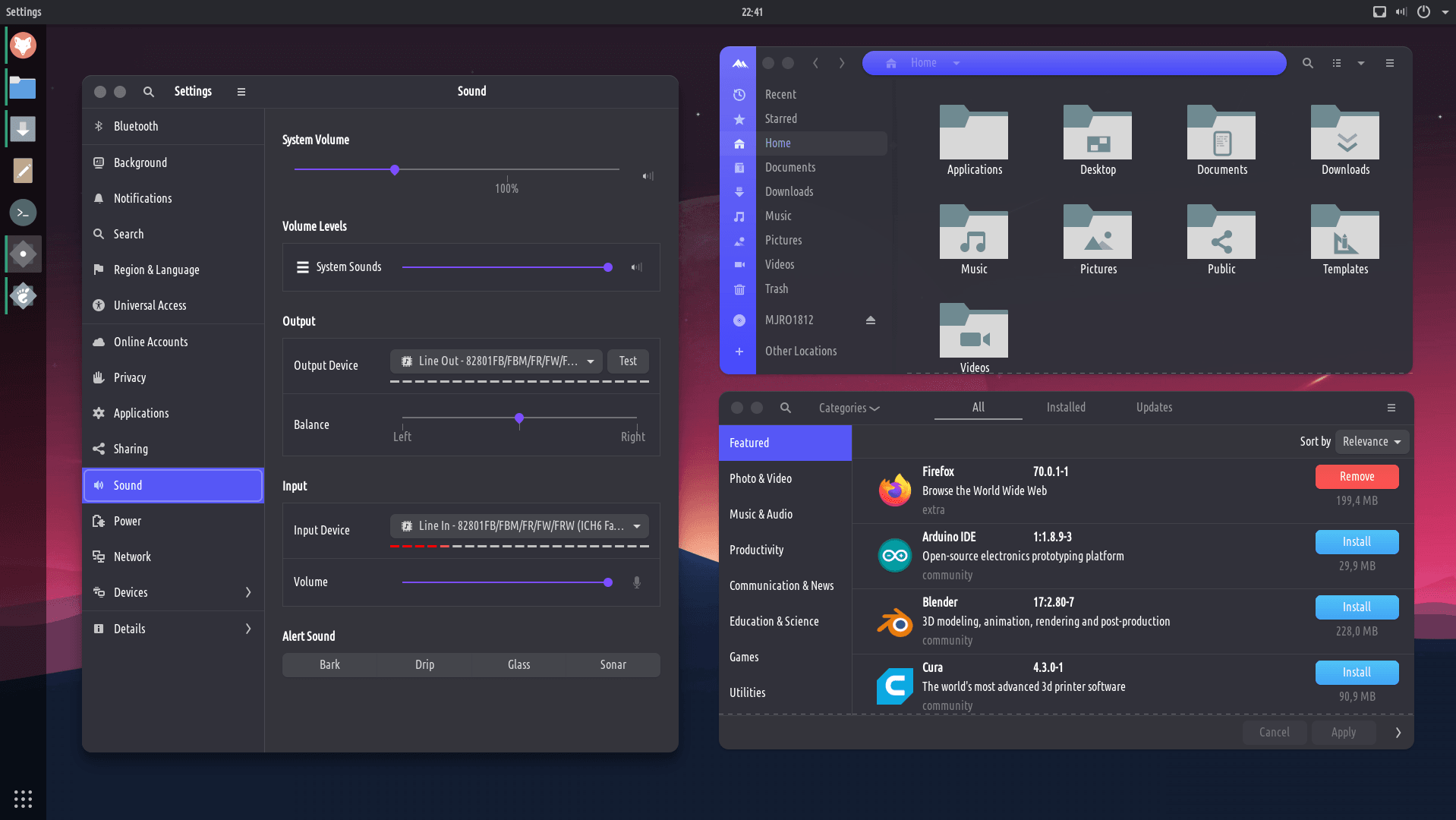
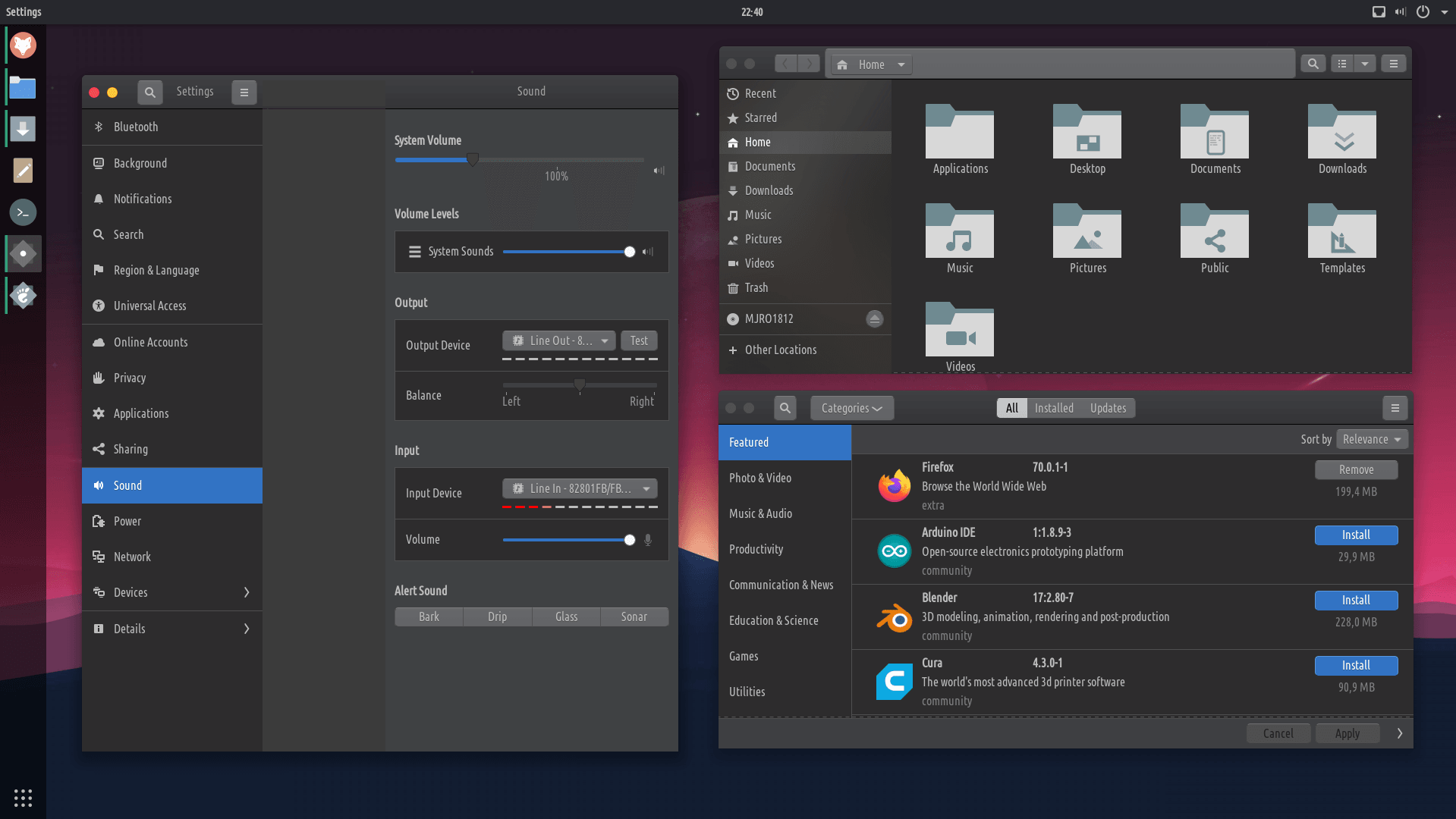
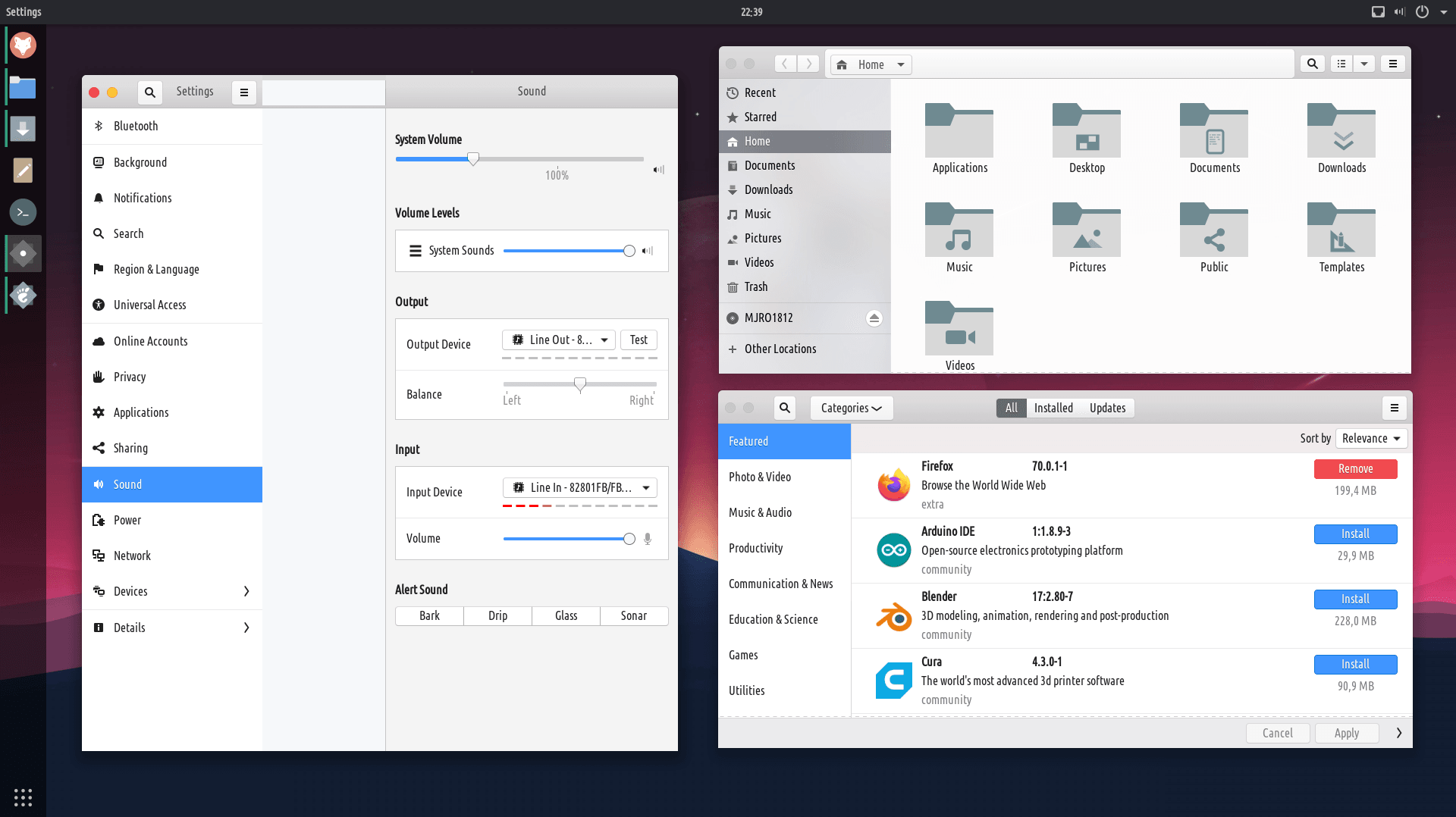
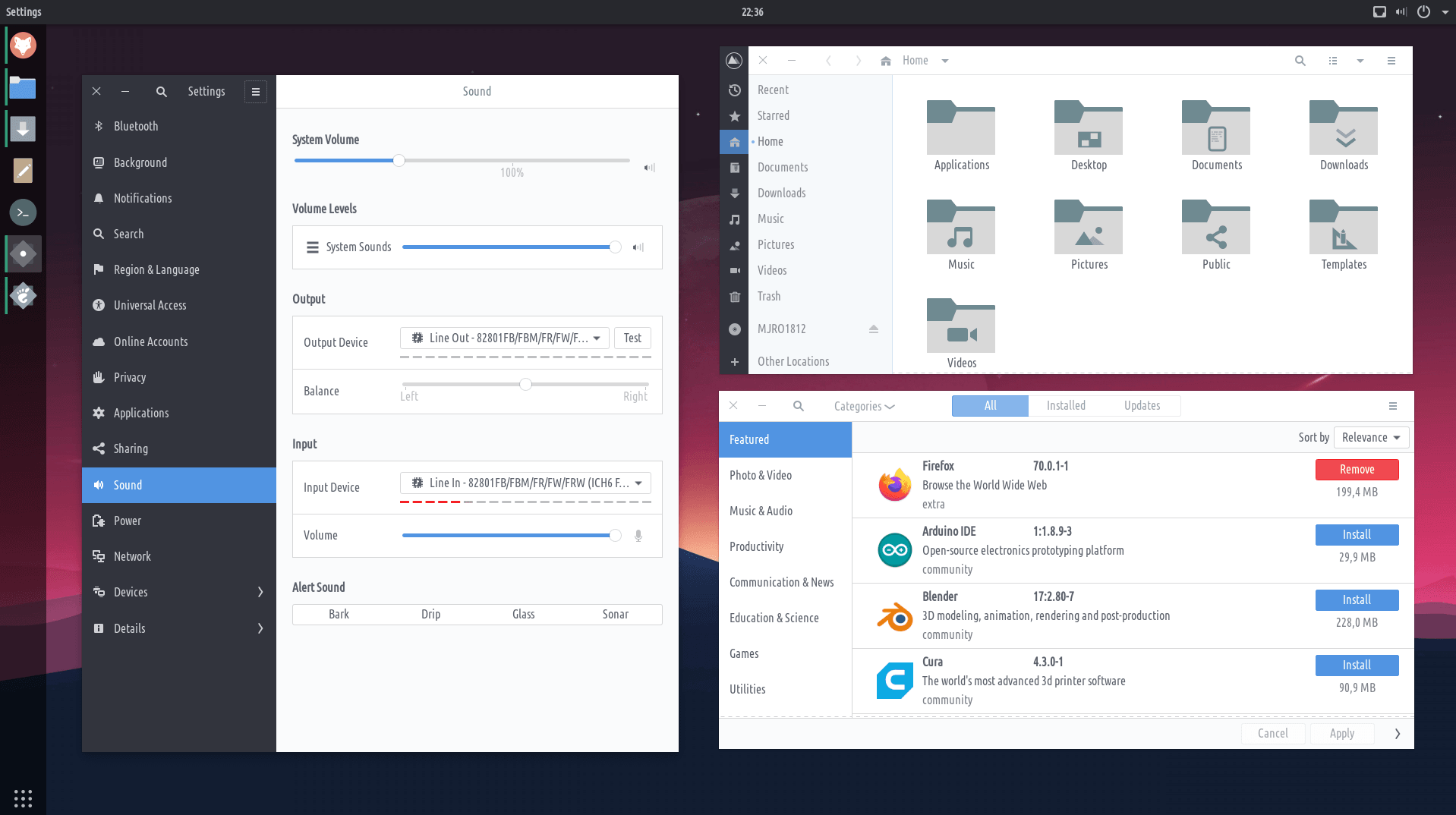
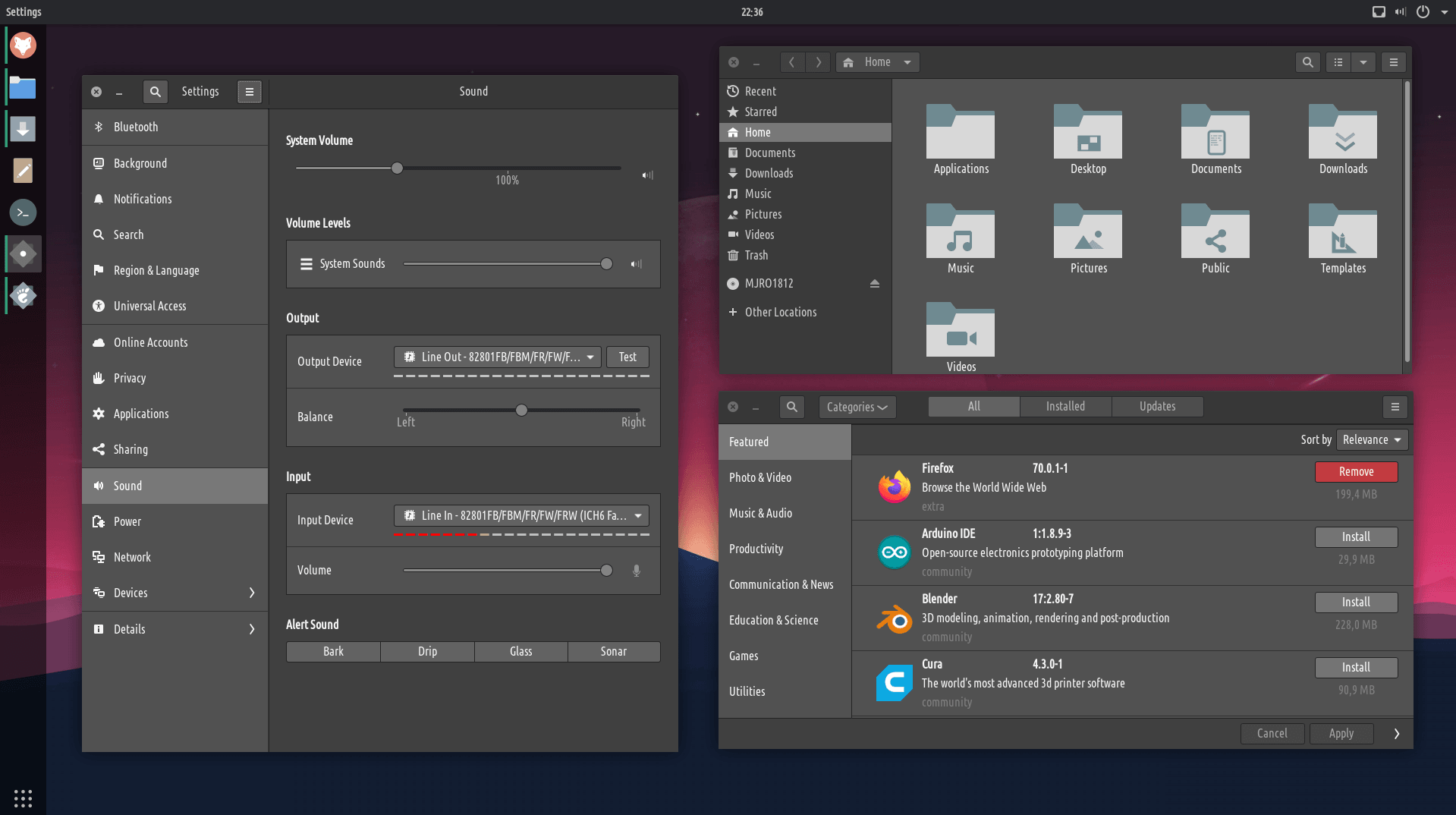
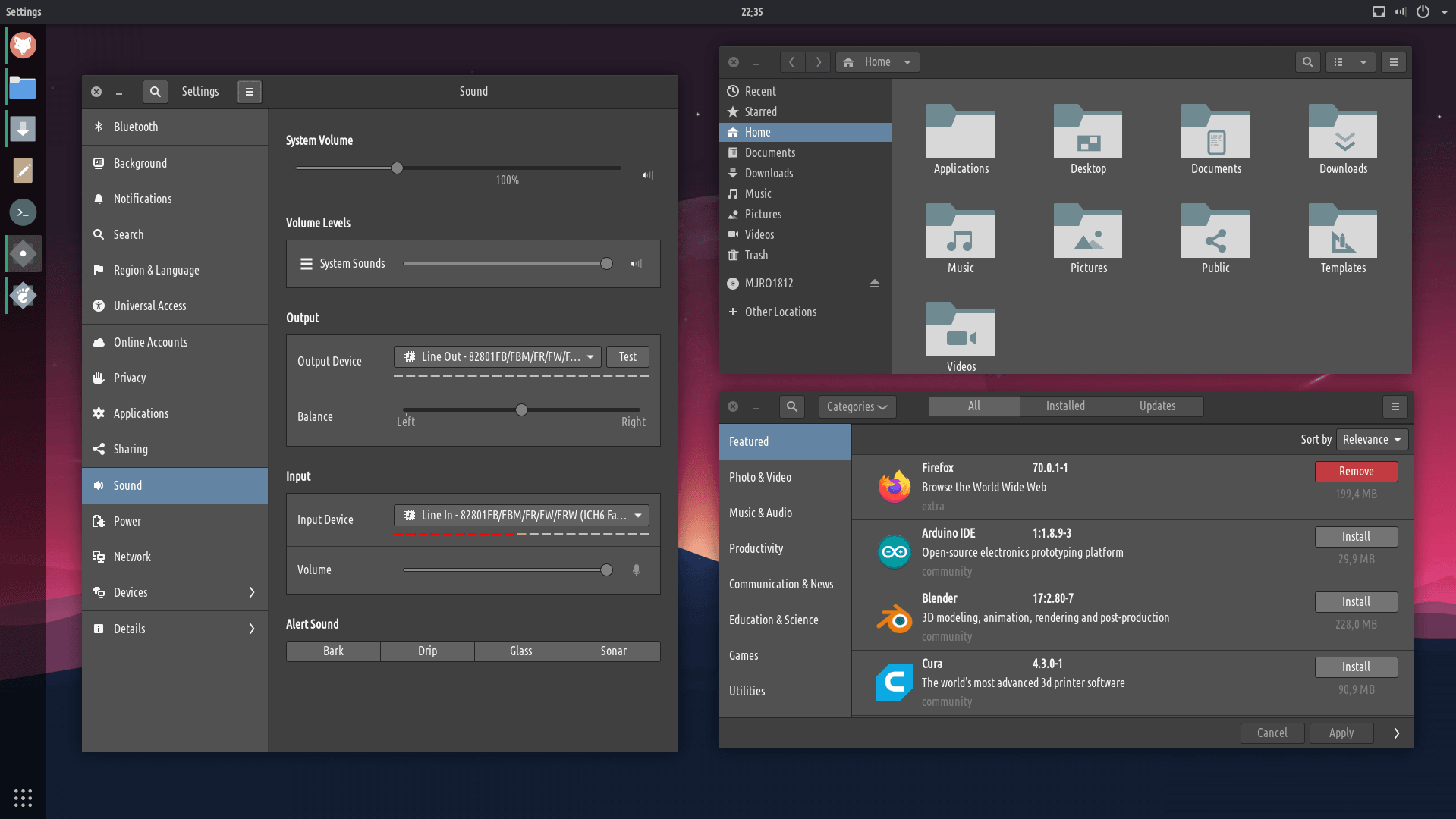
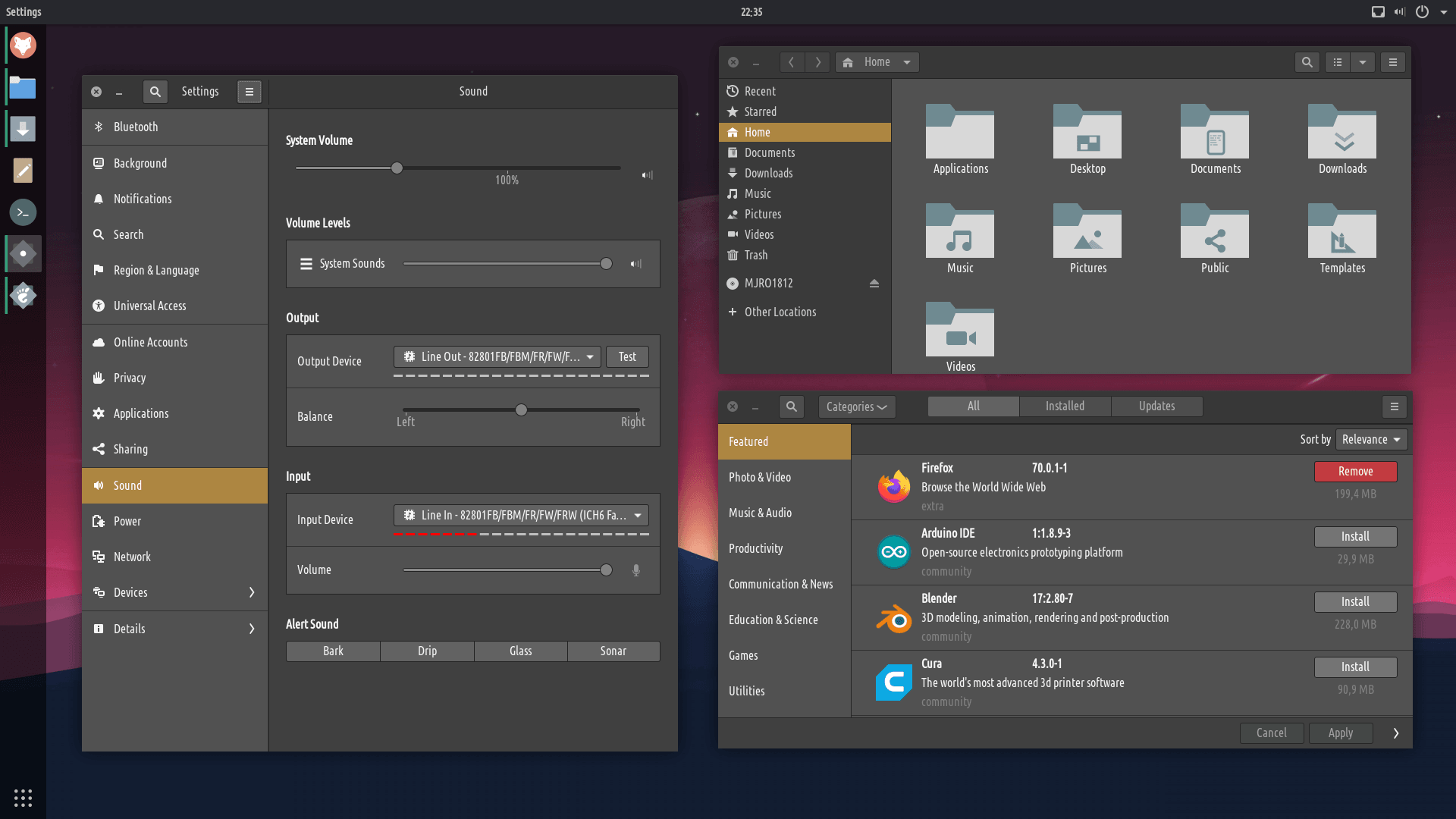
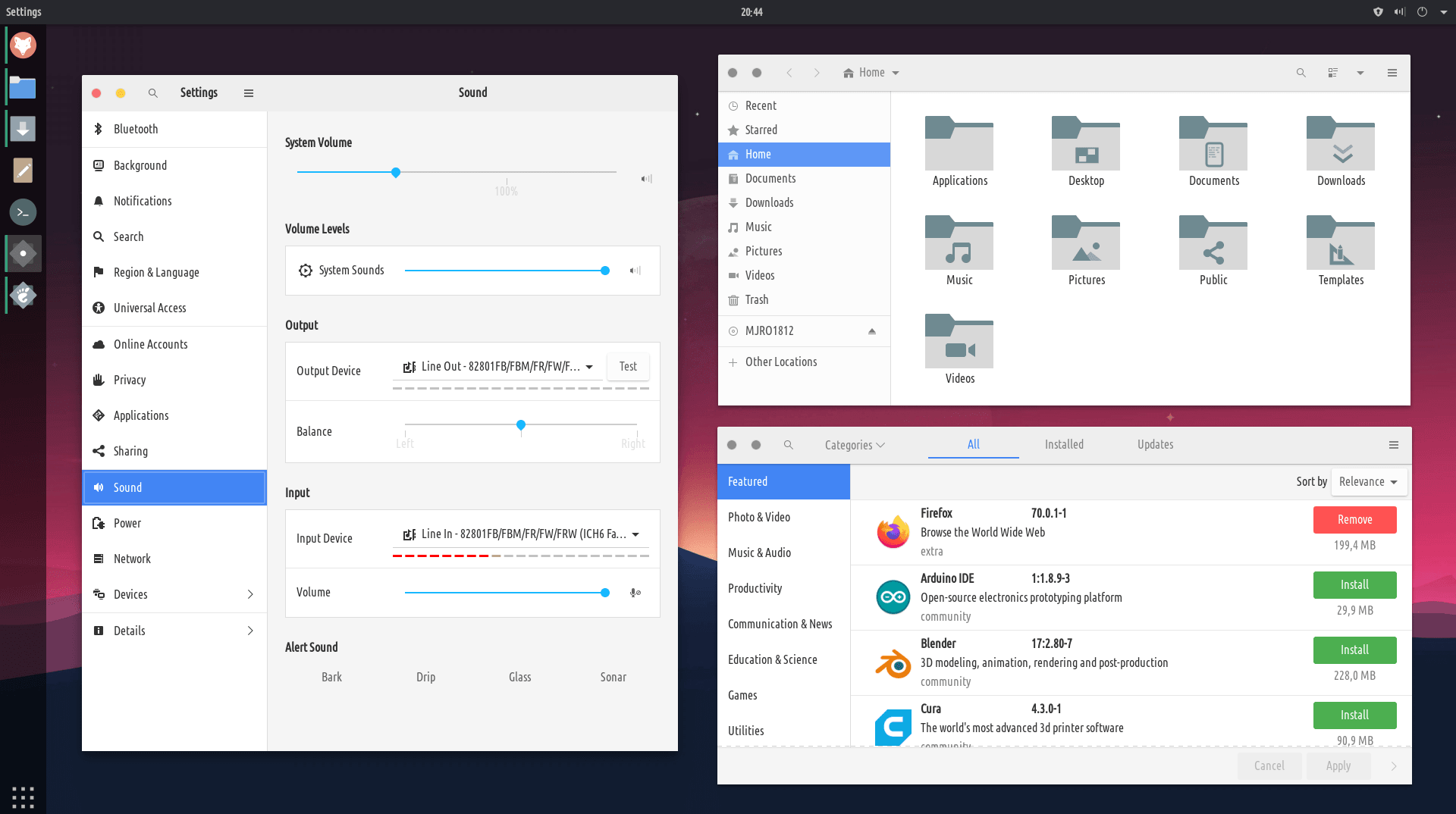
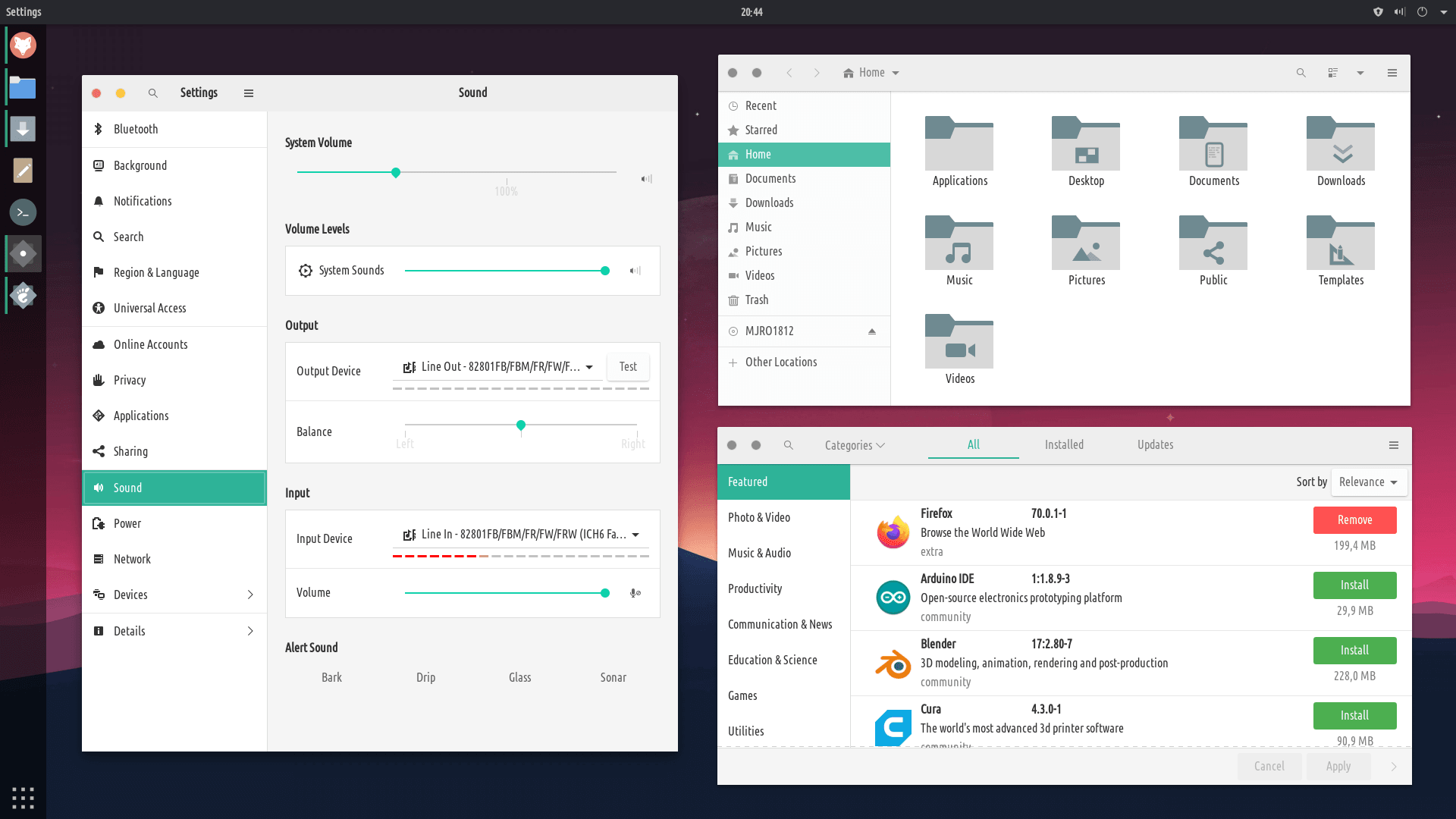
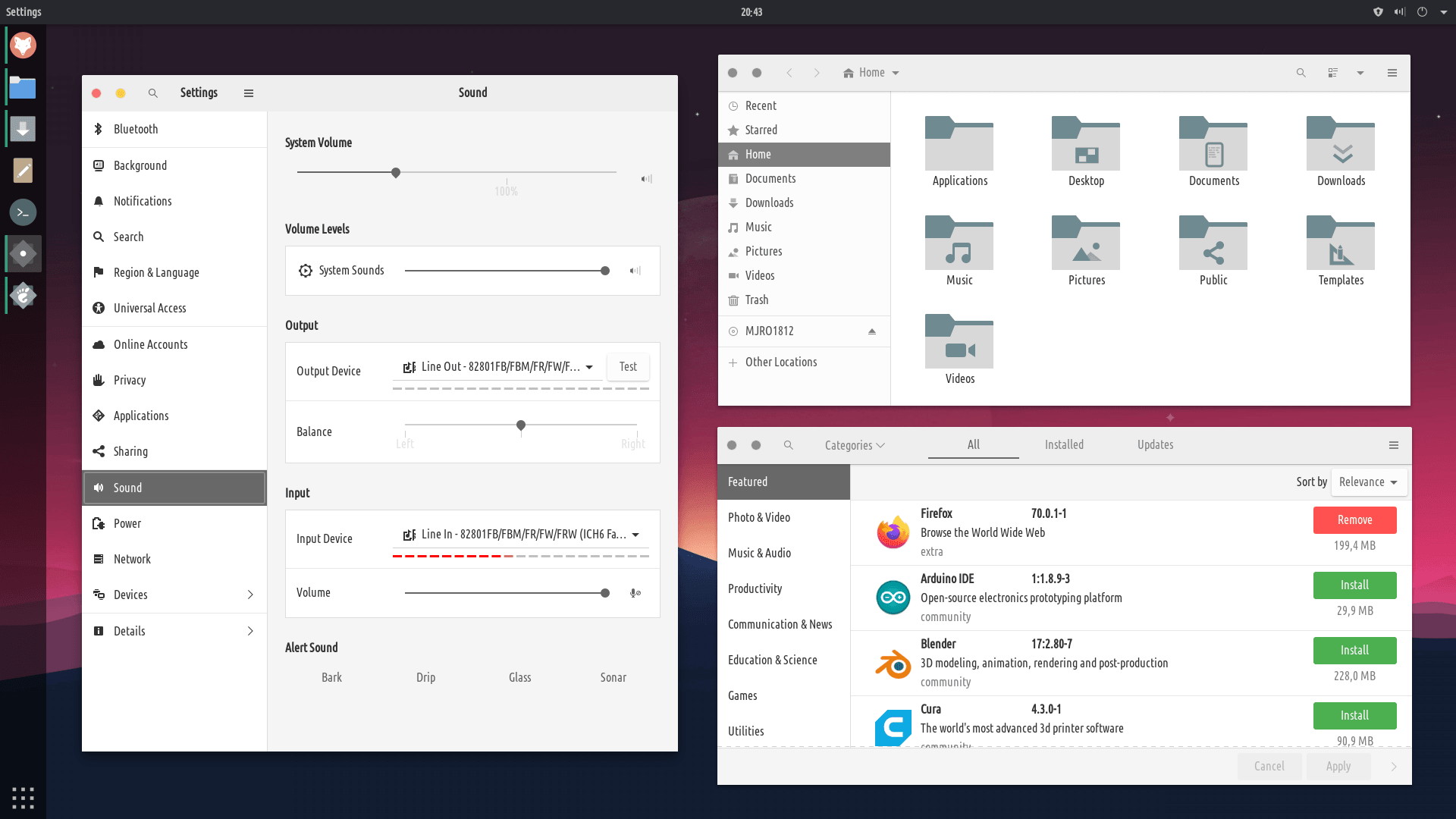
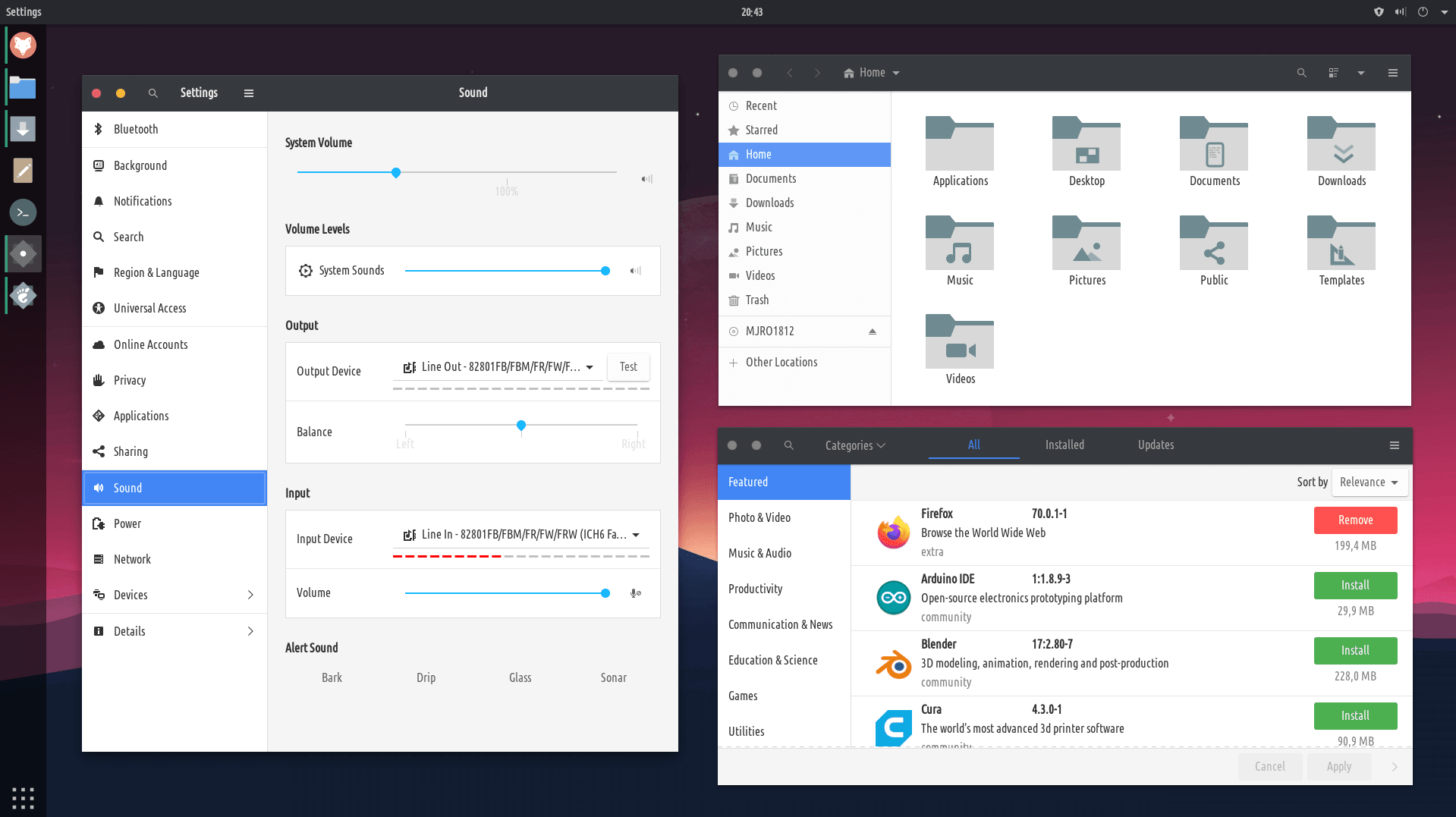
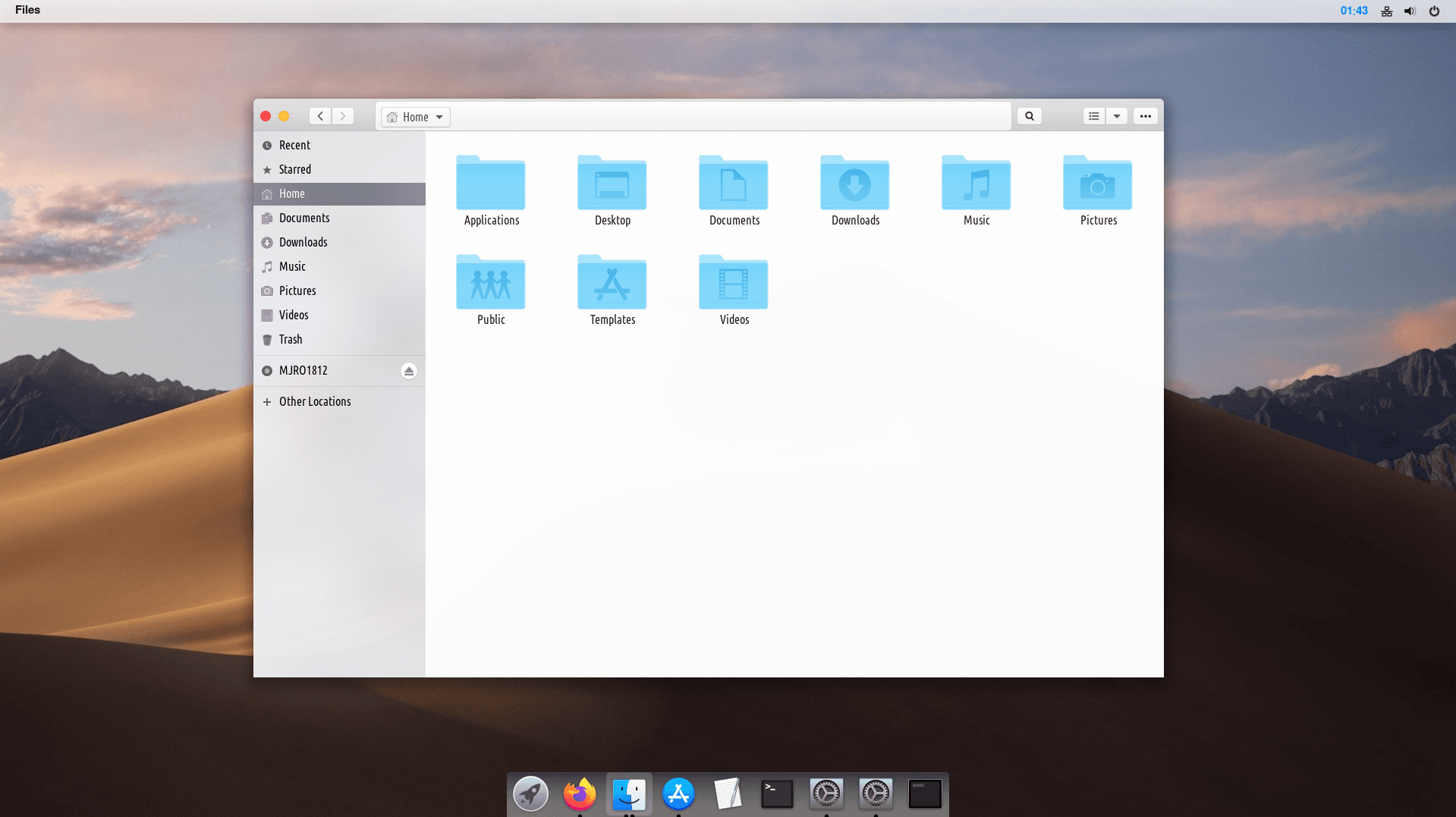
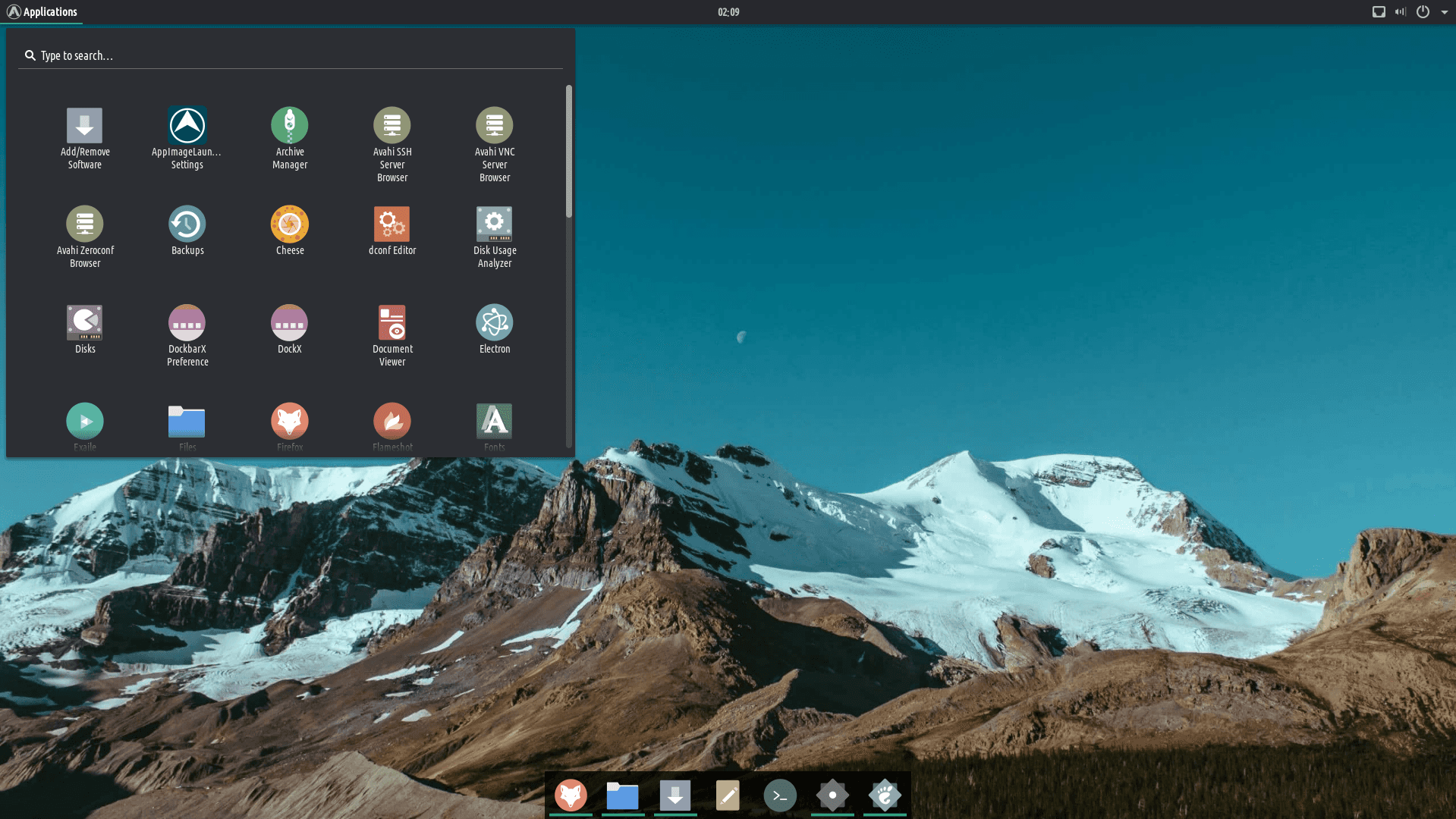
A Kālepa ʻole ʻO ka huiʻana ma luna o Minuro Linux
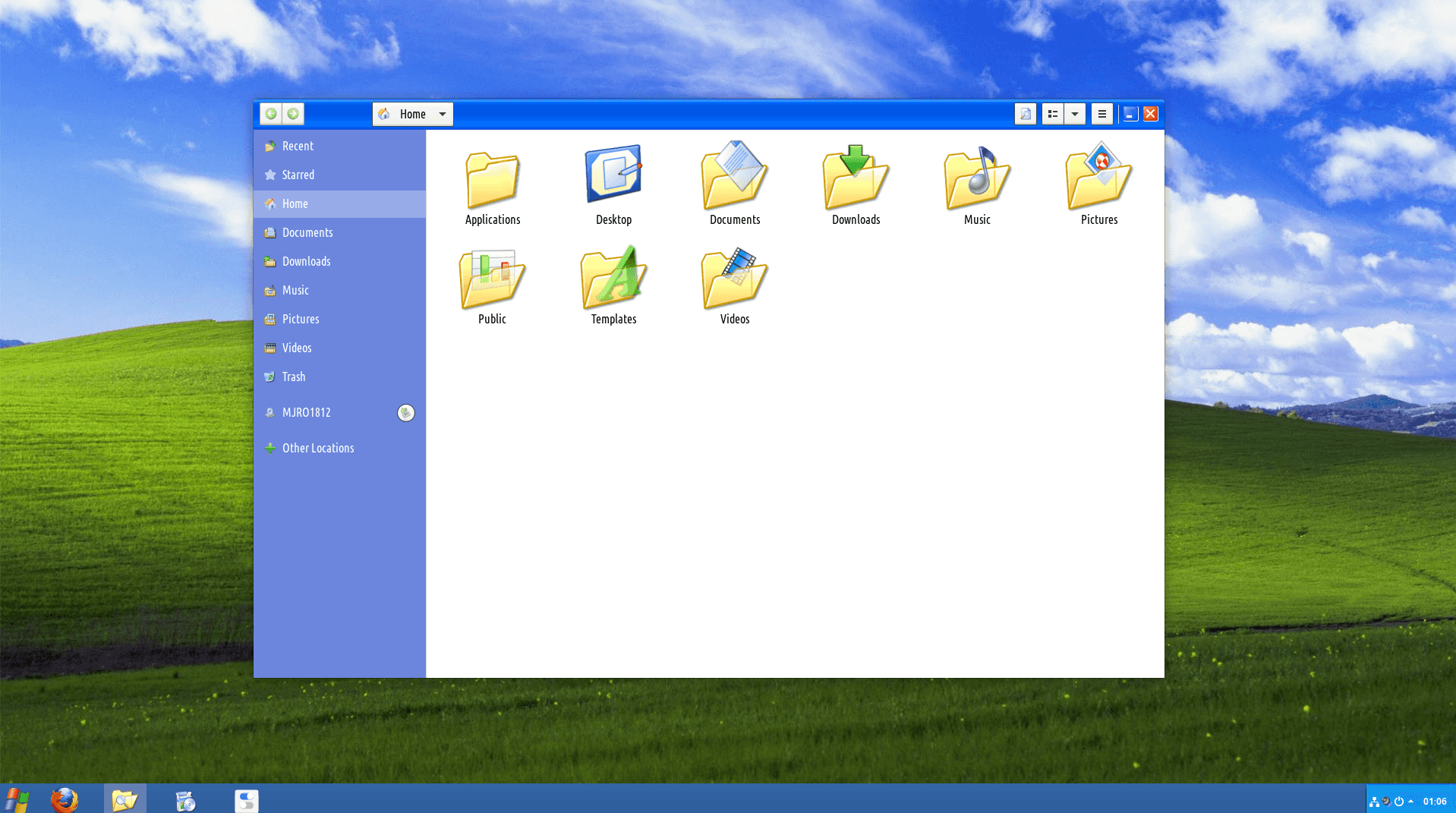
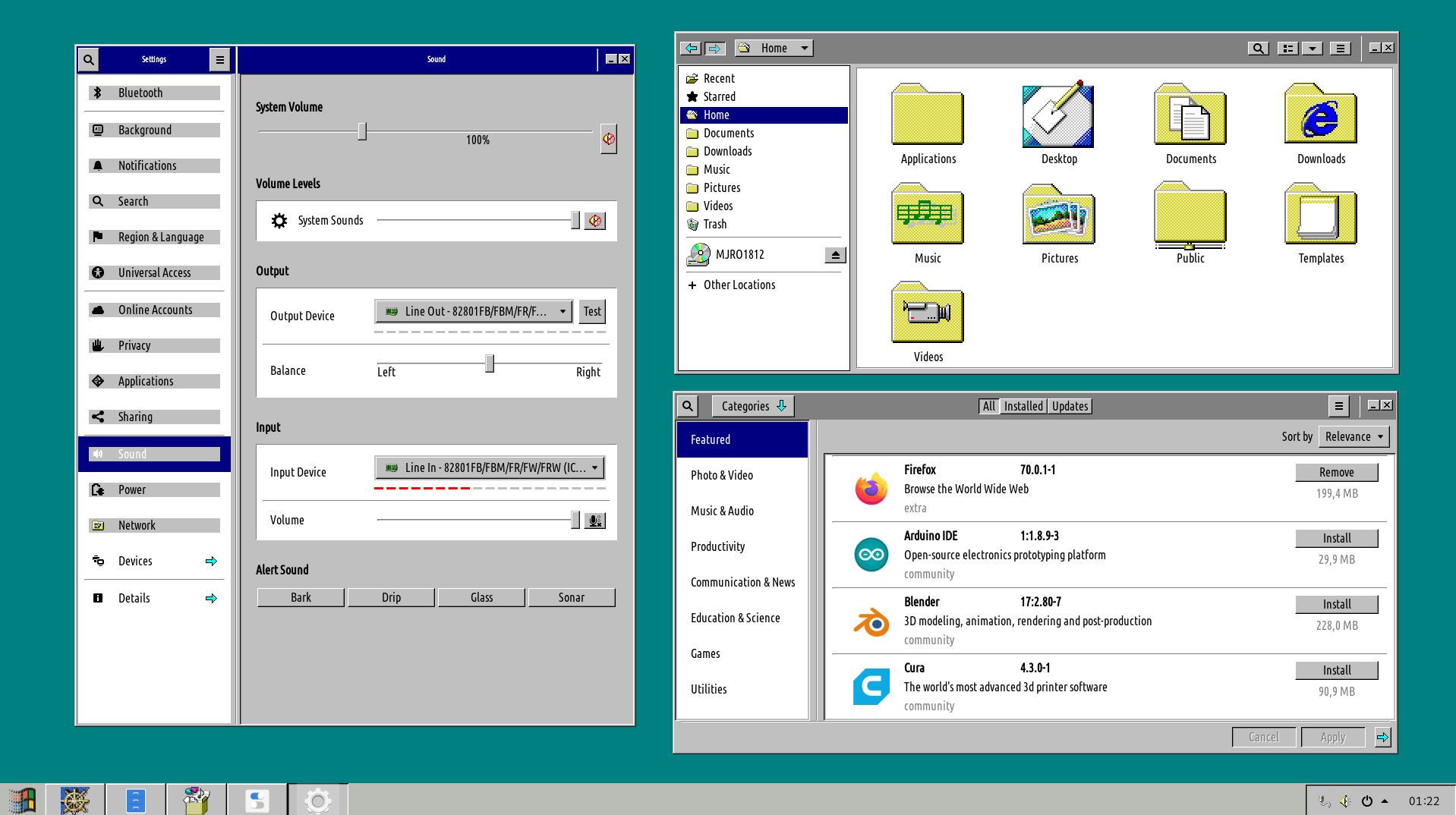
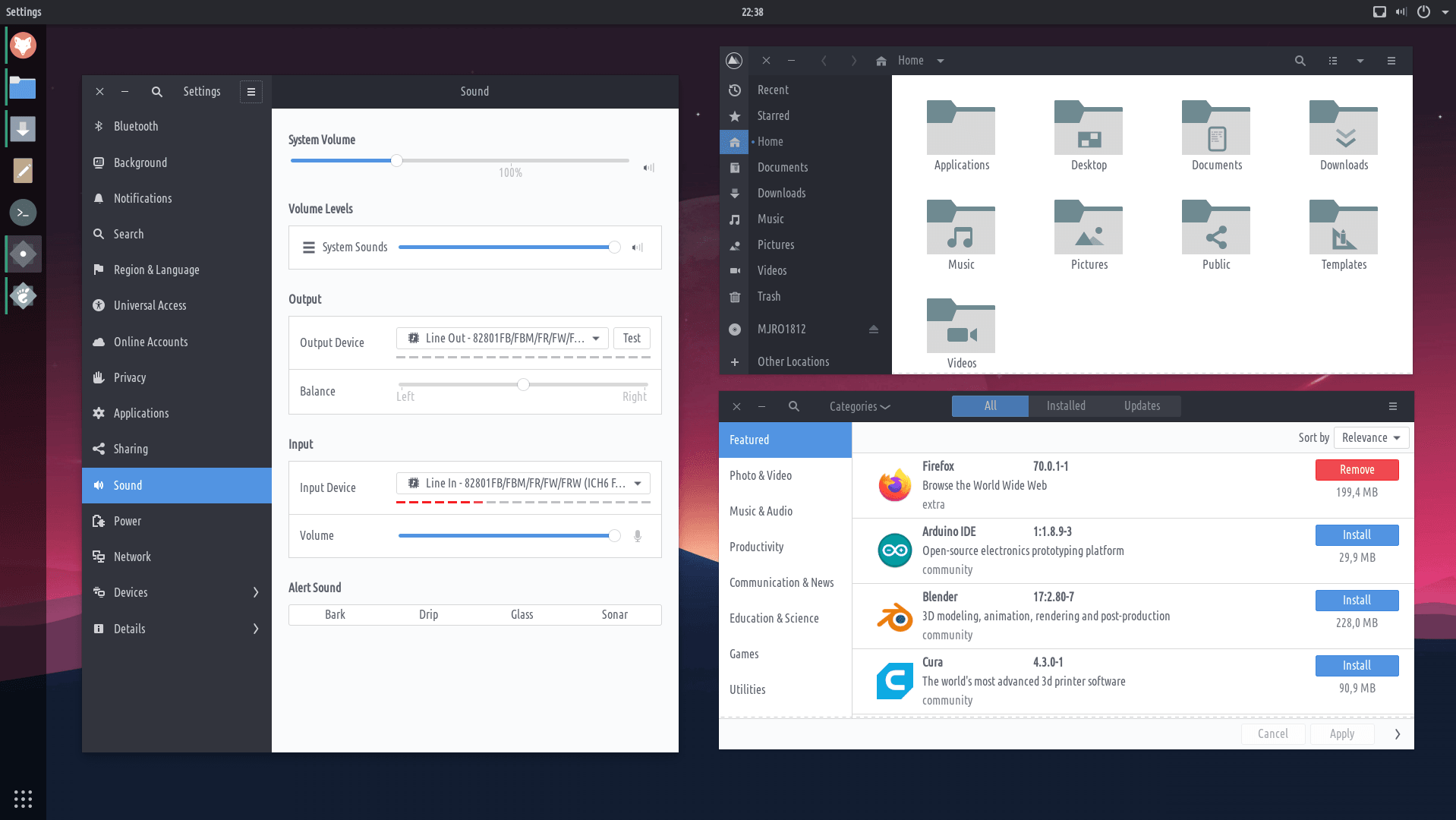
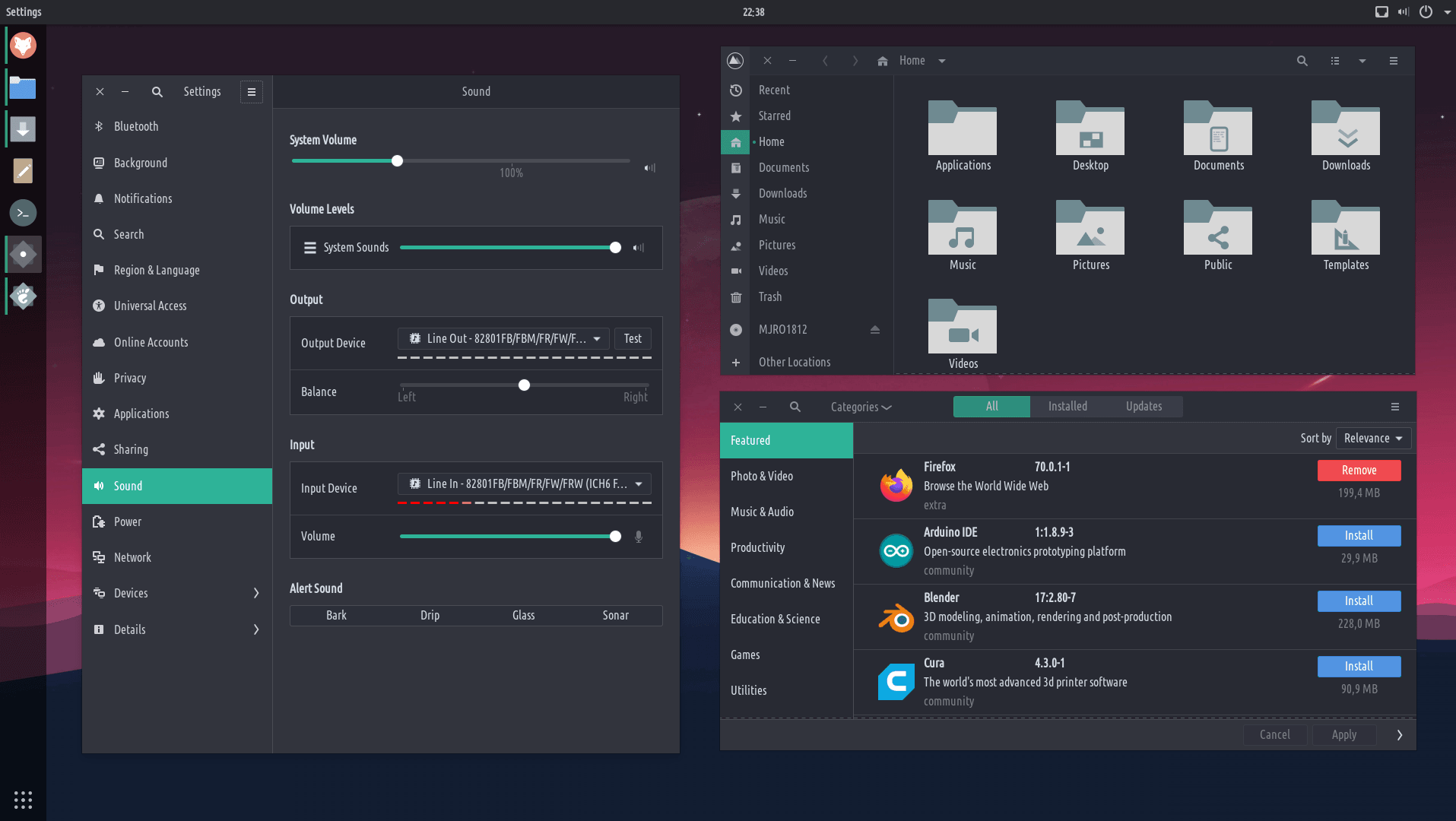
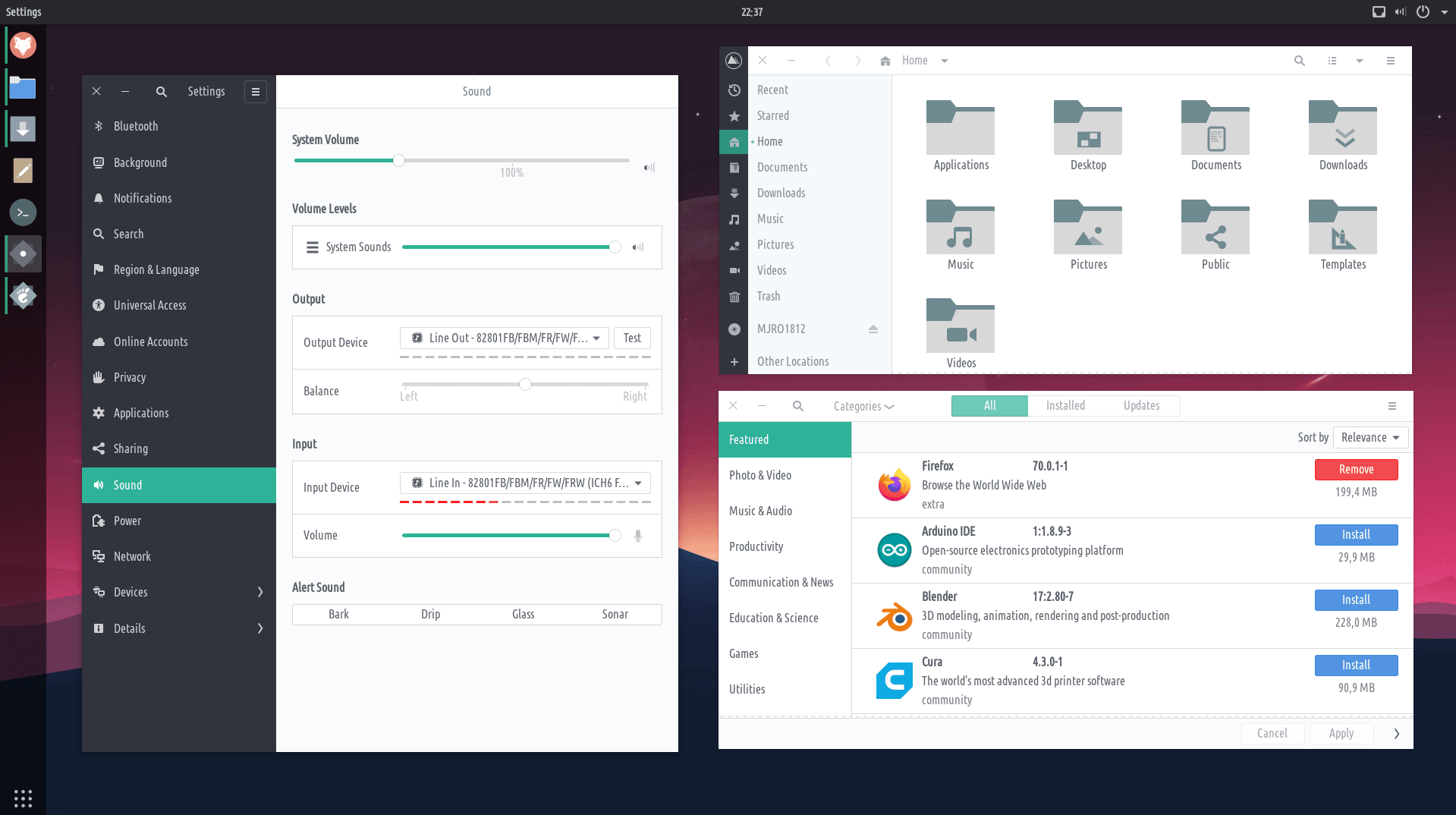
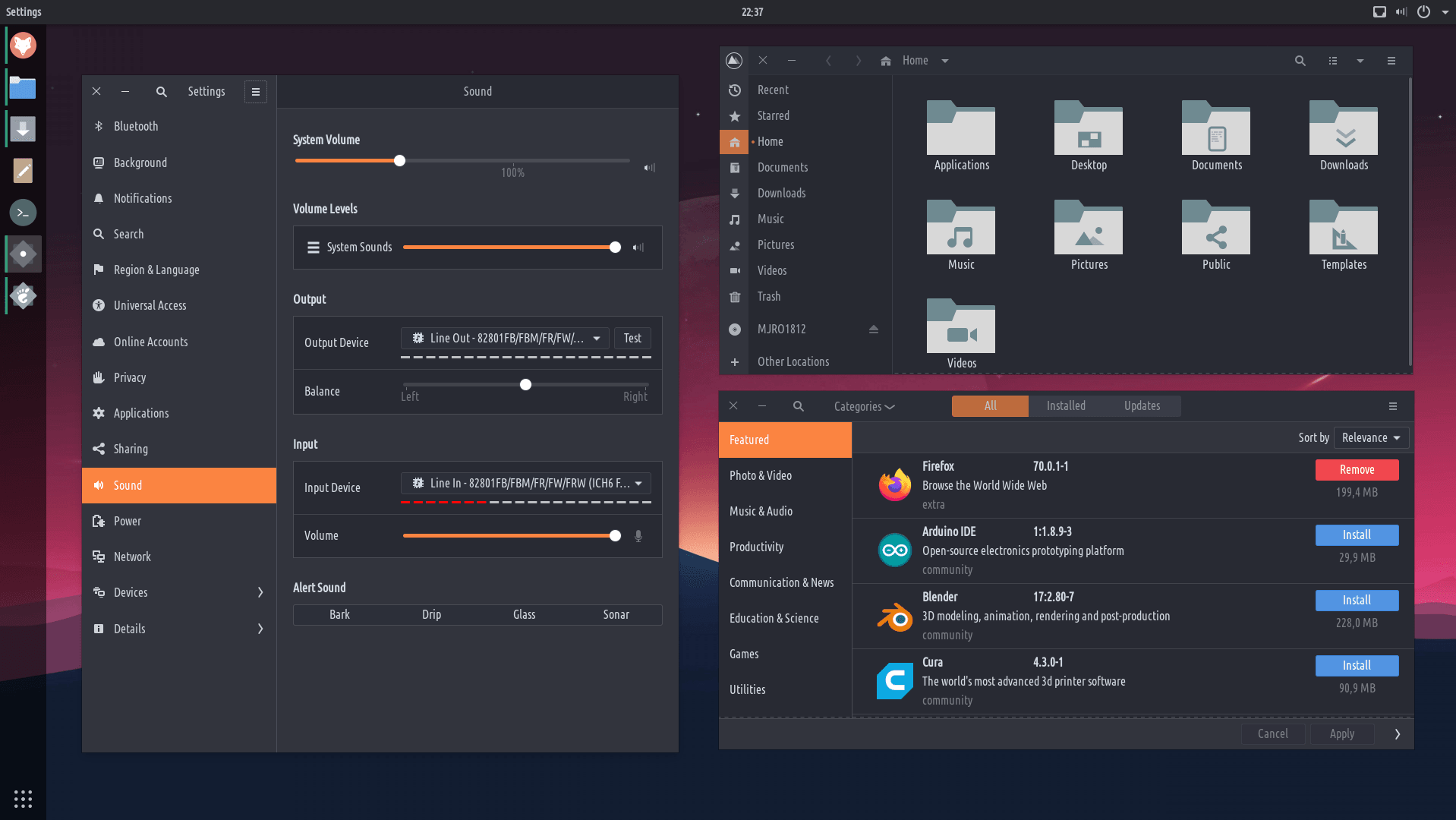
Manaʻo mākou eʻoi aku ka maʻalahi o ka hoʻohanaʻana ma mua o nā Macos,ʻoi aku ka maikaʻi ma mua o nā puka makani,ʻoi aku ka nui ma mua o ka Android, aʻoi aku ka palekana ma mua o nā io. NO No nā mea hoʻohana hoʻohana, nā mea hoʻoponopono hoʻohui liʻiliʻi, nā mea kūʻai aku nei, nā mea kākau, mau mea kākau, mau mea hoʻolālā. Kanaka āpau.
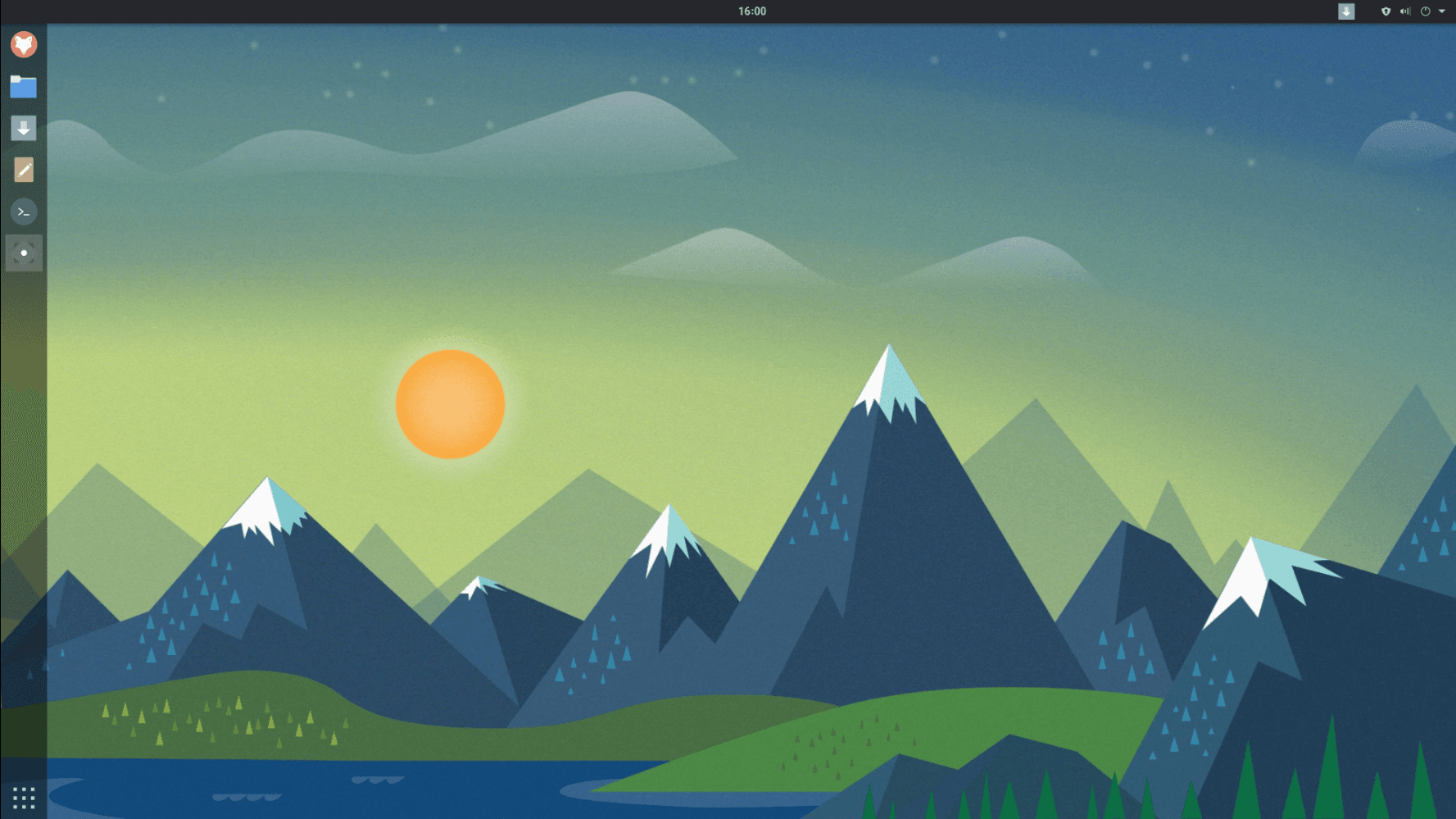
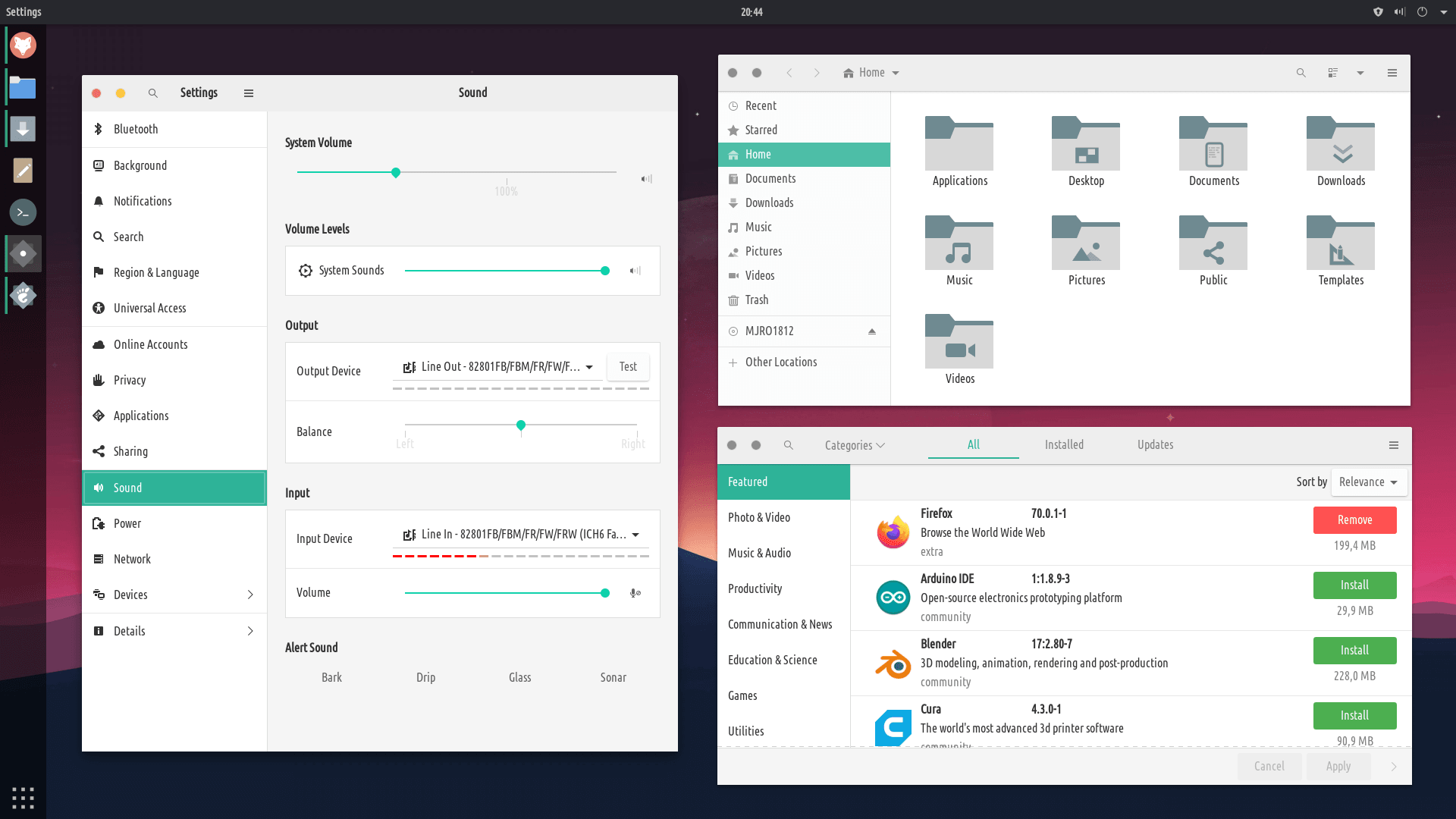
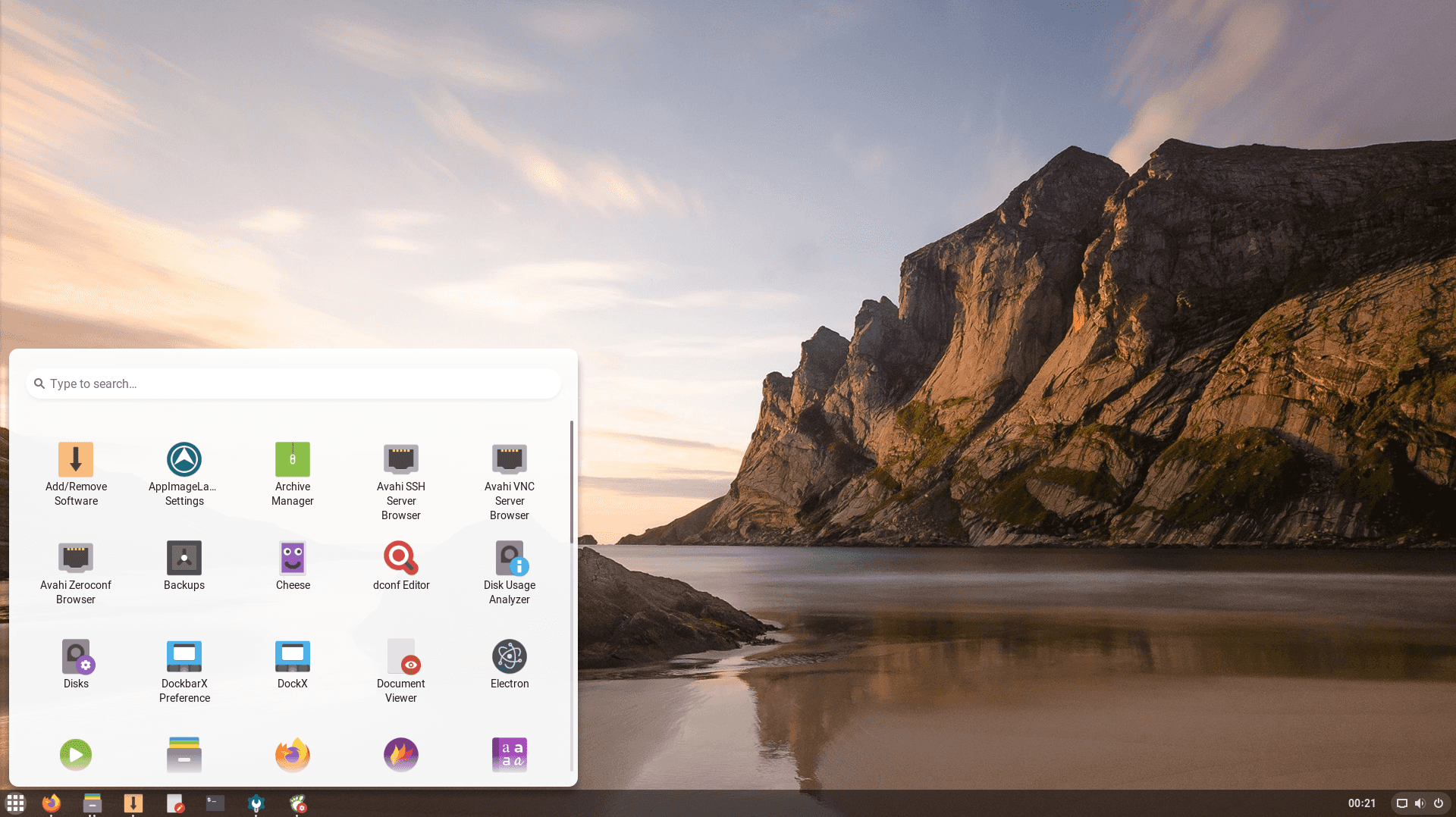
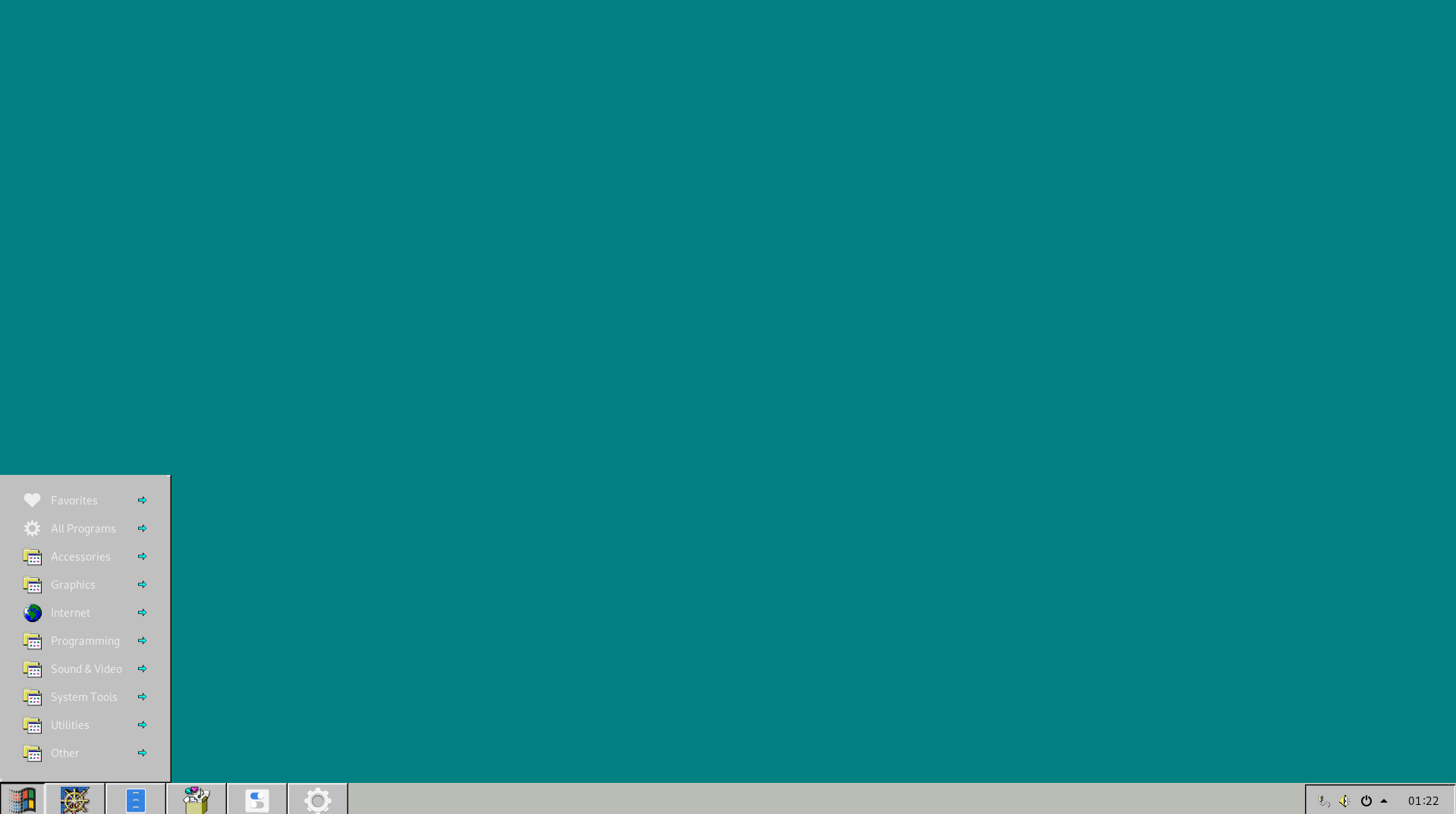
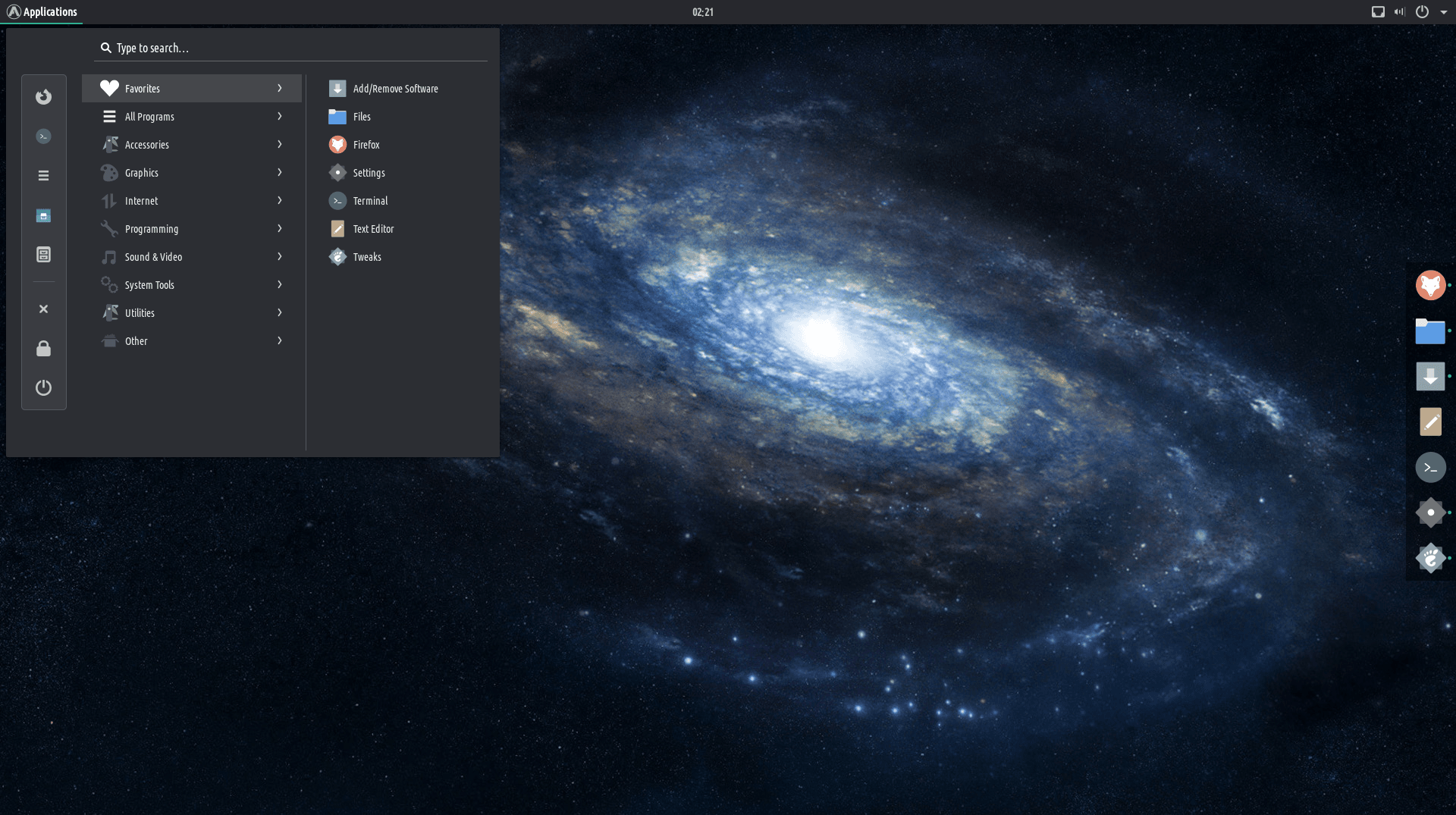
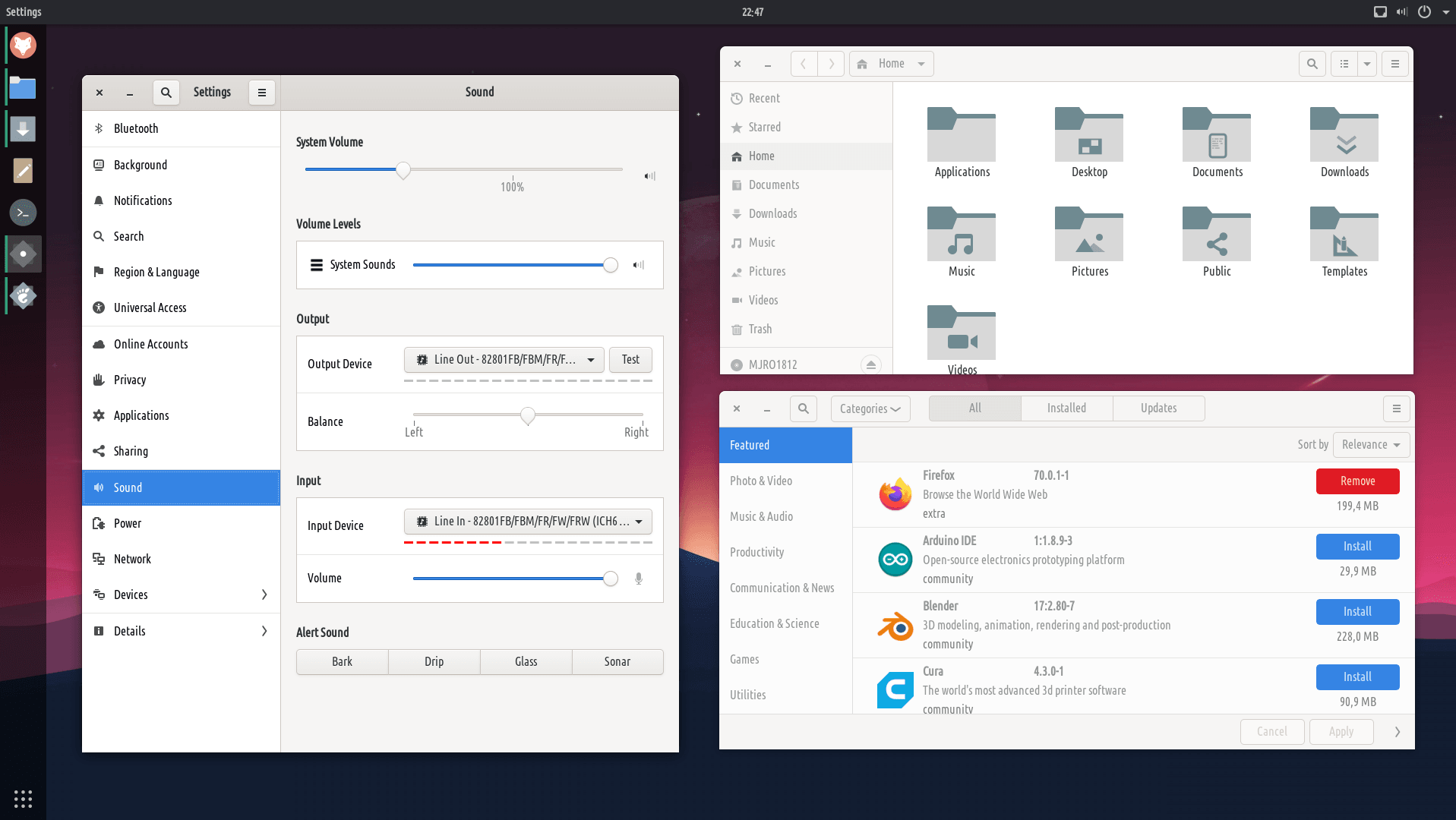
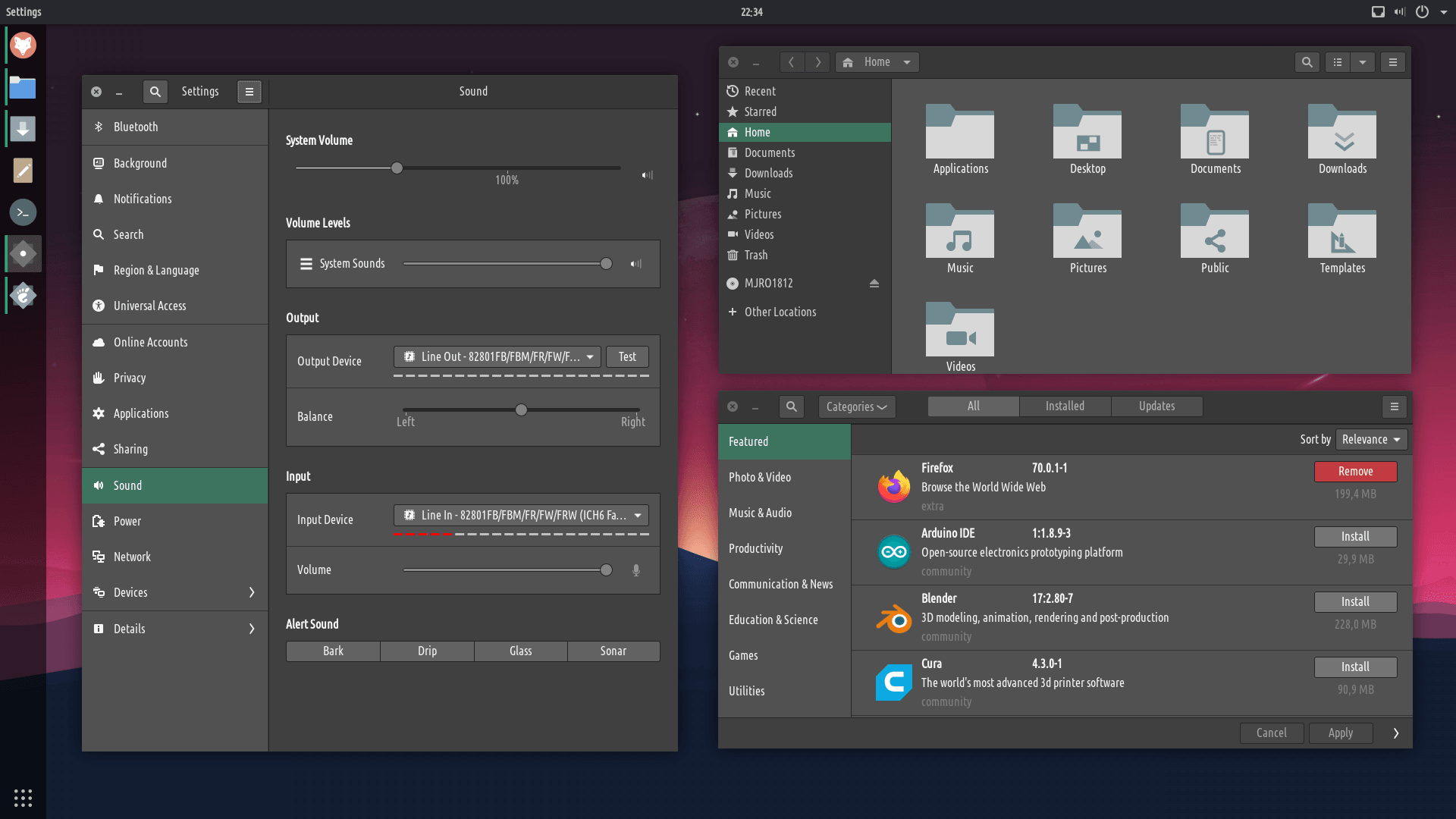
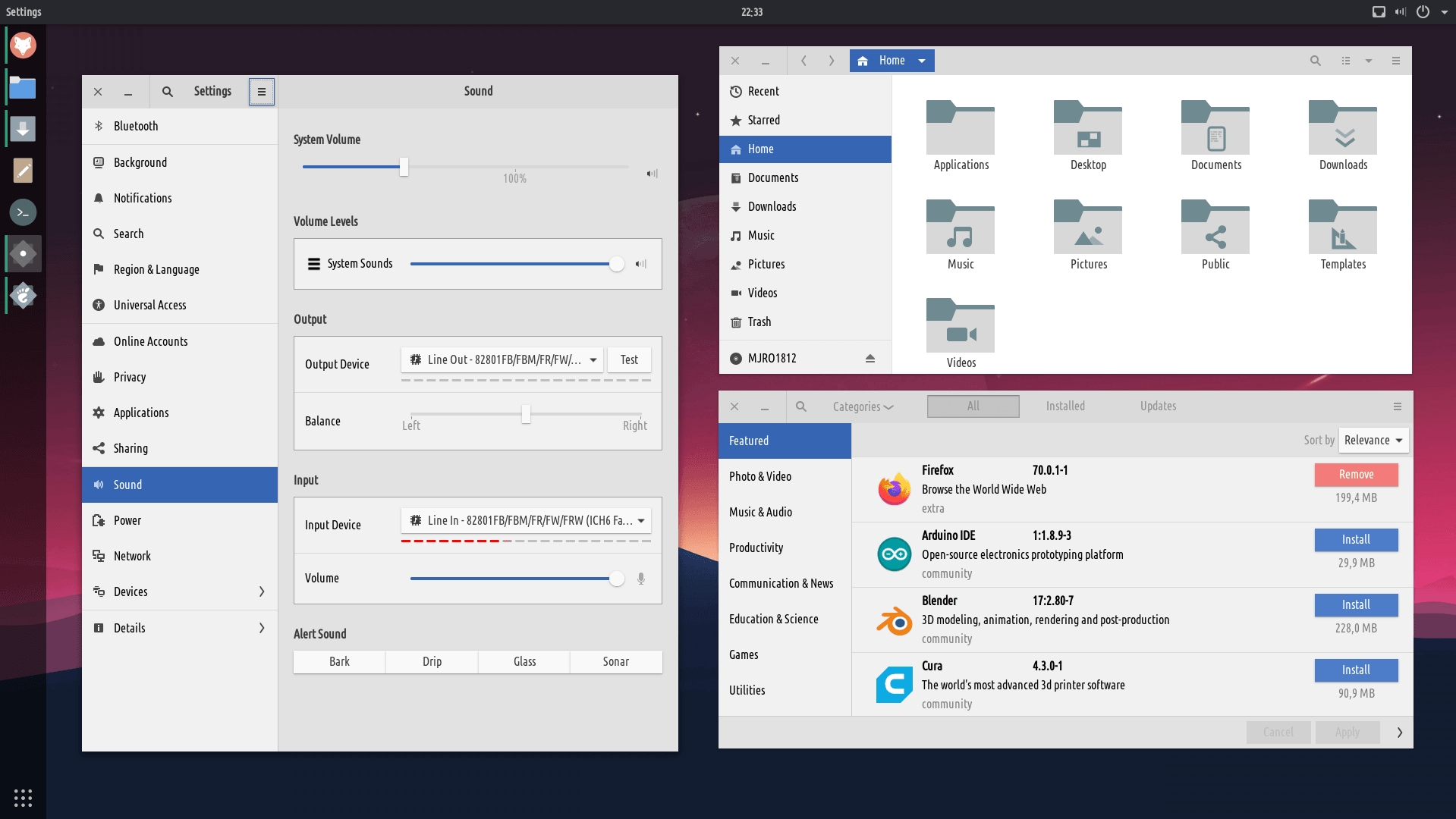
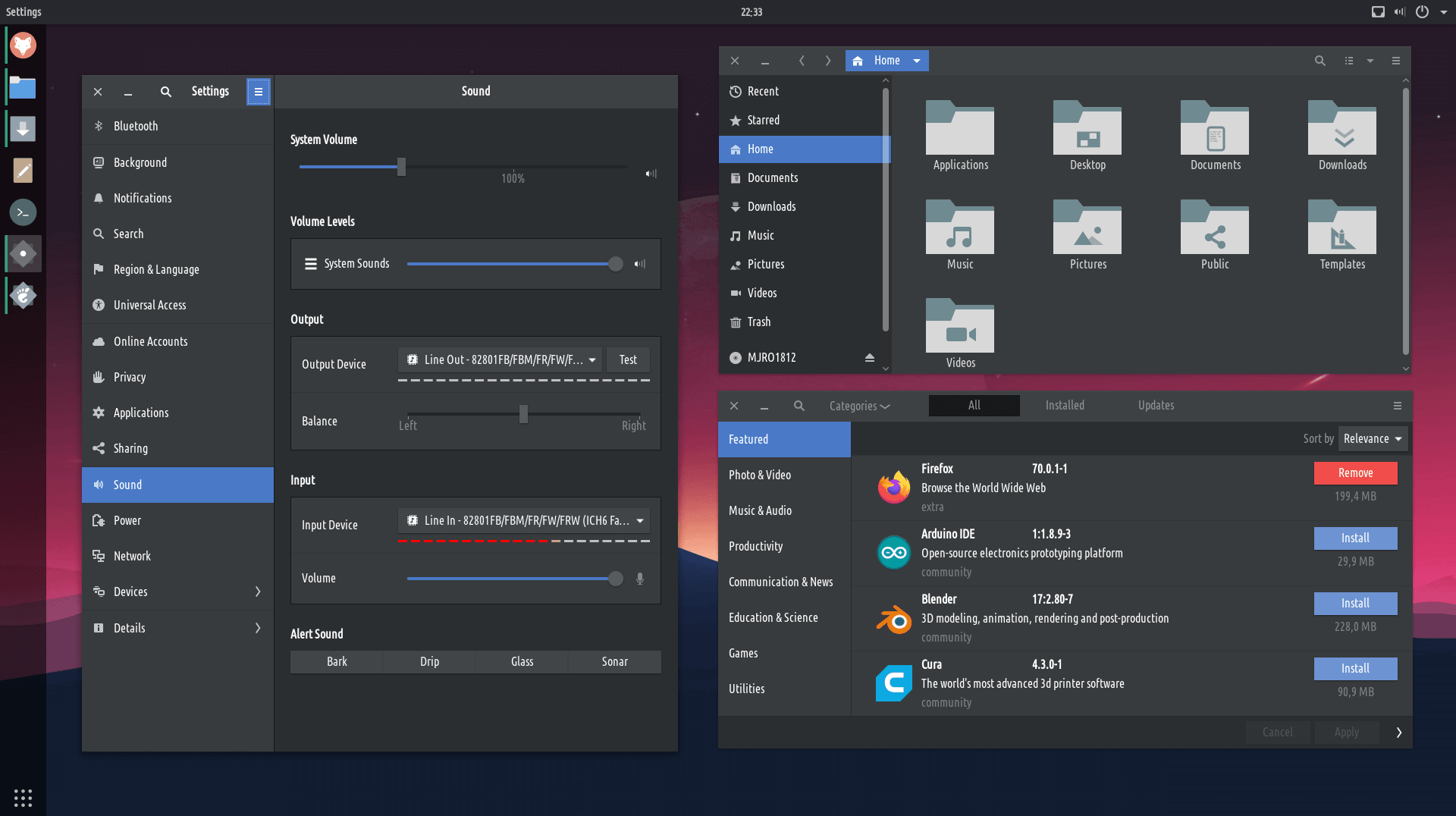
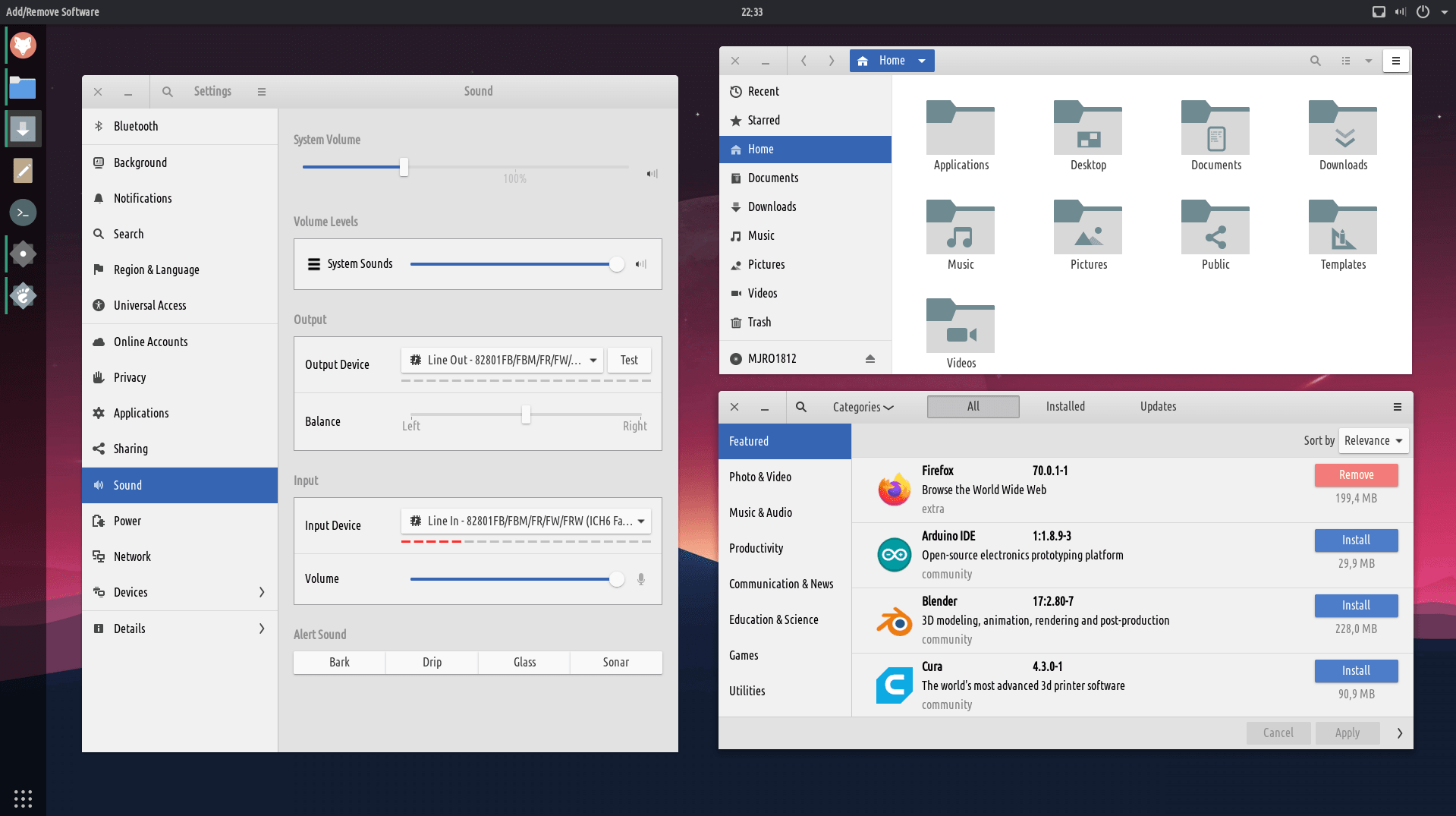
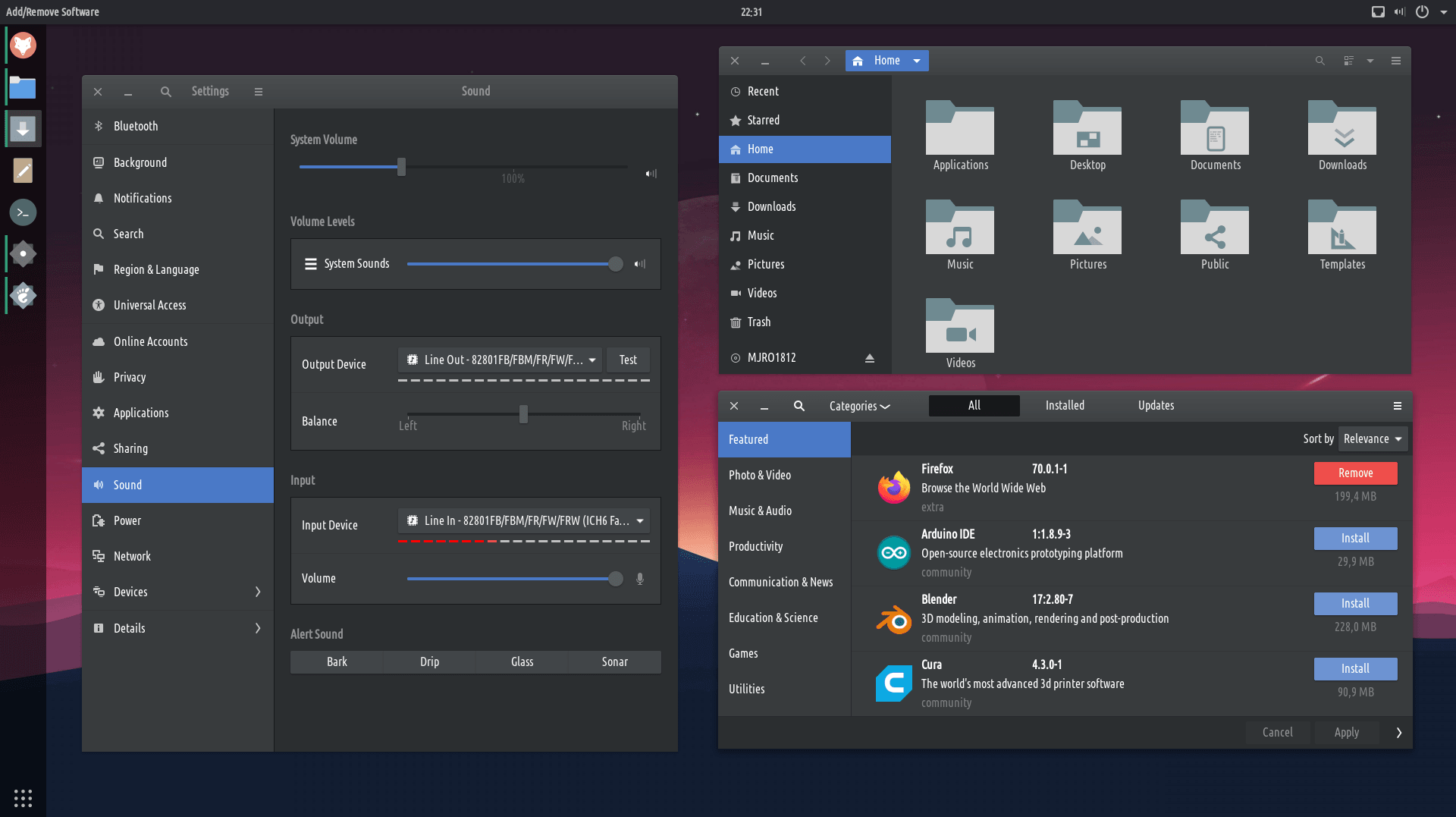
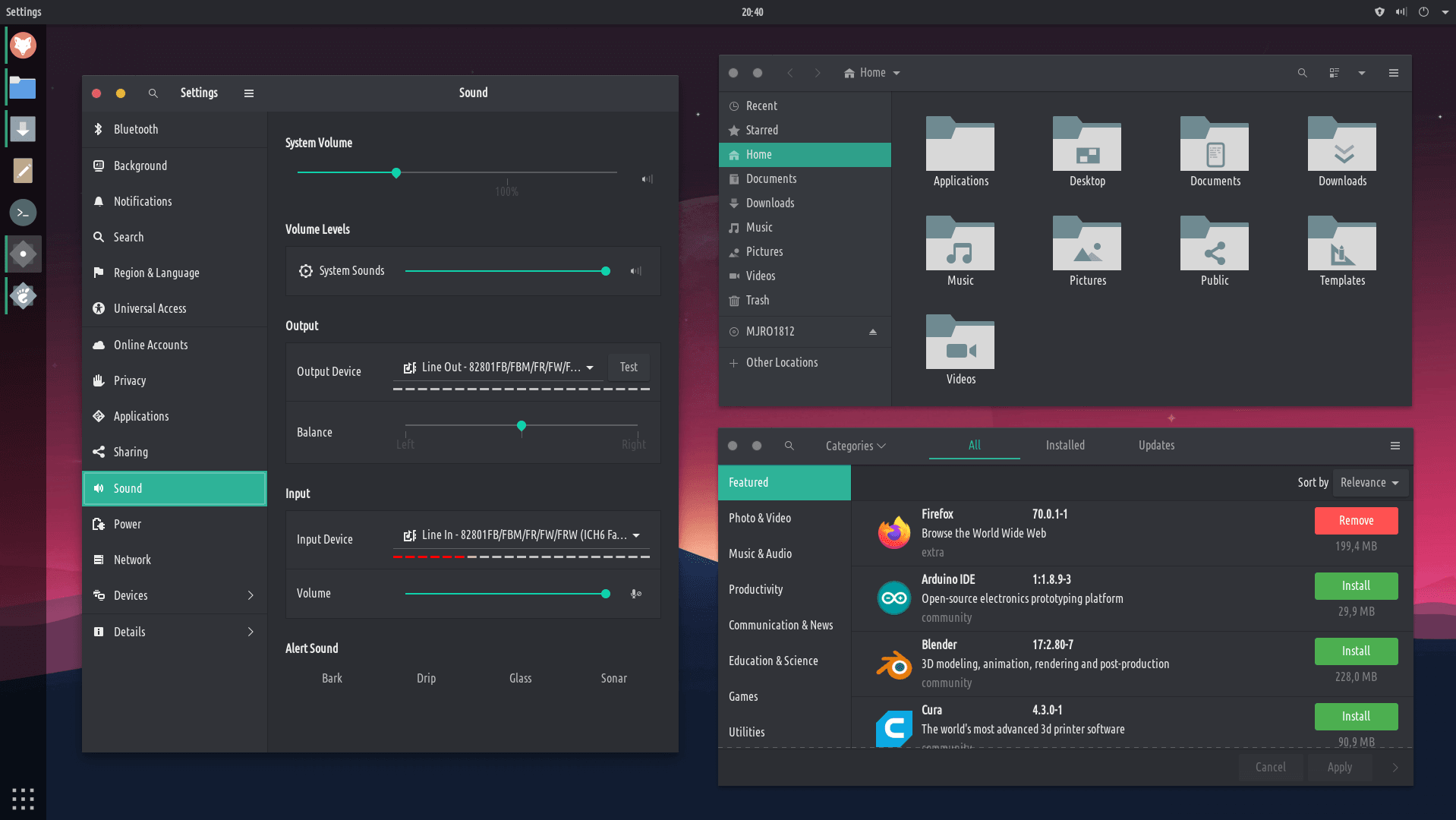
the top bar is about 'activities', and the left bar is all about the apps and the search (plus workspaces)
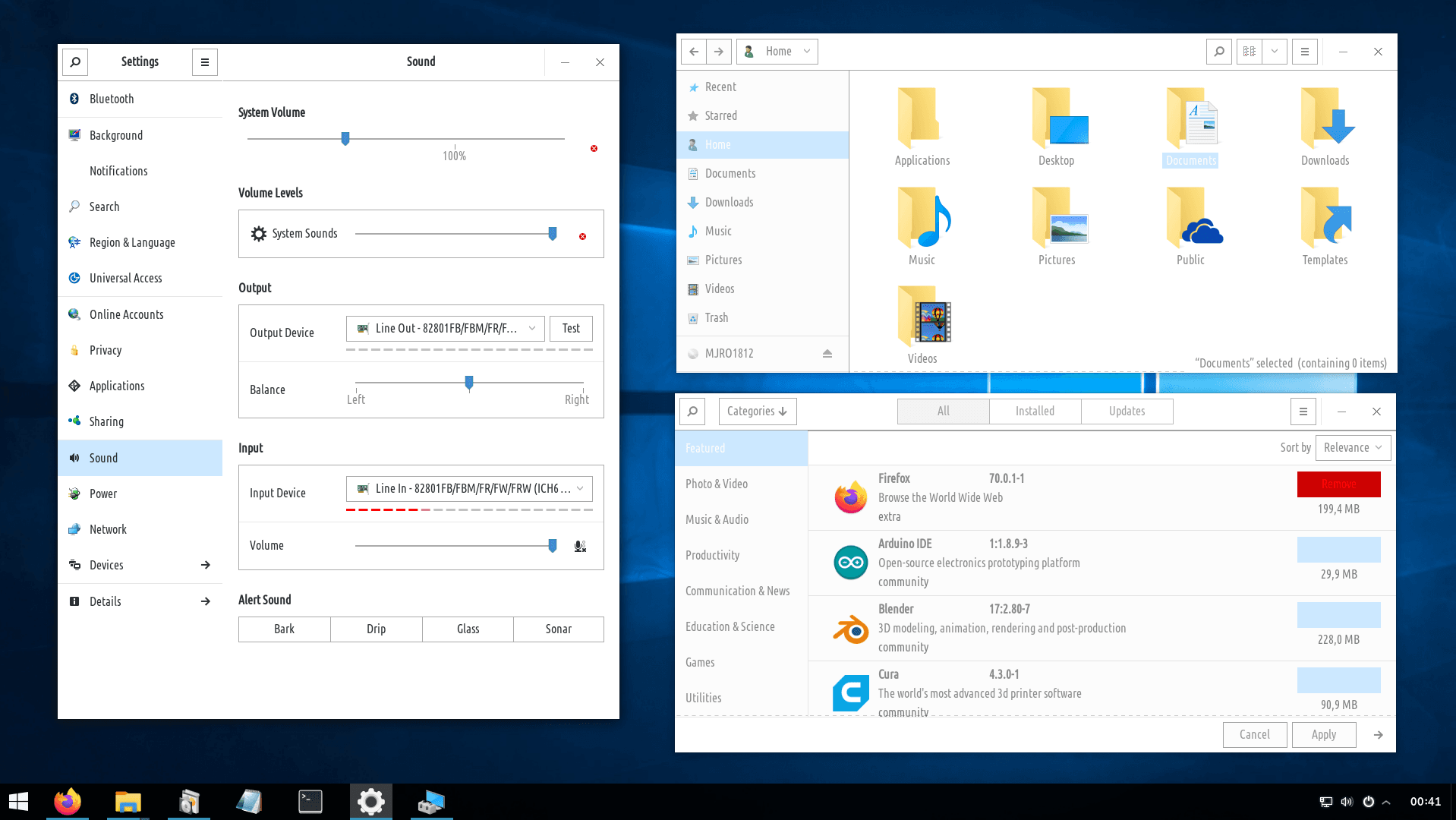
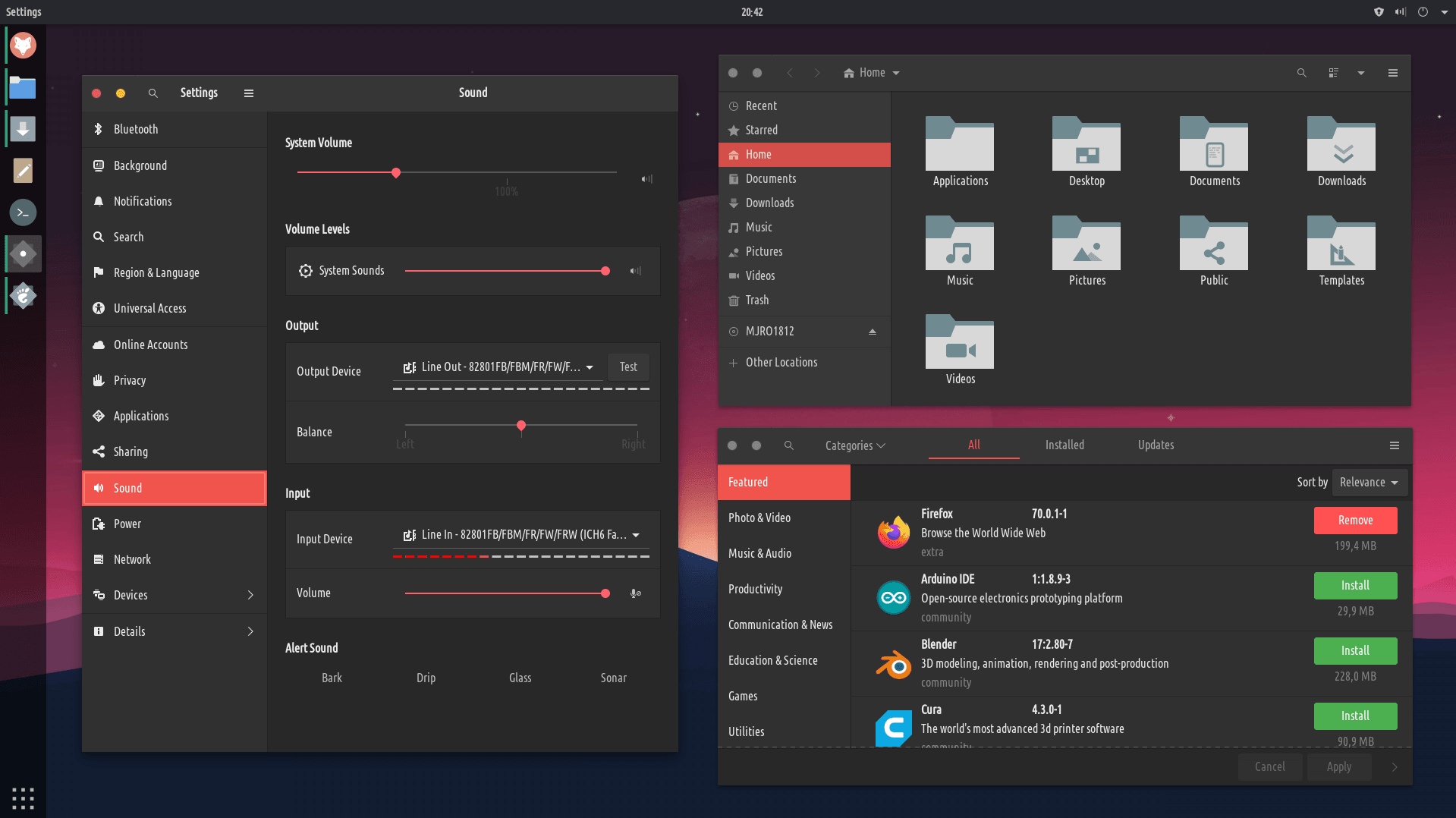
nā hoʻonohonoho
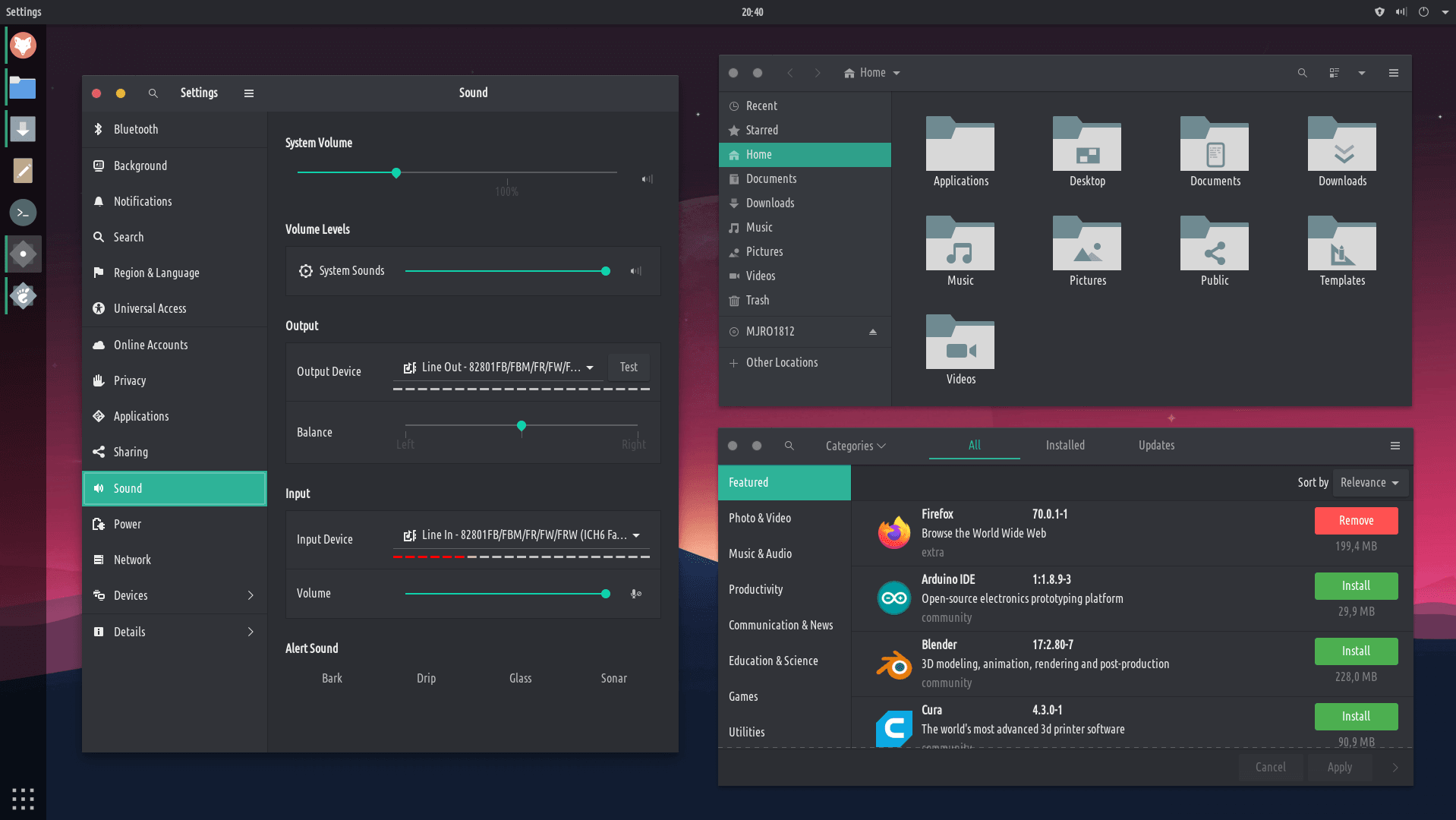
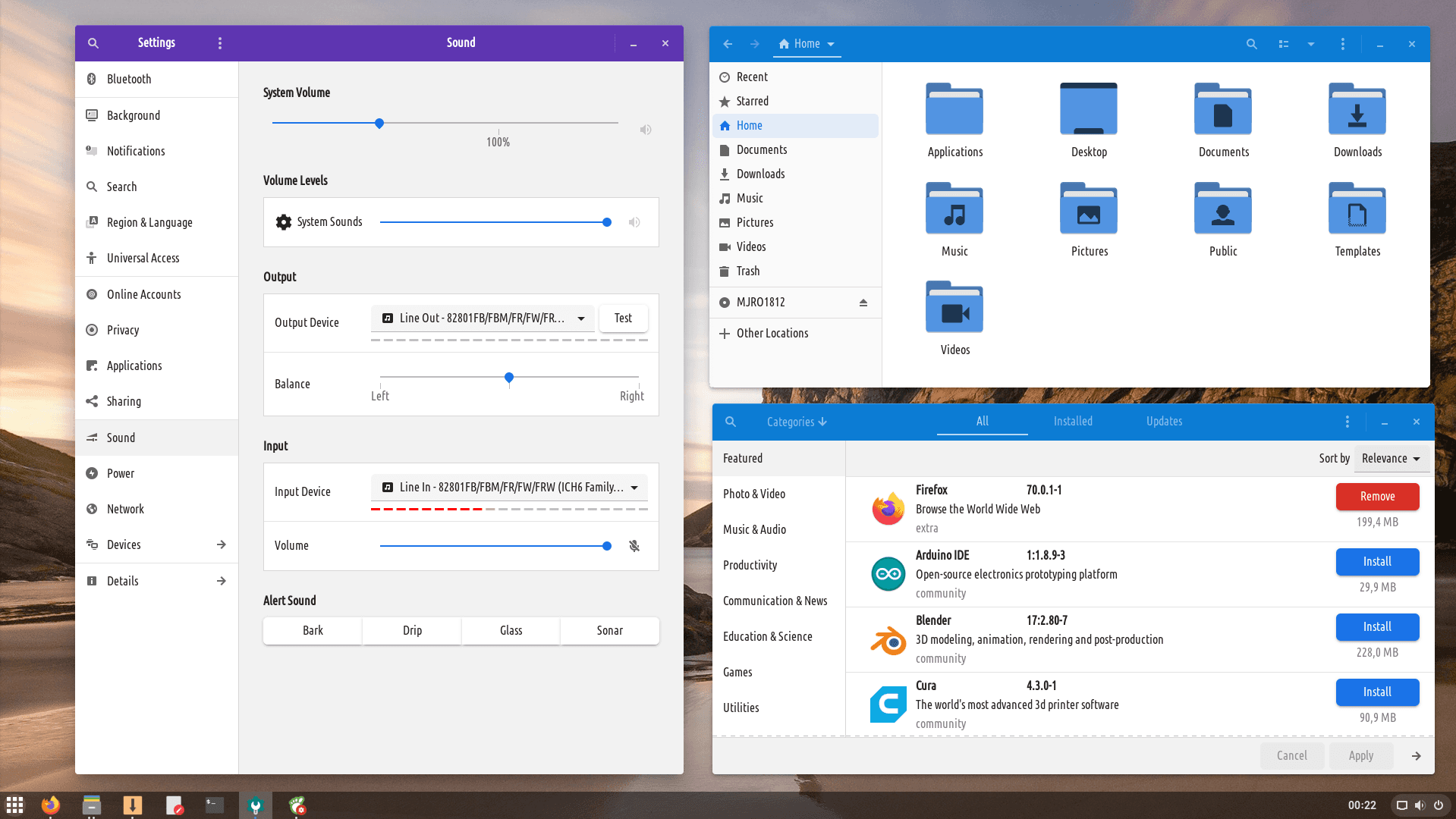
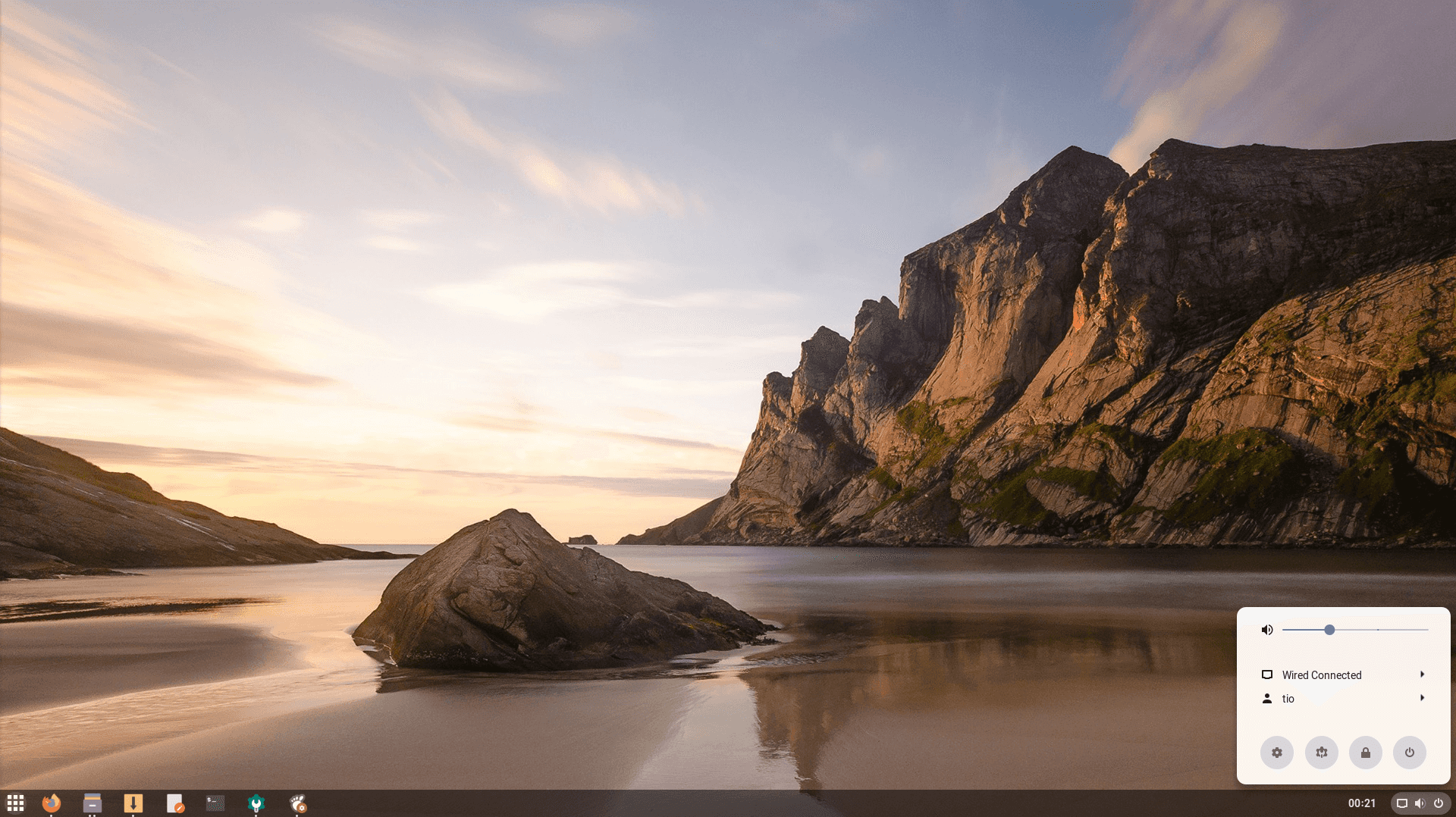
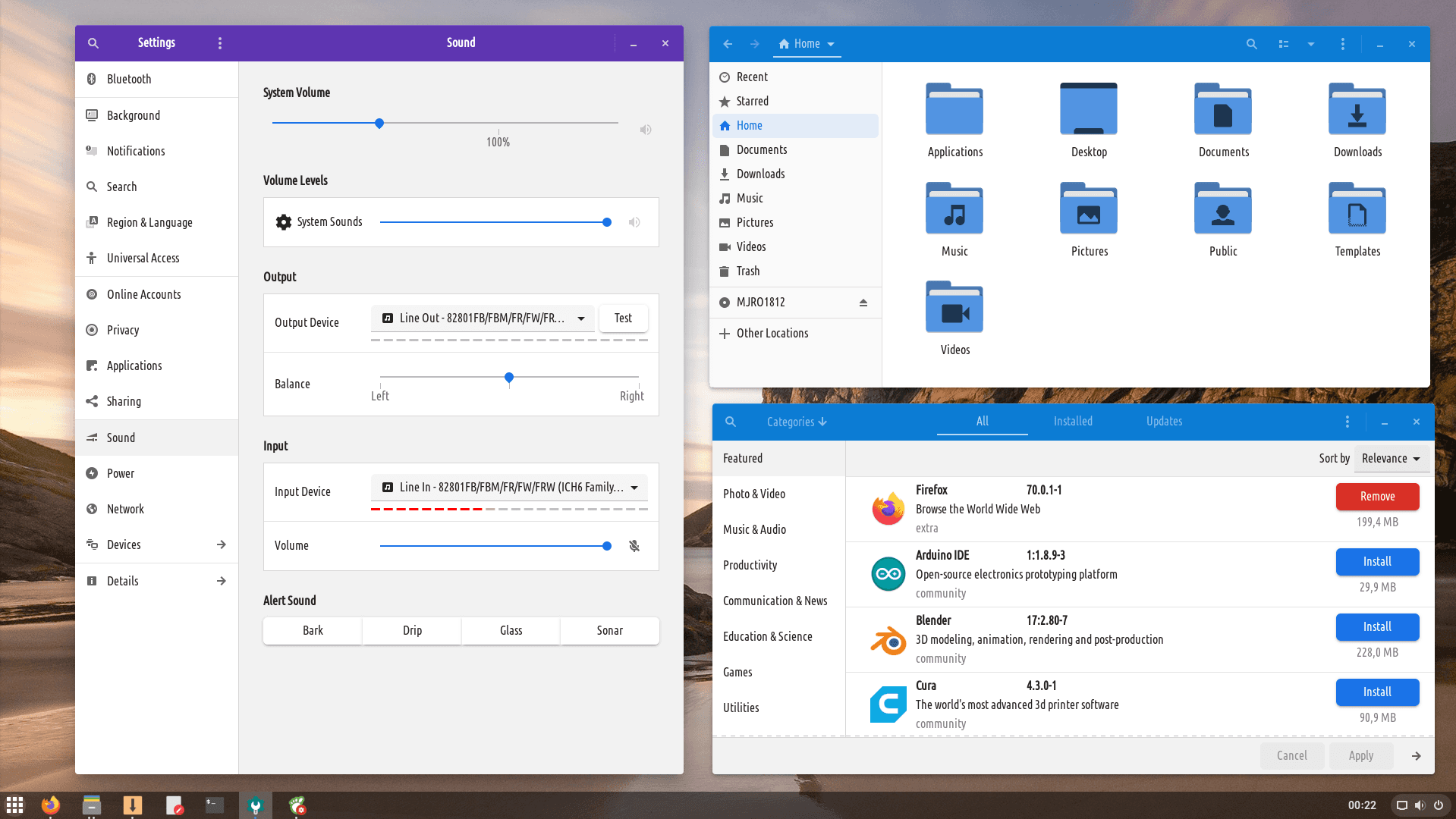
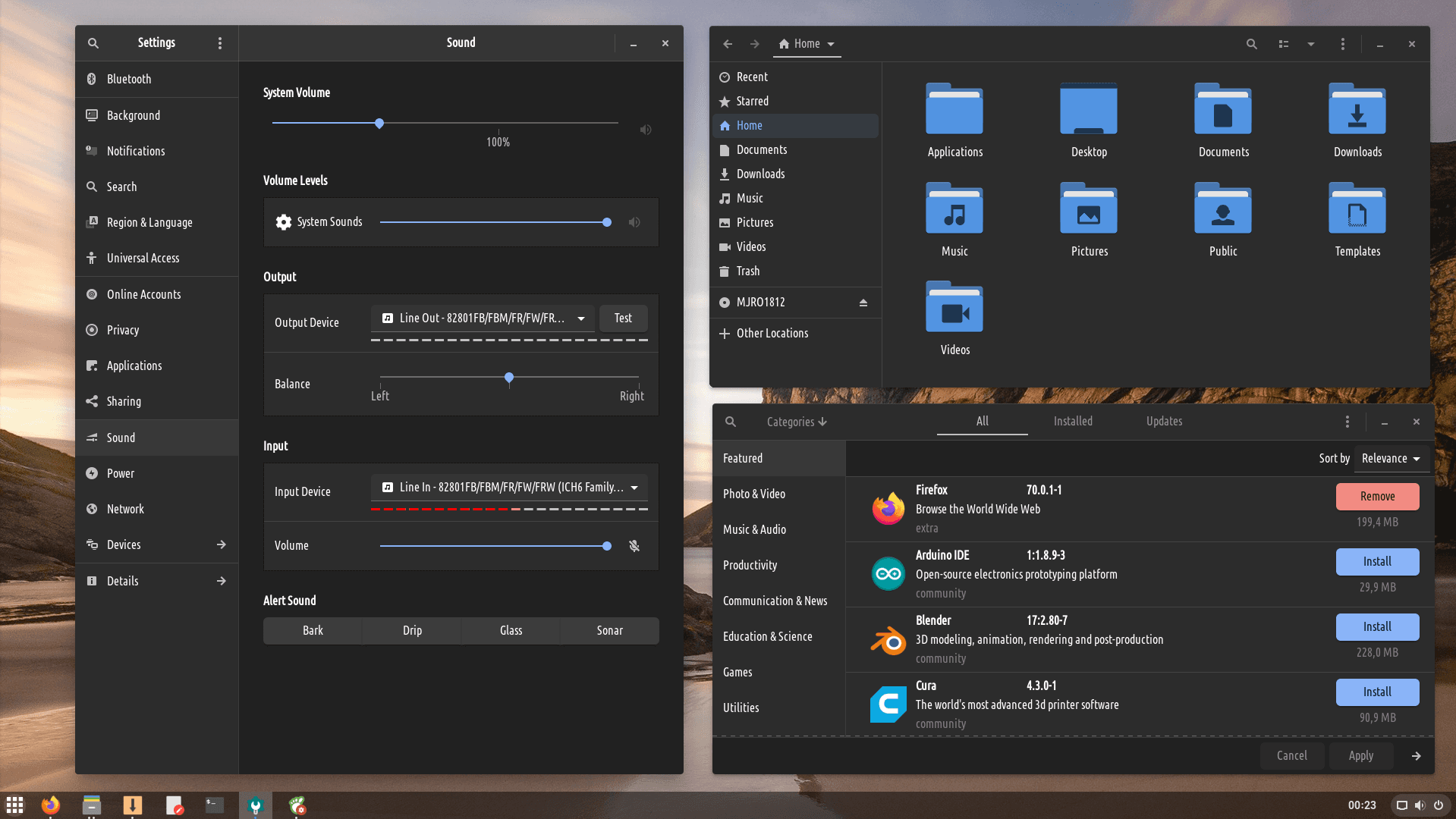
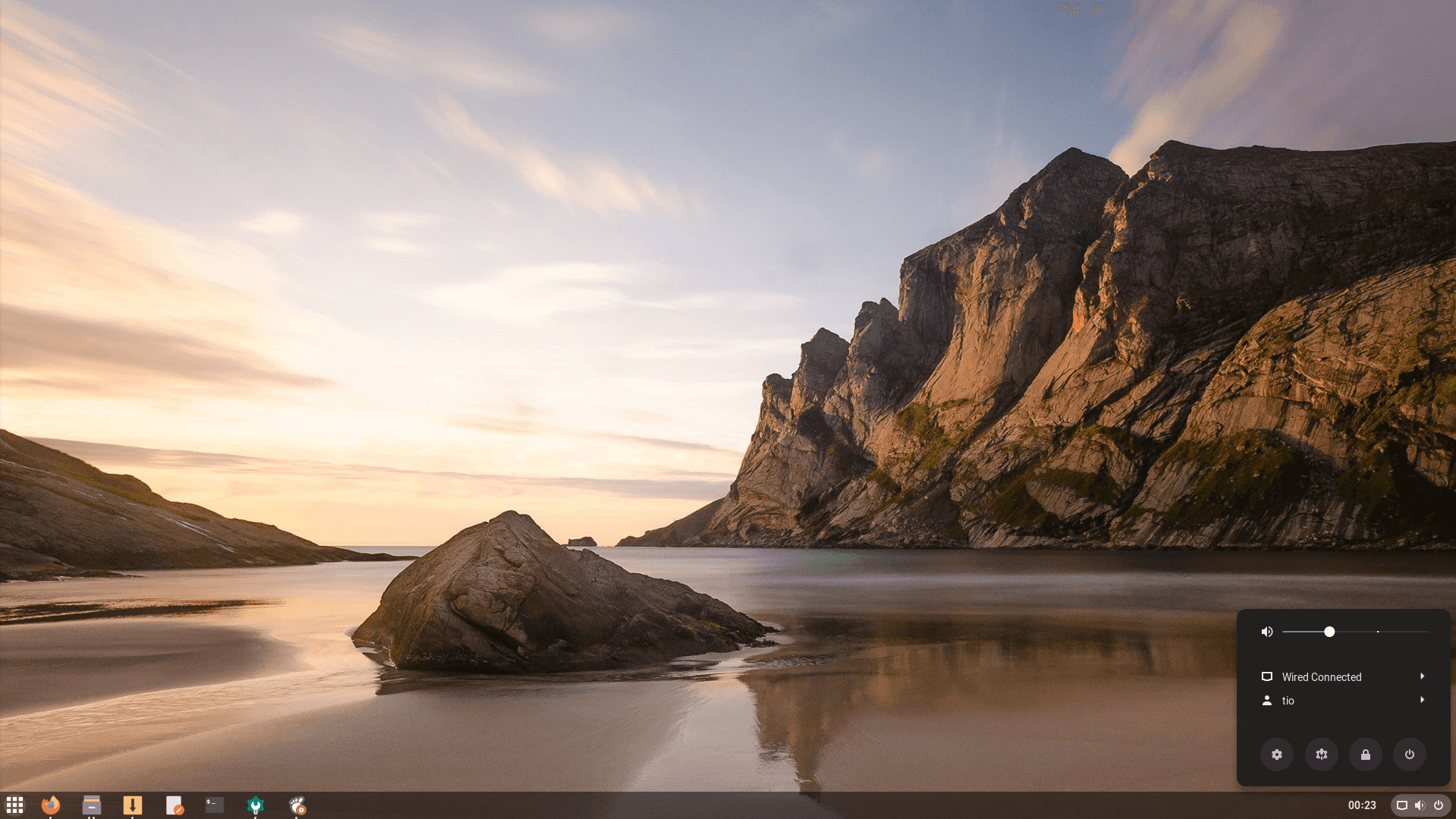
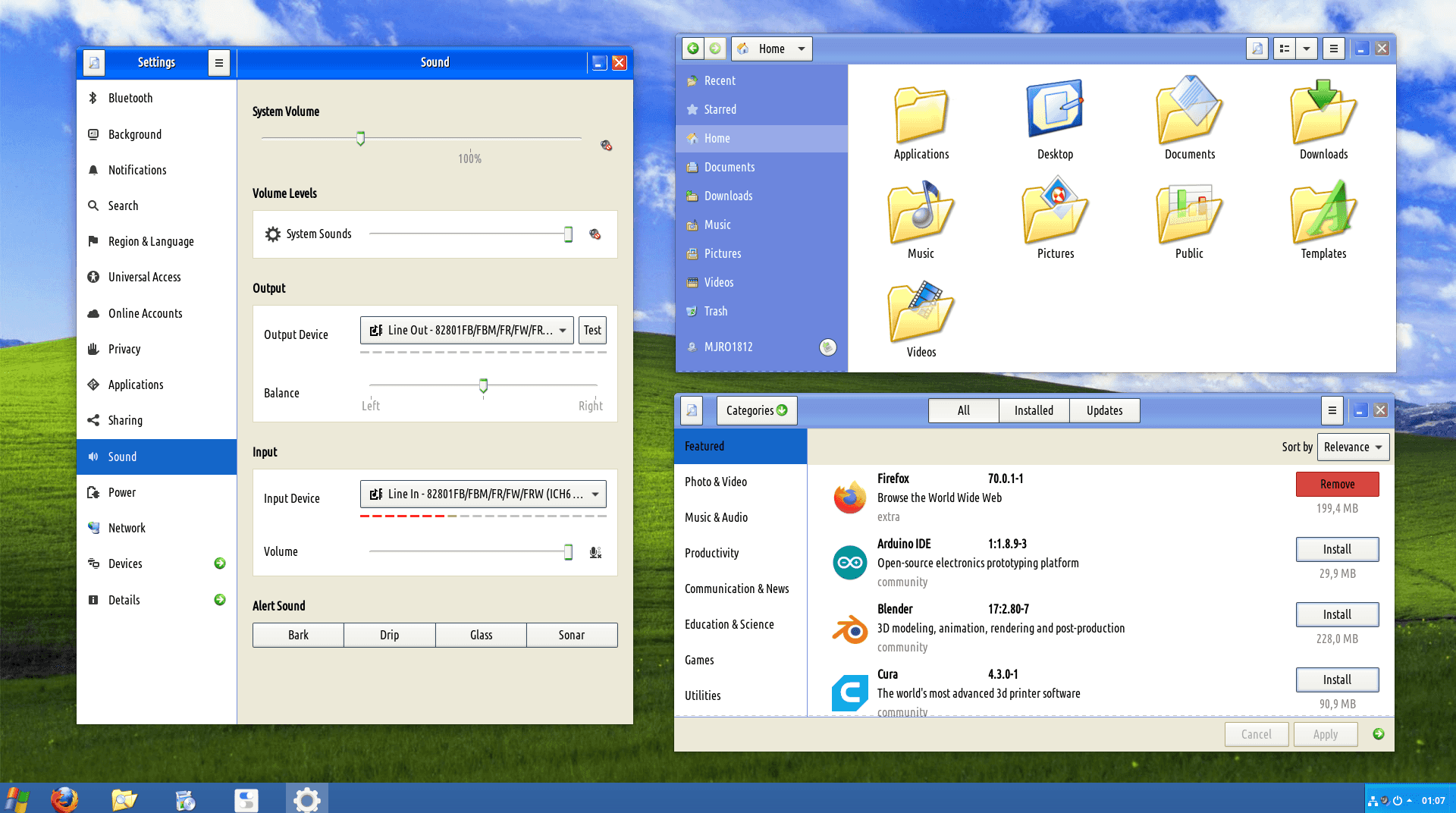
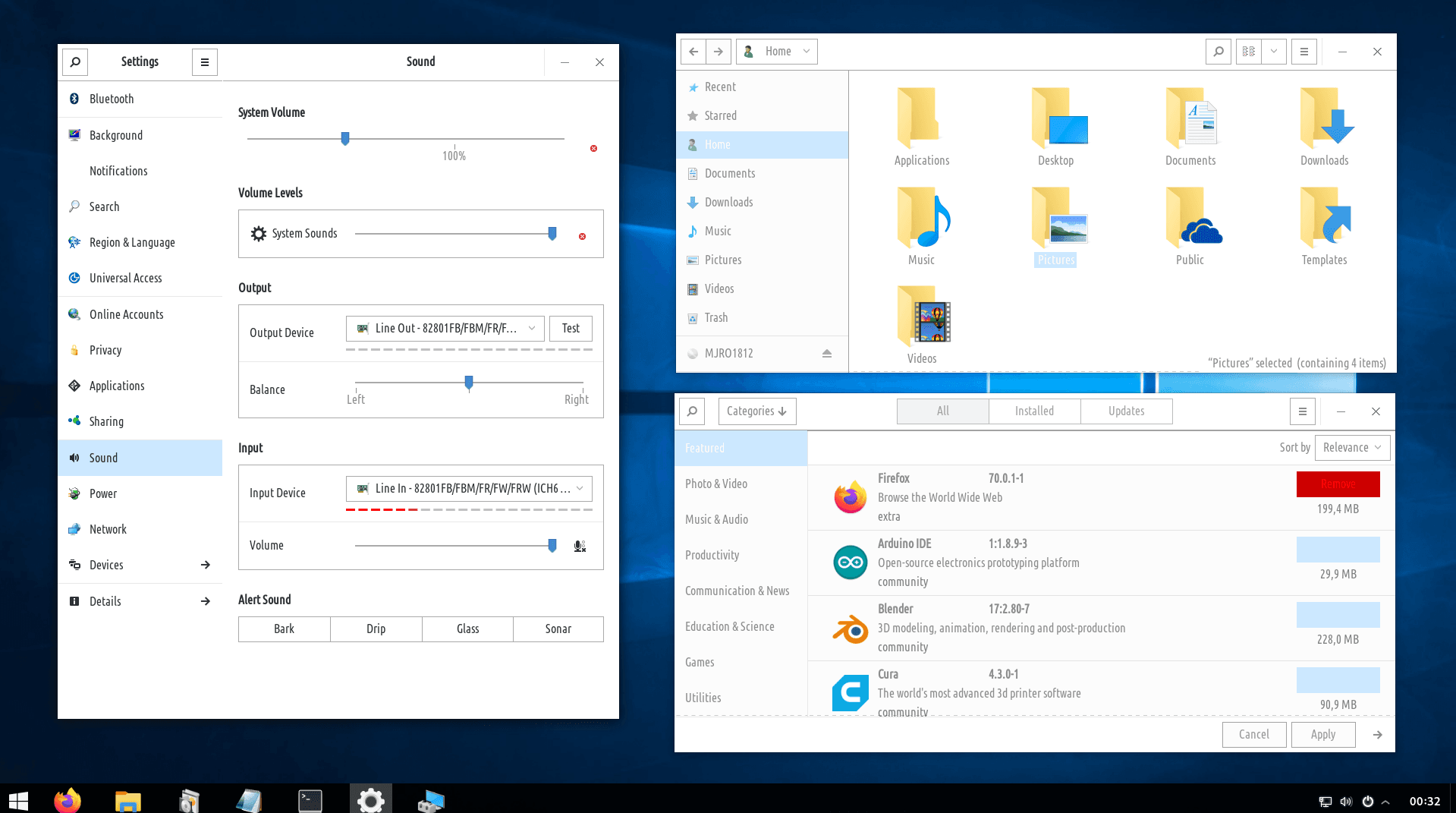
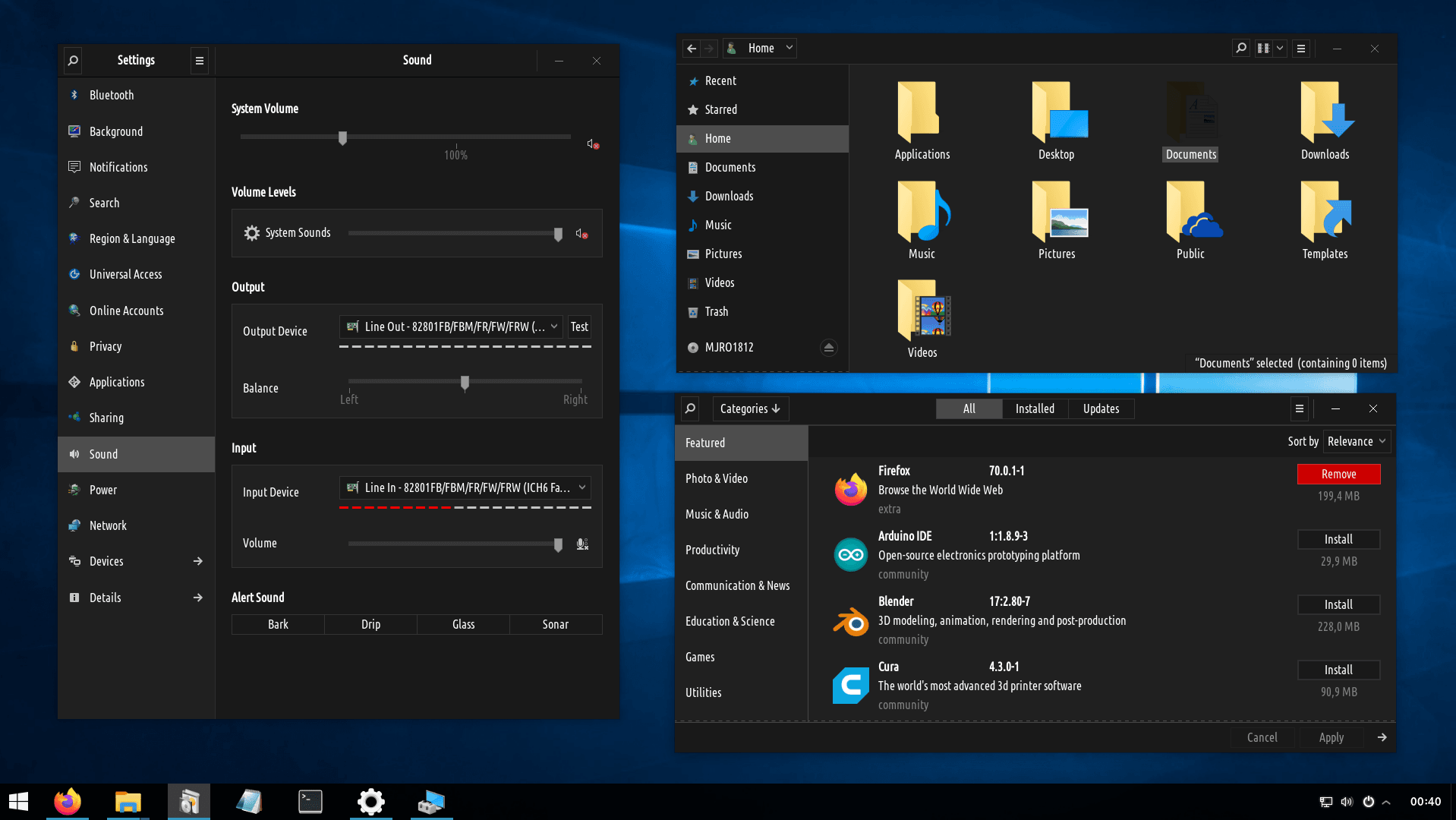
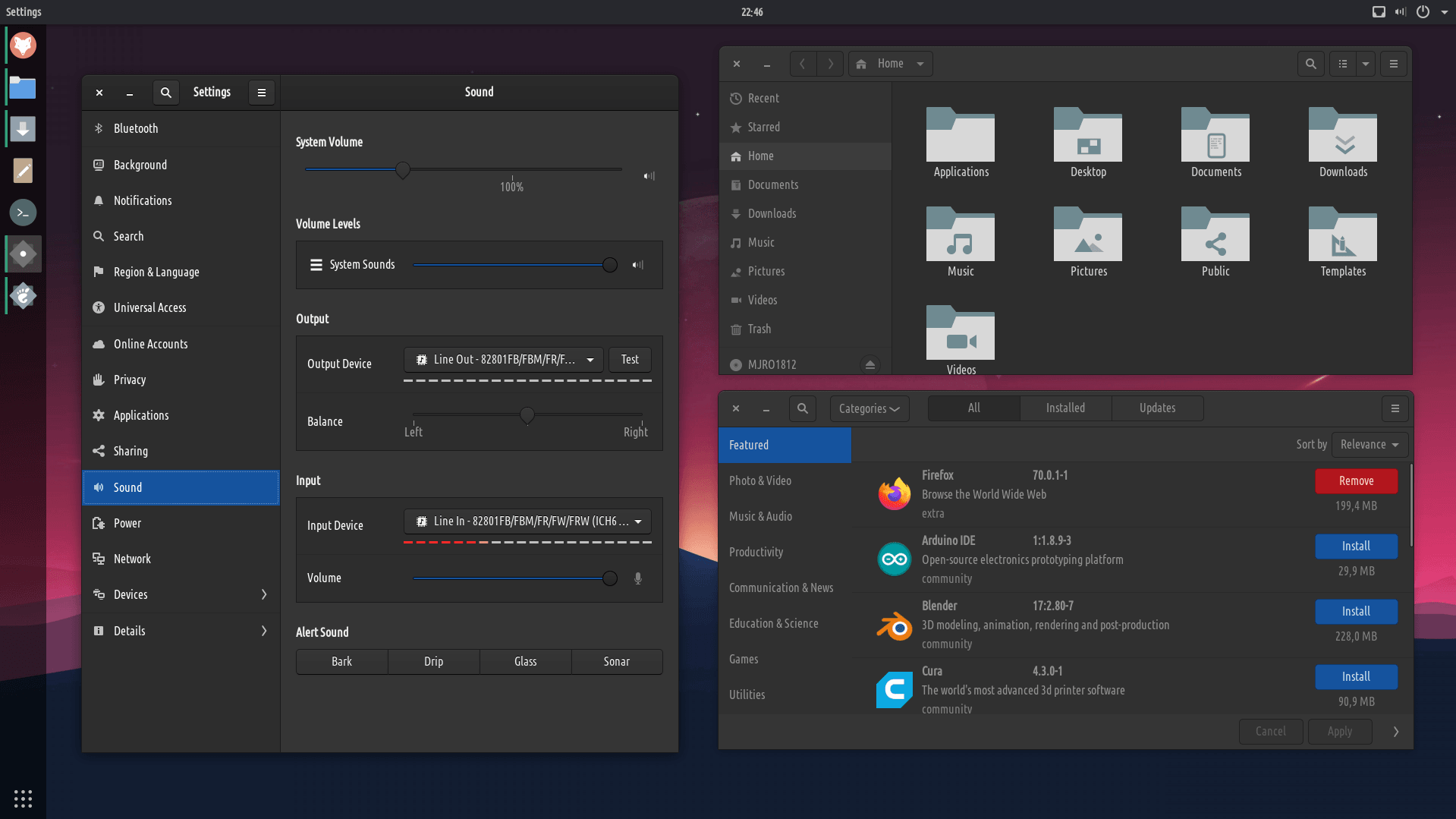
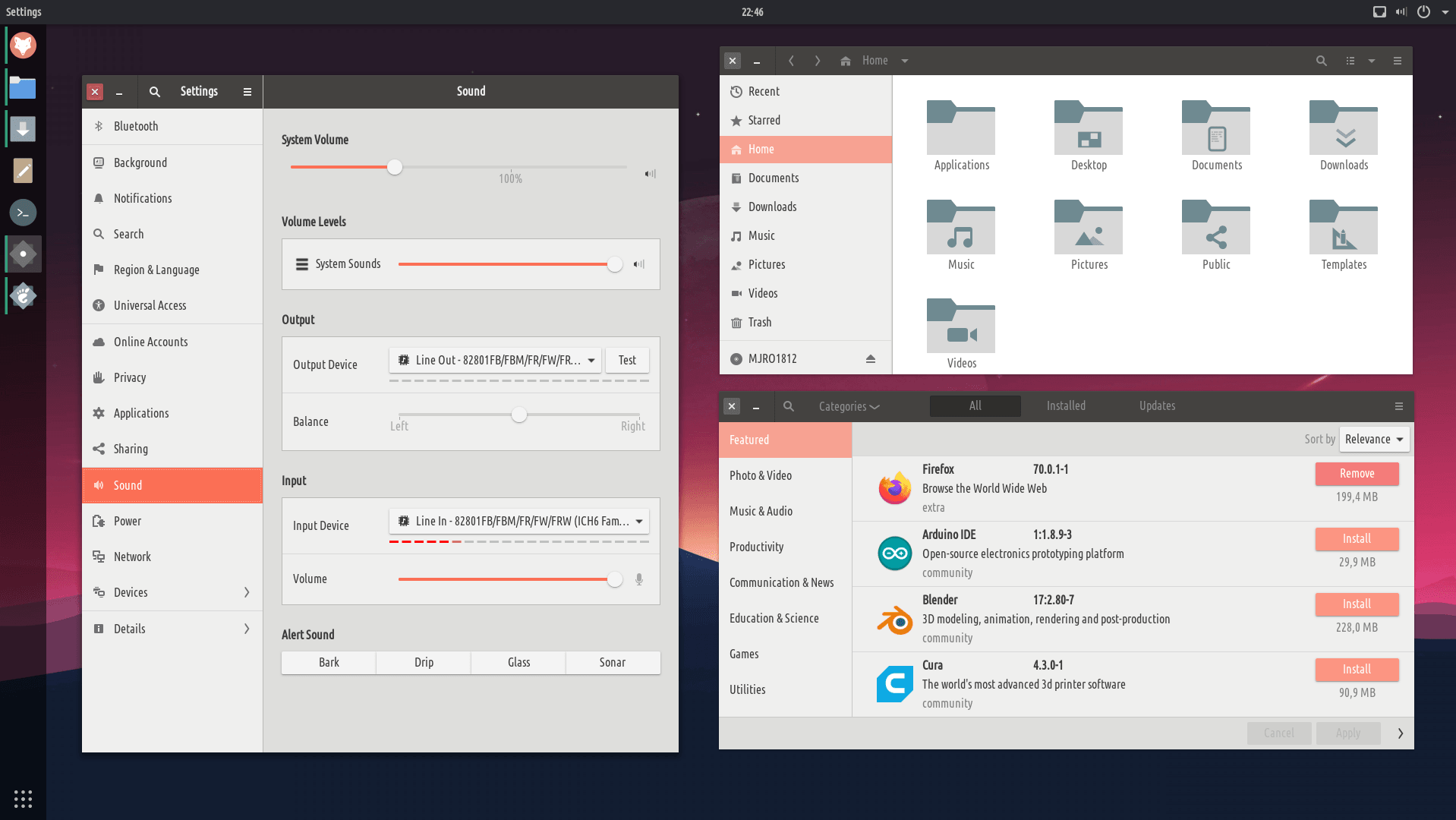
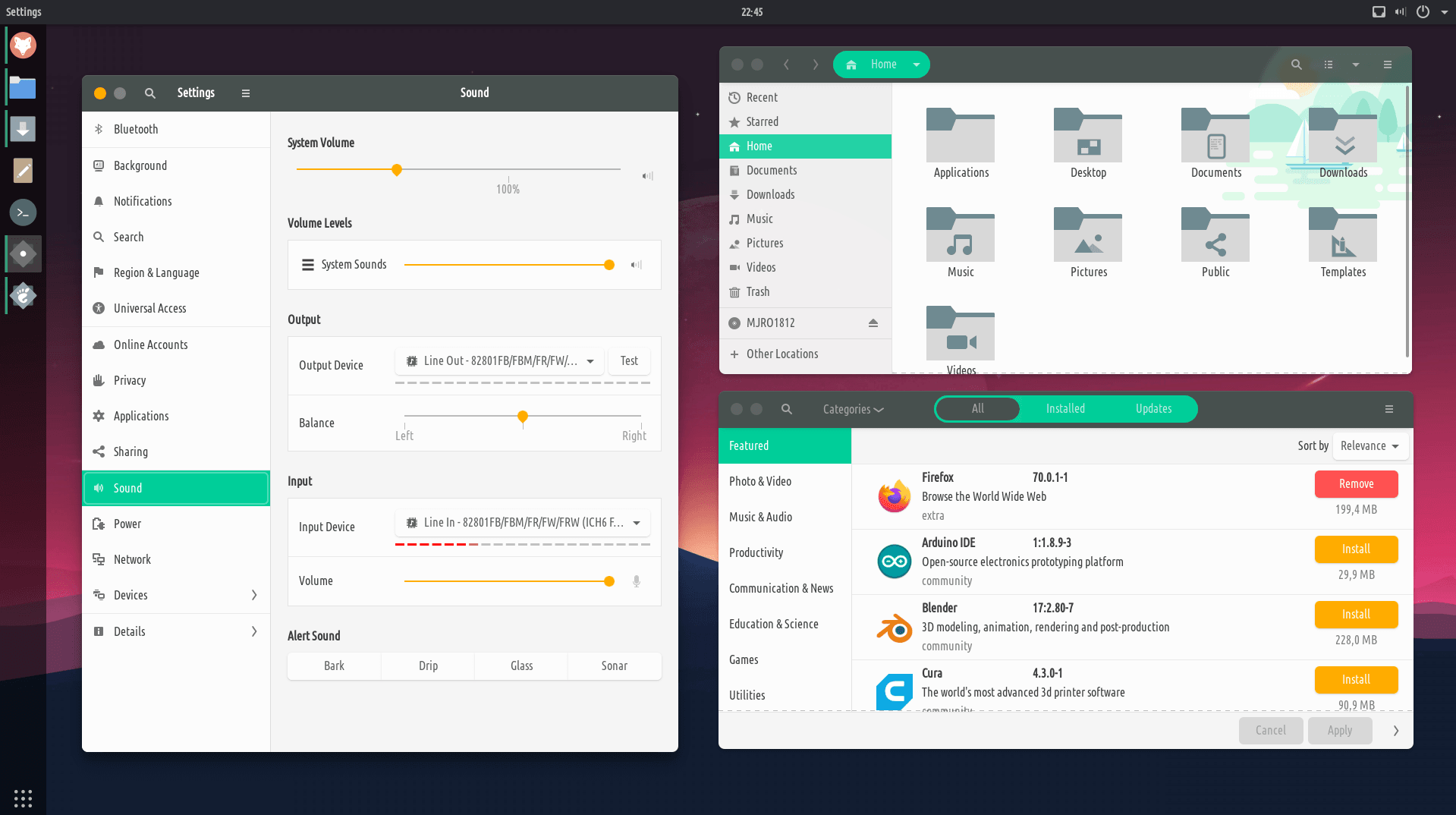
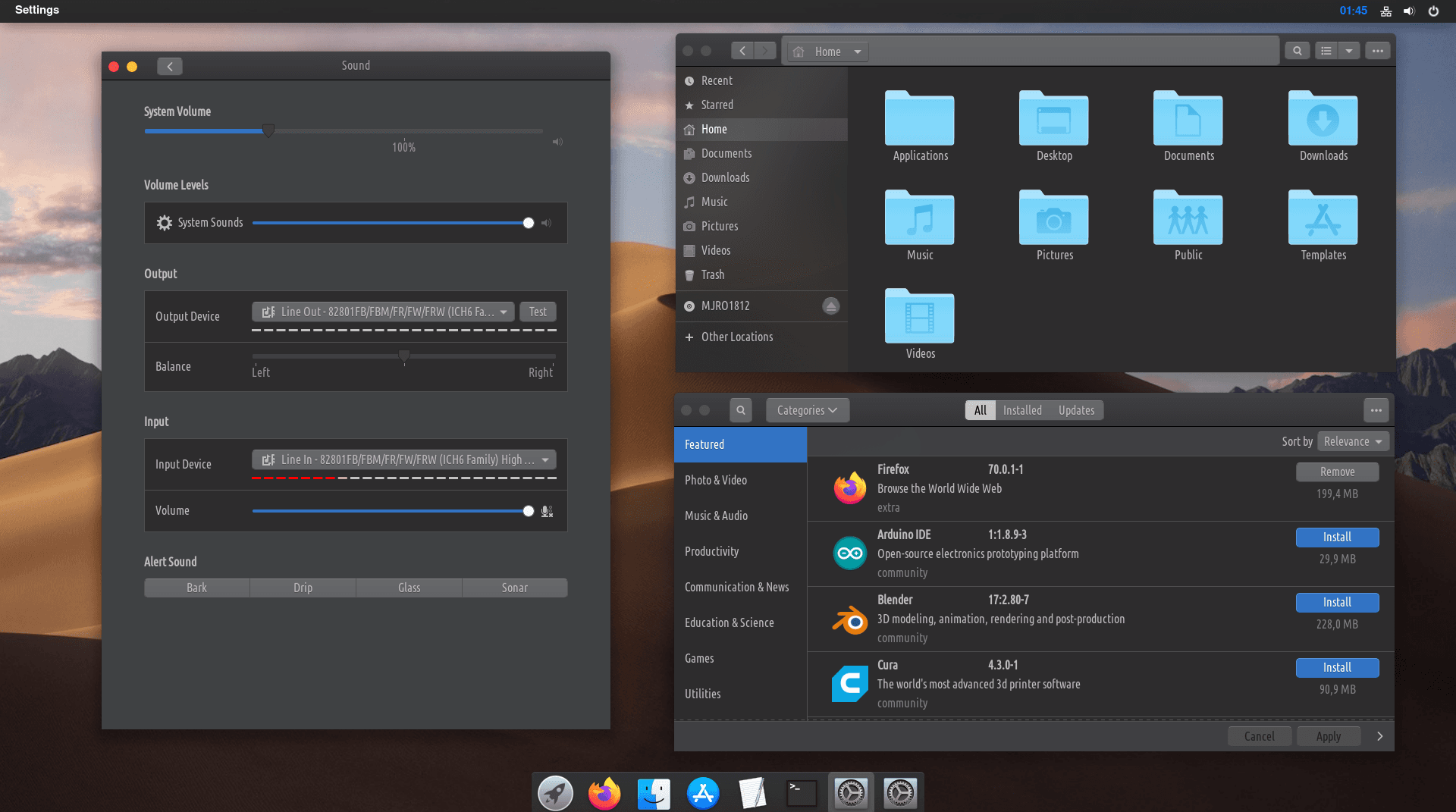
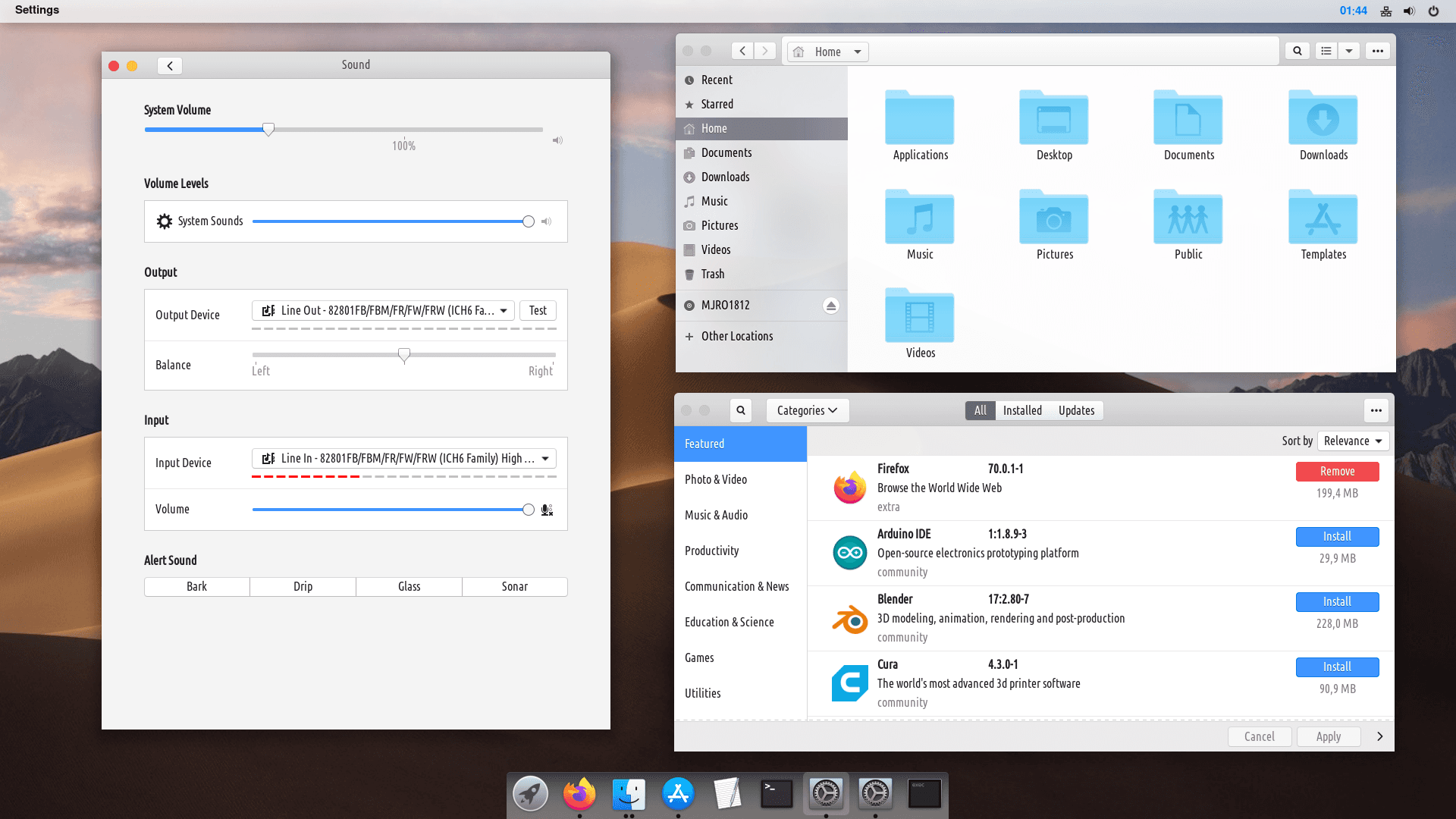
Nā hoʻonohonoho ka mana nui loa e hiki ai iāʻoe ke hoʻololi i ka volume, wifi hoʻonohonoho, hōʻike, nā mea hana, a pēlā aku.
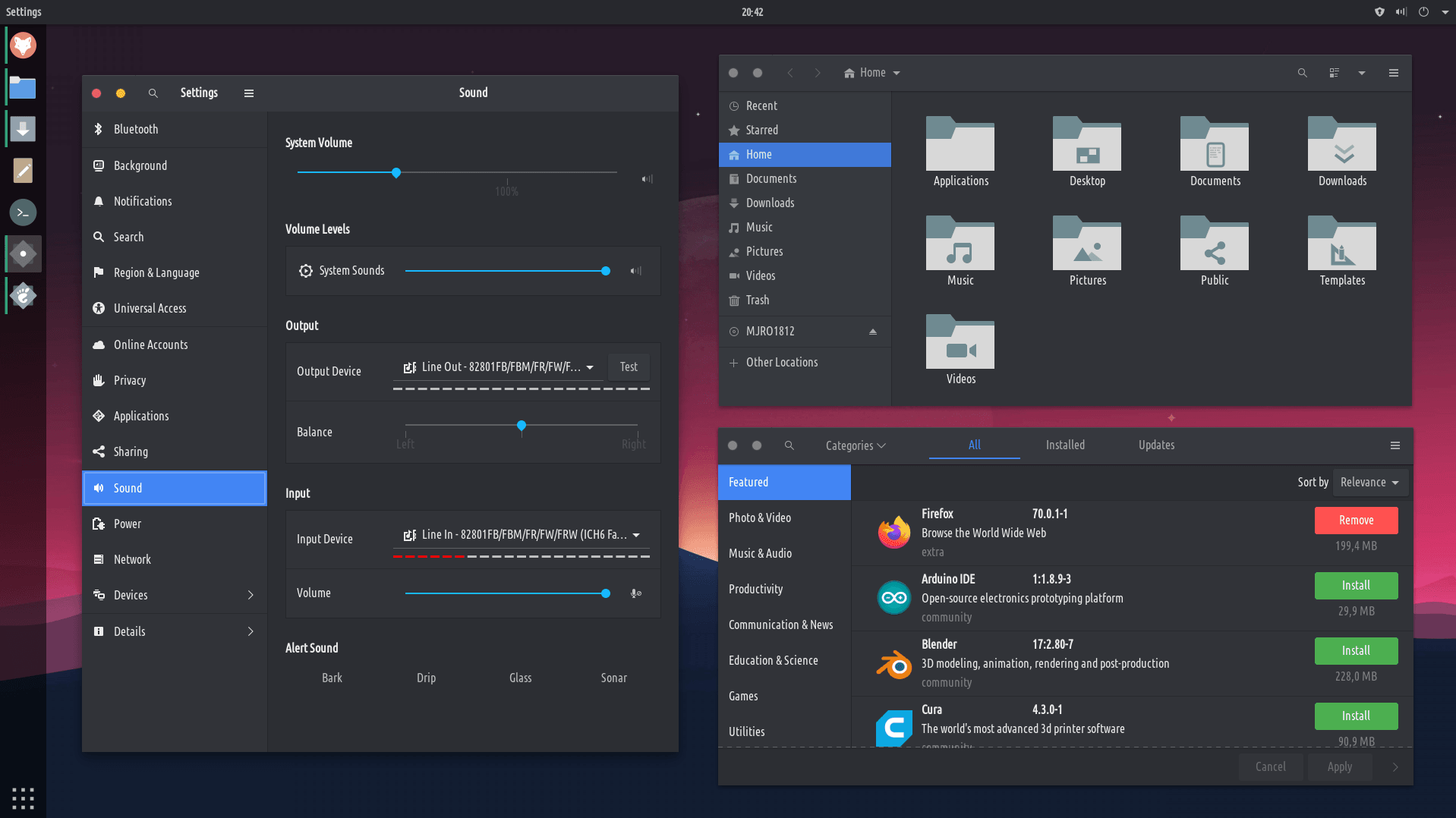
ʻaʻano
ʻO Tweaks kahi kahi e hiki ai iāʻoe ke hana i ka'ōnaehana lawelawe:ʻO nā poʻe, nā'ōpio, a me nā'ōpio, aʻoi aku.
Nā Hana Hana Pūnaewele
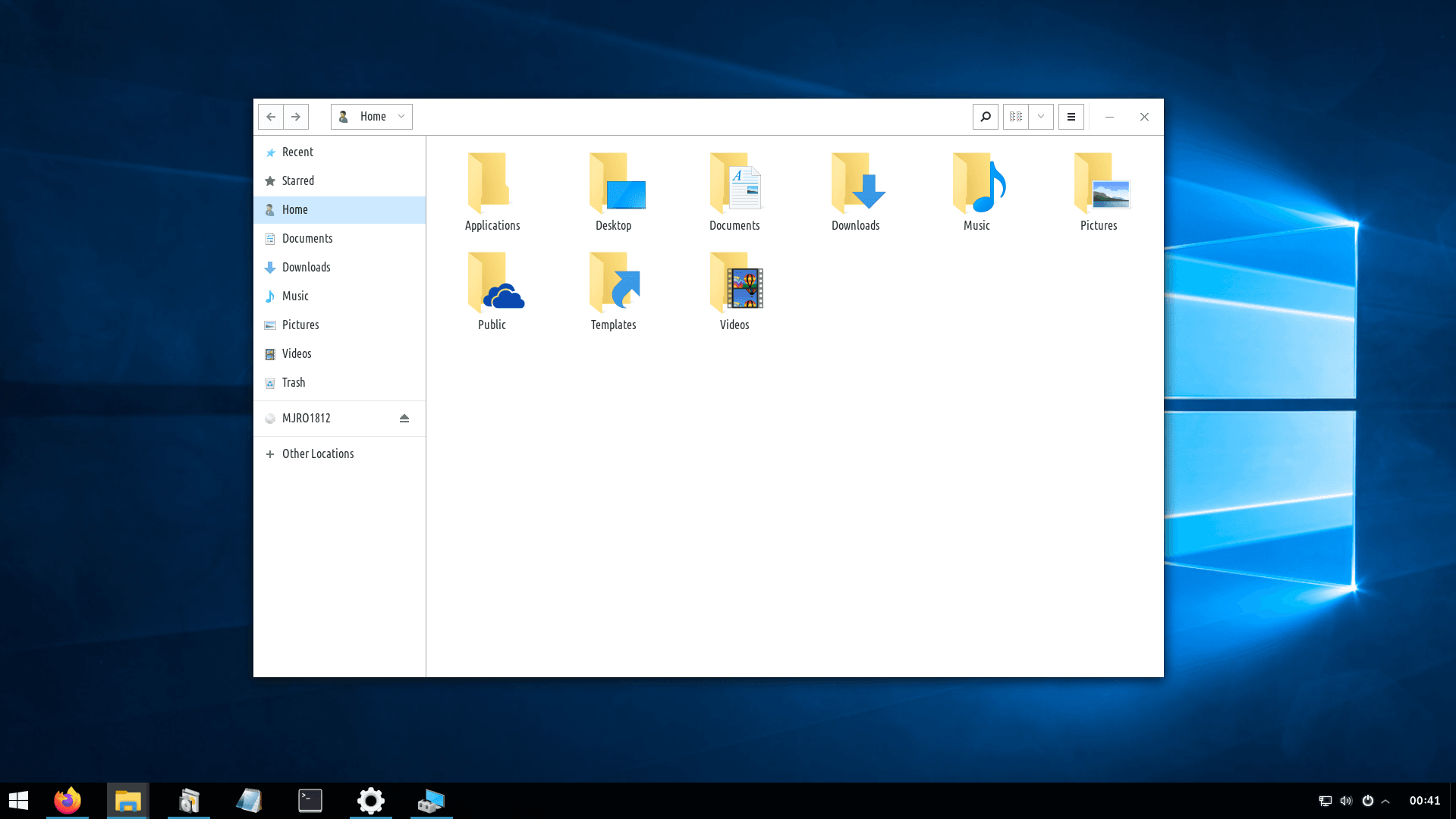
'Āpana, hana, e hoʻokaʻawale, e hoʻopili, hoʻololi i keʻano, e nānā i nā pahu uila a iʻole nā mea hana uila.
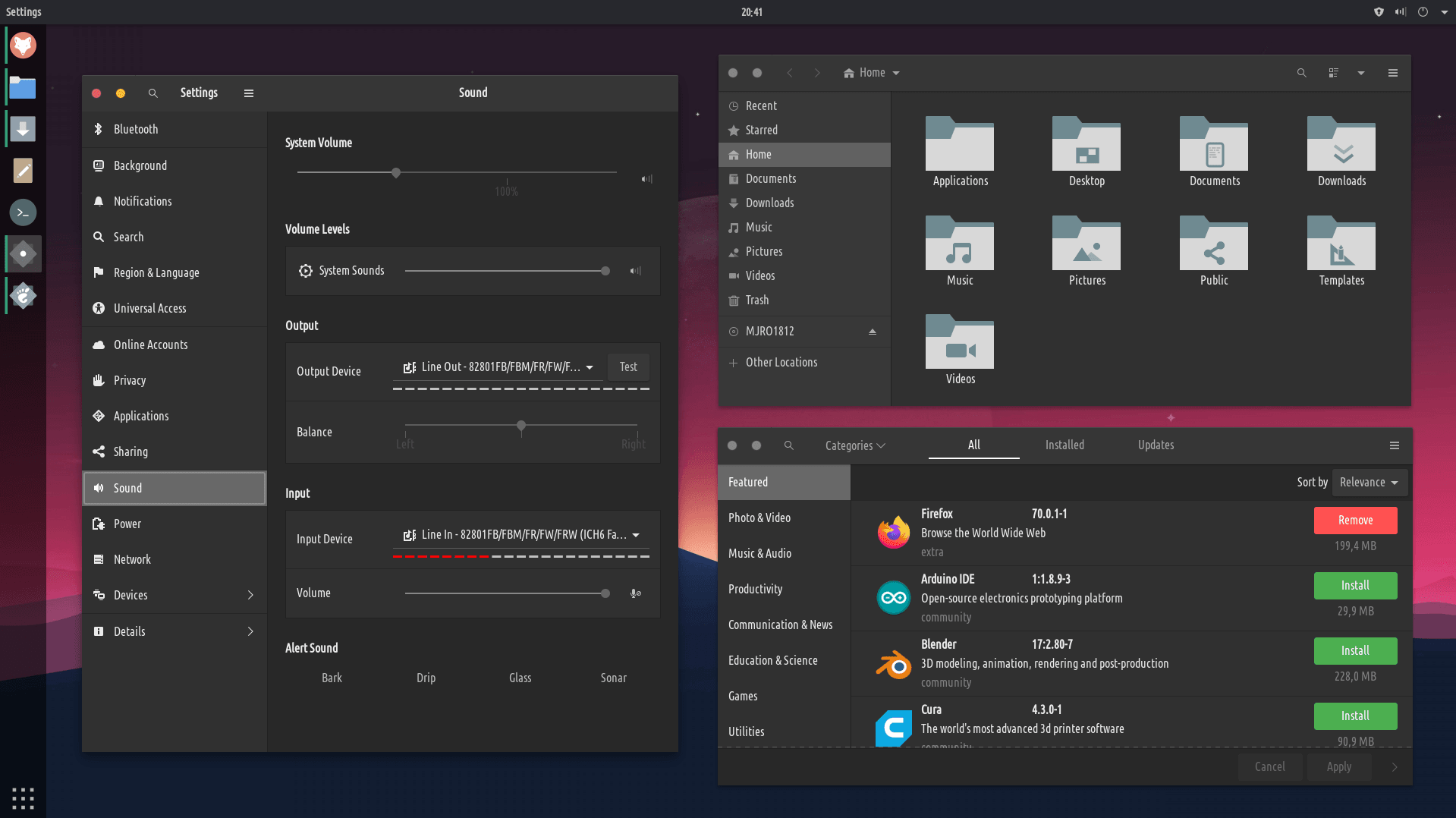
ʻO nā'ōnaehana'ōnaehana
I kēlā me kēia manawa a pau ka hanaʻana o ka'ōnaehana, hanaʻia kahi backup me nā manawa me kaʻole o nā mea hoʻohana e hoʻonohonoho i kekahi mea. Hiki i nā mea hoʻohana ke hele pū me Tweek Timeshift e hana i nā singup i kekahi mau manawa.
HANA NUI
Me ka deja-dup hiki iāʻoe ke hana maʻalahi i nā backlips i hoʻopiliʻia no nā faila āpau i kahi kaʻa a iʻole ka hana a iʻole ma waho.
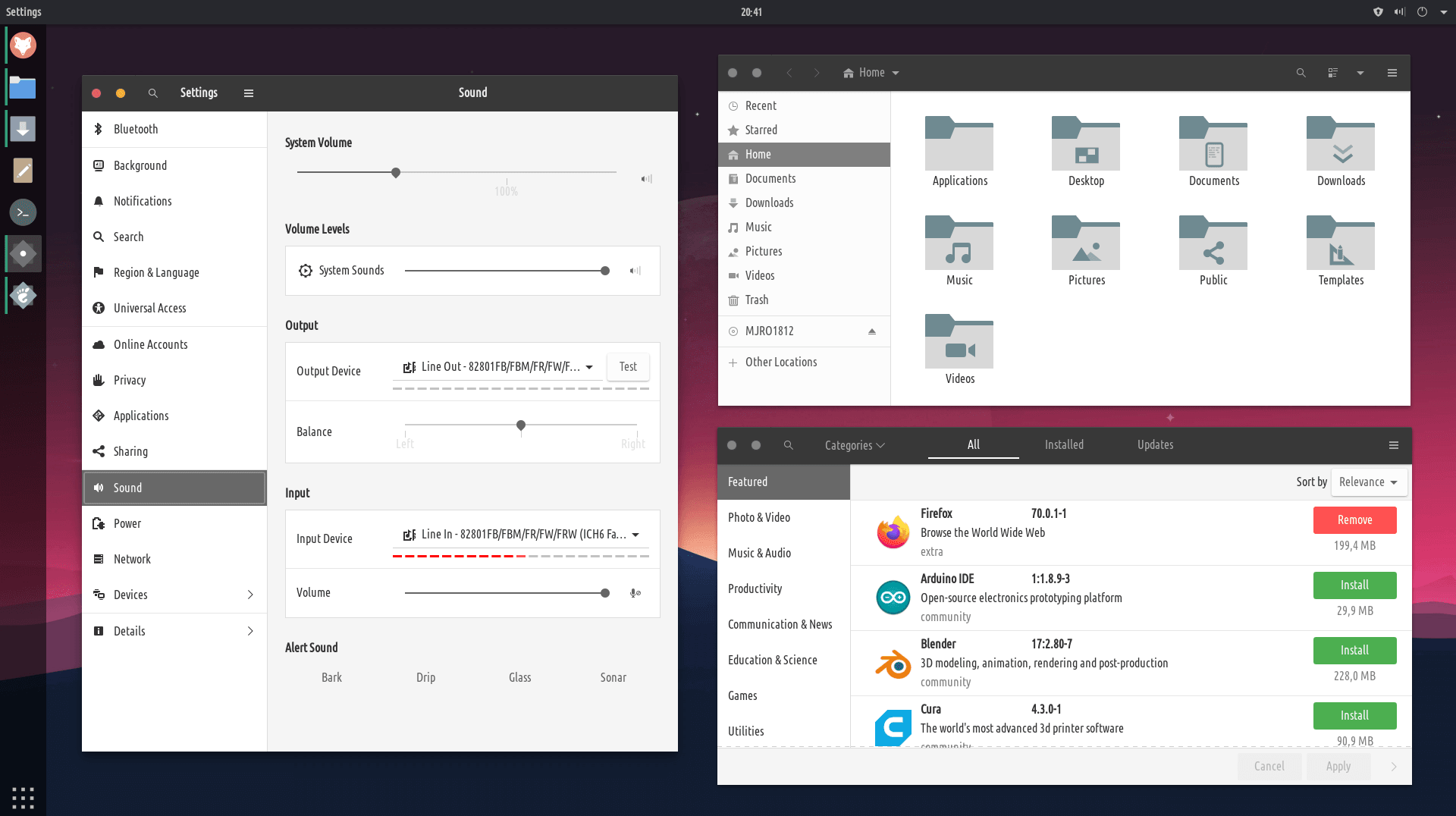
Hoʻohui / wehe i nā polokalamu
Install or remove apps from the 'software center', together with managing all of the system and apps updates.
Mākaukau e hoʻohana a pilikino
we want to provide a minimal operating system and let the user personalize it the way they want to, but we want to make sure that TROMjaro is 'ready to use' even without users installing anything to it
.kiʻi
Super wikiwiki, maʻalahi, akā ikaika ka luna kiʻi kiʻi a me ka mea nānā. ʻOki, hoʻololi, ʻano, hoʻololi i nā kala, kukui, hana hale kiʻi, hoʻohui i nā hōʻailona, etc.
.video/AUDIo
E nānā i kekahiʻano wikiō wikiō a hoʻolohe i kekahiʻano o nā faila leo me kā mākou mea pāʻani i kūkuluʻia. E hana i nā mea pāʻani, e koho i nā modstoles, nāʻaoʻao papani, a me nā mea hou aʻe.
.palapala
Me ka LibreOffice ikaika loa hiki ke wehe ʻia, hana ʻia, hoʻoponopono ʻia kekahi faila palapala. Pāpalapala, faila PDF, Word, a me nā mea hou aku.
.nā kahawai
E kiʻi i kahi honua o ka hoʻokaʻawale ʻana i nā faila a me ka hoʻoili ʻana, a hoʻoiho / kahe i nā faila wikiō/leo ma mua o ka pau ʻana o ka hoʻoiho ʻana.
mākaʻikaʻi i ka pūnaewele me ke kālepa ʻole
Hana mākou iā Firefox e hoʻolilo iā ia i kālepa ʻole, e ālai i ka hapa nui o nā kālepa pūnaewele: hōʻiliʻili ʻikepili, ka nānā ʻana, nā hoʻolaha, geo-blocking, etc. . Ma luna o kēlā manaʻo mākou e ʻae ʻia nā poʻe e hoʻoiho i nā wikiō, nā faila leo a me nā kiʻi mai kekahi pūnaewele a mālama paha i nā pūnaewele no ka hoʻohana hope ʻana a i ʻole waho, a no laila ua hoʻohui mākou i nā mea hana no nā mea hoʻohana e hana i kēlā.
Hiki iā mākou ke hana i ka pūnaewele daxicralized i loko o ke ahi i loko a hiki i ka 100% decexralized
PALAPALA
kou iho
kou mau manao
kou pale
kou leo
kaʻana
Loaʻa i nā lawelawe kālepa e like me ka Dropbox a iʻole ke kaʻa a Google eʻae i nā mea hoʻohana e kaʻana like i ka nui o nā faila ma waena o kekahi i kekahi. Hāʻawiʻo Tromjaro i nā mea hoʻohana e kaʻana likeʻole o nā faila ma waena o nā mea hoʻohanaʻole o nā mea hoʻohana, kālepaʻole. ʻAʻohe hale hopuʻikepili,ʻaʻohe kumu waiwaiʻikepili,ʻaʻohe kikowaena. He ala kūpono loa ia o ke kaʻanaʻana a me ka hoʻopiliʻana i nā faila ma waena o nā mea hoʻohana (kamepiula). Nā leka uila e kākau nei a me ka hui pūʻana me ka hoʻopiliʻana, me ka hoʻopiliʻana i ka flassing countying, aia kekahi o nā hiʻohiʻona'ē aʻe i hoʻokomoʻia.
kamaʻilio
TROMjaro users can communicate with each other in a fully decentralized manner - no servers required. That means, there can be no bans, moderation, rules and restrictions in place. You write whatever you want to whoever you want. There is no way for anyone to censor or restrict your conversations. On top of text-based-communications, you can call (video/audio), send files of any size, or create group chats. Your account is local and can be exported and imported to any messenger that supports the 'tox' protocol. A complete trade-free messenger!
E makaʻala
Eʻimi i ko mākou a me nā hoʻolālā'ē aʻe me kēia noi noi. Ka maka aloha, ke kapikala, he makani, nā makani, nā'āina, nā honua iʻole i ka palaoa. Loaʻa iāʻoe nā palapala kahiko o ka honua Mai nā hohonu o ke kai i keʻano o ke ao kūlohelohe,ʻaʻole i loaʻa ka wāwae a pau, me nā papa āpau, me nā mahina āpau, me nā papa āpau,ʻo Mercury, Mars a me nā hoʻolālā'ē aʻe.
E noho palekana
Though the trade-free Bitmask application, you can connect to several VPN providers in order to access geo-restricted content and/or to protect your traffic from your Internet Provider. Bitmask works very well with Calyx, a trade-free VPN service offered by The Calyx Institute as part of its non-profit mission. Open Bitmask, click 'create new account', then click the '+' to add a new VPN. Write 'calyx.net' as the Domain, then click 'next'. Register an account with calyx.net in the next page, and that's it. Remember your credentials. You can create as many accounts with calyx.net as you want. Turn on the VPN. Now your traffic will be routed through the Calyx VPN.
he ao
Since the 'Add/Remove Software' also contains trade-based applications, we have created our own software center that only contains trade-free apps. We review and test all of these apps. We recommend that you install all of the apps from our software center in order to avoid trades.
E like me kaʻaoʻaoʻaoʻao: Ma kahi o ka mea e pili ana i ke kikowaena polokalamu āu e hoʻonohonoho ai i nā polokalamu, e hoʻokele mau lākou ma o ka hoʻohui / wehe i ka polokalamu.