ʻO kahi mea hoʻoponopono e kōkua ai e kākau iāʻoe e kākau maikaʻi i nā leka uila a me keʻano o nā leka uila.
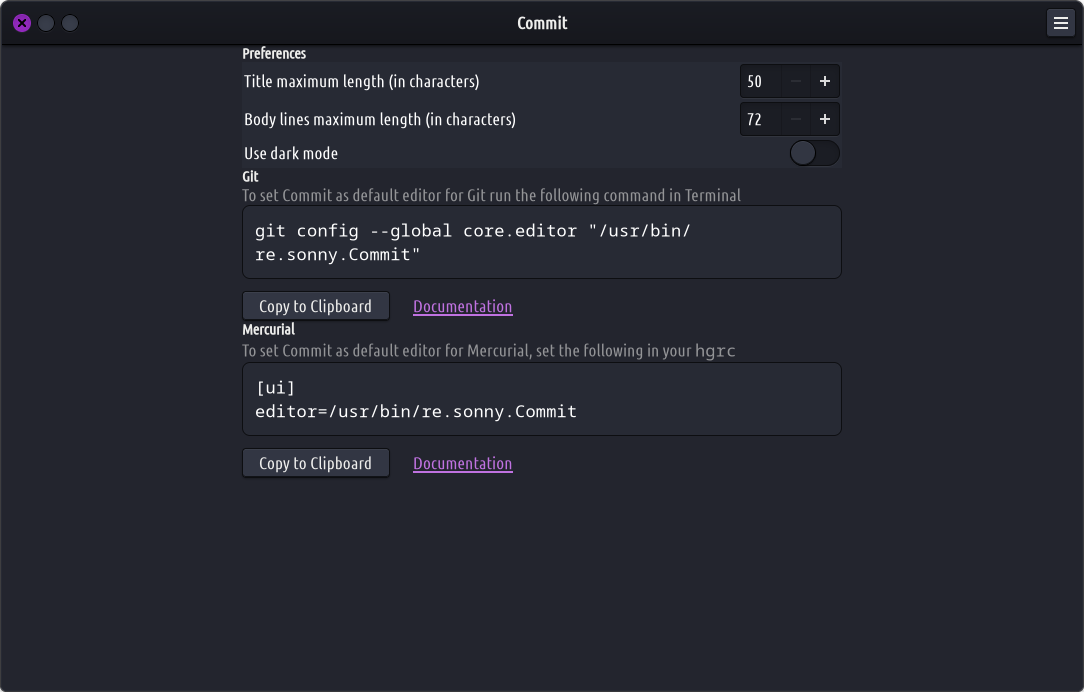
After installing make sure to launch the application and follow the instructions.
Commit will pop up automatically when you make a commit in one of your projects. To save your commit message, press the Commit button or theCtrl+Returnshortcut. To abort and dismiss Commit, press the Abort button or theEscapekey.
Nā hiʻohiʻona:
Highlights overflow of the commit title
Smart body wrapping
Inserts a blank line between title and body
Comments are readonly and excluded from “Select All”
Displays project folder and branch in window header
Dark mode support
Keyboard navigation and shortcuts
Undo/Redo support
Emoji picker
Supports git commit, merge, tag –annotate, add –patch, rebase –interactive