
QMPlay2
DESCRICIÓN:
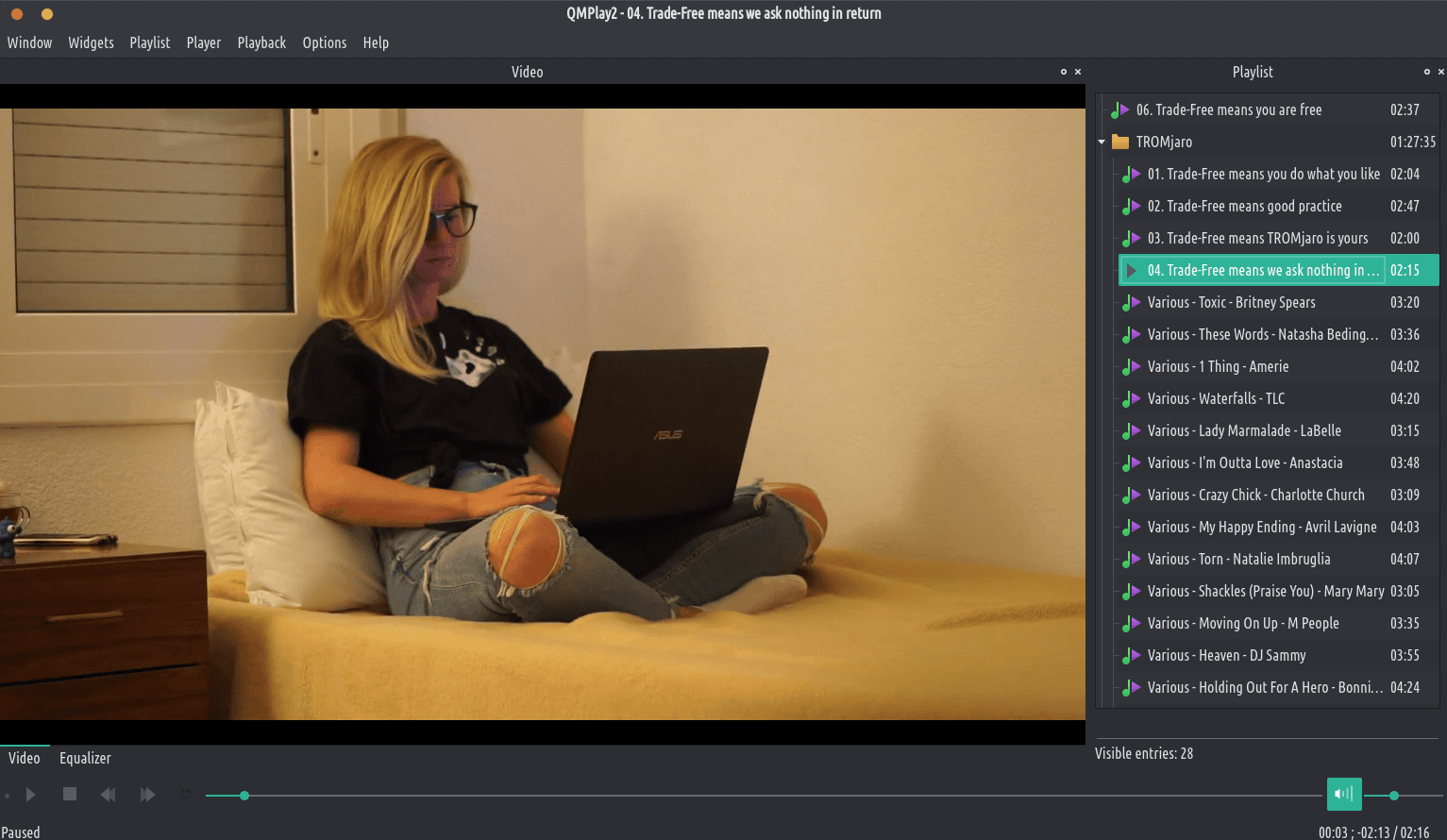
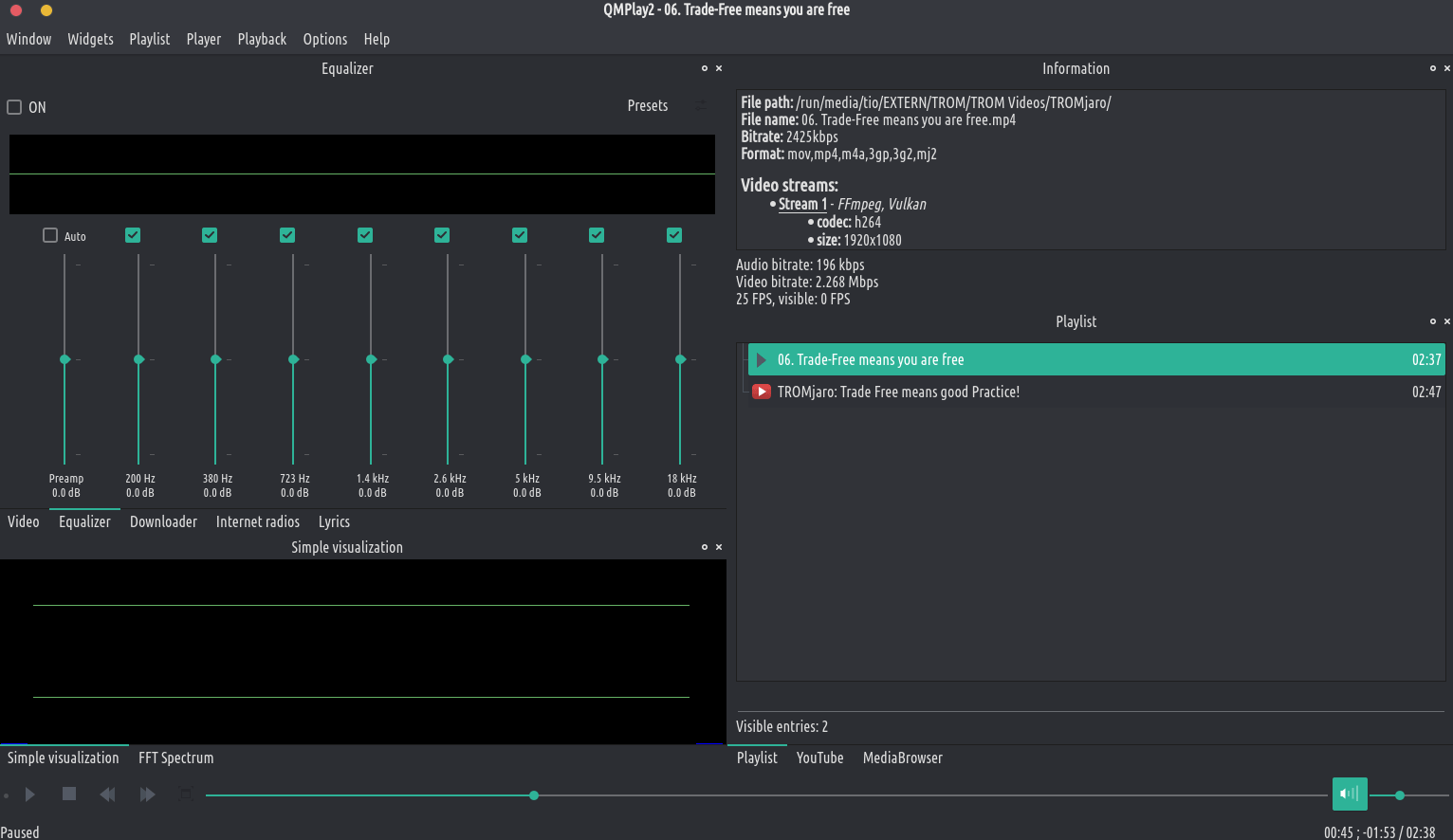
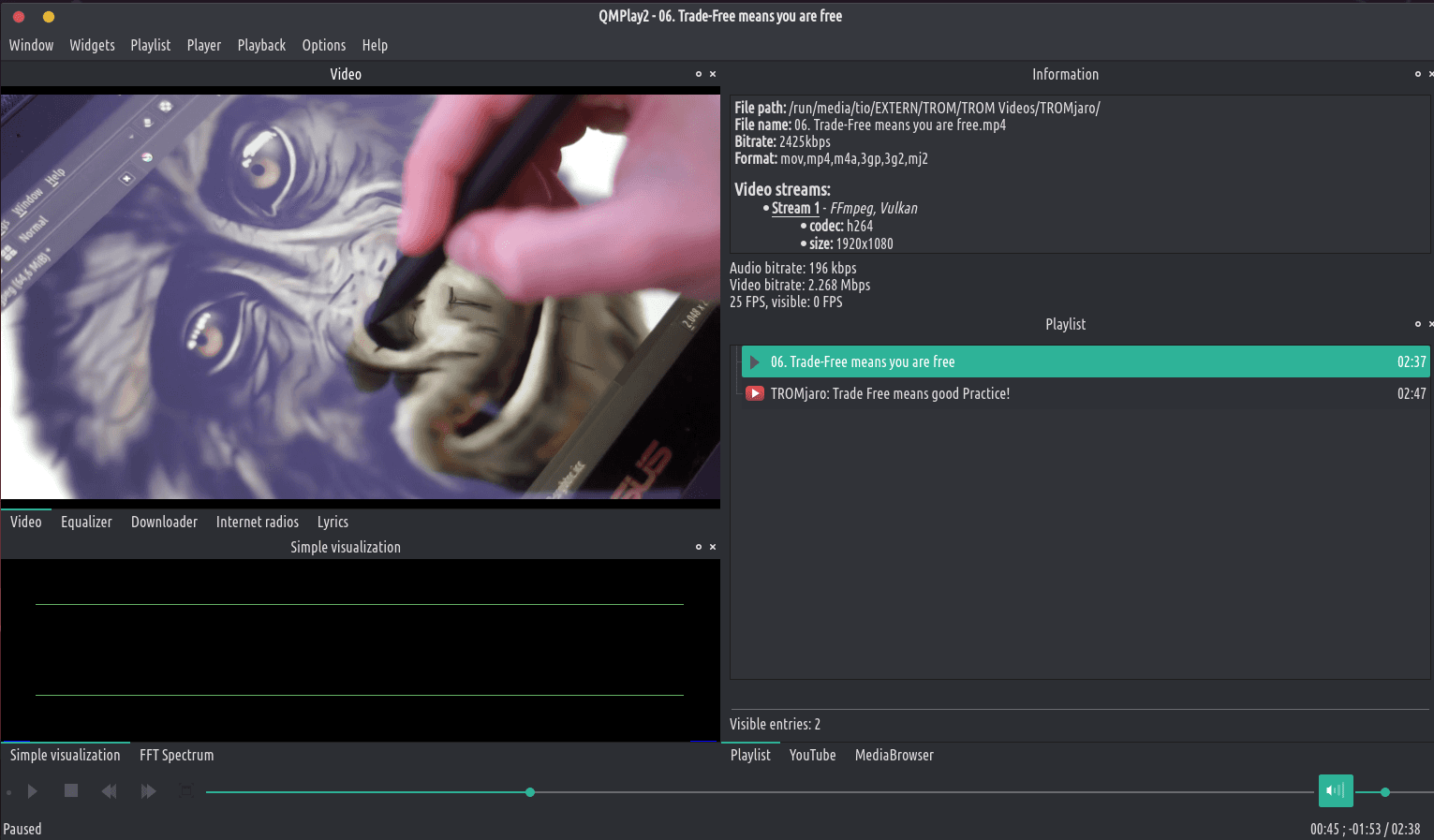
QMPlay2 é un reprodutor de vídeo e audio. Pode reproducir todos os formatos admitidos por FFmpeg, libmodplug (incluíndo J2B e SFX). Tamén admite CD de audio, ficheiros RAW, música Rayman 2 e chiptunes. Contén YouTube e o navegador MyFreeMP3.
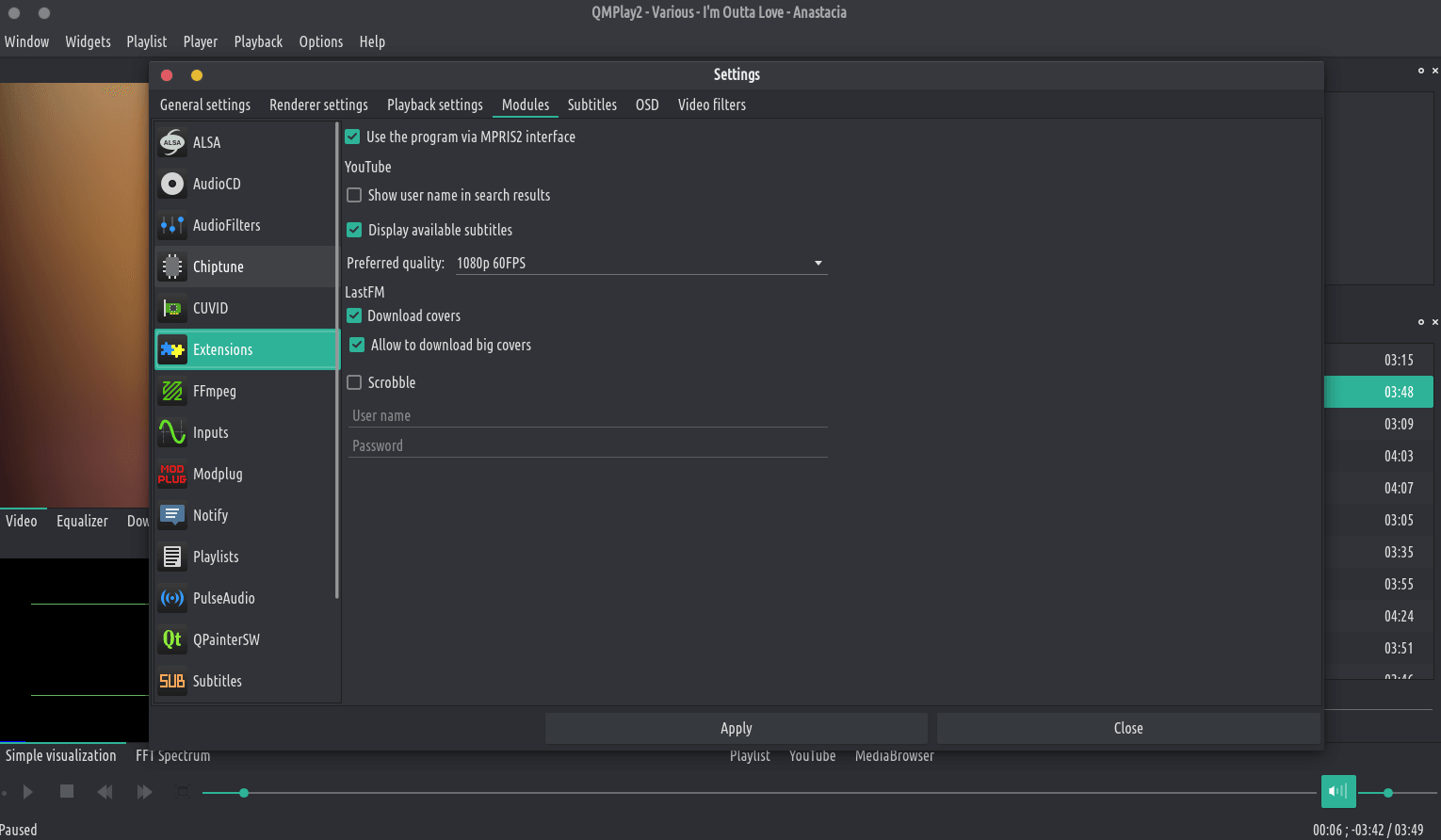
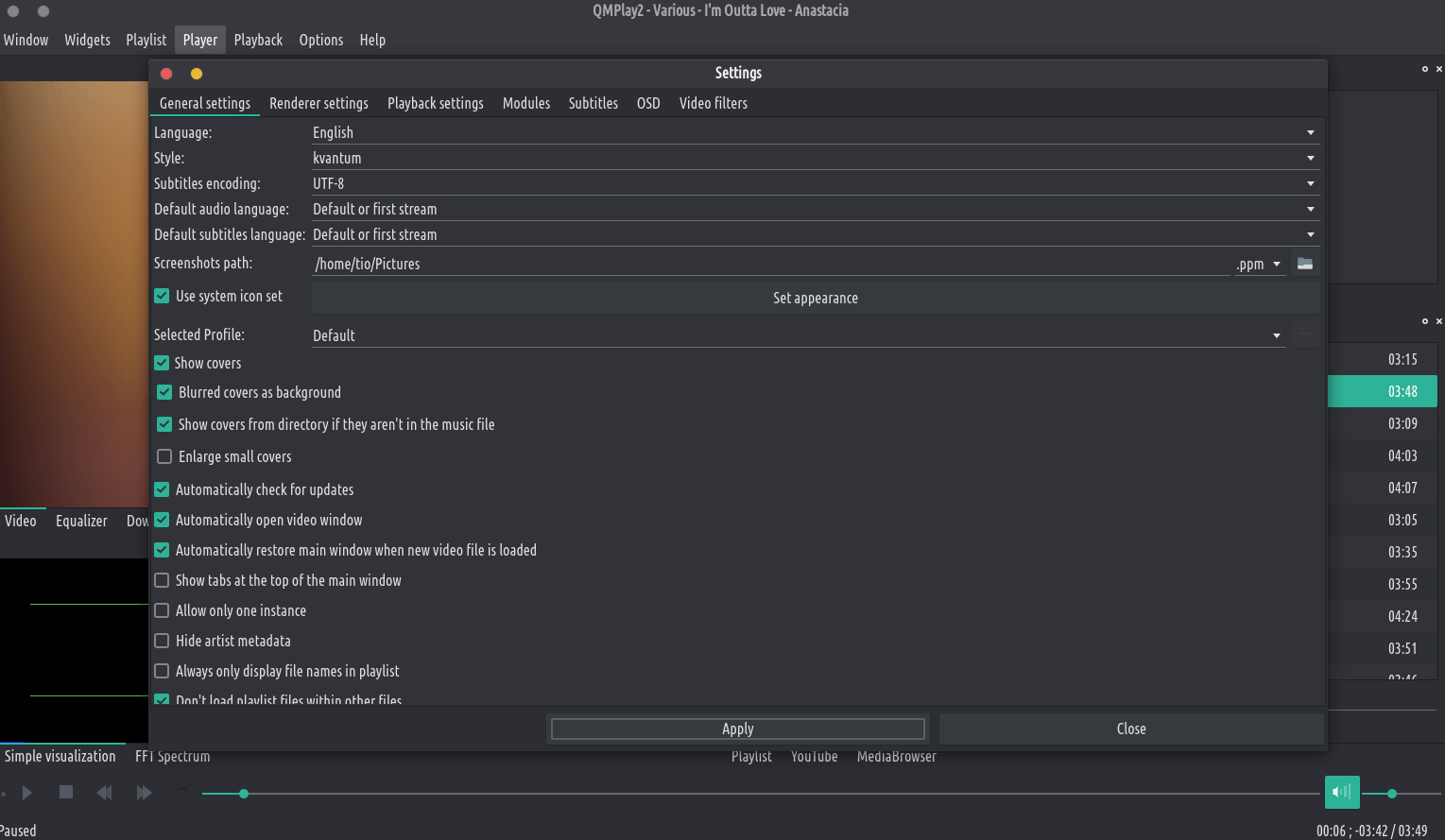
You can change the default audio and video quality of YouTube contents. Click on the “Settings” icon on the left of the search bar, change the order of audio and/or video quality priorities and apply changes. If the chosen quality can’t be found on YouTube content, QMPlay2 will try using the next entry on the quality list.
YouTube videos don’t work without external “youtube-dl” software, so QMPlay2 will download it automatically. You can remove downloaded “youtube-dl” from settings.
YouTube videos don’t work without external “youtube-dl” software, so QMPlay2 will download it automatically. You can remove downloaded “youtube-dl” from settings.
QMPlay2 supports spherical view on OpenGL and Vulkan video outputs. You can watch e.g. YouTube spherical videos by pressing “Ctrl+3”. You can also enable it from the menu: “Playback->Video filters->Spherical view”.
If you are using your own ALSA configuration asound.conf or .asoundrc you should also append: defaults.namehint.!showall on to the configuration file. Otherwise devices which were added may not be visible!
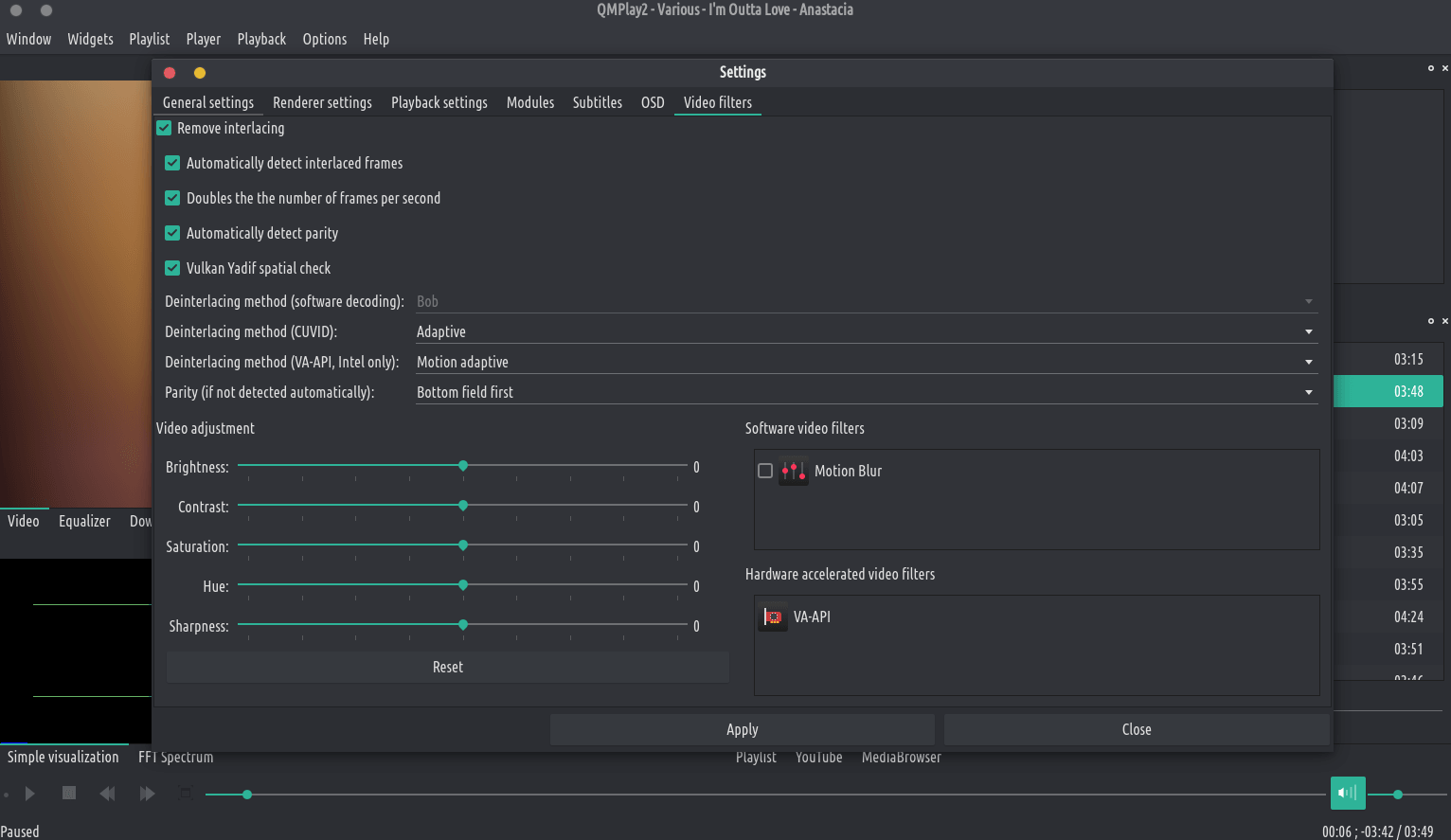
QMPlay2 supports hardware video decoding: CUVID (NVIDIA only), DXVA2 (Windows Vista and higher), D3D11VA (Vulkan, Windows 8 and higher) VDPAU/VA-API (X11 for VDPAU, Linux/BSD only) and VideoToolBox (macOS only). Hardware acceleration is disabled by default, but you can enable it in “Settings->Playback settings”: