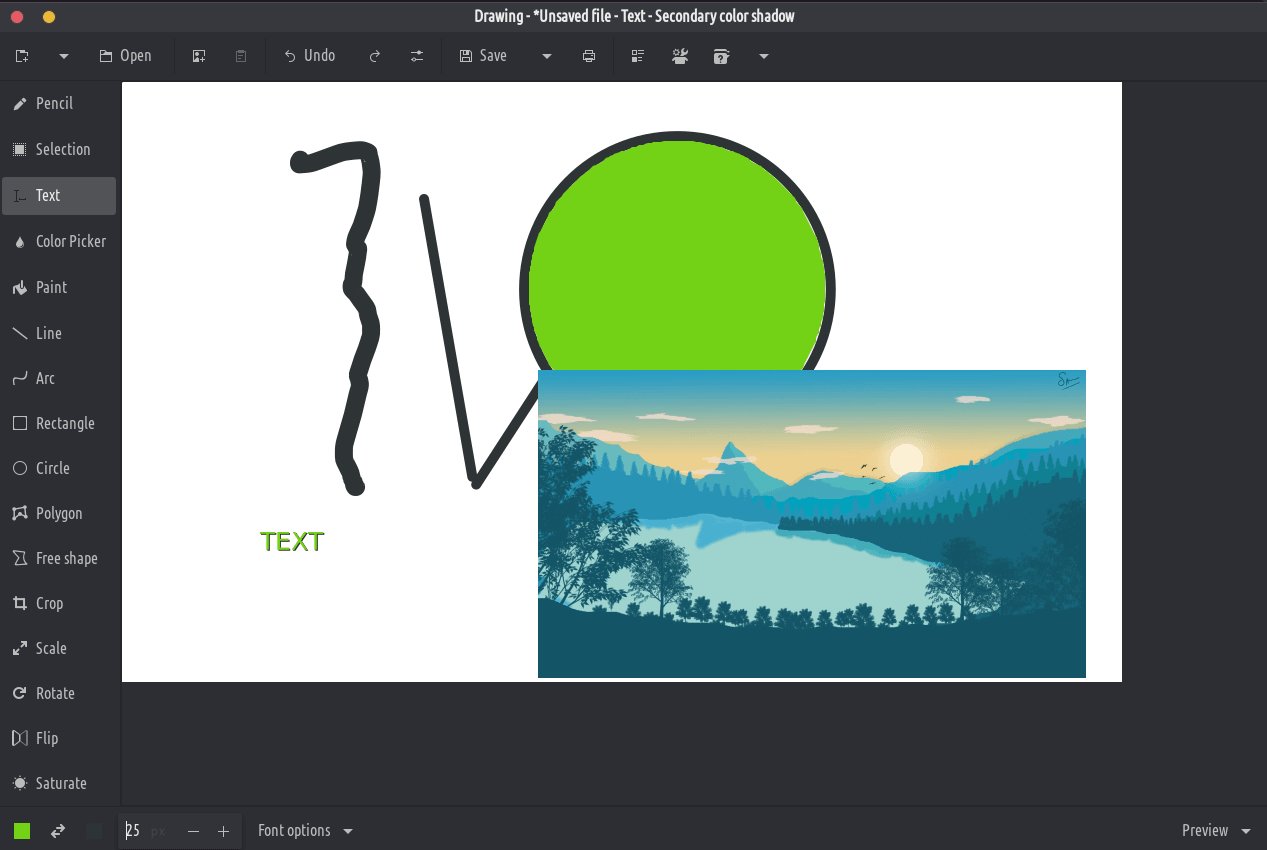
Hierdie toepassing is 'n basiese beeldredigeerder, soortgelyk aan Microsoft Paint, maar mik na die GNOME-lessenaar.
PNG, JPEG and BMP files are supported.
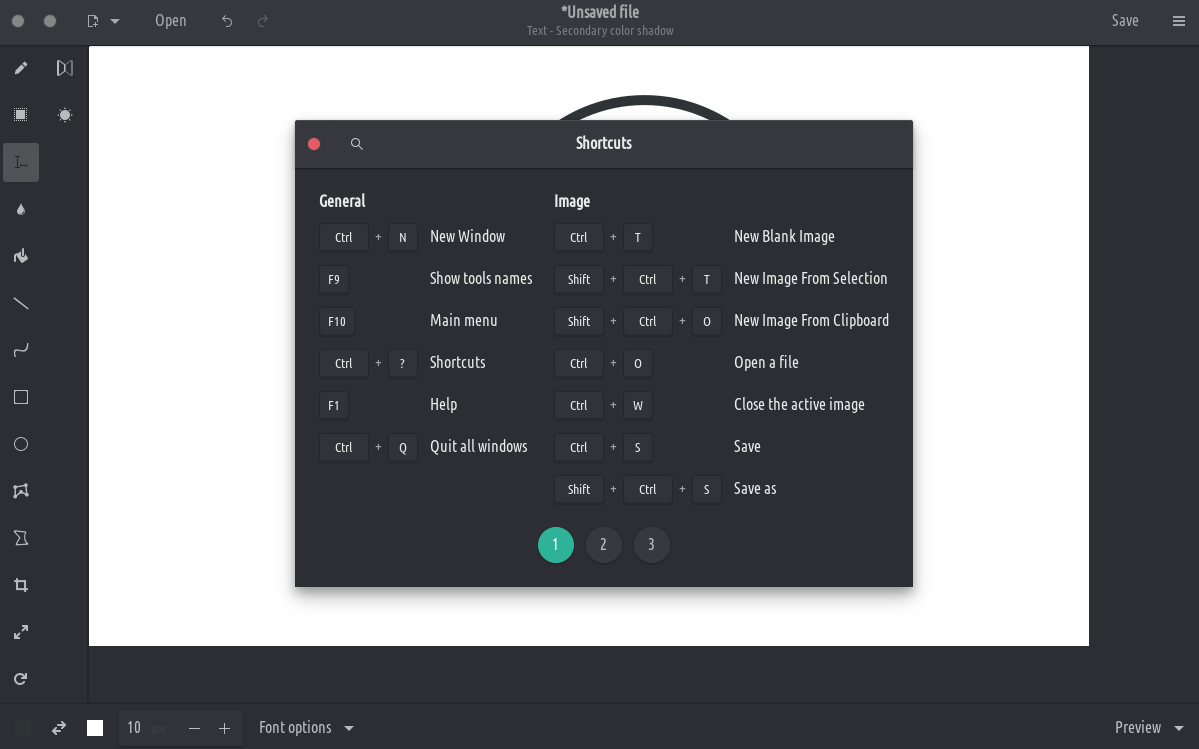
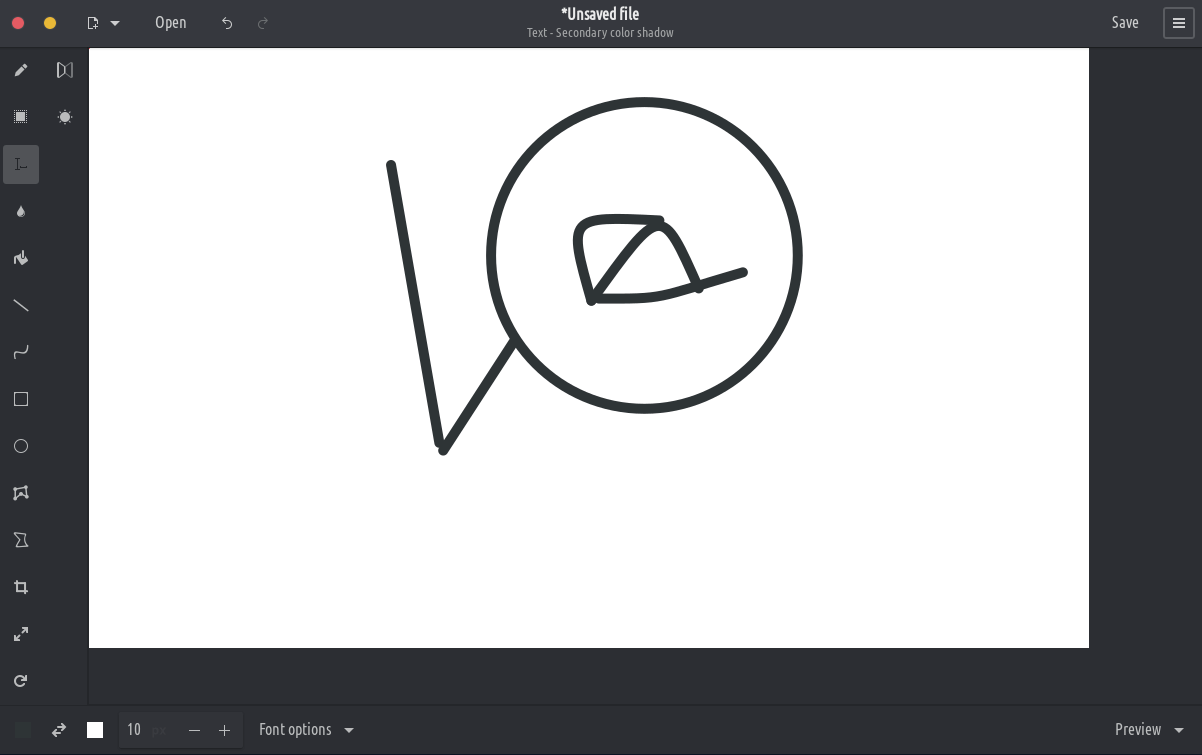
Besides GNOME, some more traditional design layouts are available too, as well as an elementaryOS layout. It should also be compatible with Purism’s Librem 5 phone.
These tools allow you to define an area (rectangle or free), which you can move, cut, copy, paste, edit with canvas tools, export, open as a new image, etc.
Rectangle selection
Free shape selection
Adjacent color selection
Canvas/selection edition tools
These tools allow to edit the whole image, or to edit a selected part of it.
Crop (remark: the previewed picture isn’t at the actual scale)
Scale (options: keep proportions or not)
Rotate (rotate or flip)
Filters (blur, increase or decrease saturation, invert colors, pixelate)